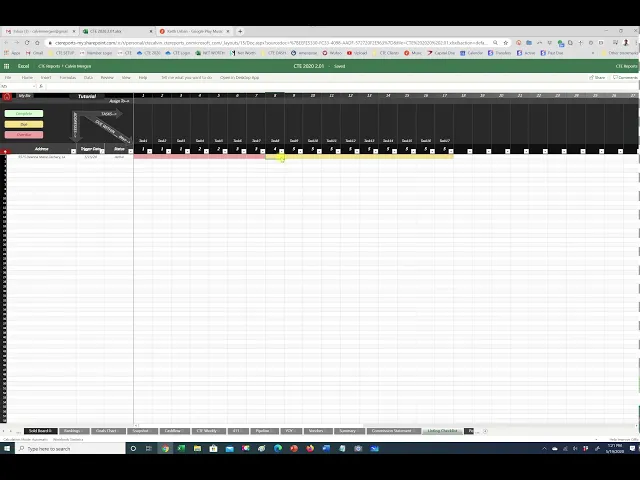
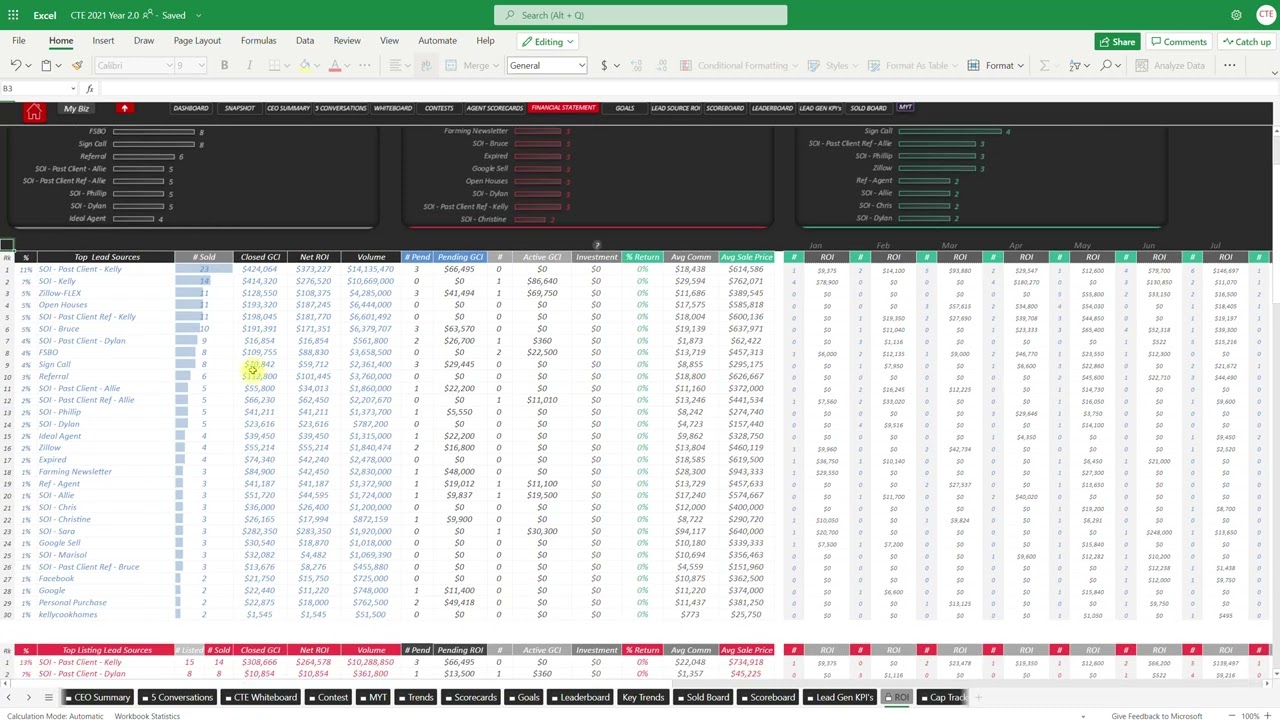
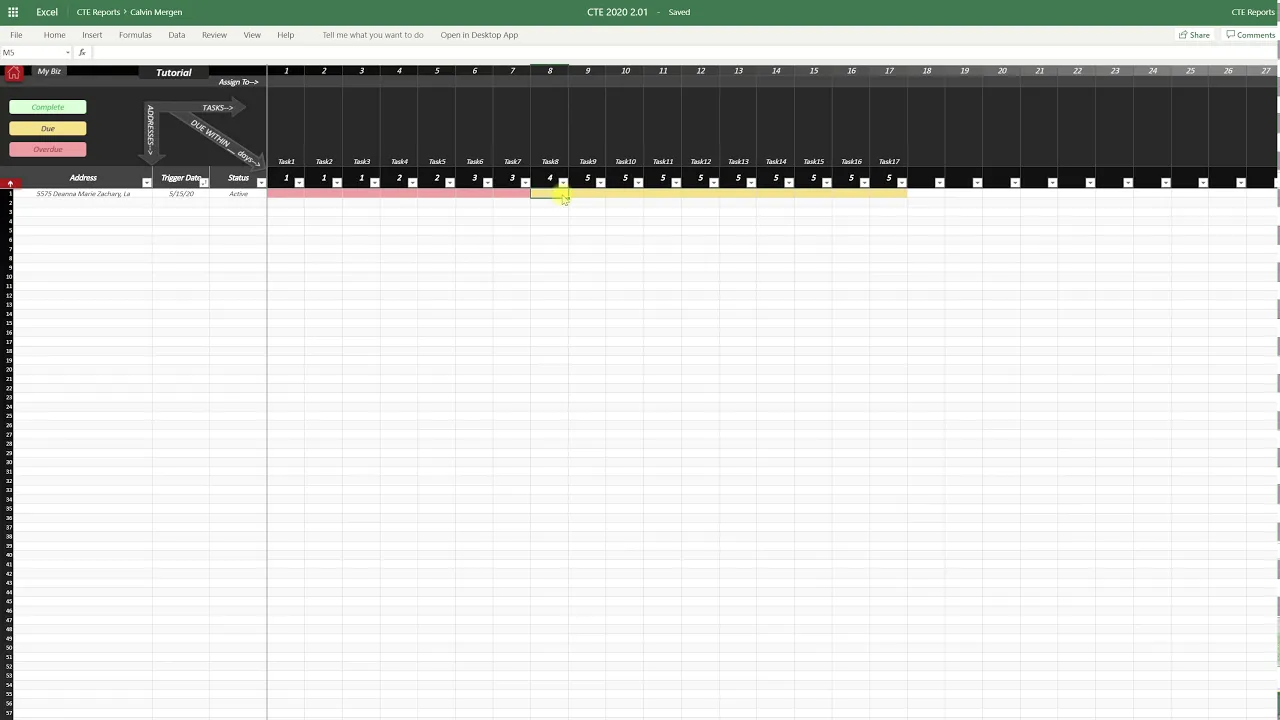
all right transaction checklist these are back now so if you click on you can do a listing checklist or a pending checklist so under contract we'll just start with the listing checklist if you click on that it's gonna bring you to a checklist page all of your addresses will be here in the drop-down you can just even start typing one so if I start typing an address that's the address I want to pull in here I can set the trigger date of this so I want this to start my checklist to start on the 15th
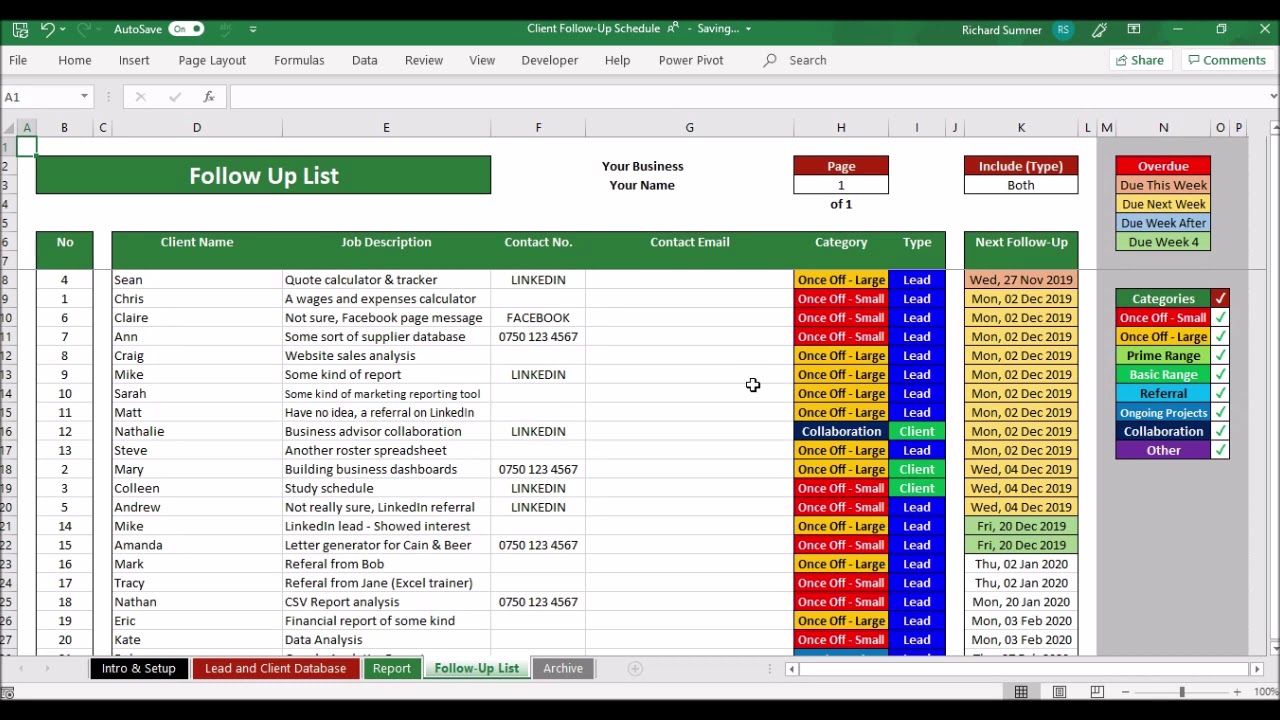
and then I can also set the status of this to active or you know what were completed with that and it'll grade all out for us but if we have it as active I enter in all of my tasks up on top here so I've just got tasks one two you can put these in your out save the time and energy of just typing in these tasks in front of you but you simply put your tasks and then within how many days is that task due and if it's overdue it's gonna be read so we
can see that this one started on the 15th so these tasks are all over dude today is the 19th so we are within four days so this one's still yellow tomorrow if this is not completed and you can do anything you want when you complete it you can just say done you can just put an X in there anything that you want when you once you complete that task so if we've completed tasks long you've completed test two three four and you guys have virtually unlimited tasks as well that you guys can add in here
and then it just color codes everything for you so that way you can make sure you're getting these done and then the other cool thing you can do is if you right-click on here and you know what task five I want to add a little comment in here waiting on approval letter whatever maybe I'm just making some stuff up here obviously and then just hit the send button now we've got a little comment in here so I can hover over this and read this and say okay why isn't that one we've got an overdue tasks
I can say oh we're waiting on the approval letter perfect and then so on through the rest of this as well so you can keep on adding in properties and setting the trigger date of once we want that to start by putting in so if I want that one to be the 19th nothing will be overdue because it started today but it'll highlight in yellow these are still do within obviously the time frame of this so as we add tasks if I add new tasks it will pop up populate in yellow or red obviously depending
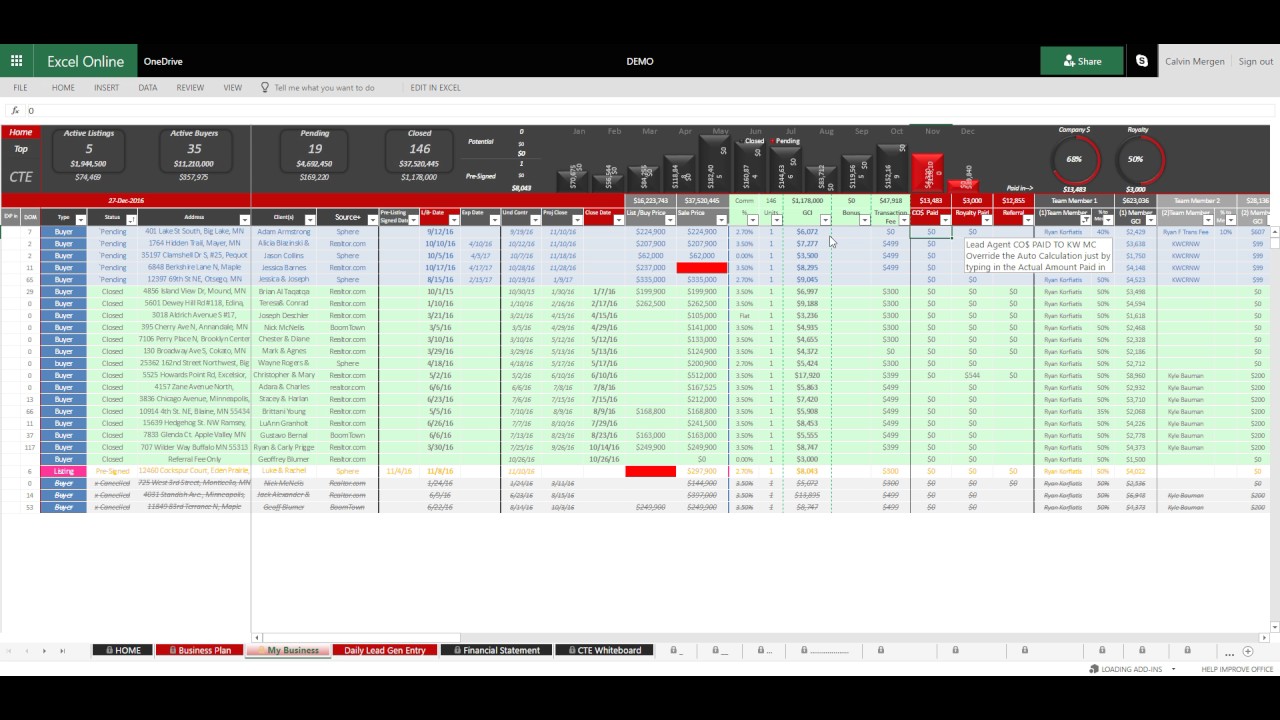
on the start date that's all you have to do it this way you guys can manage all of your checklist for listings and the same thing if you go back to my business and if you want to go and do your pending checklist just simply click on that and it brings you into your pending checklist here now we did kind of we try to avoid you guys using the tabs here we just want you to run in this like a website so when you simply are using these checklist so I can go listing checklist and
then BOOM back to my business and start entering in my contracts and then go back to my checklist as well so that is all you have to do for those checklists