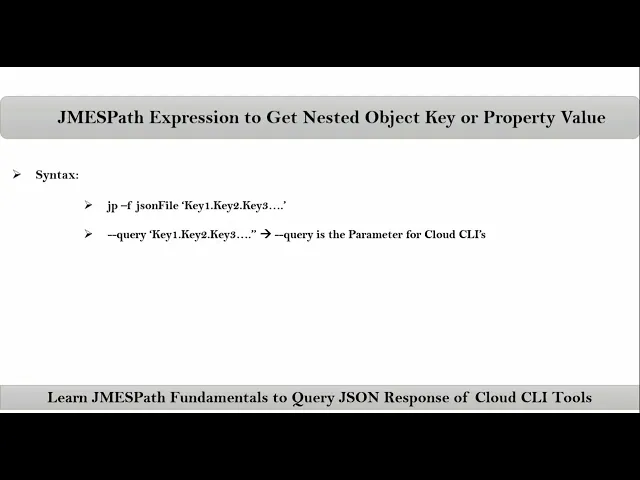
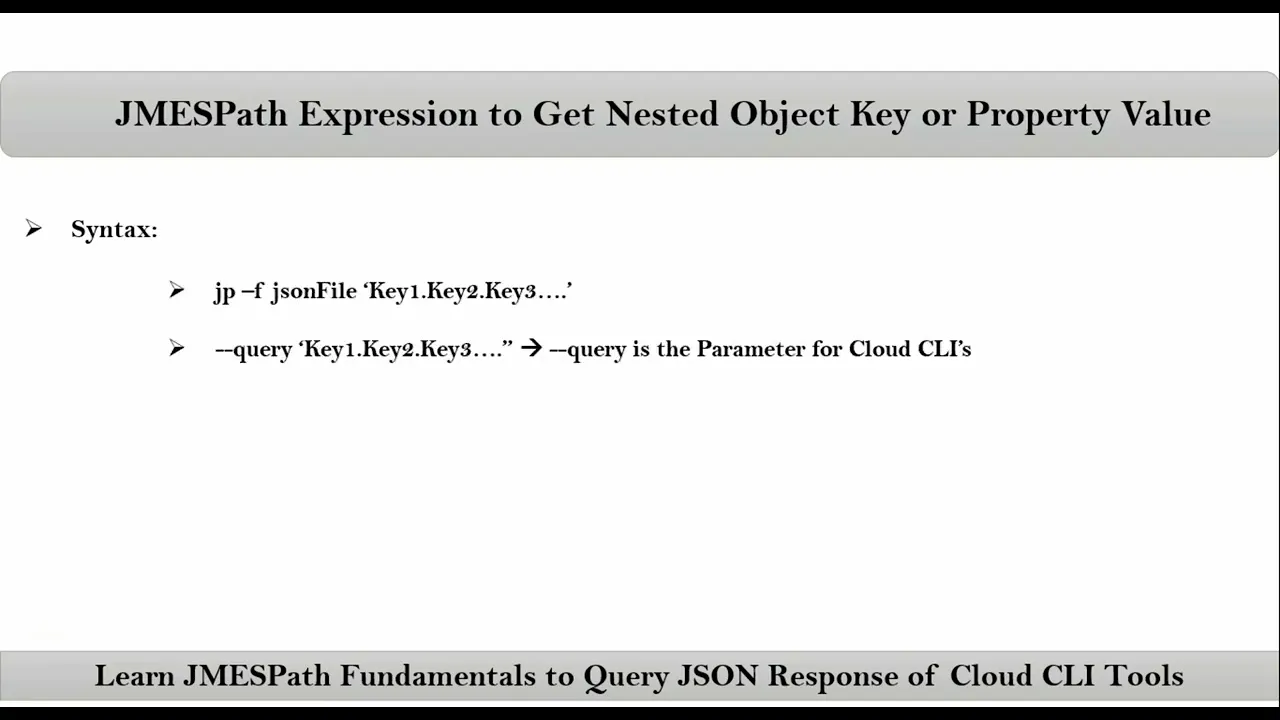
friends here we talking about jamesp expression to get nested object key or property value first let me give the syntax and then I will explain with an example so that you can easily understand about syntax see this is our sample. Json so Here If You observe this is a value for this key same way suppose this is a value for this key and this entire thing is a value for this key If You observe here this value is an object for this key but here for this key this is an array and for these three
keys directly we have values like string number and Boolean but here we have an object now inside object again we have keys now suppose let's say if I want to get this value how can we get it see this value is associated with this key and this key is there inside this object so now to get this value first of all we have to get this entire object so for that we have syntax like what is the key for this entire object devops tools so this is the James path expression to get this object so
now from this object to get this value nothing but this value we need to apply James PA expression with respect to this key but this response we are getting with respect to this key so on that result with the dot operation we have to supply this key so simply devops tools dot container that's it now suppose let me take AWS CLI comp command now for that we are getting Json response so now from this entire Json response to get this object or this value simply we can apply James path like user now from this response
I want to display let's say username so first of all this response we are getting with the help of user jamesp expression so on that dot username that's it not only this value let's say this entire thing is a value of course here that is an array I want to get this value then from this user jamesp expression do tags so simply instead of username simply take tags that's it