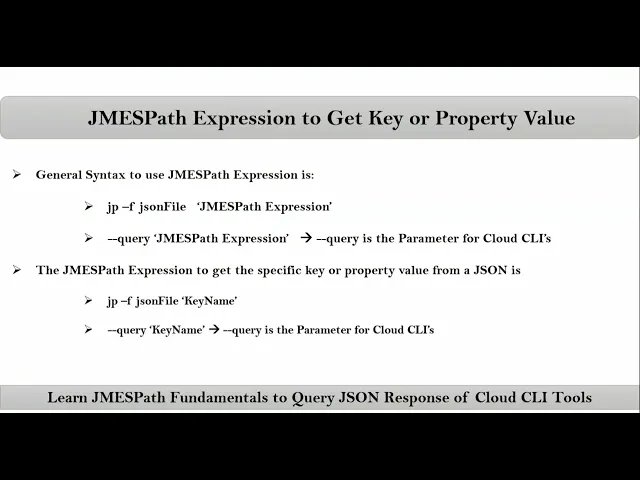
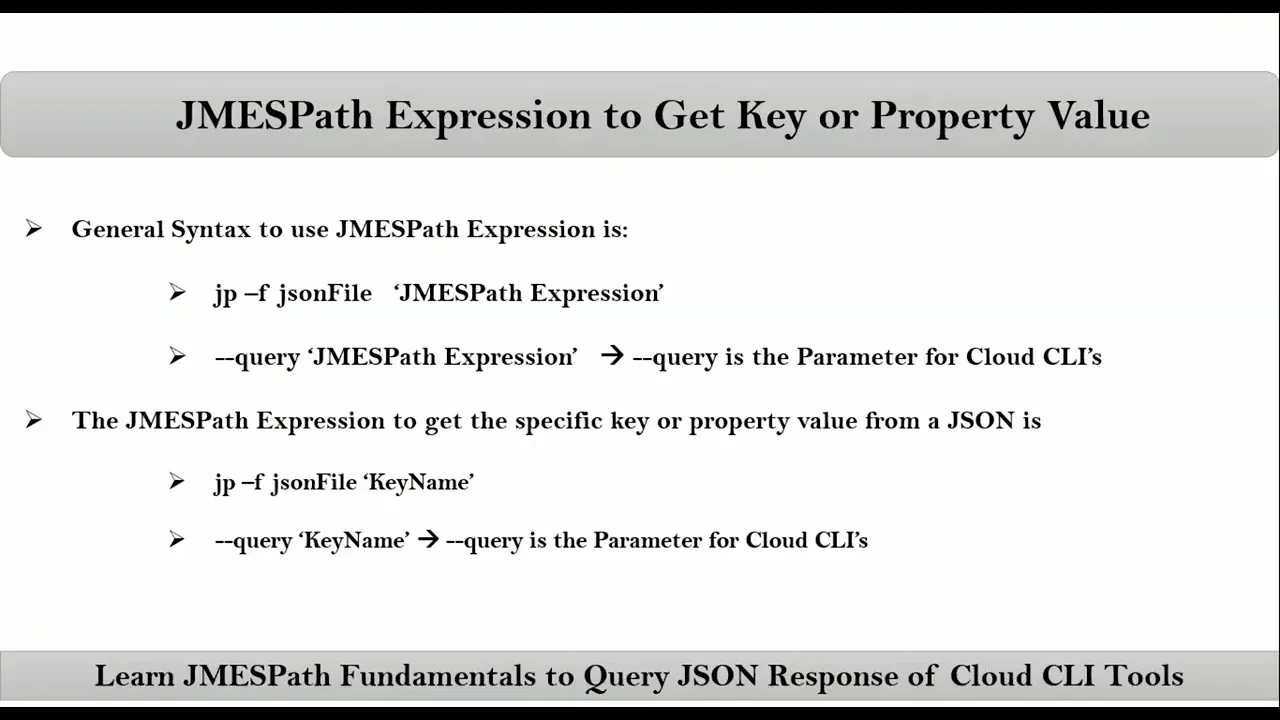
friends here we talking about James path expression to get key or property value see the general syntax to use James path expression is this is directly for JP CLI and this is for cloud clis so simply you have to mention your James path expression inside quotations as of now we are using here single quotation but we can also use double quotations and mostly we will use single quotation but sometimes it's mandatory to use double quotations we will see that now let's say I want to get key or property value then James path expression is simply
your required key name or property name let me show you that see suppose here we have sample. Json this is the content for it so if You observe here this is the key or property and for that there is the value same way key value key and its value key and this entire array is a value for this key now for this key this is the value and for this key this is the value now let's say I want to get this value from this Json data then for this value what is the key age
is the key so using this age key we will write James PA expression so simply using JP C JP hyph F your Json file and in quotations we will write that required key that's it now let's say suppose if I want to get this value so this entire value is associated with this key now to get this value we have to use this key in James path expression so simply that's it so here we used JP CLI instead of that let's say AWS CLI see suppose I running this AWS C like just observe the output
see here this entire thing is Json response so here this is the key and this is the value for that key now let's say I want to get this value then you have to write James paath expression using this key so simply for cloud clis to write your James path expression we have hyphen iph query parameter so inside quotation simply your required key that's it now let's say instead of getting this value from your Json response let's say I want to get this value or this value then you have to apply nested operations that we
will see later okay thank you