Hello friends welcome to learn James path fundamentals to query Json response of cloud C tools and we are from VR Technologies first let me go with introduction to James path see first of all jmes path is also pronounced as James path and basically James path is a quiry language for Json data nothing but extracting filtering and transforming Json data see we will get Json data or Json response from different places like some CLI tools API response but in our course we are taking Json response from cloud CLI tools and we will use James PA to
query that Json response see many Cloud CLI tools like AWS CLI OCA CLI and azure Li returns response as Json so we need some tools and languages to query this Json response or Json data so for that there are different tools like JQ Json path and James path but they have different syntax features and use cases and James PA is an Ideal tool to query Json response of cloud C tools see all Cloud CA tools supports hyphen hyphen query parameter to query Json response with James path Expressions that's what we will learn in our course
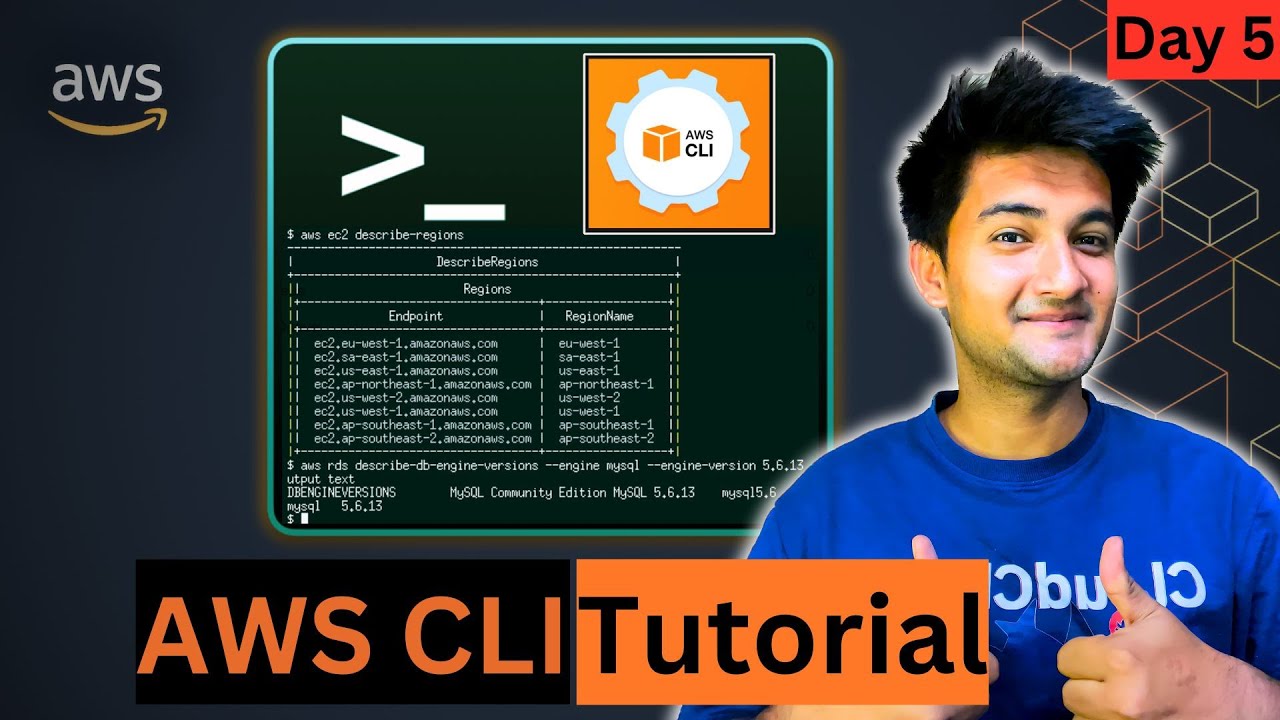
let me give simple examples see suppose this is AWS CLI command and this is OC CLI command see suppose here if you take AWS CLI command in this till this part it is going to give Json response now from that response suppose if you want to query your Json data then by using hyphen hyphen query parameter you have to write your James path expression based on requirement let me show you that say suppose this is AWS CLI command let me execute this and see the response see this is a Json data or Json response now
from this entire response let's say I want to display only only username values I mean these names I want to display I don't want display remaining data then in that case you have to write James path expression to query usern names and that James path expression you can pass to your AWS CLI command or any Cloud CA commands using hyphen query parameter let me show you that so for this using hyphen I query parameter users all users from that I want to display only usern names now see the result that's it so this is James
path expression so in our course we are going to learn how to create these Expressions based on our query or based on our requirement and finally we have to remember one very important point that is James path is a lightweight tool suppose sometimes you may not find your required query logic using jamesp expression so in that case you can combine your Cloud CLI command output with a JQ command we will see that okay thank you