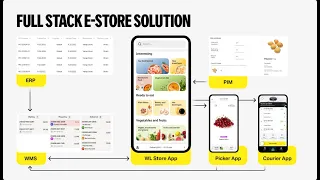
hello and welcome to Yang tech product demo my name is Anastasia I'm solution architect for yango Tech and today in this uh video we will uh look into some of dark store operations that are handled by our warehouse management system and our Pier application we will see how acceptance of goods from supplier looks and uh how placing uh these Goods on shelves of the store work based on our systems so let's go and see so first of all let's go to the operations tab of our warehouse management system here we see all the operations uh
that happened in the store so you can filter by the operation type or by the date or by any other uh parameter and you see for example all the acceptance operations that happened in the store uh there is also the possibility to go into the dispatch menu and see what is happening exactly now so which operations are about to start but have not started yet and what is uh happening exactly now and also you can see the uh operations that require your attention so something was wrong with them today in our demo we will uh
look into acceptance part and we will uh see how acceptance task uh is handled so when goods are received by the supplier and how uh those goods are placed on the Shelf to appear in um user application so your clients can uh buy it on the left hand side you see our warehouse management system and on the right I'm sharing the screen of our peer application so today uh we will first uh do acceptance operation and then piing operation couple of words about where does uh this operation come from to our warehouse management system basically
there are several ways it can be created in uh by team in our Woody Earp system so uh as soon as it's approved in the Earp system it automatically appears here uh we can support integration with uh your Earp system that you're currently using and there is always possibility to create it manually or by bul appro or through CSV file in our uh WMS system so to start uh the process picker opens all acceptance task it's in a easy and userfriendly way here in the um our Pier application he presses acceptance he looks which tasks
does he have for today and we will go with uh this First Acceptance from 23rd of April so basically the supplier comes uh supervisor checks that uh what is for example the supplier name or ID of the document or like any other information that is supposed to be checked uh based on your process and the peer can start picking uh the uh order uh that came from the supplier we press view so here we see uh this items that we need to uh pick and in order to start the process we Press Start we press
yes and um so again uh the main concept is that all operations in our warehouse management system are done uh with scanning all the items it brings the transparency and it gives the possibility first of all to check who was doing which operations in which period of time so it's great management tool and it brings a lot transparency and again gives the possibility to track all metrics and because everything what is done in the system is locked so uh first of all Let's uh do the acceptance again uh as in our previous videos of our
peer application and WS system uh we need to uh scan the barcode of uh each item first first of all we scan it and uh here P his information uh so how many Goods he is accepting and what is the expiration date so uh we should press that we are accepting 10 Goods right uh in case you accept less or more you can configure the system the way that such acceptance will be rejected or if uh based on your contract and relationships with your supplier if uh it's fine that he brings you less or more
of items then you can still accept it but then discrepancy report will be automatically uh created in our system so that then your Commerce team can negotiate it with your play so here we press yes we press sure and it goes the same way for other items so we scan this item again we check the number uh we also have the notification here for the person who is accepting that it should be stored in the refrigerator and again we see the expiration date and here I would like to stop for a moment to talk about
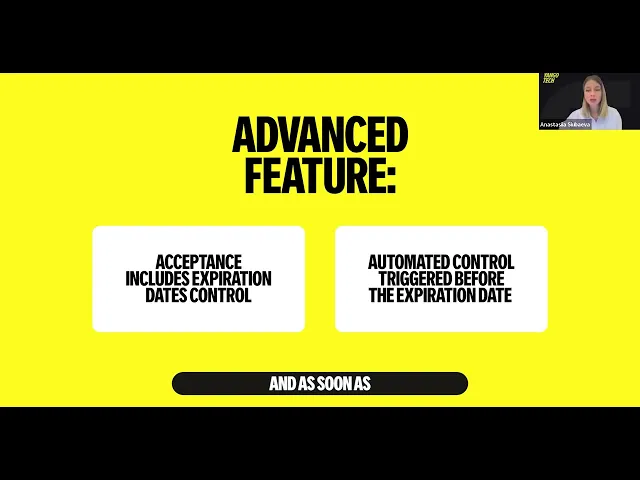
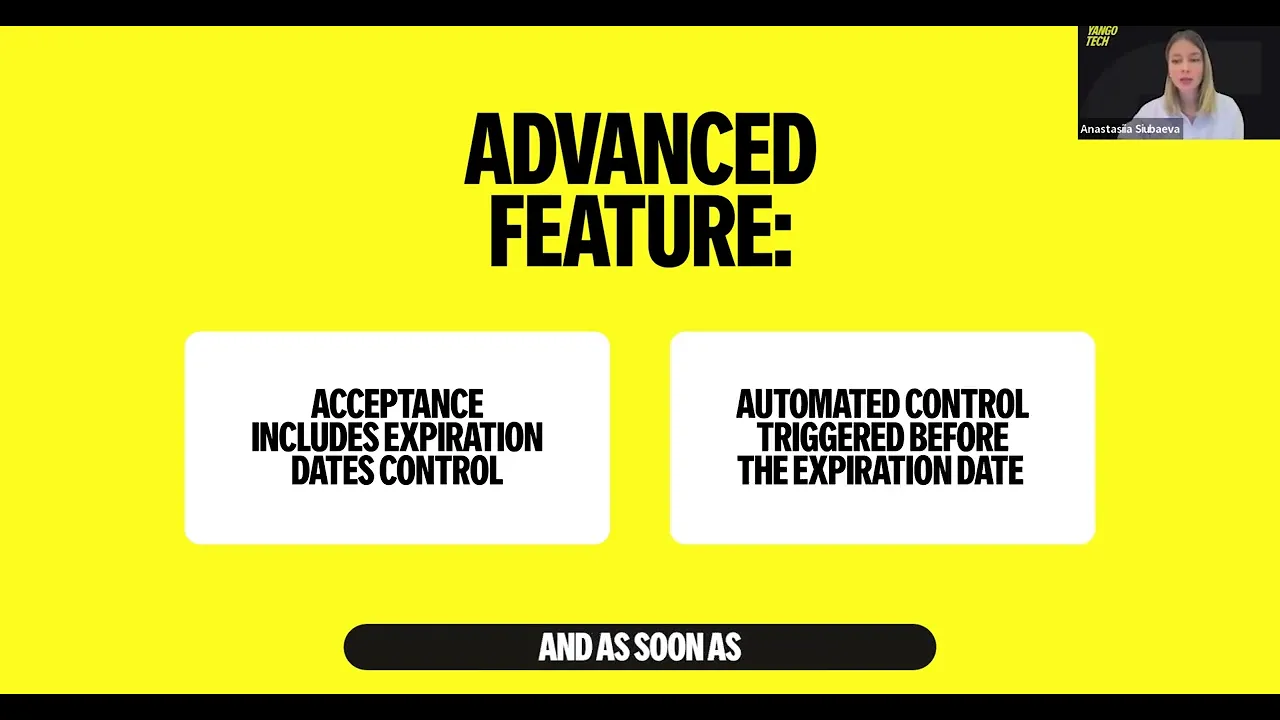
expiration dates concept it's crucial for group business to um work correctly with expiration dates and uh we supported the following way so during the uh process of acceptance Pier checks and he can modify uh the expiration date or manufacturing date uh this can also be configured and as soon as uh the item is close to the expiration date for example two or three days before the expiration date automatically expiration date control task will be created in our system uh to make sure that uh Pier goes and checks uh the expiration dates and in case uh
like the expiration date is soon uh for example this item can be written off or handled based on uh your process you need to press finish you need to uh confirm uh this and um this operation is finished so here you see that again the statuses were updated nearly simultaneously as soon as uh this operation was finished automatically operation of order placing is being created you can see here uh this uh operation placing uh in the peer application on the right and it it was just created uh in WMS system as well so let's uh
go to this operation so physically after you have accepted for example some big box from the supplier you need uh to go and place uh each item on the Shelf so uh again we need to press Start we press yes we go and uh we scan the first item uh so and again uh we see here information about manufacturing date so uh if uh the peer uh needs to change it it can be changed here uh he can see how many items he has to place how many same items are already on the shelf and
the Shelf where he has to go and to place those items here I also want to stop for a moment to talk about shelves and why it is here uh so if we go into shelf and see the properties of each shelf uh we see here information about the storage type uh so if the pier for example takes this um fish and goes to the other shelf which has storage type of ambient shelf dry shelf simply the system will will not let him place it in the wrong way so based on this concept we are
always sure that Pier places all items on the correct shelves and we know where each item is which is a great control tool and inside the Ws system we can see what is exactly currently on the shelf and we can always run uh the operation of control whether the physical uh stocks are the same as stocks that are in the system but let's go back to placing process so what I need to do is I need to go and scan the Shelf AA so I will do it here so uh but usually we recommend to
um print those uh bar cure code and put it on each shelf so the Picker goes uh uh scans this cure code on the shelf and presses finish he presses yes and uh the statues is updated automatically we have here tag for sale and it means that as soon as you have finished the placing process this item will be available in the front application in a several seconds uh this is a great functionality that helps you to make sure that you don't have any like under sell due to the fact that you have accepted the
huge box of items but due to the problems in your system for example the information is not updated simultaneously and you have for example some items that are already in the store but you are not selling them so it missed sales that influences really uh pnl that's why our functionality gives you possibility to make sure that as soon as any SKU enters the store and you place it on the Shelf it's immediately available in the uh front application in your client application or on your Ecommerce website I hope you enjoyed our acceptance and placement product
demo thank you for being with us have a good day goodbye see you at our next uh product demos e