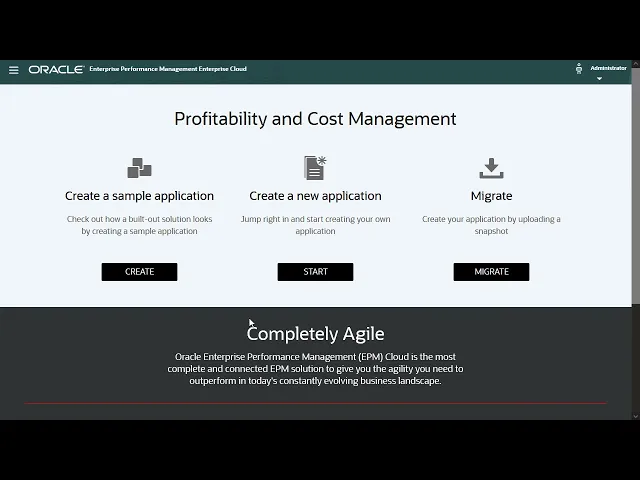
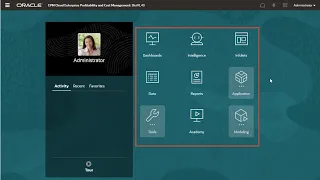
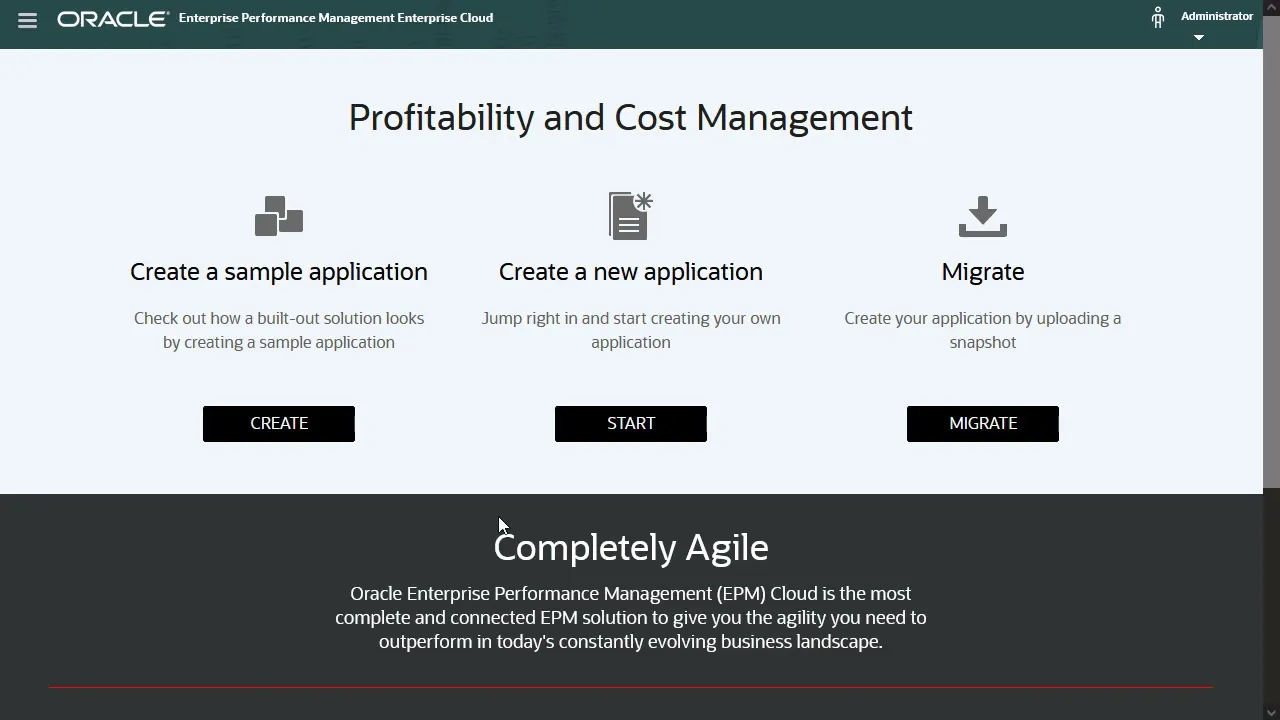
Enterprise Profitability and Cost Management includes improved versions of all the great modeling and allocation capabilities available in Profitability and Cost Management, and integrates them with Oracle Cloud EPM platform features like data forms, dashboards, reports, Data Exchange, Smart View dimension management, and more. To get started, select Profitability and Cost Management from your Oracle EPM Enterprise Cloud Service landing page. On the Profitability and Cost Management landing page, select Enterprise Profitability and Cost Management.
This takes you to the Enterprise Profitability and Cost Management landing page. From here, you have three options: Click Create to install a sample application with data and artifacts. The sample is a fully functioning application with example rules, data, reports, and dashboards.
You can use our sample for testing and to explore the functional areas of the application. You can also use it as a template to model your own application. Click Start to start the new application wizard, where you can design your application from scratch.
Click Migrate to upload a snapshot of an existing Enterprise Profitability and Cost Management application. For information on how to migrate Profitability and Cost Management applications to Enterprise Profitability and Cost Management, see our hands-on tutorial. Let’s start the wizard and create a new application.
In the first step, enter a name and description for the application. The next step of the wizard lets you configure your calendar and select currency options. The calendar options you select affect how the wizard constructs the Years and Period dimensions for your application.
The start and end year options affect how many years are included in the Years dimension. With a monthly frequency selected, the first month of the fiscal year defaults to January. This results in a period dimension that follows the calendar year.
If you select a month other than January for the start of the fiscal year, you also need to select whether the fiscal year starts in the same or previous calendar year. For example, if your fiscal year FY22 starts in June of 2021 and runs through May of 2022, you select June as your first month and select Previous Calendar Year for the Fiscal Year Start Date. This results in a period dimension that organizes June, July, and August under Q1.
With a quarterly frequency selected, the period dimension includes only quarters and the beginning balance member. You also need to select a start date for the first fiscal period. Note: This selection doesn’t change the structure of the Period dimension.
You can also select a custom period frequency, which lets you define a custom number of periods per year and a period prefix. For example, you can set up a 13-period calendar, where period numbers have your custom prefix. I’ll select a monthly frequency, with a fiscal year that starts in January.
Under Other Details, select the main currency for your application. If you want to support multiple currencies, select Multicurrency. In the final step of the wizard, you review your selections.
You can click Back to make changes. After reviewing, click Create. The system creates an application based on your selected options, and confirms when the application is created.
Congratulations! You’ve completed the first step to building your application. You now have access to the Enterprise Profitability and Cost Management home page where you can continue building it out.
Check the description for links to related documentation and more videos. To learn more, visit docs. oracle.
com.