hello and welcome to the next tutorial about prepo mix this time i will show you how to analyze a beam on elastic foundation let's create a model first and we'll go back to a three-dimensional model space and i can confirm this and import the geometry and in this case the geometry will be very simple because this is just a rectangular beam and but what is complex is the behavior of the structure due to elastic foundation you will see that analytical calculations will be quite complex and let's start let's match the model first i will specify
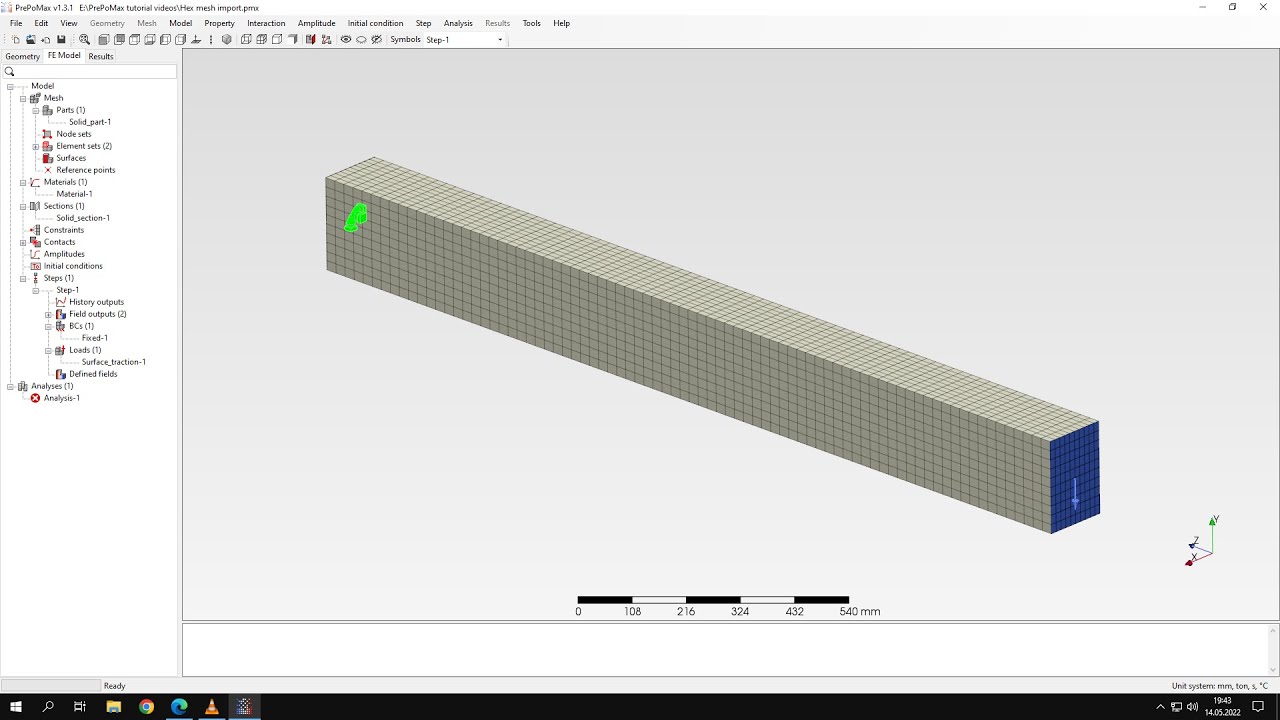
maximum element size of 20 millimeters and i will match the model now mesh is created so we can proceed to the setup of the analysis uh let's define the material first and this will be standard material uh still like we use in most of the two tutorials and i will specify uh the young's modulus and poisson's ratio for this material and now i will define section this will be solid section assigned to the beam and now before i will proceed to the step definition i also specify constraint and this will be surface spring because those
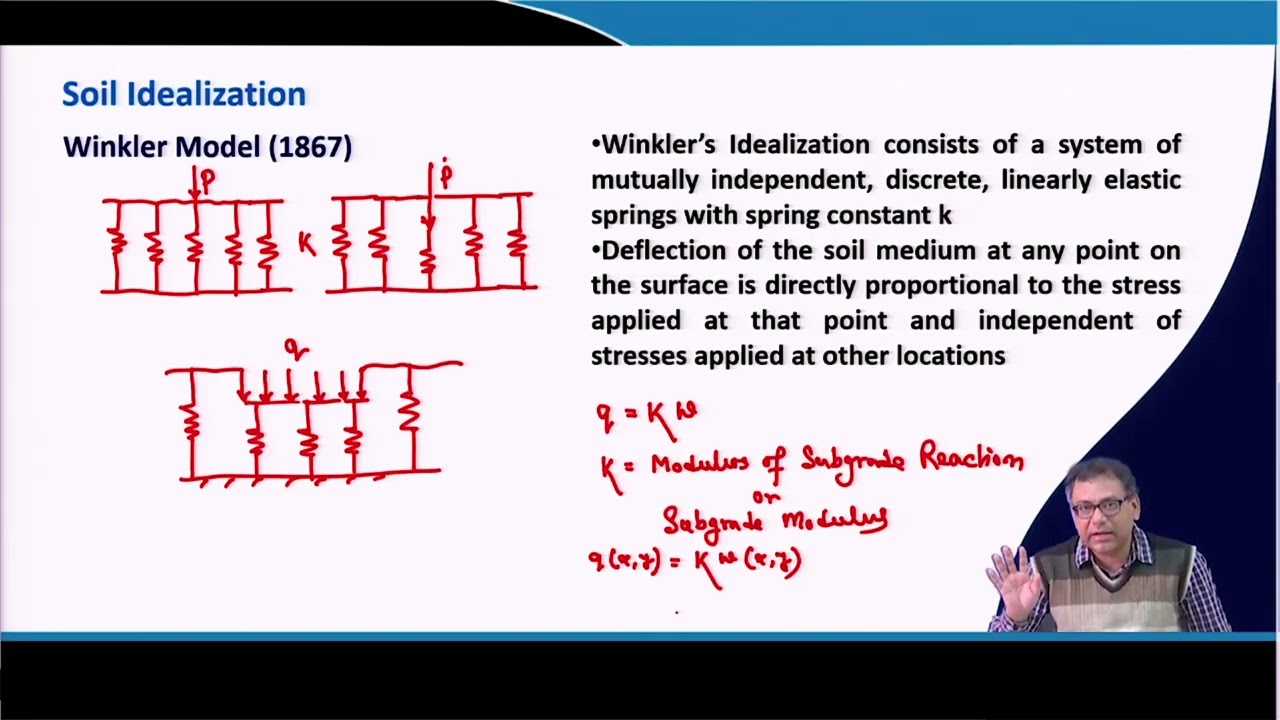
are the two quite new constraints point spring and surface spring and they both use the spring keywords in calculus and but the surface spring is defined for surfaces and point spring is defined for vertices so let's choose the surface spring constraint and i will apply this to the bottom phase of the beam and let's check what the value we should use this is the value that we assume for the analytical calculation and here is the input for preparaments because report max uses different units i had to might multiply this by the area and defined here
and this gave me and value of the foundation stiffness so let's define this and this will be in y direction so i will specify this directly here and now i can confirm this you can see that the spring symbol appeared and now let's define the step and this will be regular static step and i will specify boundary conditions and loads for boundary conditions we assume that the beam is simply supported and so i'll fix all the translational directions here and then i will pick the opposite edge and in this case i will fix the translational
directions in one and second and i will leave this one unconstraint now let's define the pressure and the pressure of course acts on the top face of the beam and the value is also provided in this sheet and you can see that the pressure we'll use for this analysis is in this case and calculated from the force then it's converted to line load and then finally to pressure that we want to apply in prebomex so let's specify this value in prepare mix let's define this and this will be pretty much the whole setup of the
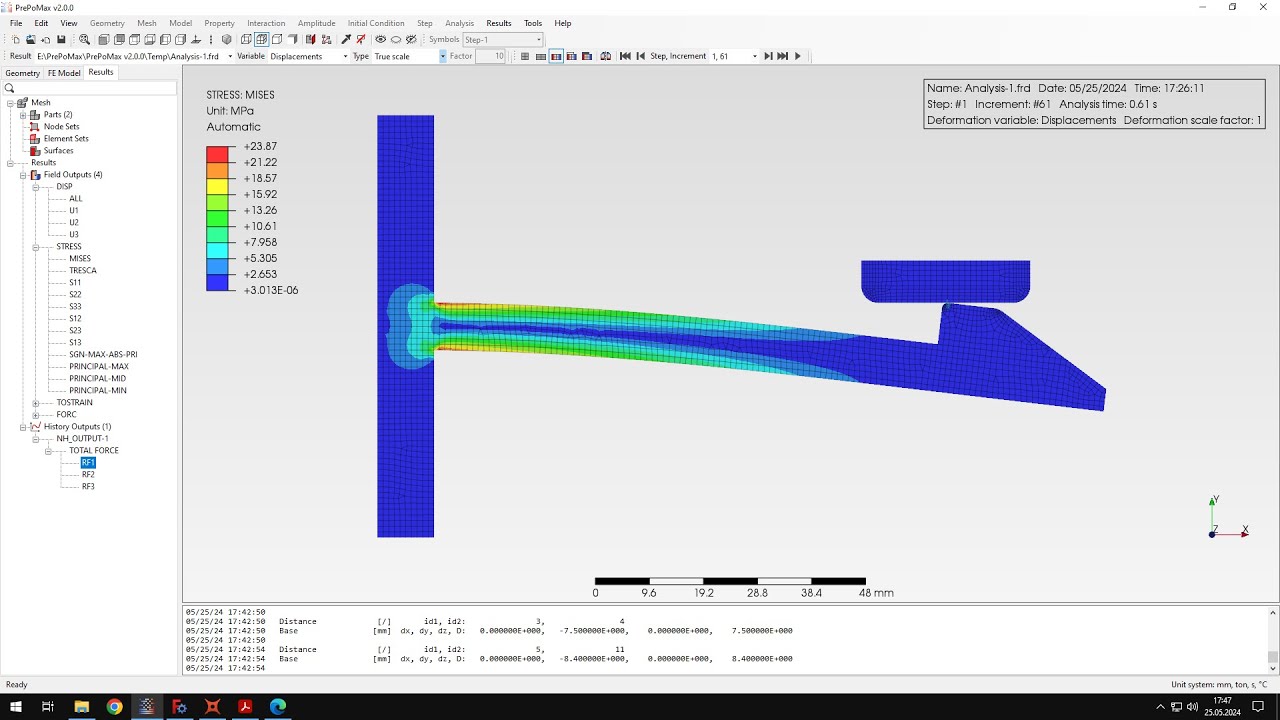
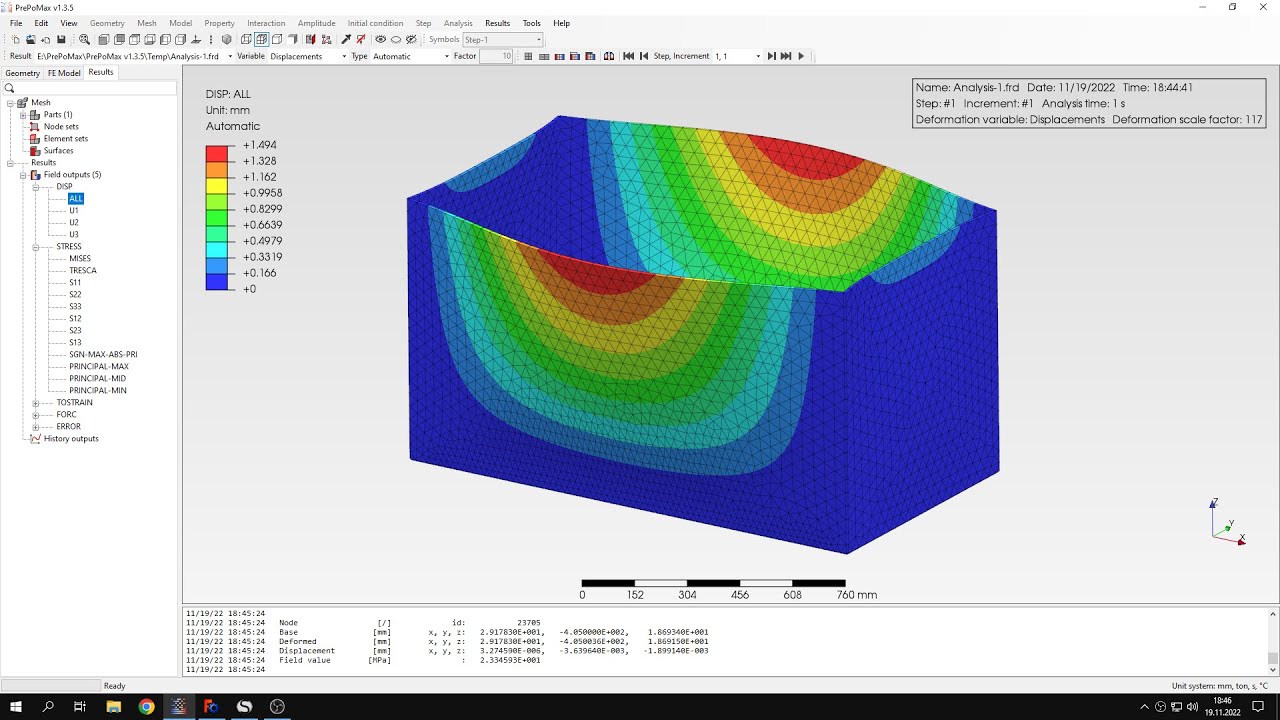
analysis so and the pressure is specified i can submit the analysis now as you can see the results are already available so let's check them and let's of course compare them with the analytical solution like we always do uh i will choose the full message stress first or i can use the stress proper stress component and let's go down to the uh to the results uh in this sheet and but i will also scroll slowly for the whole sheet because you may want to recreate this and you can see that the formulas are very complex
here and there are multiple constants that have to be defined and then they're used for calculation in this case the beam is assumed to be simply supported and the equations that are used in this case are from orig's formulas for stress and strain so you can find them there and let's check the values that we expect when it comes to the stresses we expect them to be around 2 megapascals so let's check the value that we have in the analysis you can see that if we exclude the stresses in the the regions of boundary conditions
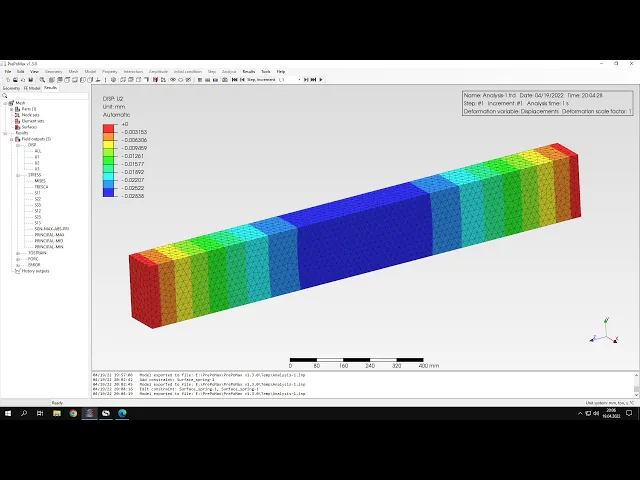
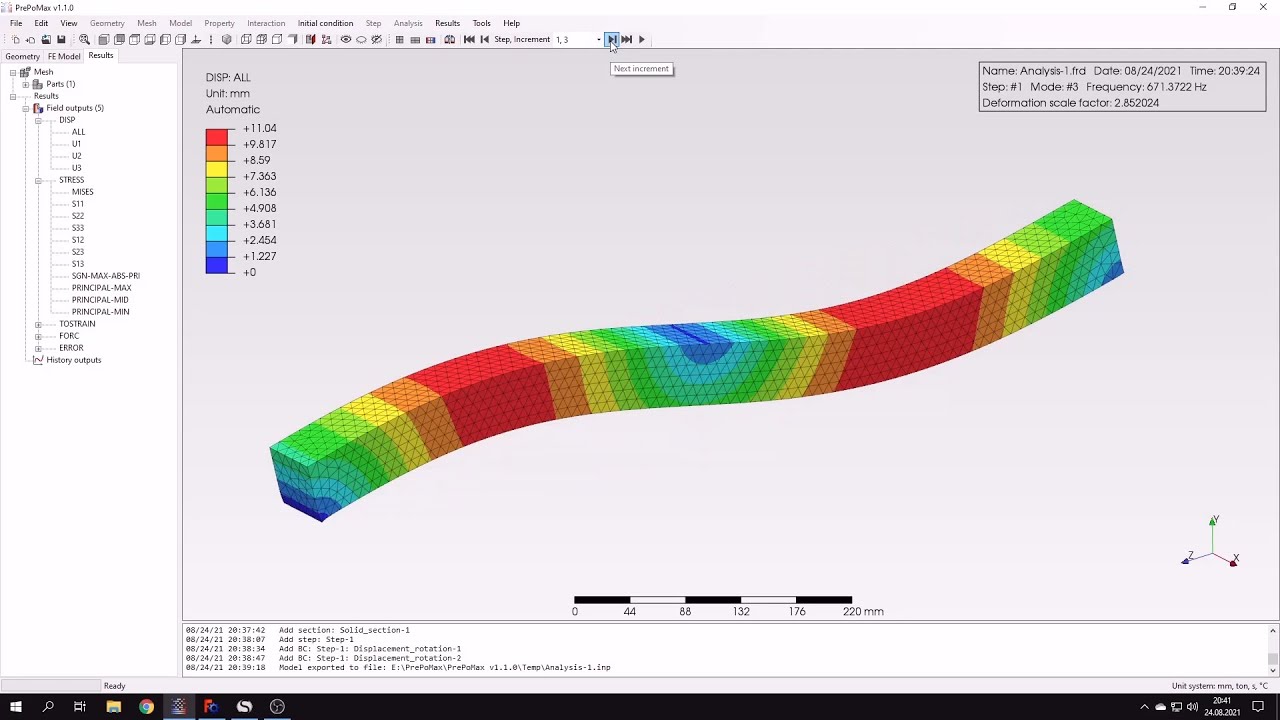
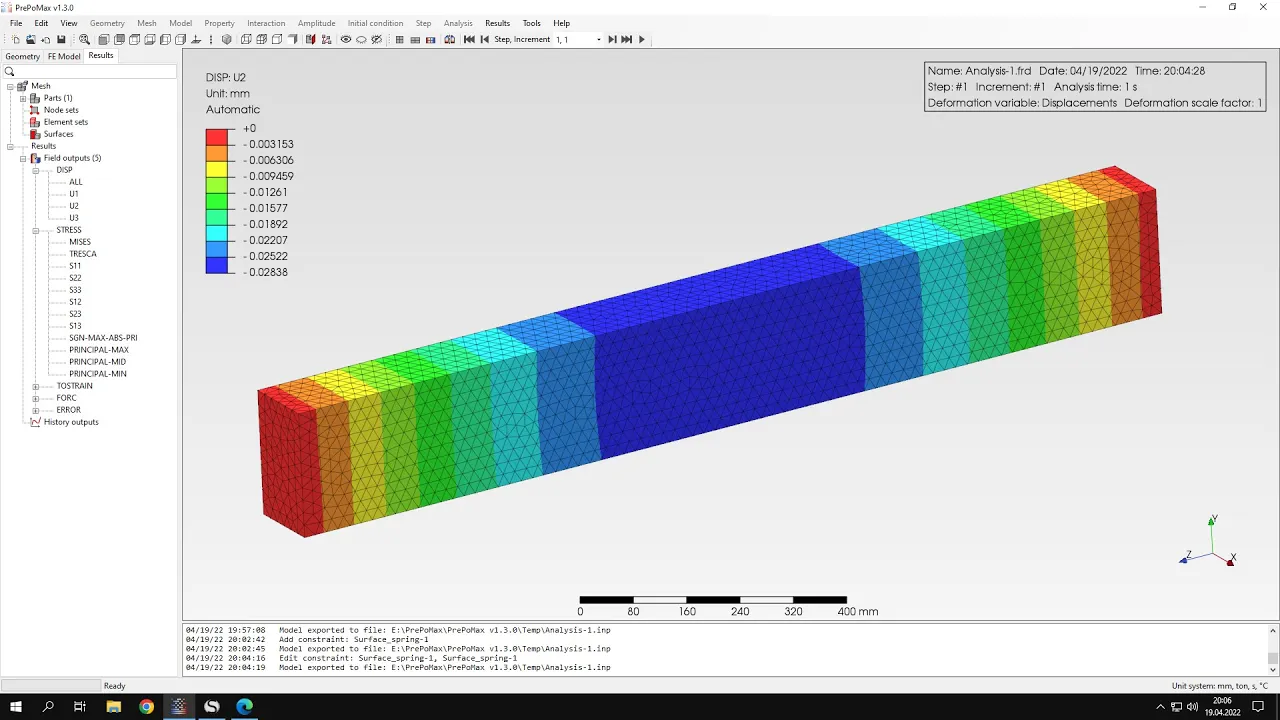
and probe the areas in the middle of the beam and you will see that the values are very close to the identical solution and so this is what we expect in this case and now let's check the displacements so i will switch to displacement in y direction and let's check the sheet and you can see that this is the value of the displacement we expect in this case and let's compare this with analytical solution again i will query the results in the middle of the beam and you can see that there is a small difference
but the results are in very good agreement so that's it for this purple max tutorial thank you very much for your attention and as always feel free to ask any questions and suggest topics for future tutorials in the comments have a nice day and see you in the next video