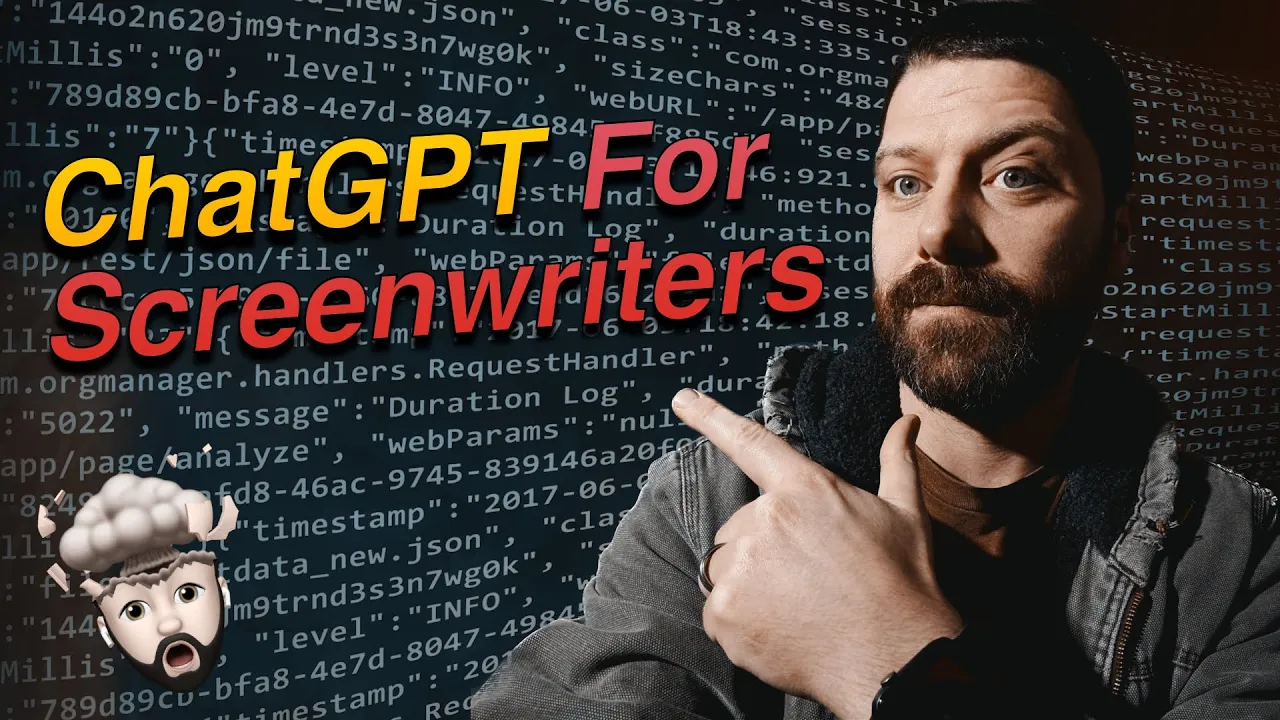
what if AI could help you write scripts faster let's find out in this video we'll use chat GPT to write a screenplay for us we'll give it Direction and have it do a lot of the work we'll then do the formatting and a script formatting app of your choice I'm using slugline 2 and within a short time we'll have a usable script to start going out there and making films our first prompt is to get things started so we'll give it a description and a number of people who would like in a cast so this
is a great start we already have a title and a synopsis let's go ahead and have it write out our cast now that we have the title The synapses and the cast of characters we want to get an outline for the script and I think this is one of the best ways to do it though leave a comment down below how you would prompt an AI to outline your script so I messed up there right at the outline using but uh always be careful when hit enter so by just telling it to write an outline
using the save the cat story structure you can see we already have the 15 Point story beads and we can start using that to just say hey write one write two and it starts writing it out and you'll see if we don't quite like what it's doing or it's going too vague we can have it rewrite and rework things as we go but before we continue let's go ahead and bring this all the synapses and outline stuff over to our screenwriting app this will be useful for two reasons one sometimes the program errors out and
we have to start all over and though it remembers what we're doing now it won't remember if we refresh the page so we'll have to maybe feed some of this back into it to kind of pick up where we left off so it's useful for us I think as well so let's do that so over here in our script writing app slug line two we have the title which now we need to save this so we copy command s and save that enter and this is just a comment it won't show up in the actual
gameplay when it render it out we have the synapsis the cast and the outline all right here I won't go into depth about Slug line 2 as the focus of this will be on how to use chat GPT to use it to generate the scripts for you but if you're interested leave a comment below and we can make some videos on how to use slugline 2 which I think is a fantastic app so over here now that we have an outline we can come up and reference the opening image I would say we just copy
this right here and then in here just say right the opening image in a screenplay format and now you can see it's using the screenplay format to start writing things out I do specify that because sometimes it wants to write in kind of a little bit more of a novelish format so so it's helpful for us to kind of read over it and then bring it over into our actual screenwriting application so we scroll back up gives us a pretty decent starting point and we can always refine this if we read over this we don't
like something we can tell it to perhaps rewrite this a little bit so we can go ahead and start bringing this over into our screenwriting app so there we have it we've taken what it's written and we brought it over into our scriptwriting app over here on the left and everything's looking really good one of the things we might want to do and we'd probably do this before we start bringing things over to our own app that will finalize the script in because maybe we don't want this to happen in Los Angeles right so we
could just say something as simple as rewrite this in Seattle or wherever you want to take place in and it can then rewrite that for you and you could change things yourself but maybe it wants to change a few little details that should be easier to copy and paste that and bring it over now if we scroll back up here you can see the description didn't change nothing really changed except this exterior Seattle day so it may not look super helpful but the AI will remember that and it should help it make decisions as it
goes on it now knows it's in a different location and so it can probably change a few things as it writes the script so let's go ahead and continue on with this and we can do that by just scrolling up to our outline here that we brought over and we can say start with the theme you know or start with now we'll just continue so we'll just again do that right paste in themed State and it should already know we're in a script format so we don't have to specify that again and there you go
into your car day so you can see how easy this is so far but maybe one of the things you're thinking is well these scenes are kind of short maybe I want a little more detail here so if we read over this the group is driving down the highway the ocean visible in the distance turning to the group and she's like you know this so maybe we want to expand on Samantha's fear here so we could just say right maybe we don't have to say right really we just say expand on Samantha I think it
was Samantha Samantha's fear in this so we're like that's interesting maybe we want to work on that a little bit even though I did spell Samantha wrong so I'll come back here and fix that and then the AI should be able to look at the scene that it wrote and kind of expand on that and then we can start picking apart the things we see the AI doing and say okay well I don't like this as much but I do like that and uh just refine it and make it more of our own so so
far things are looking the same which makes sense and we got Kevin and Samantha hesitant I hope we don't regret this trip I'm just a little service you know with all the strange things happening in the water lately Rachel reassuring don't worry Samantha we'll stick together and stay safe besides it's not like we're going to be swimming with sharks or anything like obviously where they're going with this anywho the group laughs as the camera cuts to the shot of the car continuing down the road so you can see we can uh We've expanded the scene
we've changed a few things about it but it's easy enough to kind of like look at your scene tell the AI what do I want different it kind of goes where you're going maybe or if it doesn't it might give you some ideas the AI is definitely Limited in things I wouldn't use it for you know hitting a documentary or making a script for a video on facts but with story I think it's got a lot of good things going for it it's got all the way up to 2021 as of right now for like
database and information it's using you know not current news or anything but you can go back to like let's say in a few weeks it'll be you know anything 1927 kind of like a lot of more public domain stuff and you'll be able to say hey write a screenplay based on HP lovecraft's uh call it Cthulhu or something or write a screenplay incorporating elements of uh we're making a shark one here so maybe the Deep ones I think it is you know the the kind of fishy people and in's mouth so you can use a
lot of public domain material to kind of create your scripts and stories and the AI already knows a ton about that so hopefully this video showed you kind of the building blocks of what you need to do to write out an entire script let me know if you use this method to write your own screenplays going forward and what are your thoughts and uh just general writing process now with AI here to assist thanks for watching and if this video was helpful uh consider subscribing I will be putting out videos on screenwriting and movie making
and putting out movies I make so stay tuned