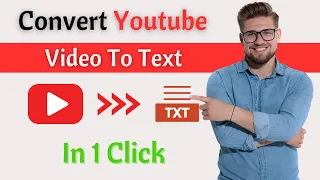
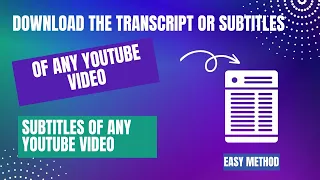
hey guys Welcome Back to Future Tech where we explore the latest and greatest in AI technology and tutorials if you're new here don't forget to hit that subscribe button and click the Bell icon to stay updated on all things Tech today we're diving into a super useful topic how to convert video to text and transcribe YouTube videos for free whether you're a content creator student or just someone who needs accurate transcriptions this tutorial is for you I'll be showing you some of the best free tools and methods to get the job done quickly and efficiently
we'll cover everything from setting up your tools to the step-by-step process of converting your videos to text plus I'll share some tips on how to ensure the highest accuracy in your transcriptions so let's get started open your web browser Now search tactic YouTube transcript in Google search bar click this link this is the tool we are using to convert transcribe YouTube videos for free now you can copy the YouTube link you want to transcribe I'm converting this YouTube video to text then click get video transcript now you can see that the transcript has been generated
in our video it didn't even take 5 Seconds to generate the transcript by clicking the lines you can control the video now we are going to how to remove this time stamp apps using another tool go to time wipe. de.com click the time wibe link simply paste here the YouTube video transcript you just generated and click clean timestamps then you can copy your video transcript you have just seen how to generate a transcript of a video with a free tool and that's it for today's tutorial on how to convert video to text and transcribe YouTube
videos for free I hope you found this guide helpful and that it makes your transcription process a lot easier if you enjoyed this video or learned something new please give it a thumbs up and let me know in the comments below I'd love to hear about your experiences and any other tools you might recommend don't forget to subscribe to Future tech for more tutorials tips and all things AI hit the Bell icon so you never miss an update thanks for watching and and I'll see you in the next video