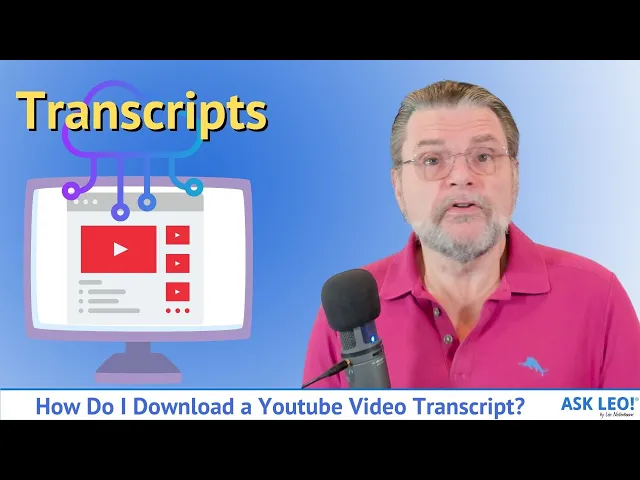
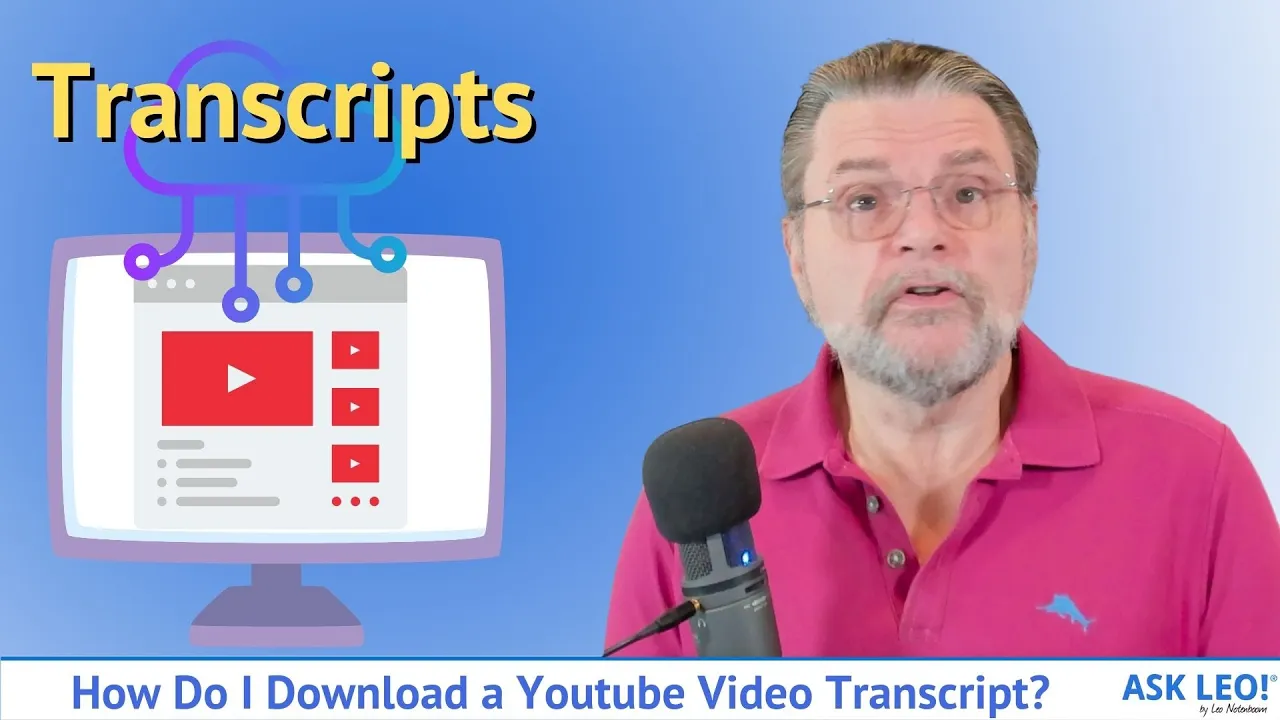
How do I download a transcript from YouTube? Hi everyone. Leo Notenboom here from Askleo.
com. So this is a question I got asked, not that long ago. Somebody asked me to provide a transcript of one of my YouTube videos.
The good news here, you don't have to ask. In fact, you don't have to wait. There's a couple of different ways to get transcripts.
I want to show you two different ways that may or may not work for you that could be useful in the long run. They are things that I do fairly regularly for some of my other projects. I'm going to start by showing you my phone.
So what you're looking at now is my voice recorder on my phone. Now it looks like it's only recording audio, but in reality, if I tap on transcript here, it's also recording a transcript in real time. So what I've done in the past is I have taken my phone and positioned it in front of a speaker and then hit play on a YouTube video.
The phone would dutifully record the audio and create a transcript of the entire video until I hit stop on this particular app. If I hit Save, which I will do now, it is in the process of uploading the audio and the transcript to my Google account. This is the Google Recorder app.
Now, unfortunately, this really only works on Google Pixel phones, but there are alternatives like Otter Dot A. I. , which essentially do the same thing on almost any device if you fire up that app.
You could do exactly the same thing that we just did here with the pixel recorder. That's great. If you want to basically put your phone in front of the video and let it play and record things.
But as it turns out, for YouTube specifically, there's a much easier off and quicker way That in fact might be a little bit more accurate depending on how much effort the YouTube video creator put into their transcript. Here's a video that I did not that long ago and it is one that has closed captioning turned on. In fact, if i hit play here, you'll see that, you know, closed captioning starts to appear.
As it turns out, I'm going to hit pause. You can get access to the entire transcript that feeds closed captioning right here. The ellipses, the three dots.
If we click on that and we say show transcript, that then shows us the transcript here in the far right. Now there are options. You can include the timestamps or not.
So this would make it easy to maybe read along. And in fact, if I'm not mistaken, as you play the video, the transcripts on the right will in fact highlight the current line so you can see what's coming and what's going, what just passed and so forth. But what if you want to download?
Remember, this whole exercise was about downloading the transcript. Well, what I do is I basically scroll back up to the top. In my case, I will turn off timestamps.
I will click and hold right in front of the first word of the transcript. I will then drag all the way to the bottom of the transcript. I'll right click on it.
Click on copy. And then I'll go ahead and run Notepad. If I right click and click on paste.
There it is. There is the entire transcript for this video in a file. It's plain text.
There's no formatting. And this, in fact, is perhaps one of the drawbacks of this particular approach, be it using a voice recorder or actually grabbing the transcript from the video in this manner is that there's no structure, there are no paragraphs. Line breaks this the I the software tries to do a good job of figuring out where sentences begin and end, but it kind of sort of loses track of things such as paragraphs.
But if you're just looking to capture a quote, which is my primary use for this technology, then this is great because it's giving you the actual text that was included with the YouTube video for its closed captioning. Now, when I said earlier, this depends a lot on the effort that the YouTube creator put into it is that creators have two options when it comes to closed captioning. One is they could do nothing and youtube will actually run essentially the same software that i was showing you on the phone against the audio of the video and they will manufacture a transcript that they then use for closed captioning.
However. It is also possible for the youtube creator to upload their own. Closed captioning that closed captioning is typically more accurate.
You'll find that there's more punctuation. The words are generally more correct. It's what we try to do here at Ask Leo!
, letting some other utility create the speech to text for us. Then we will review it lightly and we don't go into great detail but will lightly review it to make sure that it's correct, to make sure that, you know, the words are all what we intend them to be. And then we will upload that as the closed captioning for that video.
But as you can see, when it comes to YouTube, there's really no reason to wait. No reason to ask. It's right here on that show transcript link.
And you can do this for basically any youtube video that happens to have closed captioning. I hope that helps. Hope that makes life a little bit easier for comments, for updates, for links related to this article and more.
Visit askleo. com/150884. I'm Leo Notenboom and this is askleo.
com. Thanks for watching.