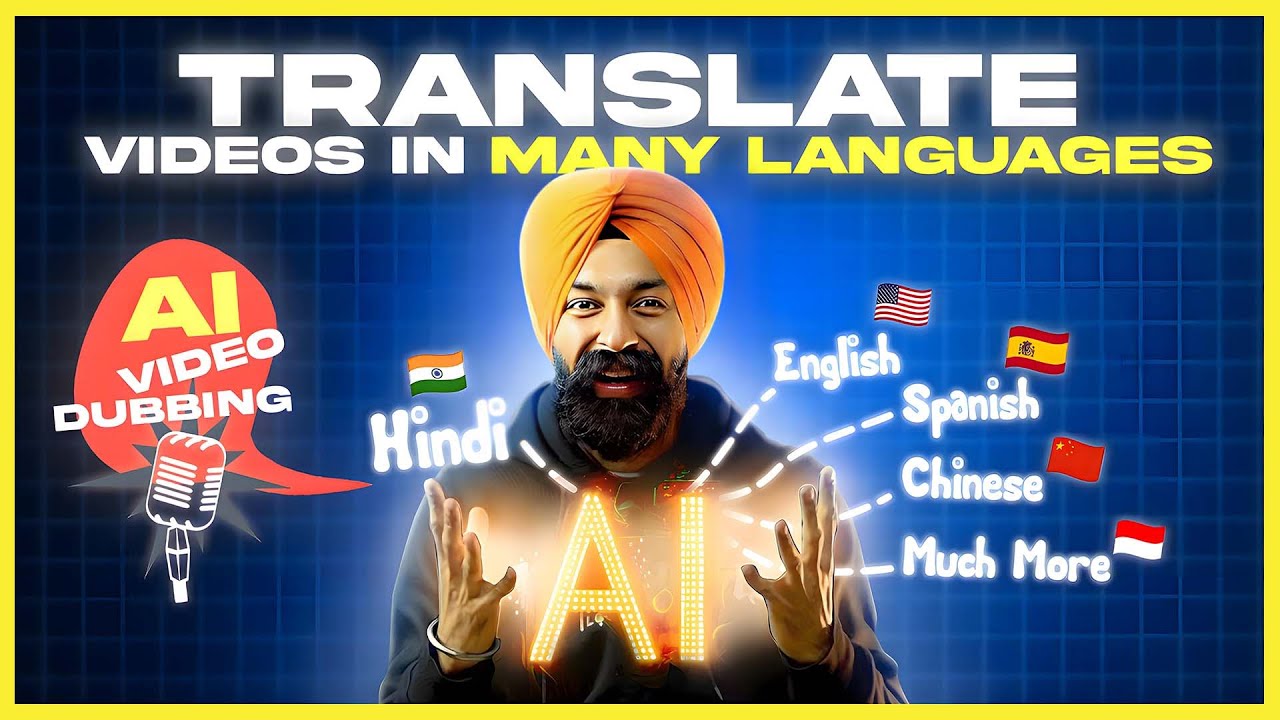
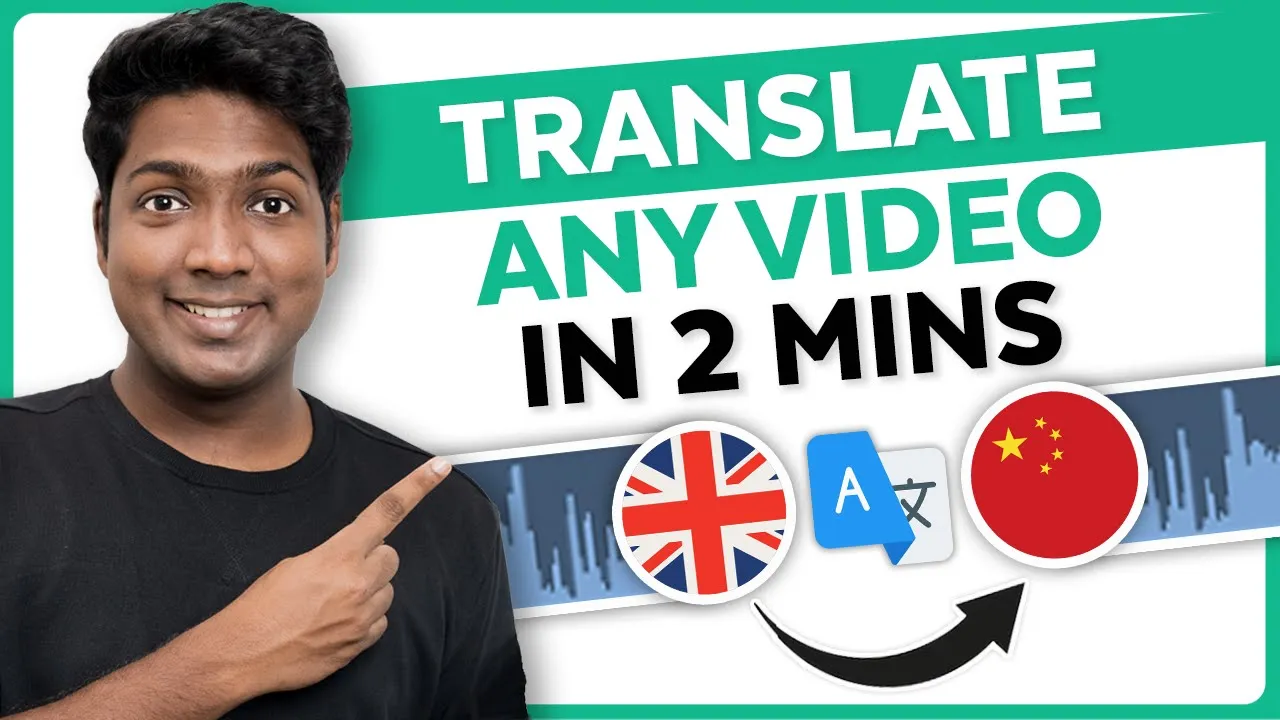
most videos on YouTube use AI to translate only the subtitles leaving the audio untouched but after watching this video you will learn how to translate your videos into different languages that too in your own voice moreover you're not the one who's going to be translating AI is going to do it for you in your own voice yes with the help of AI you can translate your audio to English Hindi Spanish or you can change it to any language you want amazing right and what's even more exciting is it's free to use I'm brand from weite
Learners I mean let's get started okay there are two different tools to translate your videos into different languages the first tool which we are going to use is r. a so just click the link below this video and it'll take you to this page r. a is a great tool that quickly translates your videos into different languages it supports over 60 languages and the best part it's free to use to get started click here then sign up using your Google account and it will take you to this page click on upload now in the free
version you can upload videos with a size limit of 100 MB and a maximum duration of 20 minutes after uploading it will trim the video and give you a 1 minute trial clip I have a video of myself talking in English hi guys today we're going to see how you can create a cover for your Instagram highlights let's say you have an Instagram account and and you have many highlights and I want to translate it into Hindi so simply drag and drop the video here now if you click on this drop down you will get
different languages to choose from so just select the one you want I'm going to choose Hindi then enter a name for your project and click on translate as you can see our video is ready now if we play the video you can see our video has been translated into Hindi and it sounds pretty good now if you don't like a particular line and if you want to change it you can do that by just clicking here then it'll take you to this page where you can edit the lines so just click on edit then select
the text and make changes to it once you're done if you click on Save and click on D video then your video will be translated again now I'm not going to change anything so we'll leave it as it is and just click on cancel now to download your video click here and your video will be downloaded to your computer okay so now we have translated our video from English to Hindi in the same way you can translate your video into any language you want next let's translate another video from Hindi to a different language hi
guys so let's click here to go back then click on upload and drag and drop our video here then choose the language you want I'm going to choose English then give a name for your project and finally click on translate once it's done if you play the video hi guys today we are going to see how you can create a blog post very quickly with the help of AI suppose you have a website and you publish a Blog you can see our Hindi video has been translated into English okay like I mentioned before in the
free plan you can also translate your videos up to 1 minute and you can do it four times if you want to translate longer durations you can upgrade your plan by clicking here okay so now we've seen how to translate our videos for up to 1 minute but I know what you're thinking you want translate videos that are longer than a minute and for free right there's another AI tool called walk Cube that lets you translate your videos for up to 30 minutes for free so just click the link below this video and it'll take
you to walks cube.com now click here to get started then you will get this page on walks Cube you can translate the first video for free but the video's duration should be around 30 minutes or less let's check how it works so just click on this button then click here and sign into your Google account and it will take you to this page here you can see we have two options you can either upload a video like before or you can paste a YouTube link here I want to translate this YouTube video hi guys today
let's see how you can create a brand logo in the easiest way possible with the help of an AI you don't need to be a professional designer or spend a lot of money to get a stunning logo so let's copy this video's link then go back to Works Cube and paste the link here once you have done that click here on walks Cube you will get fewer language options to choose from and also you don't get some Regional languages like Hindi Tamil Etc so just select the one you want I'm going to choose German and
click continue here you can see that our video is ready now if you play the video you can see that our video has been translated into German if you want you can download the video by clicking here and done okay so like I mentioned before using walk Cube you can translate your first video for free that to around 30 minutes if you want to translate for more videos you can update your plan B SOS chos I mean I mean uh so that's it guys this is how you can translate your videos into different languages using
AI now if you want to make your voice sound like a celebrity then you can watch this video or if you want to convert your text into animation then you should watch this video so thanks for watching guys I'll see you in the next video Until then take care bye-bye