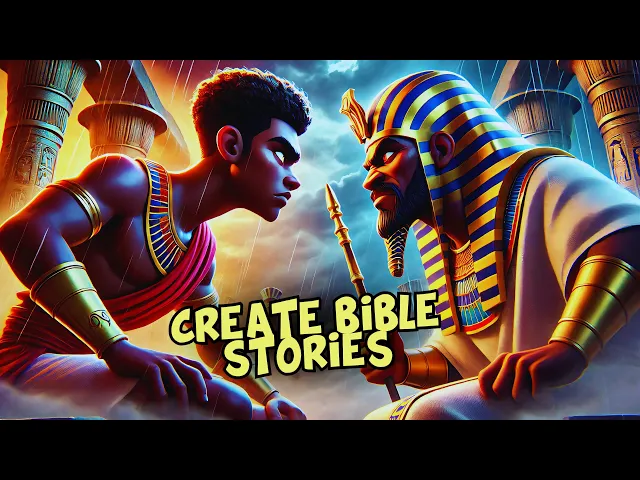
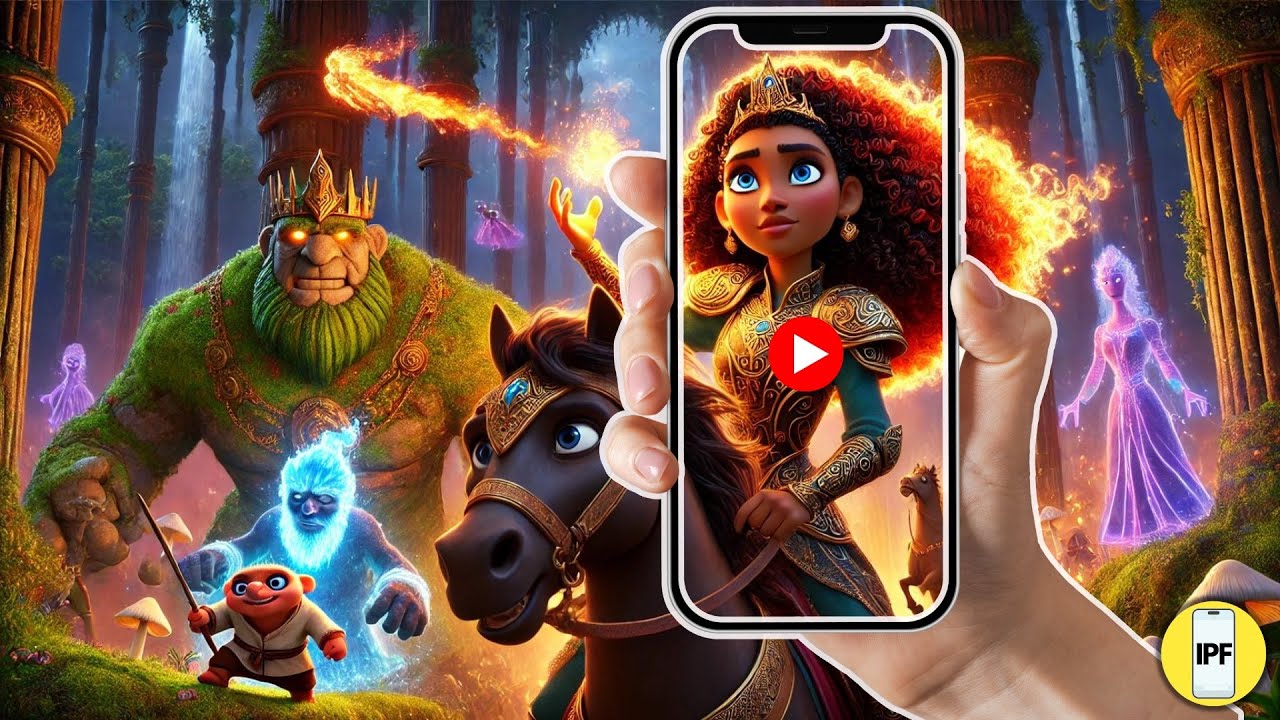
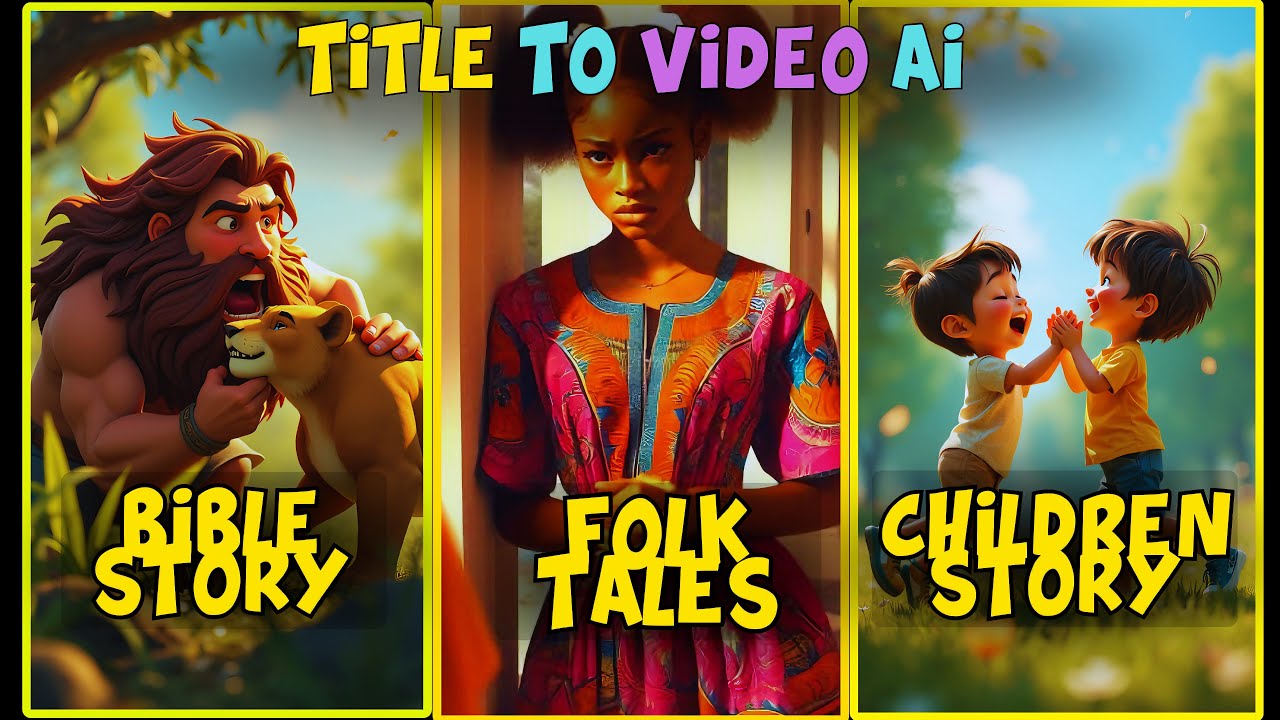
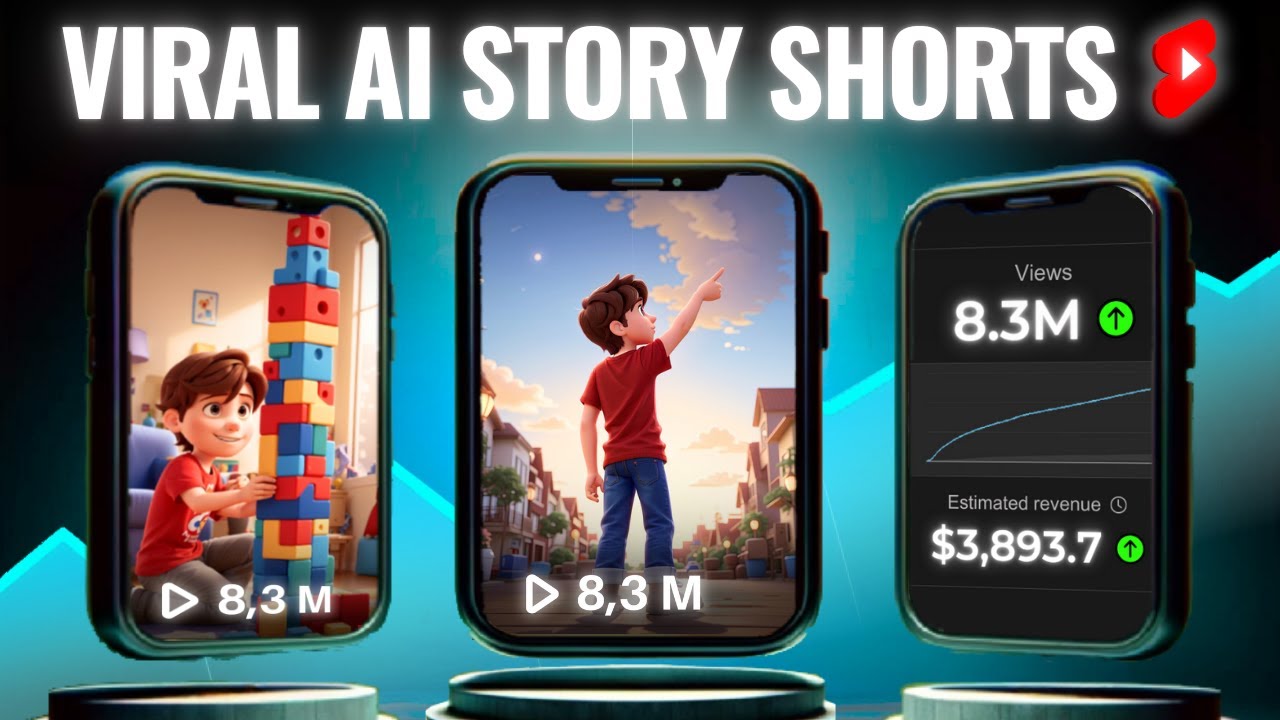
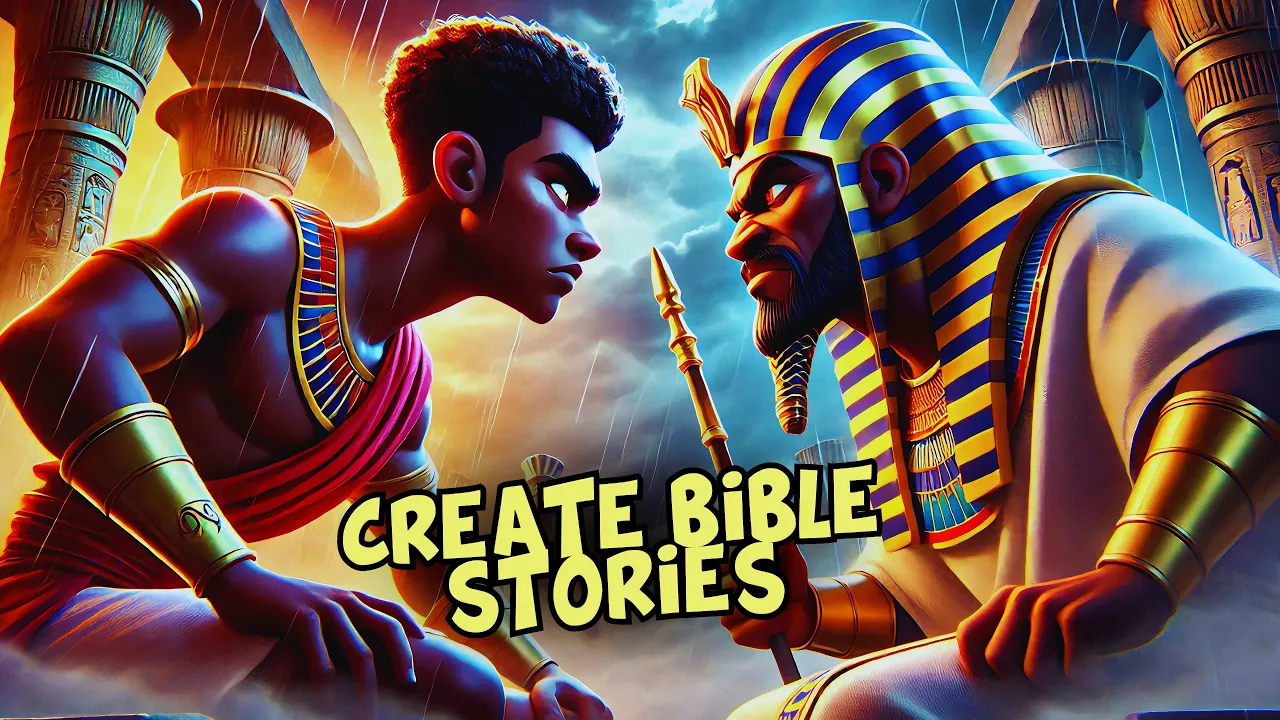
if you check out this Bible story Channel you'll notice they've amassed over 5 million views and have more than 165,000 subscribers with just 111 videos this is exactly what I'll be teaching you how to create today when you look at Social blade you'll see that their estimated monthly Revenue ranges between $92 to $15,000 and their estimated yearly earnings range from $11,000 to $17.6 th000 if you're skeptical about whether they're monetized I can confirm it by using a YouTube monetization Checker which shows that they are indeed monetized now that you've seen this for yourself would you
like to learn how to create something just as exceptional what if you could earn an extra few thousand monthly what would that do for you as the saying goes the more you learn the more you earn so let's dive in and learn how to do this but first make sure you're patient enough to watch the entire video because every part is crucial the more in-depth work will be covered in my membership videos so be sure to subscribe as a member to access that content and the first step is to generate our story and in doing
that we shall be using an AI tool called dup duub in this video I'm going to show you how to generate an exceptional interactive story using dup duub AI many people aren't aware that dup duub AI can do so much more than just simple text generation it's a versatile tool that you can use to create captivating scripts rephrase sentences or even enhance entire writeups one of the standout features of dup duub AI is its ability to generate AI avatars and highquality voiceovers you can instantly clone your avatar or voice making it an invaluable tool for
personalized content creation not only that but you can also use dubdub AI for video translation transcription AI writing and even generating stunning images all in just a few clicks for those interested I've placed a link to dubdub AI in the description below so feel free to check it out and explore its features now let's get started using dup duub AI for story generation first we'll dive into one of the most powerful features of dup duub AI it's AI writing tour today I'll demonstrate how you can generate a well structured engaging story using this feature to
start simply follow the link to the AI writing tool also included in the description and you'll be taken to a page where you can enter a prompt here's an example of what we'll be doing today in this example I'll type the following prompt generate the story of Moses and Pharaoh from the Bible make it 400 words long once you've entered the prompt just click the enter button and dubdub AI will work its magic generating a fully formed story in seconds let's wait for the story to be generated all right the story is ready now before
we proceed we need to carefully read the story why you ask because identifying key characters in the story is essential these characters will be Central to our script and we'll need to understand their roles to create a vivid engaging narrative you'll see how they become pivotal in shaping the entire story line I have already read through the story and I will be most concerned with Moses and Pharaoh as the main character of this story the next thing would be to generate our images using tensor art AI using tensor art AI to generate character images the
first thing we need to do is head over to tensor art AI which is a fantastic tool for generating highquality AI powered images it's particularly good at producing intricate detailed visuals thanks to the flux Pro AI embedded in the platform we'll be using tensor art to generate images of our main characters Moses and Pharaoh so let's begin by generating the image for Moses when you arri at the tensor art interface click the create button now input the following prompt generate the image of Moses from the Bible holding his sta in Pixar 3D animation style let's
give the AI a moment to generate the image isn't tensor art just amazing it really excels at generating detailed and Vivid images look at this beautiful image of Moses holding his staff in a stunning Pixar 3D animation style the quality is absolutely top notot next I'll download the image of Moses and move on to the next step which is generating the image for Pharaoh repeat the same process but this time use the following prompt generate the image of the pharaoh of Egypt from the Bible in Pixar 3D animation Style again let's wait as the AI
generates the image just like with Moses the image of pharaoh is brilliant intricate details vibrant colors and a strikingly cinematic look notice that I didn't include a background in the prompt that's because for this particular project all I need are the characters we'll be removing the background later step two removing the background of images now that we've generated both images we need to remove their backgrounds to do that head over to remove.bg a free tool that easily removes backgrounds from any image simply upload the images of Moses and pharaoh and within seconds you'll have clean
background free versions of both characters [Music] [Music] creeping foot step all out Shadows Chase my fear Hearts pounding [Music] here wh in the M lingers like a f light silver gues me St to you with our character images prepared let's move on to the next step step three setting up character prompts in chat GPT now that our images are ready we need to return to chat GPT to set up consistent character prompts for Moses and Pharaoh we'll be using a special prompt that I've included in the Google Document to train chat GPT to keep these
characters designs consistent throughout your project so let's head over to the document find the section labeled train a model for consistent characters and copy that text once copied open your first chat GPT tab paste the prompt and click enter at this point chat GPT will respond by saying something like I'm ready to assist you with this task please go ahead and share the entire story or the script and I will proceed as you instructed that's perfect now we're ready to move to the next step step four uploading images and describing the characters in chat GPT
will open a second chat GPT tab in this tab we're going to upload the images of Moses and Pharaoh that we generated from tenser art upload the image of Moses first and then head back to the Google Document to find the character description prompt specifically for Moses copy this prompt and paste it into the second chat GPT tab along with the image of Moses for example The Prompt could say something like describe the image of Moses holding his staff in Pixar 3D animation style the character should have distinct facial features a strong build a square
jaw long dark hair tan skin and be wearing traditional biblical robes ensure the description captures the Pixar 3D animation Style with vibrant colors and dramatic lighting once you paste The Prompt hit enter and chat GPT will give you a detailed description of the image based on the input repeat the same process for Pharaoh upload pharoh's image copy the relevant prompt from the Google document and paste it into the chat GPT tab The Prompt for Pharaoh might say something like describe the image of the pharaoh of Egypt in Pixar 3D animation style he should have an
imposing figure sharp facial features a pointed beard a Regal Egyptian headdress and dark skin his outfit should include a gold trimmed robe with vibrant colors that reflect his Royal status after pasting this prompt chat GPT will generate a description that's just as detailed and Vivid as Moses's description step five finalizing character descriptions for the scene now open a third chat GPT tab in this tab we're going to prepare scene prompts for when each character appears in your video head back to the Google Document and find the section labeled make sure to add these details to
the scene where Moses appears copy the text for Moses then paste it into this third chat GPT tab make sure the description aligns with the character's visual traits and personality you'll want to do the same for Pharaoh pasting the appropriate scene details when he appears so let us do it together [Music] [Applause] [Music] [Applause] [Music] [Music] l creeping round footsteps that all out Shadows Chas my fear heart bounding [Music] here lingers like a kiss Moonlight when trying to store the details of Moses and Pharaoh in the the database of chat GPT I realized it generated
the images which wasn't what I wanted I just needed it to store the images on the database not to generate the image so to fix this I had to give it a command and it reads I need you to store the details of pharaoh into your database so that whenever the name Pho is mentioned you would know what to write for me after inputting this into chat GPT it responded with this message here that reads the details of pharaoh have been stored whenever Pharaoh is mentioned I will now use this detailed description for reference so
the details are stored in the database of chat GPT so you can do the same for Moses and it would respond likewise do not worry the correction will be made in the Google Doc so relax [Music] [Music] I can hear it to recap here's a quick summary of what we did first chat GPT tab we copied the trainer model for consistent characters prompt into this tab clicked enter and then it gave us a response second chat GPT tab we uploaded the IM of Moses copied the character description prompt from the Google Document and pasted it
in we repeated the same process for Pharaoh third chat GPT tab we copied the scam prompts for both Moses and Pharaoh making sure they align with their character designs and traits it's a simple process once you get the hang of it and it ensures your characters remain visually and narratively consistent throughout your story I hope this explanation has been clear and helpful don't forget to check out the Google Document for detailed step-by-step instructions and make sure to explore tensor art for your image generation the main reason I went through this detailed process is for those
of us who don't have access to the Pro Plan of chat GPT for image generation the good news is that you can generate a story from any AI script generator and then use chat GPT for continuity tasks such as image generation and more by following the method I outlined you can create consistent characters using other AI image or video generators that are available additionally note that chat GPT doesn't store prompts in its database for long so when you're following this process make sure to implement it immediately but before we continue let me show us what
I was able to create and the children of Israel suffered for many years in Egypt many years passed and they Cried unto the god of Abraham and a savior was born named Moses he was to deliver the children of Israel from Pharaoh Moses miraculously found himself under the care of of Pharaoh's daughter and played in The Palace until he grew Moses saw the suffering of his people and he murdered an Egyptian man and Moses ran away from Egypt Moses Moses you will go and deliver my people from the hands of pharaoh tell him to let
my people go so they may serve me Moses went to Egypt and asked the Pharaoh him to let God's people go who is your god and what is his name Moses turned the Nile into blood the angel of the Lord struck Dead all the firstborn of Egypt finally Pharaoh let the Israelites go after a while Pharaoh pursued after the Israelites but Moses stretched his staffed To The River and the Egyptian drown without further delay let's start generating our images I'll be using chat GPT to make this process easier for me first let's go back to
dubdub AI to copy the story it generated for us once that's done we'll head back to chat GPT to paste the story here we're going to ask chat GPT to divide the story into chapters which will help with the image generation process Let's Wait a While as chat GPT does its magic Shadows Chase my fear heart expounding [Music] here Whispers in the lingers like a moon silver CL guides me straight you [Music] I can [Music] keep I find you there ofes once the chapters are ready we'll copy the entire story and paste it into a
Google doc from the Google Doc we'll copy chapter 1 and return to chat GPT to paste it there after pasting chapter 1 we'll ask chat GPT to generate the scenes of this chapter and it will do exactly that for [Music] us every the TR CL this is cool guys our scenes for chapter one is ready the next step is to ask chat GPT to generate the images for each scenes in a Pixar 3D animation style so let's wait as it does that for us [Music] as you can see the images are being generated but remember
you must specify exactly what you want the image to look like keep in mind that the images generated by chat GPT might not be exactly what you need so you may need to regenerate them one at a time depending on your preferences we'll follow the same process to generate images for the other chapters so you can follow along as we do this together secrets in the dark Sparks a tiny spark feel the [Music] sh on the twist run through my mind my every corner hides Trin time CL now we [Music] SES feel the on this
Twisted Bend running through my mind mystery to find [Music] [Applause] [Music] [Applause] [Music] the next step is to head over to cap cut and arrange the images according to how you want the video to flow arranging the images helps provide a visual guide for how you will structure the video in cap cut I've also added the voiceovers I generated using my vocal AI which is the best AI voice cloning tool I know of feel free to try try it out this is what I use for all my AI voiceovers including the one you're listening to
right now the link to this AI tool is in the description so feel free to click it next we're going to animate our images using imageo video AI tools I'll be using clling Ai and video AI for this cing AI provides better Clarity and quality but it's quite expensive so for this project I'll be using more of vid AI in its free version to speed things up you can open several accounts using different Gmail addresses to take advantage of vdu's free tier we we will use Vu and cling simultaneously all we need to do is
upload the image we want to animate into Vu and click the generate button we'll have to wait a bit for the image to be processed and here's our video guys to continue you'll just repeat the same process for the other images next we'll enhance the video quality to do that you can either use cap Cuts image upscaler or wondershare video converter I'll demonstrate both so you can see the results [Music] mind mystery find every cor truth t close now we seees [Music] [Music] here's the quality of the new image and as you can see it
looks exceptional so let's use cap cut video upscaler for the next one [Music] so guys the quality speaks for itself No Cap so without further delay let's finalize everything using cap cut when finalizing everything using cap cut I will also include the website where I downloaded the sound effects I recommend using the paid version of sunno AI to generate high quality background music avoid using pixabay for background music as the owner of the music may decide to monetize it in the future which could result in a copyright strike on your video so let's go ahead
to fix the editing together [Music] on the Twisted running through my [Music] mind every cor Trin tight Clos now we see voices [Music] you sent on this Twisted Bend running through my mind mystery to find [Music] [Applause] [Music] [Music] night creeping footsteps that all out Shadows Chase my fear heart bounding in like a this moonight silver CL guides me straight you I [Music] can s in the air I will find you there all of thees and the winded weaves secrets in the dark tiny spark feel the Des this [Music] tun through my mind mystery to
find every for the high truth is in this T closes speak [Music] so guys this is how you can generate a captivating Bible story I hope you enjoyed this video see you in my next post