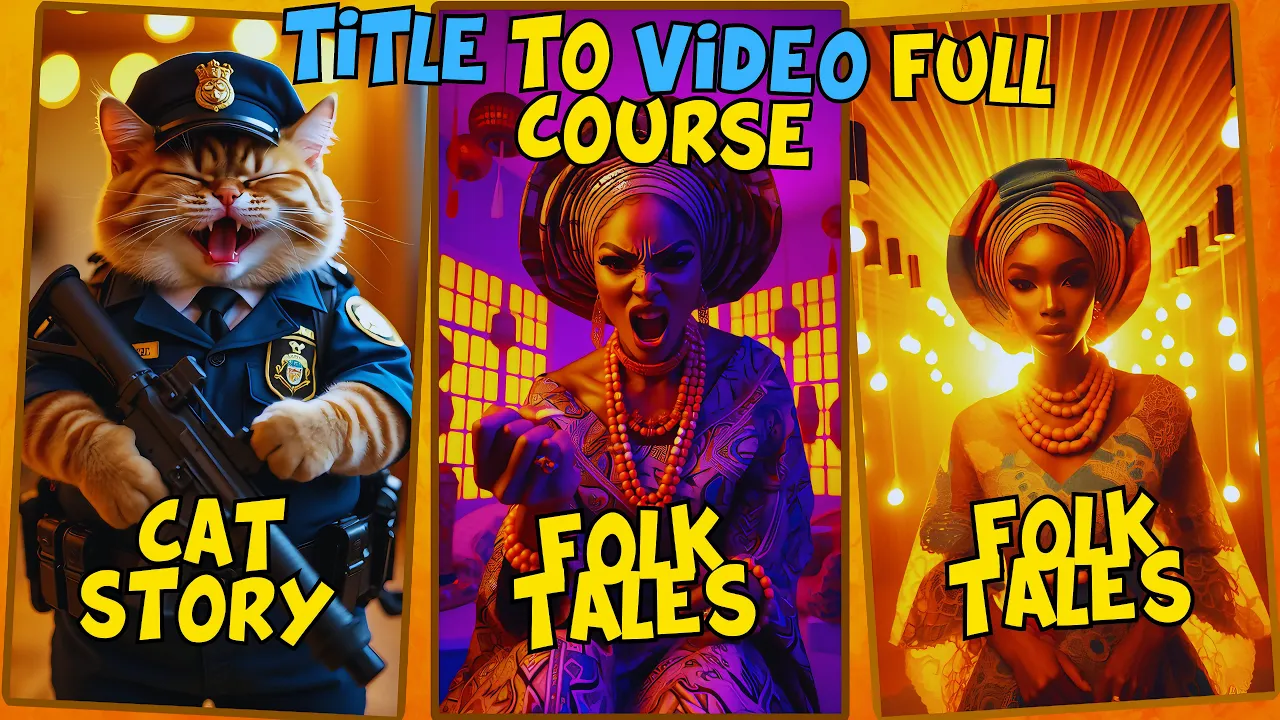
in my previous video I got some comments on my comments box and today I wish to answer you all I'm reintroducing this AI tool that will revolutionize the way you create content by speeding up the entire process with just a single title and clicks unlike other AI tools that require you to craft an entire story before generating images this gamechanging tool only needs you to provide a title with this AI tool creating content becomes easier faster and much more efficient saving you precious time while allowing your creativity to shine if you watched my last video
titled create profitable 3D AI animation videos with mushan AI you already know the basics of using this Innovative tool however today I'm taking it a step further and showing you how to maximize its potential from start to finish we'll be diving deep into the complete process from generating images based solely on your title to animating those images changing their postures adding Dynamic backgrounds incorporating sound effects voiceovers and finally putting it all together using a powerful editing tool so today I'm going to be showing us how to create any folktales of our choice using this Ai
and also how to create cat stories for YouTube and Tik Tok let's take a closer look at this African folktales Channel remarkably they have managed to accumulate over 2 million views with just 88 videos and have gained 50,000 subscribers all within the same year of launching according to Social Blade the Channel's estimated earnings range from $300 to $4,500 per month and from $3,700 to $59,000 annually to confirm they are indeed monetized let's check a monetization verification tool as you can see the channel is successfully monetized now let's examine this cat Channel which focuses solely on
uploading cat stories with just 93 videos they have amassed an impressive 545 million views and over 2.6 million subscribers despite being less than a year old if you're wondering whether this channel is monetized let's head over to social blade for some insights their estimated monthly earnings range from $3,200 to $50,000 while their annual earnings are estimated to be between $38,600 and $61,800 to further reassure you that they are monetized let's use a monetization verification tool as you can see here this channel is also monetized what will you learn today you may ask well I will
be showing us how to number one generating images from a title for folktales and cat stories number two animating the images number three customizing image postures and backgrounds number four adding background sound and voiceovers number five editing and bringing it all together so without wasting time let's begin but before we continue if you have not subscribed please do kindly subscribe this time I will be counting from 3 2 1 and go did you subscribe if you did I want to say thank you and if you didn't I know you will because I try to give
you great content here and I know you will love it one generating images from a title imagine the potential of crafting an entire animated storyline from just a few words words that's precisely what this AI tool enables you to achieve in this segment I'll guide you on how to brainstorm compelling titles that grab attention and seamlessly generate high quality images tailored to your narrative I'll dive right into the details shortly but if you're new to this tool I recommend reviewing my last video for a comprehensive introduction now let's get started I'll input this prompt which
reads create an African folktale scene featuring characters with dark skin tones dressed in traditional African attire the setting should include authentic bamboo houses and Village scenes that capture the the essence of African culture and ethnicity the background should be filled with Rich vibrant elements typical of African villages such as Lush Greenery traditional tools and patterns the characters should reflect diverse African features wearing colorful Fabrics beaded jewelry and other traditional accessories that showcase the unique styles of various African communities the overall scene should exude a deep connection to African Heritage illustrating a story that feels alive
and culturally Rich after pasting your prompt the next step is to set the appropriate settings start by clicking on the aspect ratio option and selecting the YouTube aspect ratio of 16 ra9 then choose your preferred Language by clicking on this drop down here and keep the tone set to neutral select the style that best fits the visuals of your story and finally click the generate button the AI tool will then take a moment to generate both the story and its corresponding images now here are the images created for the story you can scroll through to
review each one carefully [Music] keep s i find you [Music] there the leaves wind waves secrets in the dark tin [Music] spark feel the on this Ted bench run through [Music] my if you feel that any of the generated images do not meet your expectations there's no need to worry you can easily regenerate the image by clicking the regenerate button right here let's go ahead and try regenerating this particular image to see the difference [Music] here is the new image you can keep refining and regenerating until you achieve the perfect result with that done let's
move on to the next step two animating the images how do you bring static images to life and create engaging animations what are the best practices to ensure your animations are smooth and captivating for viewers the great news is that you can animate your images using the same AI tool there are two ways to generate animations you can either click the animate all images option at the top to animate the entire set of images in your story or you can animate each image individually by clicking the animate button next to the image for our folktales
we will focus on keeping the images static to preserve the traditional storytelling feel the only animation effect we recommend is a zoom animation to create a sense of movement you can easily achieve this effect using tools like cap cut for a zoom effect or even a 3d effect this simple animation style adds depth without overwhelming the viewer maintaining the authenticity of the folk tail three customizing image postures and backgrounds one of the standout features of this AI tool is its ability to modify the postures of characters in your images whether you want a cat lounging
on a sofa chasing a toy or sitting on a window sill with a Sunset View this tool offers complete customization to suit your story's mood perfectly to adjust these settings using your current images locate the image you want to modify and click the regenerate button a pop-up window will appear where you will see a pose reference option on the right hand side there is a button click on it and you will find several pose options to choose from select the one that best fits your needs in this case I will not be using the pose
reference since my images are already perfect so I will click the cancel button instead the final step in this section is to click download if you wish to save any image from a particular scene we will leave the offset option untouched because it is not needed at this stage four adding title subtitle and thumbnail titles are crucial for conveying what your video is about and we cannot Overlook the importance of a compelling thumbnail both are key elements that contribute to the success of your video to create a title you can select from various title Styles
available similarly for subtitles you can choose a style that fits your video's tone and content for the thumbnail simply pick from the available thumbnail Styles Additionally you have the option to select scene effects and transitions to enhance the overall presentation and flow of your video five adding background sound and voiceovers audio is a powerful element in storytelling that can significantly enhance the emotional impact of your video to add a voice over select from the variety of AI voices available on the list let's listen to a few of the options here to find the best fit
hi there if I'm not back in 5 minutes just wait longer the only true wisdom is in knowing you know nothing life is like a box of chocolate you never know what you're going to get hello and welcome to BBC News hi there if I'm not back in 5 minutes just wait longer I find this voice to be the most suitable so I will select it below the voice over options you will find the AI music section here you can choose background music from various genres to match the mood and style of your story select
the one that best complement the narrative you are creating once you have made your selections click composite to complete the story generation process after this is done you will have the option to download your story in storyboard format this format includes all the images of the story allowing for manual editing if needed you can also download your thumbnail and finally the complete video before we move on let's take a moment to review the folktales we've generated in the vibrant Village of ibaon where the air was filled with the scents of roasted plantin and pepper soup
lived a young drummer named adabo atabo with his dark skin glowing under the African sun was known for his skill with the talking drum a cherished instrument among his Yuba people each morning he would dress in his finest anchor fabric usually a dazzling Symphony of Reds blues and yellows and wrap a matching gelly around his head beads of every color adorned his neck and wrists jingling with every confident step he took ibadan was a village of bamboo houses with intricately thatched roofs nestled among Lush Greenery and towering bobab trees the villagers took pride in their
homes decorating the walls with tribal patterns and the floors with woven mats this fol tail was newly created as I lost the one used for the tutorial however this demonstrates just how easy it is to generate a folk tail remember to add your own background sound rather than using the default from the website to give it a more authentic African feel before diving into the editing process I'll demonstrate how to create a cat story using the same steps but this time we'll use the Tik to aspect ratio of 9916 so sit back relax and let's
go through this together fall I can hear it call dangers in the air I will find you there R of the leaves in the wind waves secrets in the dark spars a tiny spark feel the CH on the twist running through my mind mystery to find every cor hies TRS now we [Music] seees feel on this Twisted Bend running through my mind mystery to find [Music] [Applause] [Music] [Applause] [Music] dark my creeping R footsteps that all out Shadows Chase my fear heart bounding [Music] here whis in the lingers like [Music] a moonl silver clue guides
me STS in you I [Music] can I you [Music] there thees the wind W secrets in the dark SP [Music] spark feel the on this [Music] TST running through my mind mystery to find every cor keep in mind that at the end of each video creation you find a summary of the video on the left hand side this includes suggested tags for the story The Complete script and the initial prompt you provided to the AI tool this AI tool simplifies the process significantly so there's no need for extra effort on your part so let's go
ahead to listen to the cat story generated with this Ai and puffing his way across town the community adored him children would run to him with stories and shopkeepers would slip him treats much to their amusement and his Delight one sunny afternoon the unthinkable happened officer whiskers while chasing a mischievous squirrel had a fall the town's beloved officer was sick unable to perform his duties as he lay in his cozy little bed a sense of unease spread through parrington news traveled fast in the tight-knit community Whispers of Officer whisker's illness reached every corner of the
town and with that the Shadows crept in a gang of Sly cunning thieves have been eyeing purington for some time they knew that the what do you think guys six editing and bringing it all together after creating all the elements the next step is to bring everything together using an editing tool so in doing this we shall be heading over to cap cut and the first step is to import your media open cap cut and tap on new project import the videos images or audio files you want to edit from your device trim and split
Clips use the timeline to trim the beginning and end of clips or split them into smaller segments add transitions tap on the transitions button between Clips to add smooth transitions choose from a variety of effects to make your video flow seamlessly apply filters and effects go to the effects or filters tab to enhance your video's visual style choose from different filters color adjustments and effects to match your desired look add text and captions tap on text to insert titles subtitles or captions insert background music and sound effects tap on audio to add background music or
sound effects you can choose from cap Cut's library or import your own files export your video Once editing is complete tap on the export button choose your desired resolution and quality settings and save the video to your device review and share watch the final video to ensure everything looks perfect then share it directly to platforms like Tik Tok Instagram or YouTube from within cap cut so guys this is the end of this video if you have any question you can drop it on on the comment box below you can also join my membership program for
more Exceptional videos and access to me so it is a goodbye from me and see you on my next post