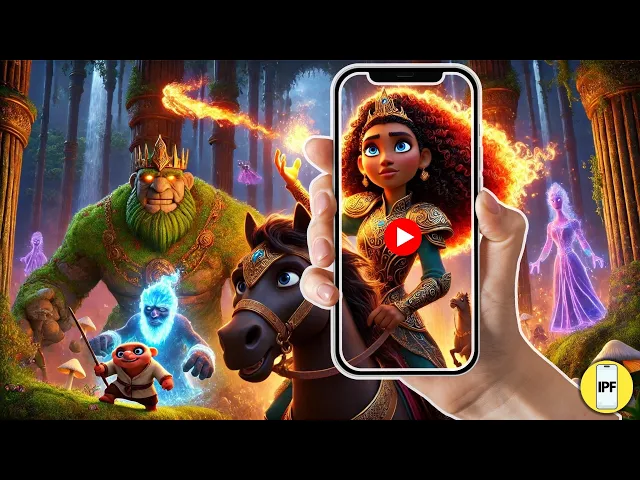
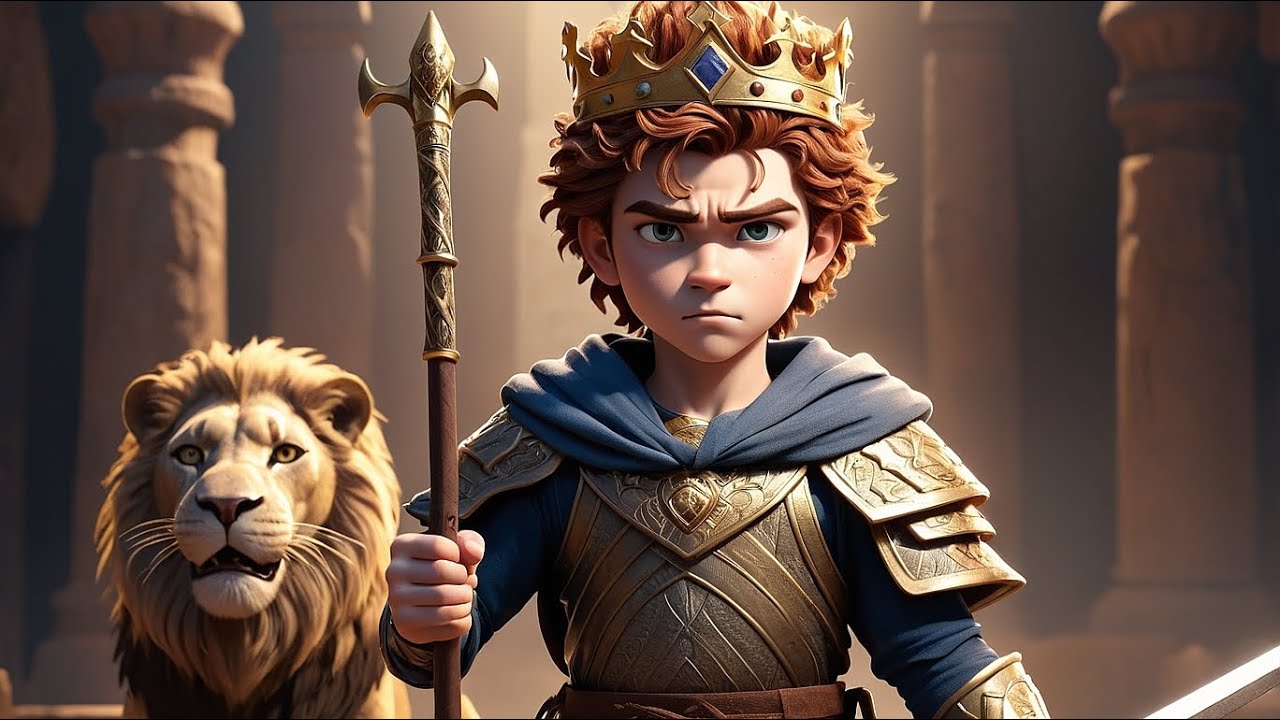
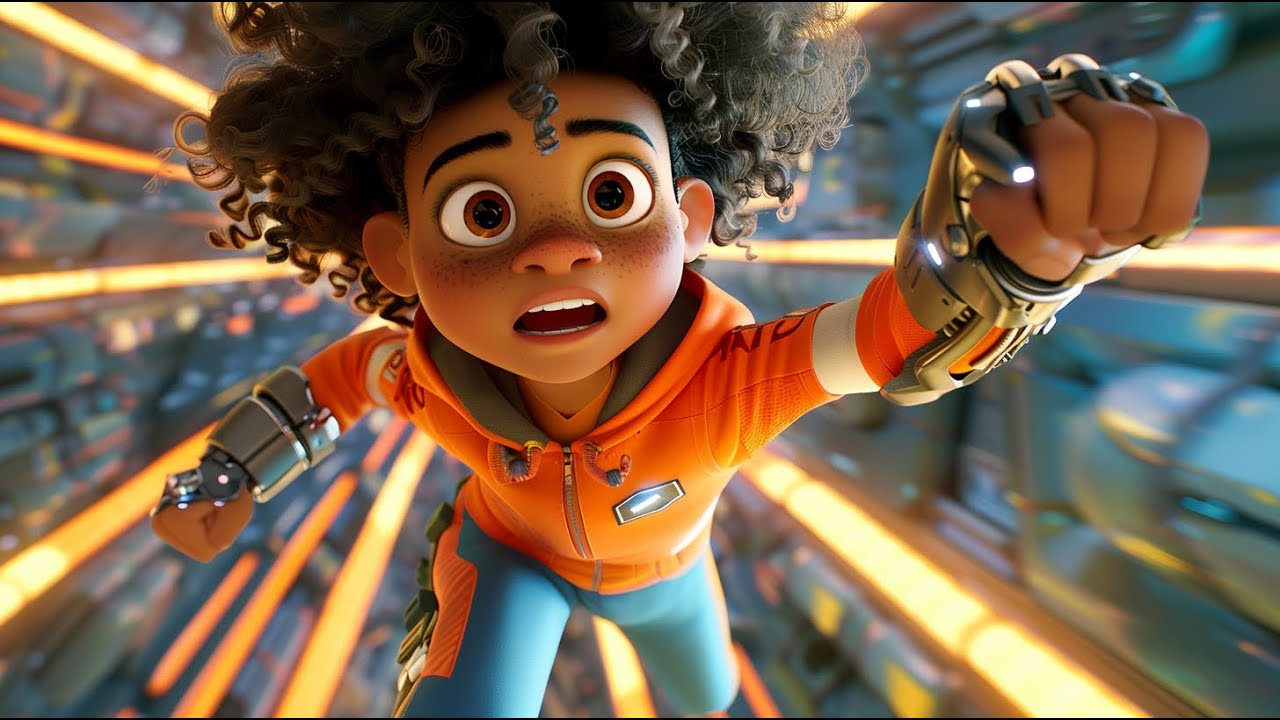
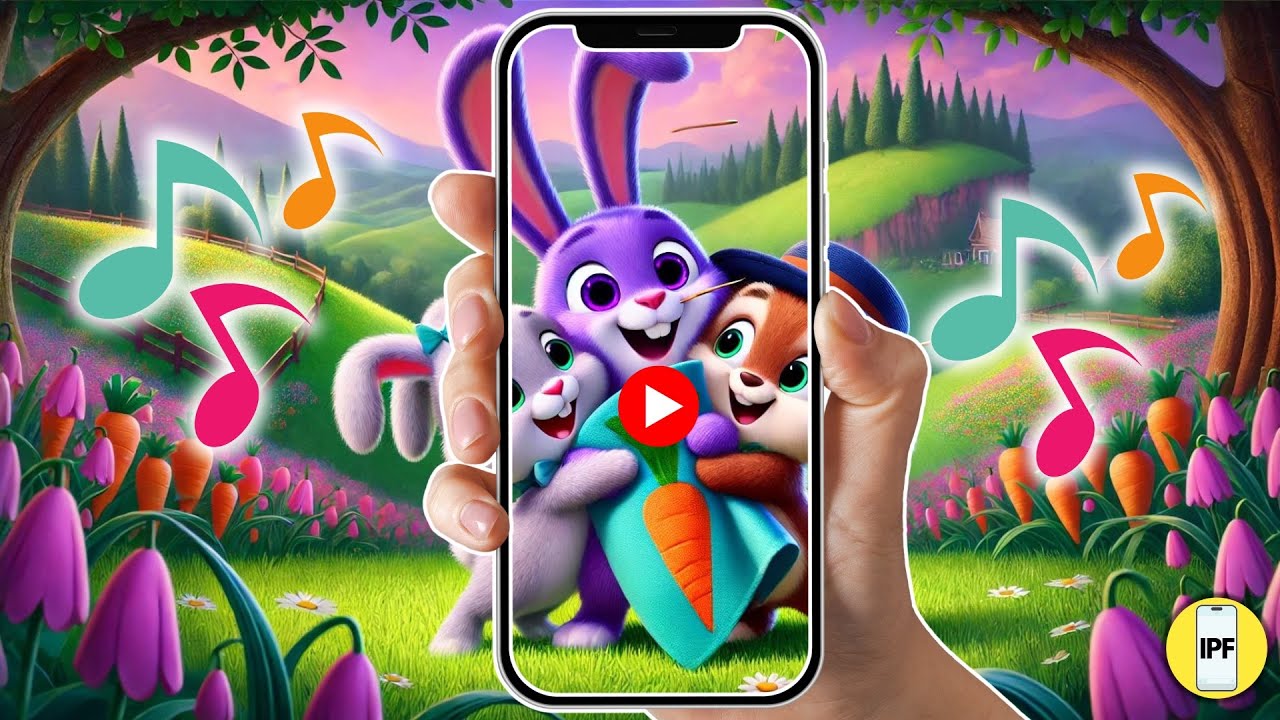
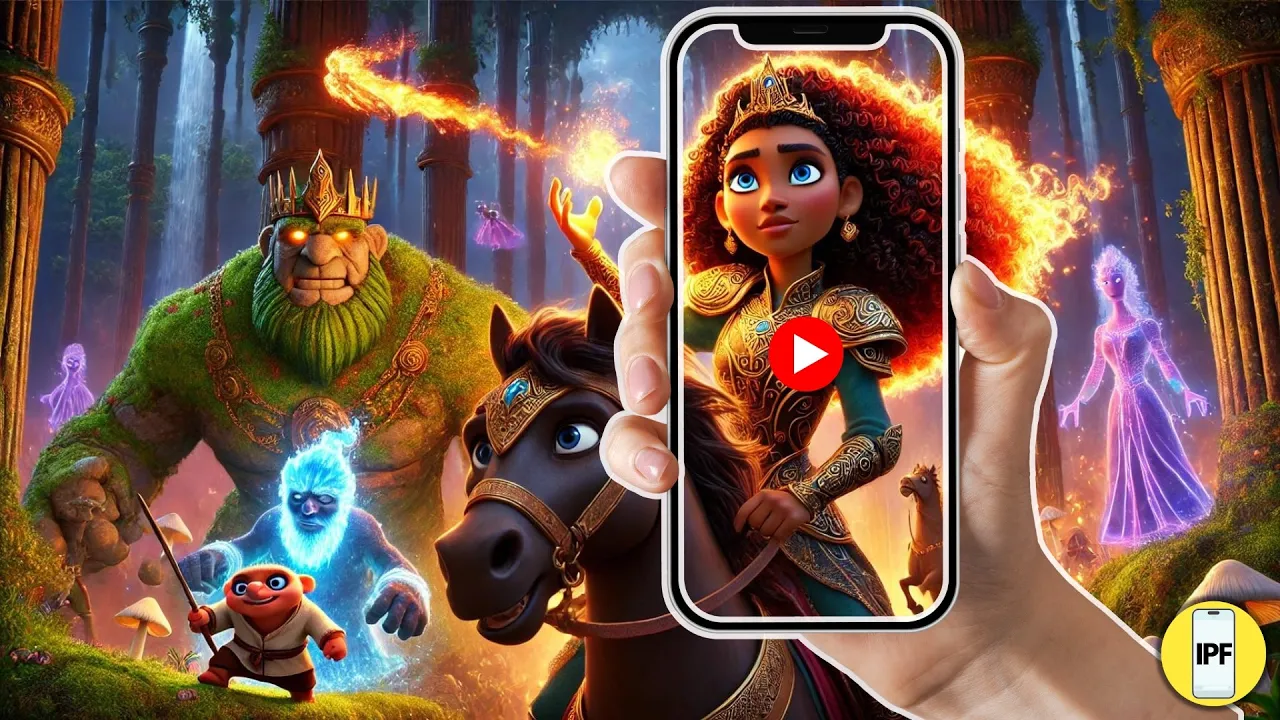
check out this video I created using this new AI video generator that's skyrocketing Channel growth in a world where dreams are real and Imagination knows no bounds a young heart awakens to a kingdom like no other where every wish and wonder takes flight oh no but even the brightest dreams can fade I shall avenge our kingdom to save their home they must embark on a journey through lands unseen to restore the heart of their Kingdom I've faced magic monsters and now bad directions with fiery Max Nell and the magic book and friendship as their guide
they will face [Music] impossible to restore the light she must conquer her deepest fears what am I going to do help me tree say goodbye you evil figure awaken the adventure this holiday season and discover the magic Within we restored the kingdom the Lost Kingdom of Dreams it's called Luma dream machine I'm blown away I made this whole video on my phone using its image DET text and text to image features I'll show you how you can use this awesome AI tool to grow your channel let's dive in so first we're going to head on
over to chat gbt so we can get some movie trailer ideas and we want it to be in a so what we're going to put in is create me five random ideas for a trailer about a kids animation movie Disney Pixar like so we have the misfit Rescue Squad which is super cool the daydreamers so there's tons here but I really like number one the misfit Rescue Squad so we're going to copy the misfit rescue squad's trailer story and then we're going to copy it and then we're going to put make the scenes into a
trailer can you please split the visuals with smaller parts and then we're going to paste the trailer we just copied so now it's giving visuals and a narrator everything we need it's splited up the scenes so what we're going to do now is generate a consistent character now there's two ways you can do that first if you have chat gbt Plus you can do it on here but I'm going to show you a second way which is free but first we're going to do the Chachi BT plus way so you're going to click those two
little lines up in the leand corner those two little lines bring us to all the apps that they have on chaty BT so I'm going to pick explore and then you're going to click the little search button and you're going to put in consistent character this is so amazing that they can do this so it should pop right up it should be this one right here and you're going to click it and they use Del for images which is really cool now what you're going to have to do is put in I want to create
a consistent character now you have to tell them what you want to do I'm pretty sure it will just do it anyways but I like to tell them I want to create a consistent character and then it will ask you if you want your character male or female ours is a male now it's going to ask for you to name your character this is where the importance comes in I'm choosing Juniper because I think that name is cute so now we're going to have to give some characteristics in appearance so you know age and appearance
so what I'm going to put is age 17 he's a black male with long dreads he's wearing a long dark blue cloak let me correct that and a wizard hat he's funny courageous and great at solving puzzles so this pretty much gives a good appearance mockup and now I'm going to see what it's going to generate so this is the picture and it's spoton literally look at this oh my gosh I am like I said blown away okay so now that we have him we're going to save him just in case so now I'm going
to show you where the consistent character thing comes in and using a name so now we can just put make Juniper which is it's his name smile and now it's going to show me Juniper smiling and I don't have to put that whole paragraph of characteristics so look at that he looks identical sometimes it might be a tad bit off but it usually is good so now we're going to put show me Juniper in his wizard layer creating potions I mean isn't this so cool like I am loving AI right now so what we want
is to make this photo 16 by9 because that's what YouTube's ratio is and since we're making a video we need the picture to be at that ratio and it's going to ask me do I want to make the video 16 by9 I'm going to put yes yes so now it's creating image I mean it's still on like look at this his dreads are a little shorter but you can just suggest that like that little button right in the corner where you can put edit edit the photo you can make the dreads longer you can make
his eyes look a little bit more less cartoony because they were in the other photo but now I'm going to show you the second way which is free so what we're going to do is ask chat gbt to describe the picture of of juniper so that we can take the prompt and put it in a different search bar we're going to ask could you please describe the image I ask you to generate so I can put it in Del the freeway that we're using also uses Del images which is super cool so we're going to
take that prompt and copy it and head on over to co-pilot I love this app I did use this app for some of my photos so you can do a precise standard or creative I'm going to keep it on precise because I want it to be as close as it can be to this prompt so now we're going to press send and it only takes a second which is like super cool I realize I say cool a lot so look at these okay so these look a little bit more Pixar Disney look at these look
at this one oh I love I don't know I'm not sure which ones to use maybe I'll show you an example with both okay so now I'm going to show you how easy it is to make this picture 16 by9 so there's a little icon in the corner of the picture and then it shows you that you can make it into 16 by9 and it does it instantly look at that you just download the photo and then that's it okay so now we're going to ask Del now can you describe Juniper casting a spell see
this and then it just describes Juniper and then we bring it on over to co-pilot and paste it so this is what co-pilot came up with I am loving these pictures okay so I really really like this one I'm going to turn it into a 16 by9 look at that okay so now we need the picture to talk so we're going to head on over to Pika a lip sync AI voice generator but let's head on over to 11 Labs first because we need a voice I use 11 labs for all my voices they have
the best AI generated voices that I've ever heard so what we're looking for is a young teenage boy voice so we're going to go to the search bar and we're going to put in teenage boy because it's already a voice Library so there's a couple to choose from so I'm going to click Richard to see how he sounds Hello friends I'm here to help you in your busiest times and create quicker Solutions let's get started so I can't use that voice on the free account so I'm going to stay committed to your decisions in but
stay flexible in your approach okay so I like that one so now now we're going to have to think of something for him to say remember that it's only a 3 second clip so something like a catchy line like and I thought magic was hard because he's a wizard and a young teenager learning everything so I like this and I thought magic was hard so I really like it but I'm going to put an exclamation mark to make it sound a little different and I thought magic was hard so sounds slightly different I'm going to
download this and I'm going to come back over to Pika and press the little paperclip choose the photo of him Juniper uh casting a spell and I'm going to click upload file make sure you save your voice file to the the file and then you're going to add it and generate it this is what it's going to sound like I thought magic was hard okay so that didn't turn out the way I thought it was going to so I'm going to use this picture instead I'm going to download it I'm going to do the exact
same thing bring it over here upload the photo press the lip sync button and add the same file now this is what this one's going to look like and I thought magic was hard that sounds way better magic better okay so let's head on over to the dream machine so I really love this app I can't believe the video trailer that I made so you press create and sign up with a Google account add your photo Juniper casting a spell and usually I just put interactive in the search bar if it doesn't work I just
put something else so this it's already done it only takes a couple seconds look at that look at that I am impressed okay so we're going to download it and we're going to come on over to udio Beta so this every good trailer needs a great song in the background so what you do is create uh click create and then you can add pop and uh maybe some soft rock uh classic rock and then you press create I like this but I usually just use the cap cut audio so then it's just generating your song
that you can use which is super easy and fast and it's free okay so we're going to come on over to cap cut this is where it all comes together so I'm going to click create project and these are my two videos I created the talking one and the one from Luma dream machine so as you can see you can add audio and this is the Audio I usually use and I also can TR use transitions here which there's like some really cool movie ones and I can put in a text if you want me
to give you a tutorial on how to use canva just let me know but that's it that's all you do and as you can see my little video down in the bottom this is where I created mine don't forget to like And subscribe thanks for watching