The next topic is Google Cloud billing. Billing is established at the project level. This means that when you define a Google Cloud project, you link a billing account to it.
This billing account is where you will configure all your billing information, including your payment option. A billing account can be linked to zero or more projects, but projects that aren’t linked to a billing account can only use free Google Cloud services. Billing accounts are charged automatically and invoiced every month or at every threshold limit.
Billing sub accounts can be used to separate billing by project. Some Google Cloud customers who resell Google Cloud services use sub accounts for each of their own clients. You’re probably thinking, “How can I make sure I don’t accidentally run up a big Google Cloud bill?
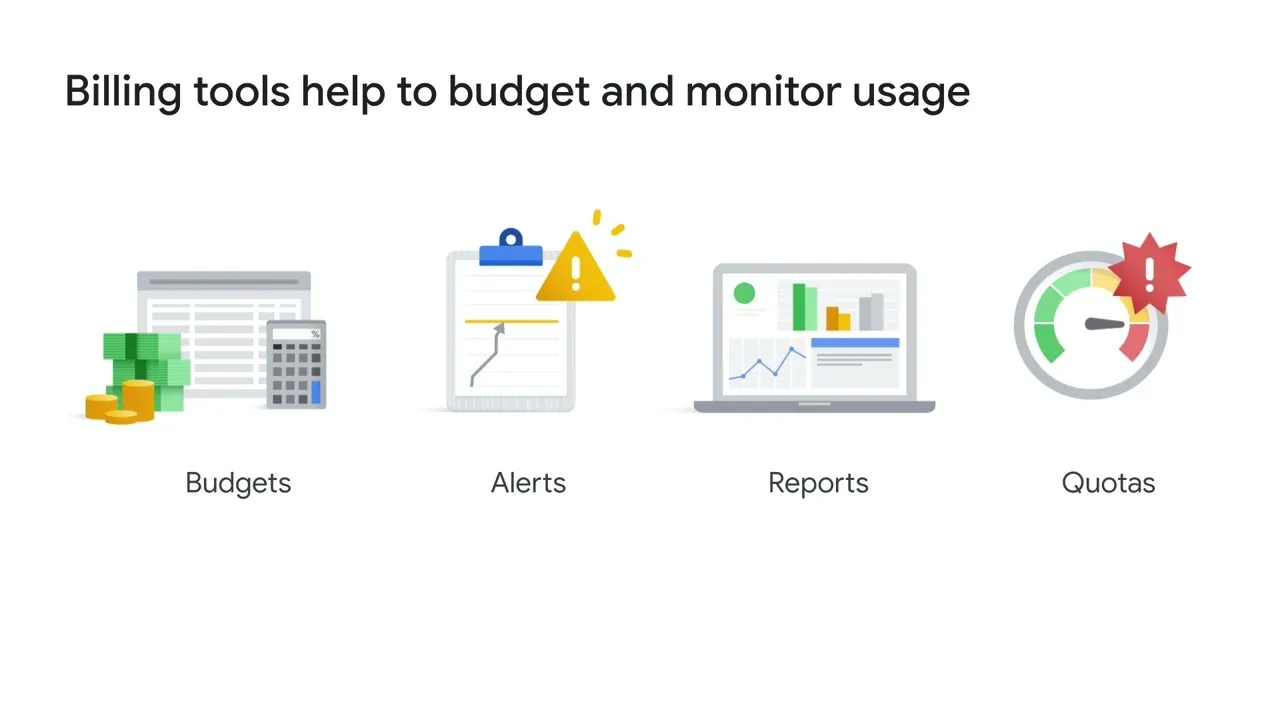
” We provide a few tools to help. 1. You can define budgets at the billing account level or at the project level.
A budget can be a fixed limit, or it can be tied to another metric - for example, a percentage of the previous month’s spend. 2. To be notified when costs approach your budget limit, you can create an alert.
For example, with a budget limit of $20,000 and an alert set at 90%, you’ll receive a notification alert when your expenses reach $18,000. Alerts are generally set at 50%, 90% and 100%, but can also be customized. 3.
Reports is a visual tool in the Google Cloud console that lets you monitor expenditure based on a project or services. 4. Finally, Google Cloud also implements quotas, which are designed to prevent the over-consumption of resources because of an error or a malicious attack, protecting both account owners and the Google Cloud community as a whole.
There are two types of quotas: rate quotas and allocation quotas. Both are applied at the project level. 1.
Rate quotas reset after a specific time. For example, by default, the GKE service implements a quota of 1,000 calls to its API from each Google Cloud project every 100 seconds. After that 100 seconds, the limit is reset.
2. Allocation quotas govern the number of resources you can have in your projects. For example, by default, each Google Cloud project has a quota allowing it no more than 5 Virtual Private Cloud networks.
Although projects all start with the same quotas, you can change some of them by requesting an increase from Google Cloud Support. If you’re interested in estimating cloud computing costs on Google Cloud, you can try out the Google Cloud Pricing Calculator at cloud. google.
com/products/calculator.