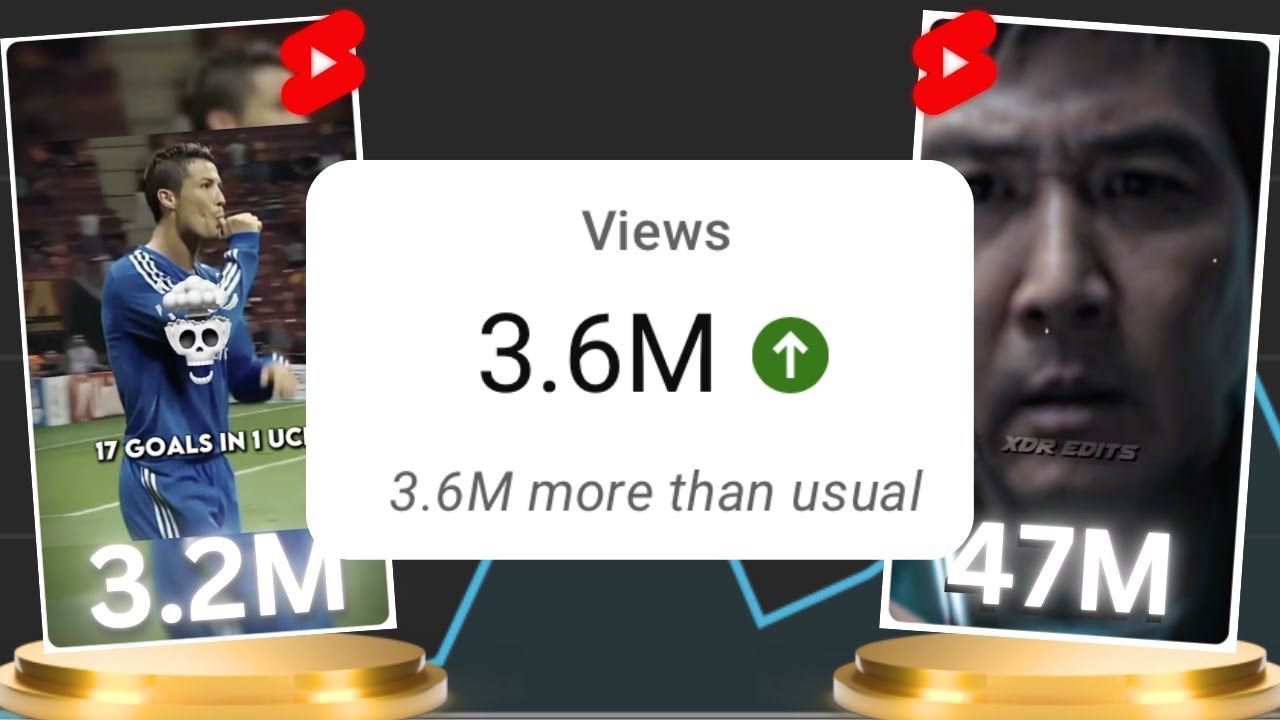
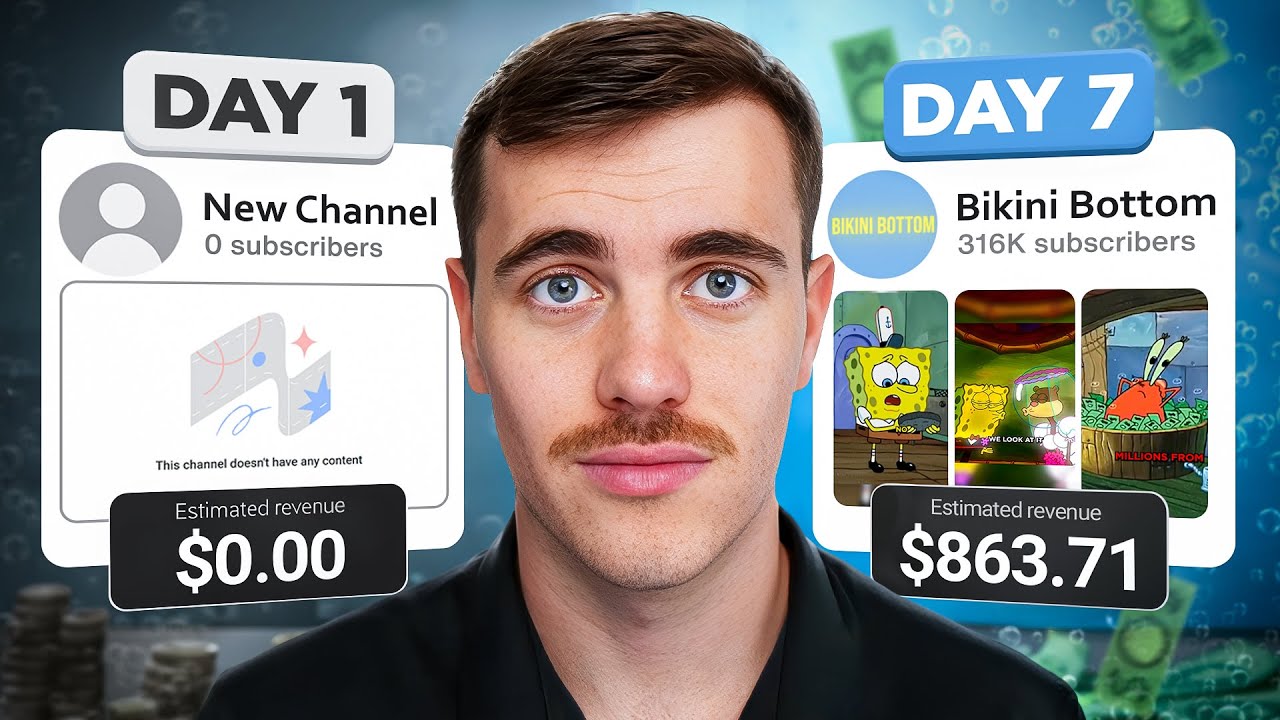
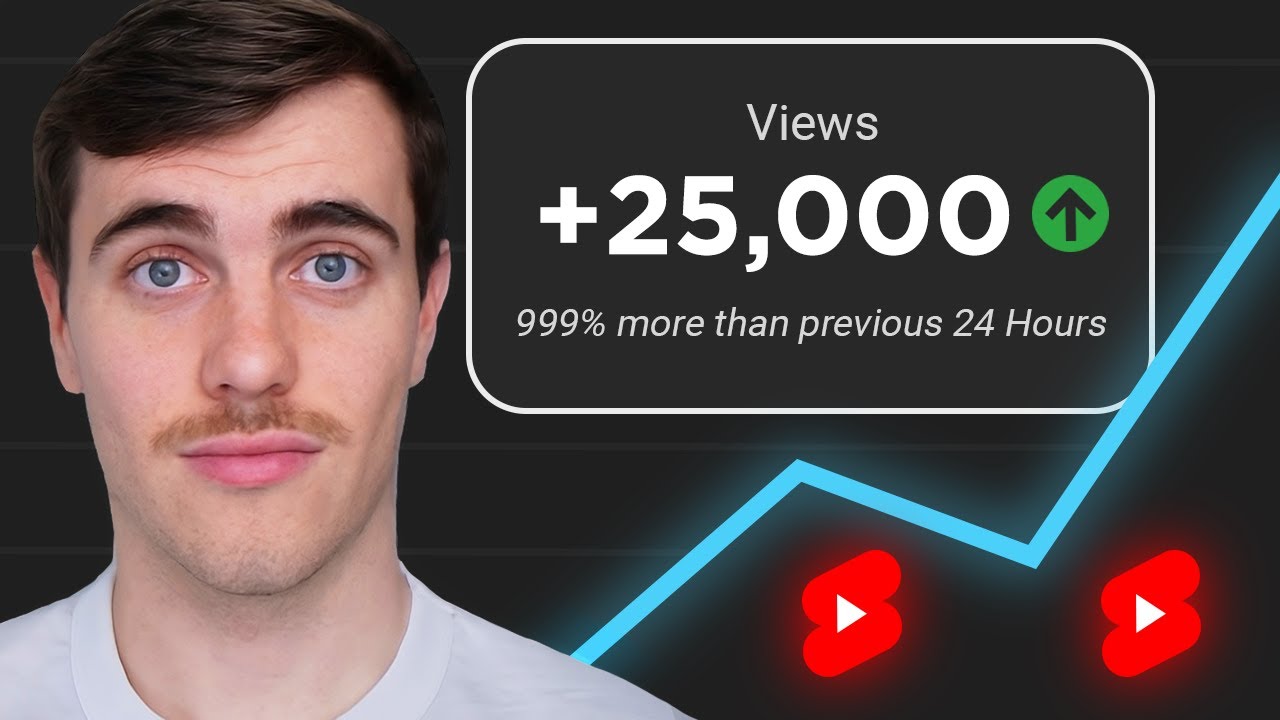
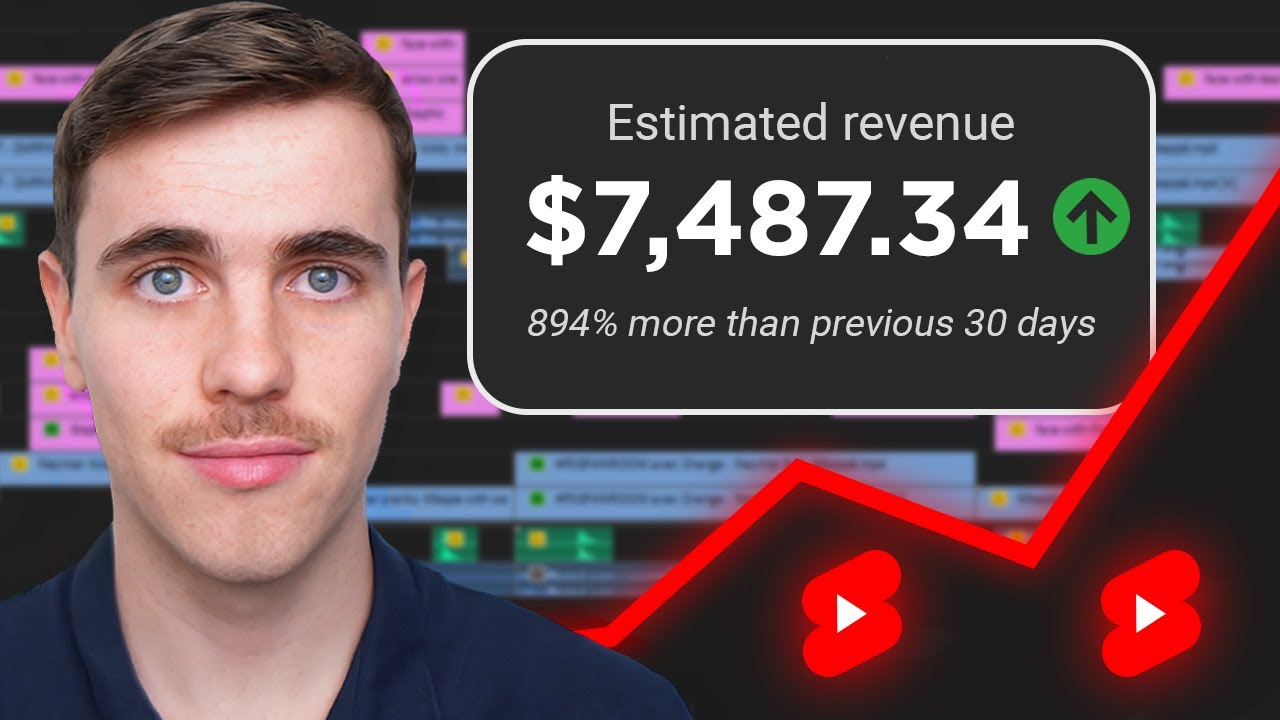
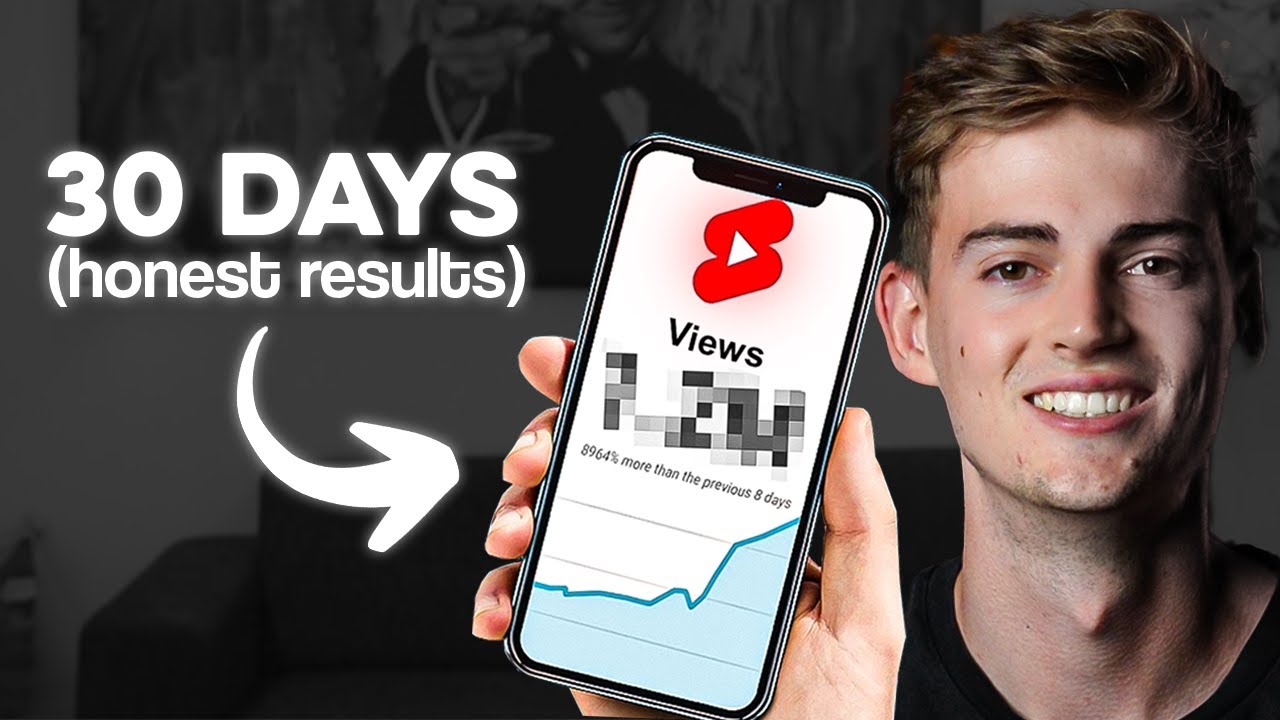
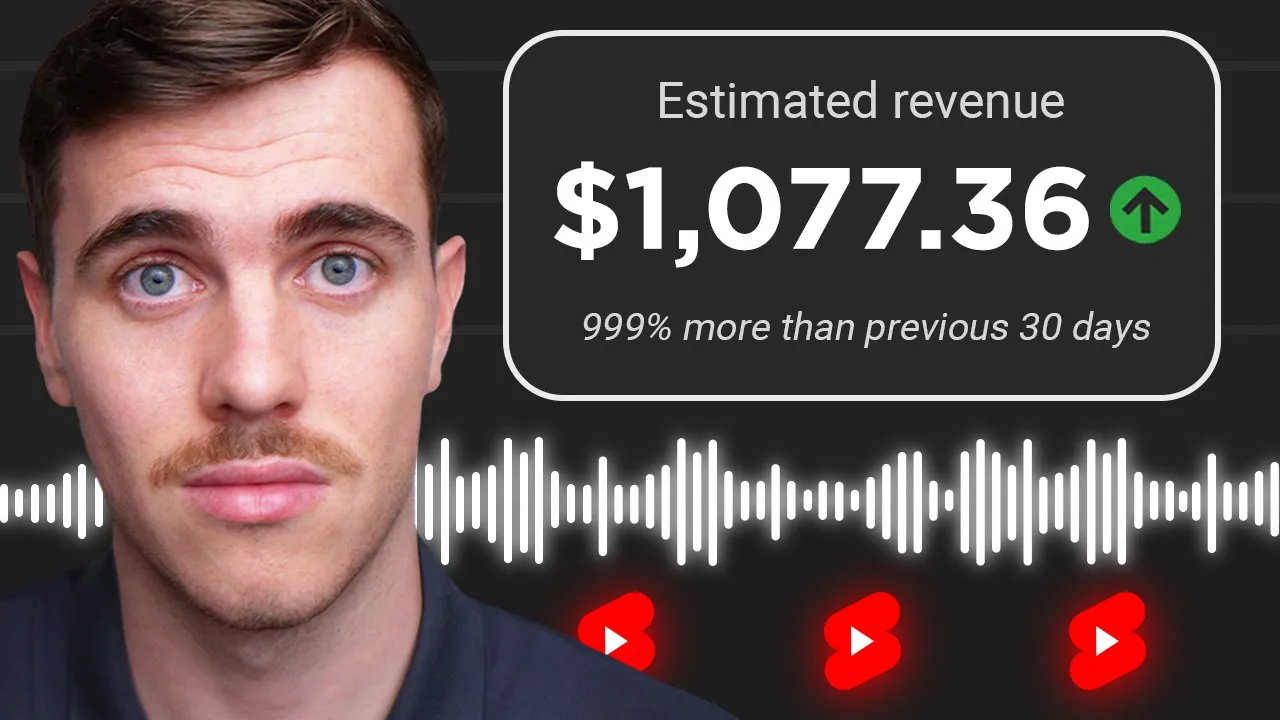
my AI voice to YouTube shorts Channel generates $11,000 per month at 40,000 subscribers I started this channel 90 days ago and it took me 22 days to get monetized here's a guide on how you can create this content so you can get the same results step one let's first decide what type of AI voice content you are going to create these are the AI voice shorts that I upload and so you can get an idea of what they are here you go to be honest haland will not beat my record he is fast and this
short hit over 10 million views and the engagement on these shorts are very high and as an overview of how we create this content we first write a script then replicate a voice using Ai and then do video editing this style of content made me go viral on my second upload because there are no other channels creating this content and so you can achieve the same result I want you to select a topic with famous individuals so we can replicate their voices and there's really no topic that you can't enter with this Niche whether it's
another sport the music industry or popular streamers there's always a voice you can replicate the key though is to not select football so you can be in your own Niche with no competition I will now explain how to create this content and give you all the secrets and to do this I will switch over to my setup step two we need to write a script that our AI voice will read I write my scripts by taking inspiration from creators that upload their opinions on Tik Tok I have good results using this method because I'm getting
millions of views and my comments State how what I'm saying is facts to find these types of creators just go to Tik Tok and type thoughts on and then whatever your topic is going to be to find a good video topic look at the views and the comments as this will be an indication of how it will perform on your channel now copy the URL and find a Tik Tok script downloader obviously there's nothing wrong with researching across multiple platforms to write your script but I find this method the most efficient because the scripts are
already written for you if you use my method you will need to make format changes and then you should edit the script to make it flow regardless of how you write your scripts you want to aim for 180 words in script length this will give us a short length of 59 seconds when we finish video editing we try to maximize our short length because this helps us increase the most important YouTube metric called average view duration or avd step three we need to create an AI voice that will read our script and this requires a
voice sample I am going to use a football as voice but use whatever voice is suited to your topic so go to YouTube and find either a podcast or interview when the individual has spoken we want these types of videos because the quality of the voice is always high and there's usually no background noise now copy the URL and find a YouTube video downloader once downloaded open it in a video editor I will be using Premier Pro and we want to create a 5minute sample of just the individual's voice so you might need to use
the cutting tool to remove any other voices or background noises once you have your final sample export the audio in an audio format and to actually make the replicated AI voice we are going to use a website called 11 Labs come to voices add a clone voice and then instant cloning this will cost you money to replicate voices and I'm not being paid to promote this website but drag in the audio sample you made and you'll now have the ability to generate the replicated voice copy and paste your scripts one line at a time and
adjust these settings until you are satisfied with how it sounds and just continue pasting and downloading your voice until complete step four we need to begin editing to start drag in your voice over and cut out any moment where there is no voice being played now we need to add visuals to do this I search on Tik Tok for edits related to my video topic this is the best method because these Tik toks are in compilation form where there are new clips being shown every 3 seconds this is an effort-free way to start increasing our
avd as one of the basic principles is to have constant change every 3 seconds once you find a Tik Tok that you want to download copy the URL and find a Tik Tok downloader bring the downloaded Tik Tok into your timeline and we want to show only relevant Clips to whatever our voice is speaking about for example my voice over for this section is speaking about how a player has scored many goals so I will show a clip of the player scoring a goal it sounds so basic but this is where I find so many
creators go wrong they start using random stock videos or Minecraft Gameplay instead of showing relevant Clips but back to the short I will go through now and find relevant Clips to whatever my voice is speaking about if I need to I will search for a specific clip on Tik Tok or go to YouTube to find even more Clips but now we have a rough cut some of our Clips are too small so we need to increase the size to make them feel the frame before we continue the video I do want to announce that I
am finally offering private coaching where you can get help from me directly to make you go viral I have left a link below if you want to learn more about this step five now that we we have a strong base we need to start doing retention edits to increase avd and we start with edit one this is the most advanced and it will take your short from something that the viewers will swipe on to a short that will stop viewers from scrolling and actually watch your short and this technique is to blend the speaker's voice
with your AI voice so you can understand what I mean let's watch one of my previous shorts as an example no because you you don't have to compare Neymar with myself because he could have done so much more hey if you didn't catch that this blue track is when the individual actually spoke and it matches the lips but when we switch to this green track this is when we change to our replicated voice that is reading our script using this technique it requires you to watch your podcast or interview to find a sentence that could
fit at the start of your script and it may require you to rewrite your first line and then generate a new voice clip the result takes your content to the next level we met uh when I was at United it was obviously there but perhaps the this is the kind of quality that will make your shorts get millions of views just like mine and to take your shorts to the next level again add another blend at another time throughout your short edit two add an image at some point throughout your short to break up all
the movement again make the image relevant to what your voice is speaking about I keepy my image durations to 2 seconds and I add a zoom to the image which gives this clean effect I also add a transition when we go from video clip to image to make the cut look seamless and I personally use a film burm transition I also add a transition whenever we go from speaker to video clip because it breaks up the sh nicely of course I add a sound effect whenever we make a transition and I use a camera shutter
sound effect edit three subtitles use an auto captioner so you don't have to type out your captions for my text I use Gotham font and these are the settings for positioning I never Center my captions vertically because if the viewer wants to watch without reading the captions they can't so having the captions on the lower half is the best of both worlds edit four add background music I use slow Pac background music and if you want to use the tracks that I use here are the names you can add any copyrighted track on your short
and you will still be monetized looking at my YouTube Studio you can see I have monetization on for all of my shorts and if I roll over any restriction you can see copyright protected content doesn't affect Short's Revenue edit five this last edit is the most overlooked and its make or break for how your short is going to perform and its volume select all your audio tracks press play and find your audio meter you should see a yellow bar flash frequently and if you can't increase your volume just make sure you don't increase it too
far and start seeing red bars flashing constantly having a loud volume is essential because if your short is quiet viewers will just keep scrolling when they hear your short on the shorts speed and just another quick note make sure your music isn't loud than your voiceover it's called background music for reason step six export your short and upload it to YouTube but don't open a brand new channel because from experience this is the fastest way for you to get zero views YouTube will consider your account a Spam and just not push your shorts into the
algorithm and even worse remove your channel from YouTube for my channel I've been using it for over 10 years just watching videos on YouTube I'm not saying that you need to have an account with years of History just try use one that you've been active on so you can start getting views now back to uploading name the short something relevant to your topic using keywords I usually add an emoji at the end of the title but that is just personal preference for descriptions I like to repeat the title and add a hasht shorts for settings
we want to make sure that we select this content is not made for kids even though none of my content has mature themes selecting made for kids puts your content on YouTube kids now because we're using AI to generate our voice we need to select this altered content setting I also recommend adding a note in your description just to make the viewer aware that we are using Ai and that's it your short is ready to upload step seven if you want to start earning money from YouTube shorts you need to gain 10 million views and
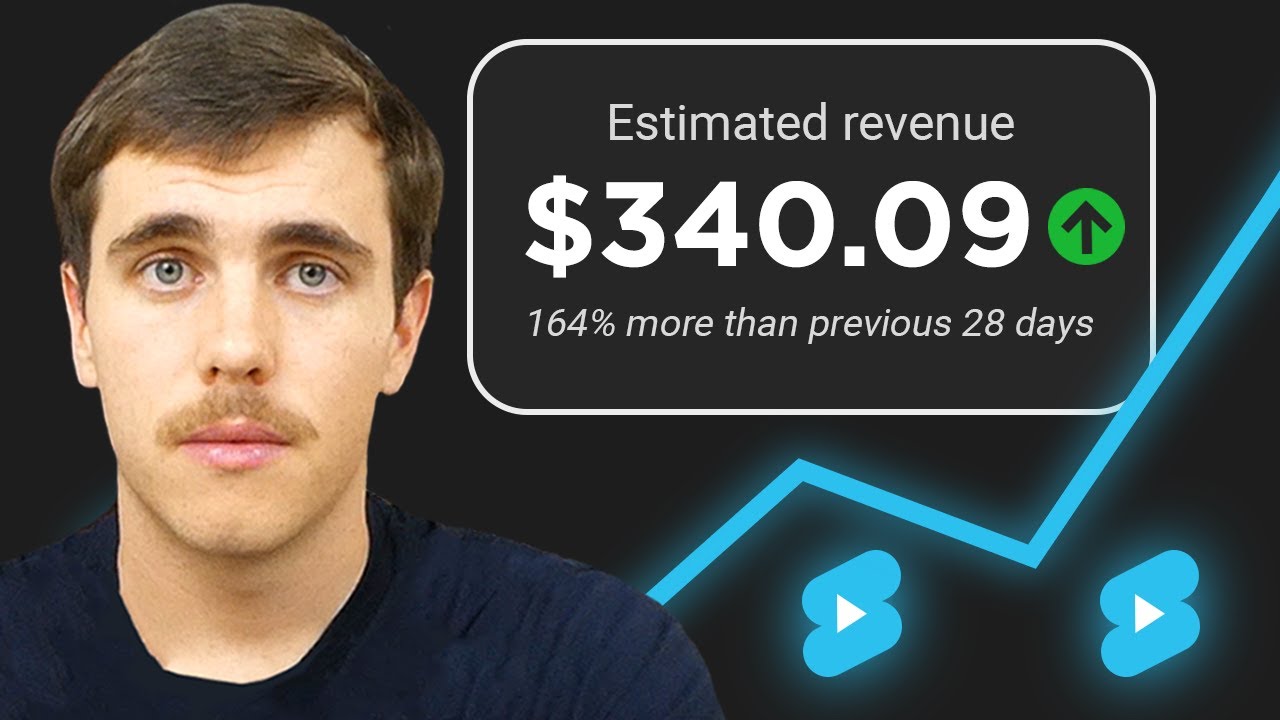
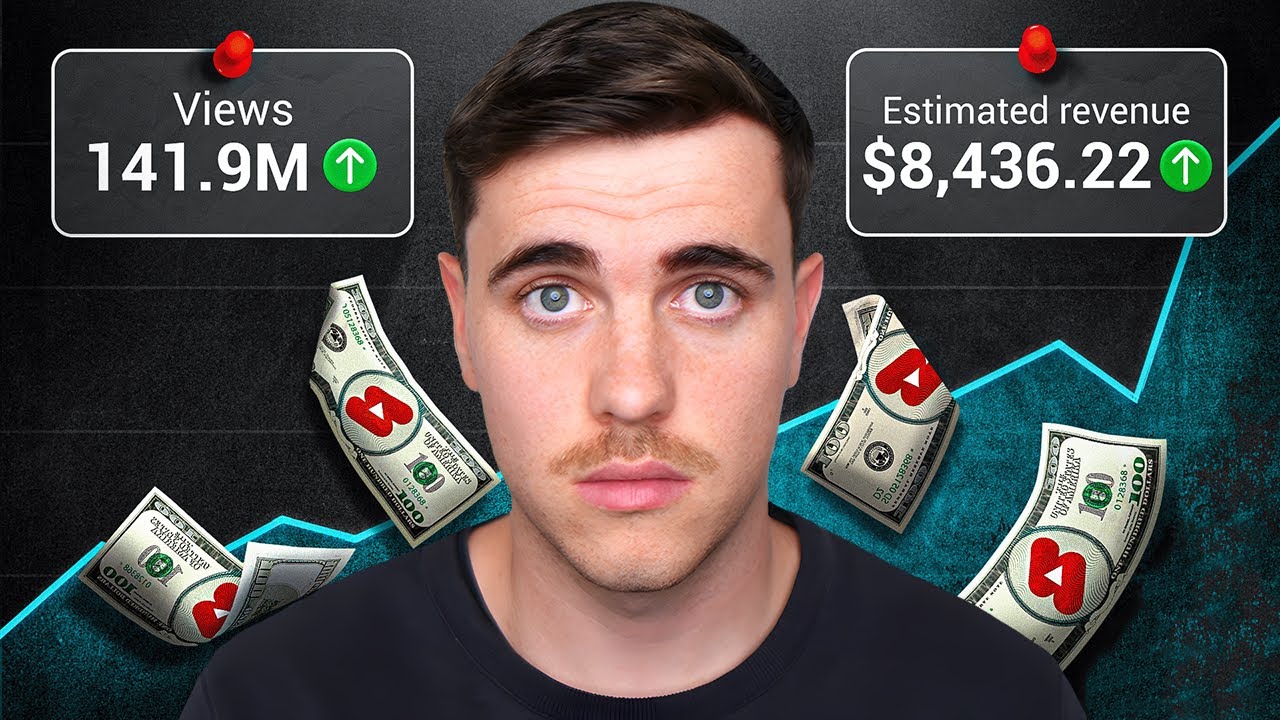
1,000 subscribers in a 90day period it took me 22 days to reach this amount and this type of content in the football Niche can easily earn up to $60 per day the earnings will depend on what your demographics are but the RPM I am being PID made is on the lower end of what's possible with shorts but I do want to be very clear about using this method I've explained in this video you should not use these strategies to spread misinformation or hate the content I create is not negative and I only stick to the
facts if you do start to create content that falls within YouTube's misinformation rules you will be removed from YouTube I am not responsible for how you use these methods it is up to you to do the right thing step eight that's it that's the entire method any questions leave below and I'll give you a reply if you want personalized help to make you go viral my website is linked below
![How To Make ORIGINAL TikToks & Reels With AI [TikTok Creativity Program Beta Course]](https://img.youtube.com/vi/VIZwu9g8KPs/maxresdefault.jpg)