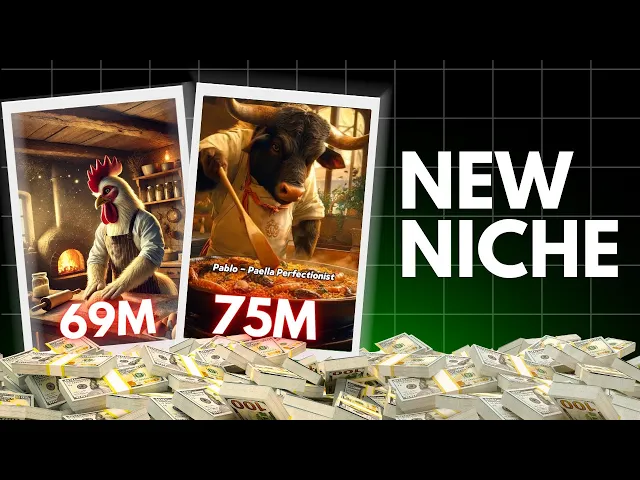
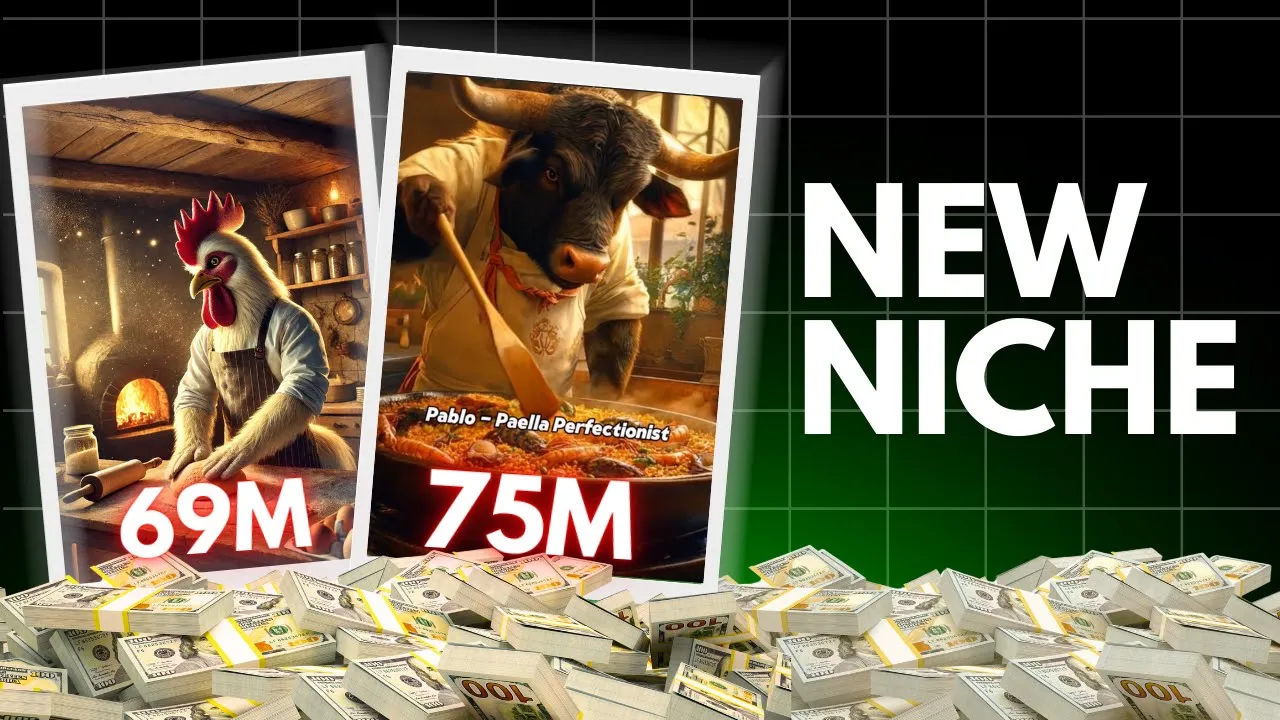
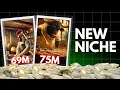
hello money makers check out this [Music] video Let's assume you were scrolling reals or YouTube shorts or Tik Tok and this video comes up don't you think you would stop and watch it till the end or perhaps you might watch it again and again or share it with your friends as well this is the the power of AI and since very less people are doing it those who do correctly are making good money with this Niche many people comment on my videos that such videos don't get monetized but trust me if you do it correctly
your videos will be monetized let's assume if the channnel is not monetized you would still take advantage of the huge following and take good sponsorships and make money you can also do affiliate marketing as well by promoting related products to your audience and you will get a percentage out of it by the end of this video you will be equipped with all the knowledge it needs to start a YouTube channel Instagram page or Tik Tok account on this Niche without paying a single penny there are so many Channel who just post useless Niche that are
very competitive but trust me this is the only channel in this entire space who posts genuine faceless monetizable Niche tutorial that you will not find anywhere else so let's grab some coffee as it's cold here where I live and watch this video till the end without skipping a single part all right to create this type of video the first thing we need is to generate amazing images of animals cooking for this we'll need a perfect image prompt that can generate such images and to help with this we'll use chat GPT so open chat GPT and
enter this prompt generate 15 hyper realistic cinematic image prompts for anthropomorphic animals as chefs each with a unique name and personality cooking specific dishes in rustic kitchens with subtle fantasy elements each prompt should describe the animals species and their distinctive personality I've added this complete prompt to my free WhatsApp Channel you can join through the link provided in the description to access it easily I've included all the details in the prompt like what kind of images we need the type of animals their cooking actions lighting and everything else all you have to do is copy
the prompt from my WhatsApp Channel and paste it into chat GPT chat GPT will generate image prompts for you in seconds if you need more just type generate more and chat GPT will keep providing prompts this way you can generate unlimited prompts without any hassle now if you want to create a scene where different animals are delivering food you'll need a different prompt for that you can use the following prompt generate hyperrealistic cinematic image prompts for anthropomorphic animals delivering food in unique creative ways include details like their mode of Transport EG bicycles magical flying baskets
the food they're delivering and the overall mood and setting I've also added this prompt to my WhatsApp Channel you can find it through the link in the description and if you don't want to go through the hassle of creating prompts I've already compiled everything for you you can directly copy and use it without any extra effort I've added all these image prompts to my Google Docs along with instructions on what kind of text or lines to add for each scene you can access the document by joining my WhatsApp Channel Through the link provided below all
right with that our first step image prompt generation is complete wait wait if you want me to cover a specific topic for you just add the name of the channel and some information in the comment section I will pick your comment and create a dedicated video on that topic for you now let's move on to the next step generating images for this I'll share two tools where you can generate images for free the first tool is CG dream AI this tool gives you 100 free credits which you can use to generate plenty of images easily
if you like any of the available image Styles you can select one and generate your image accordingly alternatively you can customize your own filters and effects to suit your preference now let's paste our prompt and hit [Music] generate wow that's amazing amazing right that's incredible now let's generate another one wow this one is also good so you can easily generate stunning images with this tool all right let's move to our next tool Leonardo AI open Leonardo Ai and sign into your account this tool gives you 150 free tokens to use each image generation will cost
24 credits so you can create several images within your free allowance from the dashboard select the image generation option then choose Phoenix from the preset Styles Select Auto and dynamic for the settings set the ratio to 9x 16 for video format now let's use the same prompt with Leonardo and see the result here it is the result is good but personally I prefer the output from CG dream AI more than Leonardo let's try another prompt to compare the results further and this one is good sometimes you might need to adjust a few words in the
prompt if the result isn't exactly what you want then try again and you'll get the desired output however if you have chat GPT plus you can generate images directly with chat GPT itself and as you can see the results are absolutely amazing so with that our image generation process is complete now let's move on to the next step step three animate the images to make your images more engaging we'll convert them into videos for this I'll show you two tools that produce incredible results the first tool is vivago AI this tool allows you to generate
up to three free videos per day here's how you can use it on the left hand side select the video generation option then choose image to video upload your image select the desired aspect ratio and hit generate and there you go your video is ready this tool will generate a 5-second video from your image as you can see the result is fantastic if you want videos longer than 5 Seconds you'll need to purchase the paid plan however for most purposes 5-second videos are sufficient as you can combine multiple clips the next tool is Hilo AI
let's move on to this tool for creating even more stunning video results with Hyo AI you also get to generate three free videos per day however the only drawback is that it takes quite a lot of time to process each video that being said the results are absolutely amazing as you can see if you're planning to stay consistent in this Niche for the long term I'd recommend investing in a paid tool paid tools not only provide better quality but also save a lot of time on the other hand if you're just starting free tools are
a great way to get going once your channel starts gaining traction you can switch to a paid tool to improve efficiency and output quality this is how you can convert your images into engaging videos now the last thing we need is copyright free background music you can get it from platforms like YouTube audio library or pixabay but if you want to create your own unique background music and establish your brand you can use AI tools for that as well for this head over to sunno AI sign in to your account and you'll find an audio
library filled with music you can use alternatively you can create your own background music by providing a prompt here's the prompt I use create a calming background music track with soft piano and gentle strings perfect for a cozy and Serene atmosphere the tempo should be slow with soothing Transitions and a light Ambient sound you can use a prompt like this to create exactly the kind of music you need once the music is generated listen to it to ensure it fits the vibe of your video [Music] wow that's cool right this way you can create your
own unique background music now that we have all the materials ready it's time to bring everything together to make the video let's move on to the final step step five editing for editing I'll use the cap cut desktop app but you can use any tool you're comfortable with first open cap cut and import the background music along with all the generated videos start by dragging the background music into the timeline then add your generated videos one by one if needed you can also adjust the speed of the videos to make them sync better with the
flow of your background music you can add as many Clips as you want but make sure to include at least [Music] five next you'll need to remove the water mark simply crop the video and adjust it to a 9x6 format something like this then apply transitions between each clip to give your video a smooth and Polished look you can try different transitions for variety or apply one to all clips for consistency after that you can also add effects to your video for example I'll apply this effect across my entire video to create a specific mood
now let's decrease the speed and adjust the atmosphere slightly to match the tone of the video the next step is to add a text box from the available templates choose one that you think suits your video now include lines like these Gustavo Grill Master lion skewer King add these titles one by one throughout the video making sure they align with the respective visuals this is how it will look in the final result and that's it your video is ready so guys if you found this video helpful or learn something new don't forget to like share
and subscribe it means a lot to me now let's take a look at the video we've created [Music]