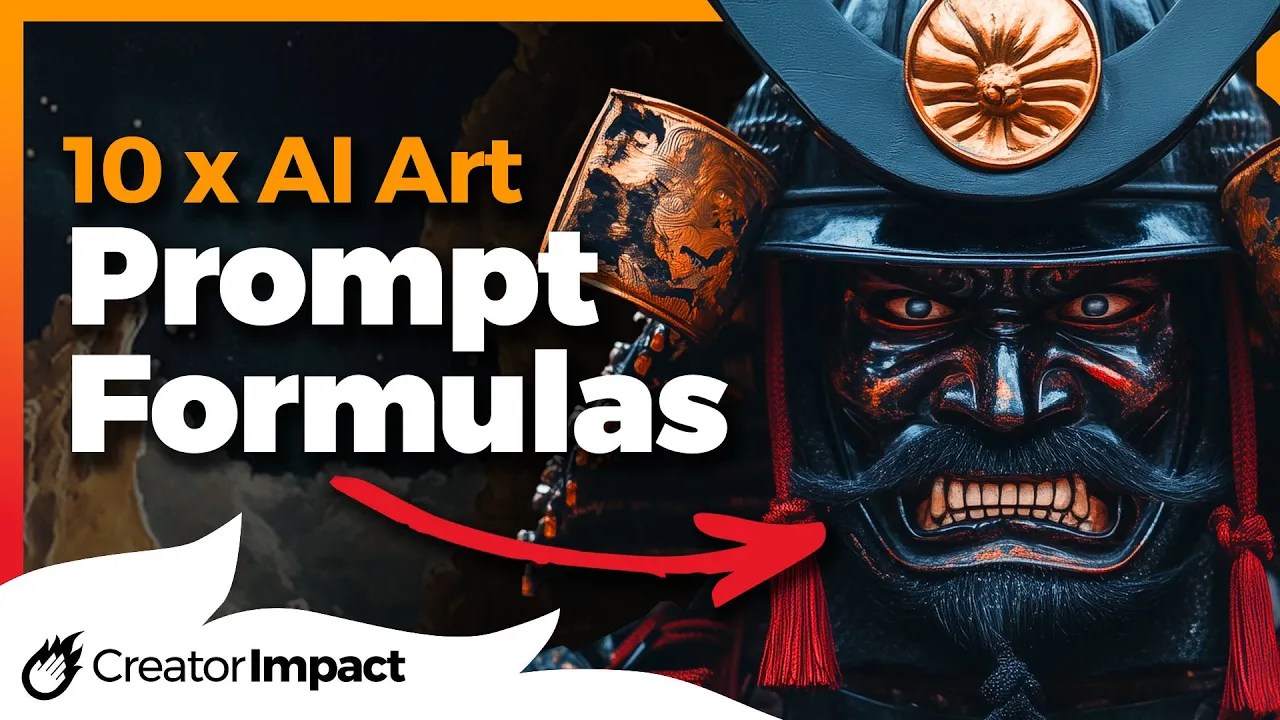
I've got 10 AI art prompt formulas for you today that you can try to get some very specific results from your images now these are designed more for Mid Journey but can be used on any AI platform and the images you see here have been created using mid Journey but to kick things off I've got a prompt formula here for photography based images it's got a subject in photography style composition lighting format of the shot and Camera type of course you can add or remove any of these but you want to change them out and
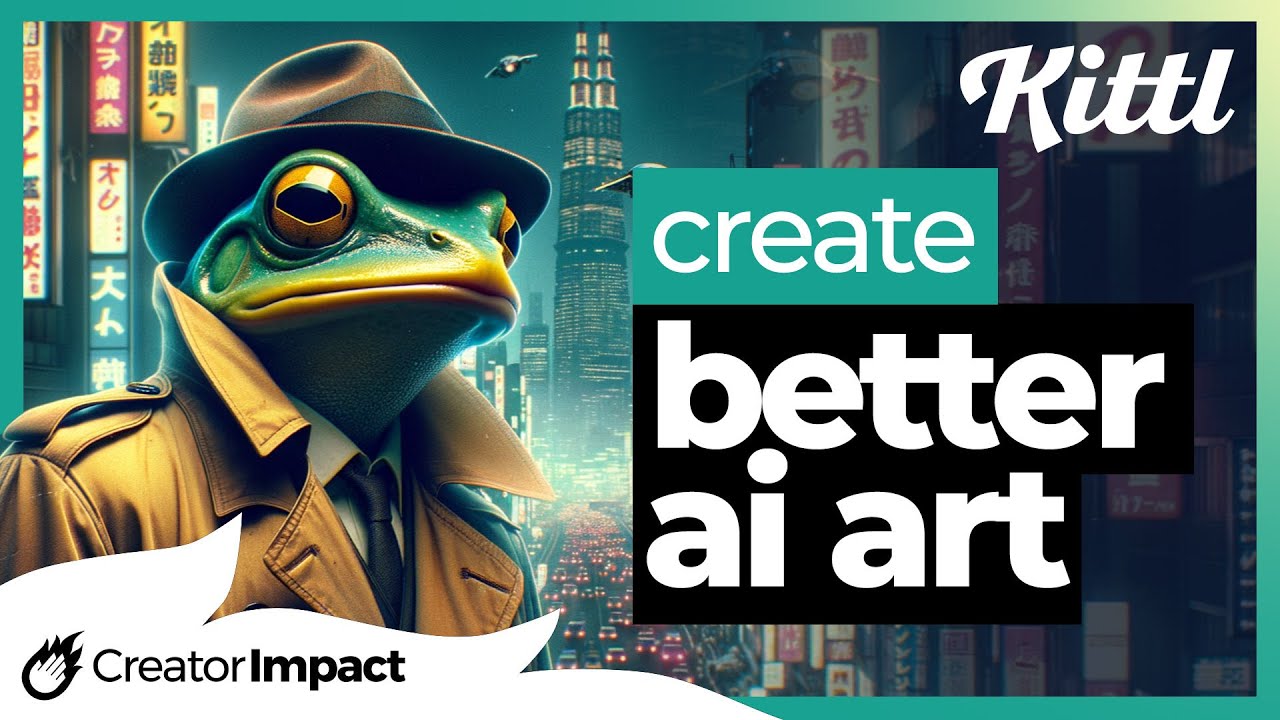
I'll show you quickly how you can do that in Journey so I recommend copying these from the description below I'm going to change my subject here for this first example into a frog the photography style I'm going to change into a vintage portrait I'm going to change the composition to Head and Shoulders the lighting Studio lighting the format of the photo a 35 mil film shot with a 100y old camera after you've replaced each element you can submit your prompt and that formula has given you a guide to getting some images similar to what you
see below which is four very old-fashioned looking images of frogs but what if we want to change it a little bit I reuse that frog prompt by clicking use next to the images and I change the Vintage portrait to a selfie I change Studio lighting to Golden hour I remove 35 mil film and replace it with Instagram post and instead of 100-year old camera I put an iPhone and then instead of having no camera on there I have no phone and the no is to remove that object from the image so I've been able to
change the nature of the image into more of a modern selfie Type image by changing those various elements of the prompt formula and by switching out the various elements to the prompts you see on screen you get some very different types of photos you can change out the subject and change out the photo type the camera the the format of the shot and each one just gives you a little bit more control over how that final image looks as you can see for these images you get some pretty good results so you can use your
imagination to come up with just about anything for these placeholders I think Polaroid worked out pretty well with this particular image but if you're looking for something historical try this one character in historical setting the style of the image and the action that they are performing so you see here we have a clan on World War I newspaper photo running through the battlefield so you see how easy it is to switch out some of those elements and get a pretty interesting shot all this one with the Terminator medieval France we can come into a castle
professional photo we get that professional photo quality so just keep switching out those elements and you'll see that you can quite easily get very sort of historical looking photos historical looking elements in the background and changing the style such as an oil painting can have a really nice effect and get you something that really looks very similar to something from history then the next one is a very short but transformative formula it's subject inspired by anything and it does a really good job of taking your subject and adding that element to it so got a
frog inspired by VHS glitch effects and you can see how it's kind of got that glitch effect added to it even in the skin under the belly or in frog inspired by an upright human body so it's standing upright or even a frog inspired by superheroes to add a cape which I think looks pretty cool but it also doesn't have to be an object you can also apply an artist so I have a frog inspired by HR Giga so you can see we've got that HR Giga style so any art style or artist also helps
or even ancient Roman buildings so we got like this ancient Rome building type effect added to that frog there's a lot more you can do with this and I highly recommend experimenting with it for a bit of fun but if you're looking for some more prompt formulas including the list of these ones in the video today I have a list of 25 prompt formulas in a digital download you can get link is in the description below if you want to check that out then we have subject scene in the style of artist or style so
this one's pretty common but it's a very powerful way to apply style to an image so we start with a dancing girl we can add an artist such as Pablo Picasso or even HR Giga to get a different effect on that otherwise we can add a genre of art such as surrealism if we want to sort of go more for a broader sort of genre of artart we can describe it more sort of succinctly something like ink dripping drawing as you might have seen me mention this before or try something unique like in the style
of a melted cheese statue your imagination is pretty much the limit here an artist style or even just your imagination can get a pretty good result switch to a frog riding a bike in Pablo Picasso we get this really cool style of image we can also try the melted chei statue to get something interesting or even the ink dripping drawing again and you can see how that style transforms the image overall and and even the HR Giga style creates a very unique style of image when applied to it but as another quick example we switch
to a moon in cosmic space filled with clouds again we get the ink dripping drawing with a nice dripping effect the melted shei statue does a pretty good job of creating something very unique then we get that dark high contrast almost alien look with HR gigar a little less of the elements but still an overall feel of that style character to character texture transfer is a nice fun style you can use to kind of like take one character and combine it with another starting with Captain America to The Incredible Hulk texture transfer we get this
cool hulked out Captain America take the same Captain America and apply it to something like hom Simpson and get this very odd Homer Simpson likees version of him or Mickey Mouse if you're looking for something a little bit creepier with this formula but also the Terminator makes for a very interesting skull-like Terminator version of Captain America but sticking with the theme of The Terminator we got Mickey Mouse and we get something incredibly creepy here's something I find interesting I've got the Terminator to The Incredible Hulk and we've basically got the Terminator in a Hulk Dead
version of him but if we switch the characters around we get the Incredible Hulk dressed as the Terminator so the order does make a difference when using this particular formula and again we have Pikachu with the Incredible Hulk hulking out and Wolverine to The Incredible Hulk so you can see how you can have a lot of fun creating some images with this particular formula something that a lot of people do this kind of thing on social media very effectively but this one is a nice clean Vector logo formula which minimalist Vector logo design of subject
by artist or graphic designer so in this case we have Pikachu uh By Carolyn Davidson who's a very famous famous designer or even Paul Rand another famous designer to get some pretty interesting results switch over to Mickey Mouse by Paul Rand we get again another minimal Vector style emblem but you can also just describe a worldclass graphic designer instead of the actual artist itself you can describe the artist or even a lowbudget graphic designer for this design of a dog but adding a little bit more info to the subject like a vector logo design of
white outlines for a coding Company by HR Giga you get a really cool result like this one switch it to a kator armor the creator of Dragon Ball we get something a little bit different again or even Picasso to get this cool Cube like line sort of logo so you can see how it's easy to get some cool logo designs using this formula then when we have a subject or object made out of a type of material in order to basically create something made out of a particular sort of substance so we have the head
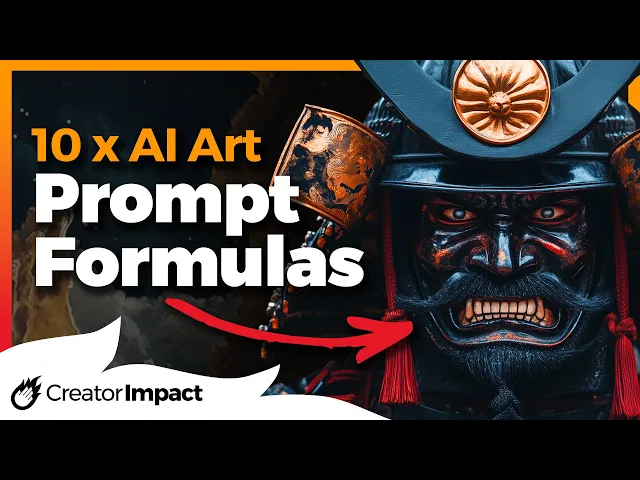
of a samurai made out of rock we get this nice statue rock- likee statue or even made out of marble for a nice marble effect or you can get creative and say made out of Lego bricks or something a little bit different like red jelly and this is a pretty cool effect and of course I have to mention our made out of melted cheese to get another interesting example or solid iron so you see just how easily this formula Works to create some interesting objects and statues but tapping into a motion also has a very
powerful effect so we have a motion image of subject we have a happy image of a samurai warrior looking pretty happy we switch it up to sad and we got a nice closeup of a sad looking Samurai Warrior so you can see how this works kind of already an anxiety image has an effect on that too and of course Furious so you can see you can actually use this to help sort of put emotion into your characters but it doesn't just stop there it also works with animals so we have a happy image of a
dog a sad image of a dog and even anxiety and the way it transforms the image and the colors really makes a difference switch it up to Furious and the whole image changes not just the expression of the dock and to demonstrate how much difference you get I also have an empty City street so happy we get something that looks colorful a little bit vibrant and just kind of a happy color profile but sad dulls those colors down get really dark high contrast sort of Misty clouds switch it up to anxiety there's a little bit
more of a blue tint to it you can't tell this is anxiety but it has definitely had an impact and when we make it a furious image we got a very damaged Street things are falling to bits and we got a very muted almost dystopian power so you can see how you can actually use that to change the mood of your images not just your characters this one is also a bit of fun subject in movie scene movie screen cap the movie screen cap makes it look like it's actually a scene from the movie so
we have a small puppy in the movie Tron and you can see how he's kind of got that Tron outfit on go further back in time to the 1950s Japanese film 7 Samurai and it really Nails the aesthetic of that shot and we got a Star Wars movie on the Death Star sure the death stars in the background but the aesthetic definitely fits and worked very well also with Andy's room in Toy Story got a very very good aesthetic and actually see Andy's room in the background I also tried on the Nostromo for the movie
Alien by Ridley Scott to really nail that down and we didn't get the alien but the aesthetic was definitely on point I changed out the robot frog instead of a puppy for the Japanese film 7even Samurai and we get over it the aesthetic very consistent same again with the Star Wars moving on the Death Star this looks a little bit closer to actually being on the Death Star and also in any room in the movie to Toy Story he actually converts it into a toy and definitely nails that appearance and again on D stro in
the movie Alien we get an almost alien-like robot frog the aesthetic again being nailed especially for the Nostromo however we also have subject an abstract style color scheme and light lighting in order to get a nice abstract style of image that's a little bit different so I have here a clown's face in digital glitch style neon colors glowing lights creates a very unique digital style of image I switch it up to surreal abstract collage mentioning purple and green and it gets purple and green the dark lighting adds something to it as well and then changing
up to asy characters radioactive saturated colors high contrast creates this really cool image but then when I changed it to geometric abstraction with radioactive saturated colors again we get this cool sort of like painted face look switch the colors to CPR we can still see that same effect but with sepia color added to it so this is a great formula just for really getting a nice abstract style nailing down the colors and the look of the image as well so you have a little bit of control and you're not just rolling the dice to get
whatever image comes out but what did you think of the The Prompt formulas shared today do you have any uu that you would like to share in the comments below would you like to find out more again check out that download below 25 a prompt Styles it is a free pdf download it includes the list of today's styles if you or today's prompt formulas if you want to get a hold of that otherwise that is the video for today guys and I hope you found it useful if you did please consider giving the video a
like wise thanks for watching the video hope to see you again soon have a great day [Music]