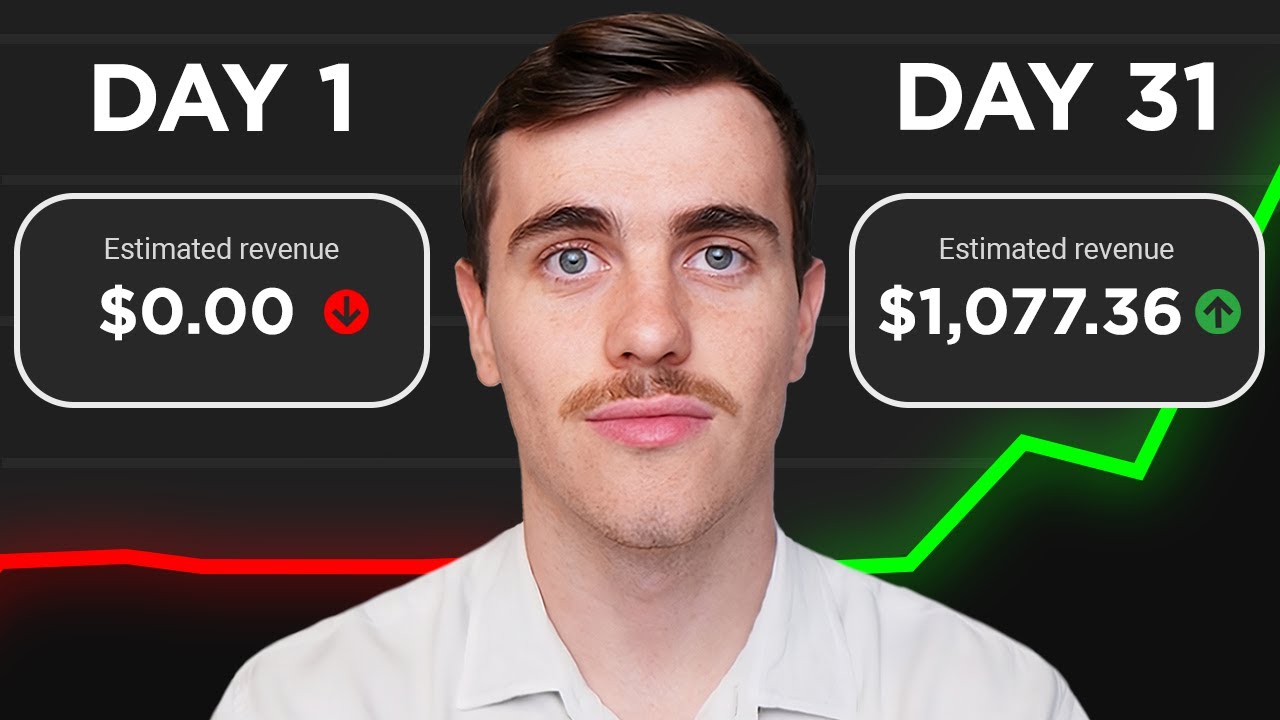
these are screenshots of people making hundreds of dollars per day with the copypaste online method I'm about to tell you about it's called AI video Automation and it's breaking the internet most how-to videos on this won't show you how to really make it work they skip essential steps but in this video I'm going to show you exactly how to make this work even if you have zero experience and the great thing is it can be done with totally free AI tools without selling any products without having to build a website and you don't even have
to show your face in any of these copypaste videos I tested this exact technique myself on a separate channel from this one and it worked great now I know I'm showing my face in this but I'm going to show you where you don't have to show your face so the first thing we want to do is go over to getm mch.com and sign up for a free account you're just going to click get started now and then if you want to get the free version you have to click this little sign up with Google button
right here and then you're going to click continue I will say if for some reason you don't get the free trial you could do this exact same thing with a very similar AI tool called Opus the next thing that you want to do is click on this little Plus button right here to create a new project and then what you want to do is you want to go over to YouTube and find a really popular video and the only requirement is I want you to make sure that it's a video that you have an opinion
about like something that you know something about and that'll make sense later on why that's important but the simplest way to do it is to go over to youtube.com/ podcasts and pick a popular video from this podcast section because these type of podcast videos work best for this business model that I'm about to show you you don't have to use podcast but it works a little bit better if you use a podcast Style video for this now in my case I'm going to pick a video from this podcast Channel called modern wisdom so all you
do is you go to the channel and you find a ful length episode and you're going to copy the link just like I'm showing here and now if you're worried about copyrights don't worry about I'm going to cover that in just a second but once you copy the URL for the video that you picked then you're going to go back to month and you're going to click this button right here short clips for YouTube shorts and then click next and then you just paste that YouTube video URL in the selected area right there and then
after that you click next and it will give you the option to stylize the shorts and to choose your favorite caption style and once you choose your favorite style there then you just click next and then you're going to be greeted with the final step which is the fine tune where you give your project a name and you describe what kind of video and in this case we're going to do interview or podcast then for optimal clip length I pretty much just let it decide because it usually does a pretty good job at picking how
long to make each one of these videos once that is all done you just click munch it and it will begin cutting these into shorter videos for you now one important note this is probably going to take 30 or 40 minutes so you can literally just leave this tab open in your computer and go get some coffee or do another task while you're waiting now once this is done just look at this this is insane what it's done is it's taken this long video and it's chopped it up into short little chunks and it's added
subtitles to each one and the AI has given you keywords that you can use and everything and all you have to do to view these is you just click on the video and it's going to pop up the video and then more info will come up like that and you can completely edit anything you don't like out of it before you export it now these short little videos are what is going to make you money I'm going to explain how to actually make money off of these in a second but all you need to do
is go through all the videos that it created for you it's going to create a bunch of little ones and make sure that they make sense some of them might just be junk and you can just discard those but there's going to be some really amazing little short videos that it's going to create for you right now and so the next step is all you do is go through each one and watch them and say hey does this make sense and is this a video that I personally would actually even want to watch now I
know we're reusing someone else's content so you're probably worried about copyrights but our goal in this video I'm going to show you is to make these copyright free with the final steps that I'm going to show you now I'm not a copyright attorney so this is not official legal advice but what I'm about to show you is going to help these become copyright free so you can use them under fair use policy and again this is not official but you'll see what I'm talking about in just a second now the next step is you're going
to have to do some minor editing to these videos if you want to make make money off of them it's very simple I'm going to show you how to do it step by step and it's probably going to take you around 20 minutes for each video the other thing that I want to say about this is you saw how long that took and your goal is going to be to create three to five of these every single day so if you figure if each one takes around 20 minutes and you multiply that times five per
day that means you're going to be spending maybe an hour and a half per day maybe a little bit less doing this and it's really really important if you're going to make money off of this that you're extremely consistent you don't miss a day and you do two to five of these every single day and I'm going to show you exactly how to make money off of them in just a minute the reason why I'm bringing this up right now is just to let you know before we get too far into this process that this
is definitely not an autopilot business model in other words it's not going to bring you in residual income you're only going to get paid as long as you follow the process that I'm showing you and as long as you do it three to five times per day so again hour hour half every single day without missing a day so if you stop doing it the money is not going to keep coming in so it's not on autopilot now if you if you're interested in a more autopilot business that brings in money day after day whether
you're working or not I really encourage you to click on the link in the description of this video and get my free class now in my free class I teach you how to set up a system online that takes a little bit of work to get a set up in the beginning but once it's set up it pays you day after day on autopilot whether you're working or not again it's a free class just click on the link in the description of this video to get it now the other fine print of this technique that
I'm showing you on Munch is that you have to be approved for YouTube's monetization program so before they'll even agree to pay you you first have to upload a lot of videos to your channel and get a lot of views YouTube wants to make sure that you are serious first before they start paying you so they don't let you get paid right away now there are some shortcuts to this if you search in Google bottom line you're going to have to do quite a bit of work before you see any payout now if you don't
want to wait and you don't want to bother with all these YouTube requirements and all that again click on the link in the description of this video the business model that I teach in that free class is going to be 100% yours you don't depend on YouTube to pay you you don't have to wait for YouTube or up do a ton of work on YouTube before you get paid my students get paid in a matter of weeks now let's get back into what you need to do to get paid using this copy video strategy what
we're going to do is we're going to go back to munch here and we're going to click on that button right there to export the shortened form of the big video that we made remember we went through we made a bunch of short videos whichever one you like you're going to export those and you're going to save the video to your computer and make sure and remember where you put it so you can find it later the next thing that we're going to do is we're going to go over to a site called CAP cut.com
and I want you to download that and just install it on your computer and I'm not going to show you how to install it it's very very simple to install and then once it's installed you're going to click on import and you're going to select that video that you exported from Munch and you just click on this button to import it now what you're going to do is you're going to make some small changes to the video that you got from Munch using this tool cap cut now the big picture is that YouTube in order
to pay you they require that the video that you put up there on YouTube is what they call transformative which means you've added enough elements to the video that you could call it your own so you're sort of transforming the video into what the short video that it was into something that you could say you made a few simple ways that you can do it and with cap cut it's extremely simple number one I recommend that you add stock video the nice thing is cap cut comes with preloaded stock videos that you can add to
this video so for example let's say your short video that you got from Munch is about avoiding the busyness of life and calming down your mind for example maybe at the beginning of the video you'd want to search for an image of a busy City like I'm showing here and add it to your video for just a few seconds over the top of it the second thing that you want to do is you want to add a music background and again cap cut provides audio all you have to do is Click audio right here and
add an audio clip to your short video and it'll play that audio in the background while the rest of your video is playing and then and the third thing that you want to add before you're going to be able to get paid is some commentary do you remember how at the very beginning of this video I said make sure that you pick a video that you know something about or you have an opinion about that you could say something about that's because in order to get paid by YouTube you're going to need to add a
little bit of context using your own voice now remember this is a YouTube short so you want the commentary to be extremely short like only one sentence all you have to do is give some context for the video in just a few seconds and to do that you just click this button and you add it to your video and it'll record your voice talking directly into your computer or your phone and it'll put it right into the video now once you've done those three things you just click export and you want to make sure and
click the YouTube shorts button like I'm showing here and it will put your video directly onto YouTube shorts for you now all you need to do is repeat that process three to five times and be very consistent with it now remember you're going to need a lot of views in order for YouTube to start paying you so make sure you're very consistent with it every single day now again if you don't want to wait for YouTube you don't want to wait for YouTube's approvals and you don't have to do a whole bunch of work before
YouTube decides to pay you you really owe it to yourself to click on the link in the description of this video and get my free class it's going to teach a business model that's so simple you set it up in the beginning and once the system is running it payes you on autopilot whether you're working or not so you don't have to continually upload videos you don't have to continually use cap cut and get Munch and all this stuff it just works on autopilot bringing you residual income so all you need to do is click
on that link in the description you're going to get to a page and look something like this enter your name and email and make sure you enter your best email because we're actually going to send that free class to you in your email talk to you soon