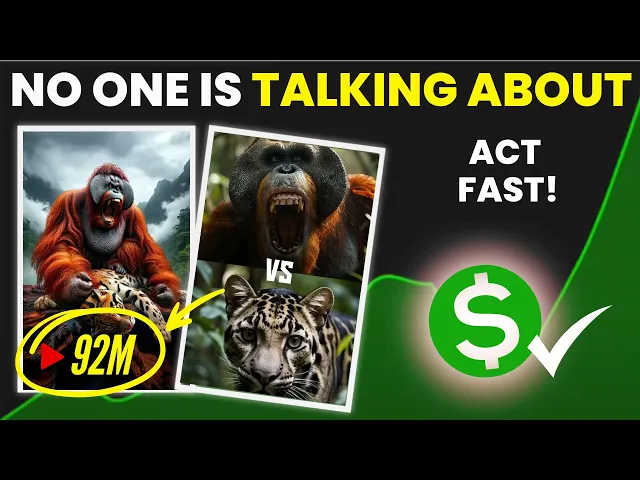
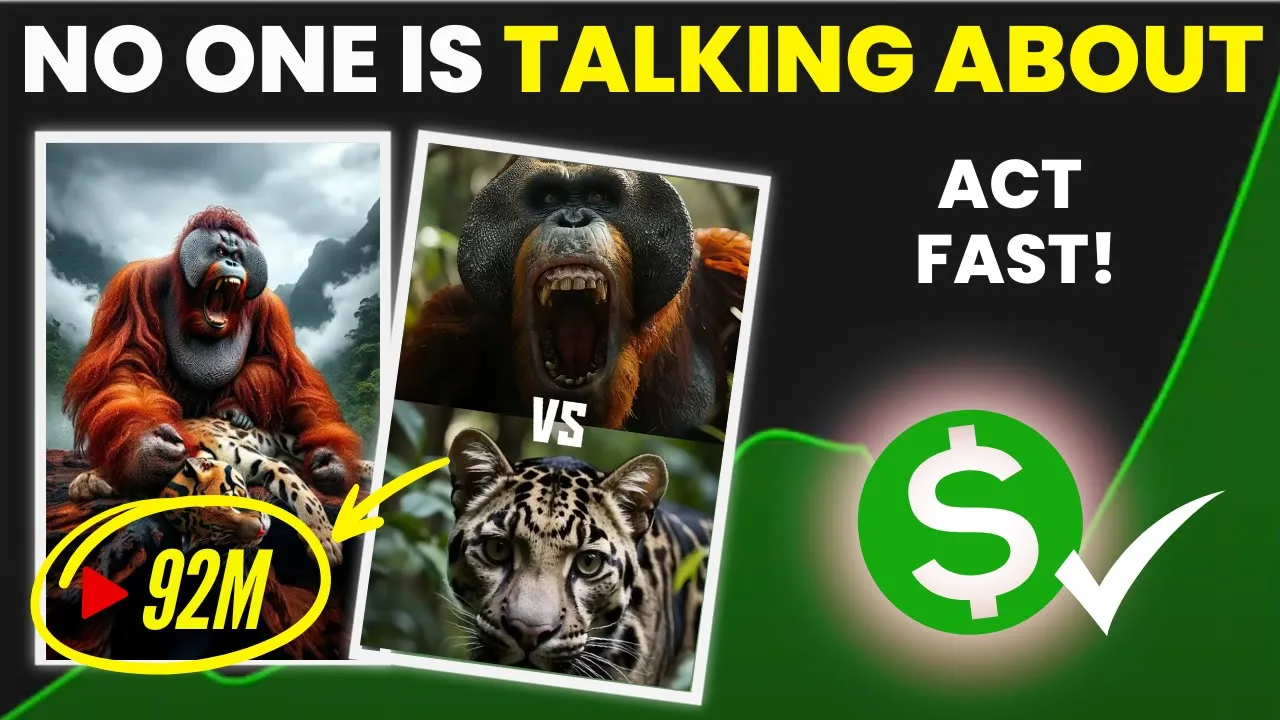
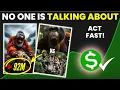
hello money makers today I bought a niche that will literally blow your mind when I first looked at this channel I was amazed by the results trust me I have never ever seen this of results in any Niche till date on my YouTube career this Niche is breaking the internet as people love watching their videos and engagement is off the roof well get ready to see this channel named versus Zoo they have over 600,000 subscribers by just uploading 11 short videos only their oldest video was uploaded back in June 20 24 Which is less than
5 months ago they are literally printing money with this Niche all they do is create animal versus videos with AI don't worry about the video creation part as I was working on this video since last 2 weeks with only 4 hours of sleep I have found and cracked the code to create such videos easily with the help of AI which I will teach in this video for free by the end of this video you will be equipped with everything that you need to know in order to succeed on YouTube grab some light snacks and watch
this video till the end without skipping a single part let's go all right first of all to create this type of video open one of the videos from this specific Channel take three screenshots Two showing the animal in a single stance and the third where one animal defeats the other like this now we need to generate similar images and for that we'll need a very detailed prompt which we can't create on our own to do this we'll need help from chat GPT so you don't need to do much now all you have to do is
join the link provided in the description below once you join you'll get access to the Google Doc with the prompt simply copy the prompt from there and head over to chat GPT then paste it in chat GPT in this prompt I've included all the details like the type of scenes how many scenes there should be each scene should have six parts and one animal that will be common in all scenes like tiger versus leopard tiger versus hyena tiger versus bear Etc there are also example prompts given so chat GPT can understand clearly and generate the
prompts accordingly so all you need to do is copy this prompt and paste it here OU can also upload the screenshots you took from the reference video all right as you can see chat GPT has given us prompts for two scenes the first scene has a tiger and the second one has a shark if you want you can choose a different character just make sure to adjust the prompt accordingly it's your choice this way you can get a lot of video scenes and image prompts from chat GPT all you need to do is keep asking
chat GPT for more prompts if you want a specific animal scene like with a lion you can compare the lion with another animal and create a versus video just give chat GPT the same prompt I provided in my Google doc and mention that the main animal should be the lion I've already pasted a bunch of video scene prompts in the Google Doc so you can directly use them from there you'll get the link to the Google Doc by joining the WhatsApp Channel Link in the description below so that's it guys this how you generate image
prompts now let's move on to the next step generating images so for this video I'll be creating a scene of tiger versus challenge where the first battle is tiger versus leopard first we need to generate an image of the tiger then one of the leopard and finally the result of their battle for this I'll show you three free tools wait wait if you want me to cover a specific topic for you just add the name of the channel and some information in the comment section I will pick your comment and create a dedicated video on
that topic for you the first tool we'll use is free epic AI with this tool you get 20 free downloads every day first you need to sign in and then click on the create option from the dashboard now in the text box you'll enter your prompt below that you'll also see options to choose Styles and effects you can choose according to your preference but for now I'm not selecting any of them for the ratio you'll need to select the horizontal format in animal single image mode because we need to fit both animals into a 9x6
frame something like this and here's our [Music] image look at the result and the clarity of the image it's amazing right now let's try with another prompt [Music] wow look at this image that's amazing now we need to create an image with both animals together where one is defeating the other so let's copy this prompt and paste it here for this image you need to choose a 9 to6 [Music] ratio the AI got a bit confused here but out of the four Images two are good and we can use them so guys this was our
first tool now the second tool is Microsoft designer you get 15 free credits every day and with one credit you can generate four Images the results are great here too but there's one issue it won't generate fighting or blood rated images as it's against their policy so you can use this tool to generate images of single animals and the last tool is Pickman AI which is currently completely free just sign in with your email to create an account then choose the flux option select the size and number of images and hit create sometimes it takes
a little time to generate and here's the result look at this it's amazing now let's generate another one wow amazing right now let's generate the final battle image which is the main one so let's copy The Prompt and paste it here in this in this case we'll select a 9 to6 ratio as I mentioned earlier single images of both animals should be generated in horizontal format and the one with both animals together should be in a 9 to6 ratio look at the result wow that's very [Music] nice now let me show you how you can
make your video stand out you can add a voice over to your video for example for the tiger versus leopard battle you could add something like tiger versus leopard who will win it's just an example you can use any line like this I'll be using 11 labs to generate the voice over let's choose Adam's voice for [Music] this tiger versus sloth bear who will win this way you can generate and download the voice for each scene one by one now another trick is now instead of just using images you can convert them into a video
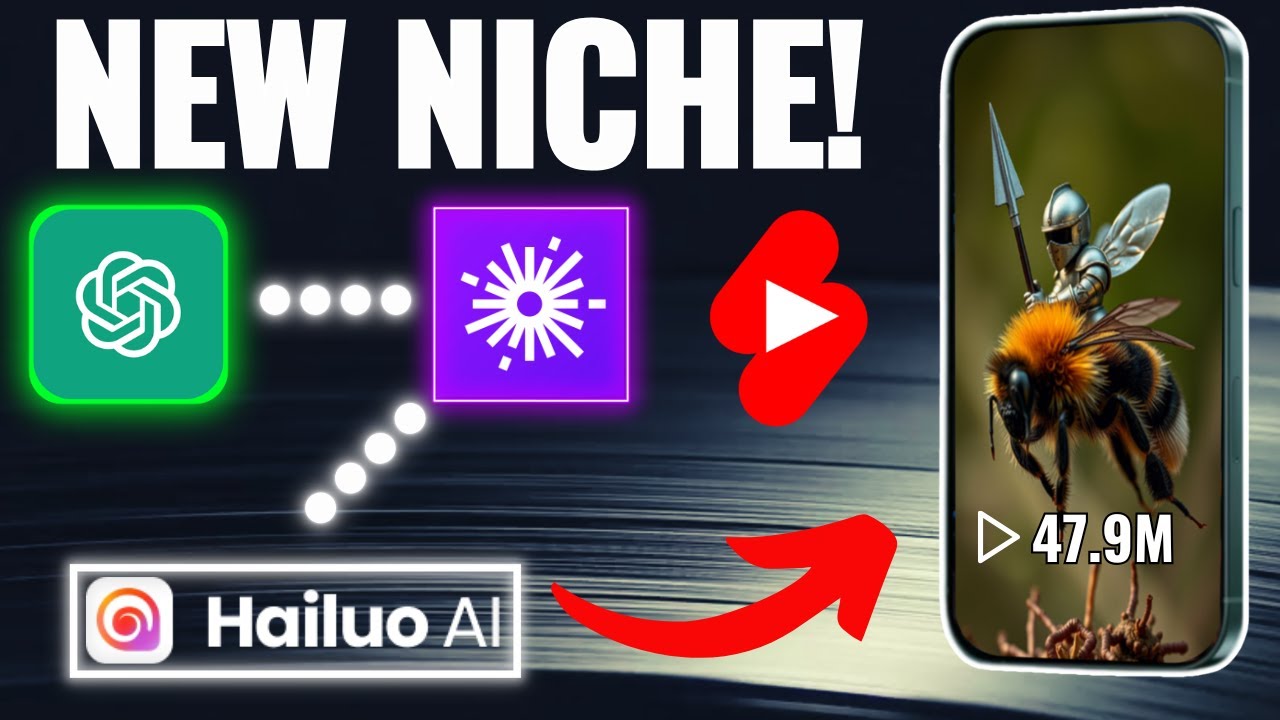
and add it for example the images where I'm showing the battle result I'll convert all of them into a video for that I used Hyo AI but you can use any tool you prefer I've already generated them so let's see the result and the result was insane right now download all the videos one by one to your computer now the last part my video is about tiger versus other animal so I am going to download some tiger roar sound effects you can download load sounds based on the animal you're using you can find them on
pixabay or YouTube all right guys now let's move on to the final step editing for editing I'm using the cap cut desktop app open cap cut and import all the material first drag both animal images for the first scene then you need to choose the 916 frame here next position one image at the top and the other at the bottom part just like this after that add the video of the battle result which you generated with huo AI once you've done that repeat this process for all the scenes tiger all the images and tracks you
need to add the voice over that you generated with 11 Labs tiger versus leopard who will win add them one by one under each scene like this now to make our video cooler we need to add animation for that first we'll combine both images into one layer select both images rightclick and choose the create compound option now the two images are combined next go to the animation section select the combo option and find the animation you want to add I'll add a zoom animation after that for the next video you'll also need to add an
animation for this add the pendulum animation or you can try other animations if they suit the scene then again combine these two images into a compound clip and add the the animation you need to continue this process for every image until the last one all right now you need to add the animal sound effects that you downloaded I'll add them under all the videos moreover you can also change the voice from [Music] here at last add energetic background music and that's it your video is ready let's have a look tiger versus leopard who will win
tiger versus sloth bear who will win tiger versus python who will win tiger versus crocodile who will win tiger versus elephant who will win tiger versus pack of wild dogs who will win [Music]