the today's subject is learn and understand cron the preparation so first of all you go to Lan lexicon Doc and download this file download lon.com and download this file Lane and Arabic English lexicon version 3.0 so when you click on this and either you can sign in to Dropbox or just click this button and the file will start downloading depending on your internet speed the file should download within a short time it is just text file and it is slightly less than 30 megabyte so when this file has downloaded then search for visual studio code
and on click on this link and what is whatever is appropriate for you so if you're using Windows 7 8 10 you can use this link otherwise if you're using Mac then you can use this link so use this link and download visual studio code this is the software uh this is a software which will make the things very easy when browsing the lanes lexicon so since I have already downloaded it so I am starting Visual Studio code and and if you have already used the same software to open the same file you can go
to open resent and click that file which you want to open so in order to increase the size of the font you can click control and then plus which repetitively which will increase the size and if you want to so the lines are straight and they don't have any wrap and if you want to wrap you can see that there is a scroll there is horizontal scroll in order to have the line wrap in this text file you just press alt and z and the lines will wrap as you can see now there is no
scroll here at the bottom of the screen so when you have this file you can look at several things for example how you can use this file the introduction which is written by me then preface and the preface which is written by William Edward Lane himself he describes what through what processes he had to go through in order to complete this lexicon he spent almost 30 years in order to uh create this Lex lexicon and when he died it was still not complete so there are several different things in the beginning of after the preface
for example there is a introduction of the abbreviations used in this file which is here so there these are uh different tables after the preface table two is Lex lexicological and grammatical terms different abbreviation used in this file and also Chron chronological name of more celebrated lexicologist and grammarians cited in different part of this work uh their name so for example IB Abbas he died in the year of the flight 68 year of the flight mean the year of migration of the Prophet Muhammad peace be upon him and uh in the same way alur he
lived 67 years and he died in 207 Hijra or year of flight this is what this is how Lane William Edward Lane denotes the year of migration from Makkah to Madina so in the same way the different authors from which William Edward Lane has taken the references for creating this lexicon are all listed here and there are I I think more than 100 so starting from 420 rather 420 to 531 so more than about 110 111 different authors have been considered as a reference in the creation of this lexicon by William Edward Lan so this
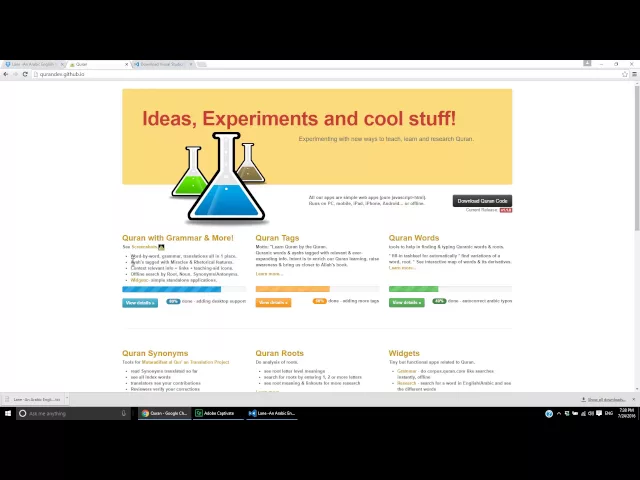
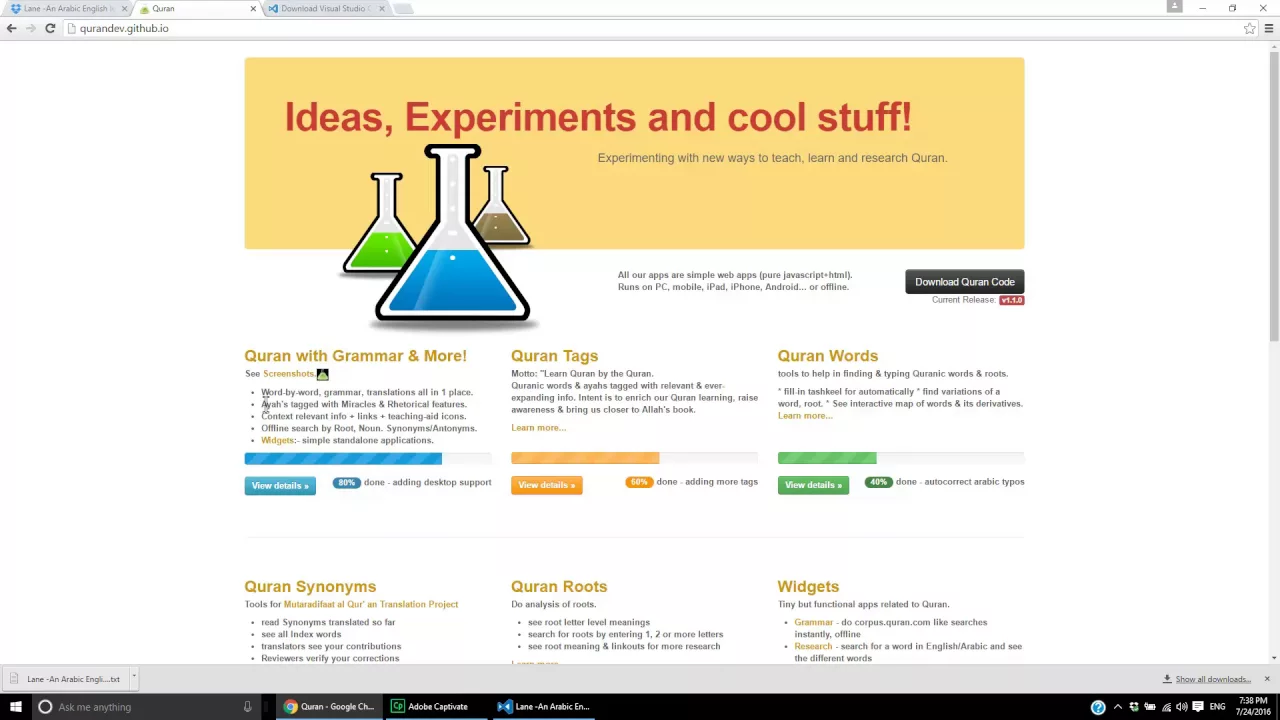
is a the world's most comprehensive lexicon up to the extent where William Edward Lane worked and now I will describe that how you can search the words of Quran in this lexic lexicon so in order to do that go to grev dogit hub.io and in this area Chrome with grammar and more either click this link or view detail so this is where you will land depending on so uh this page keeps a track of where you were so if this was where you were last time it will land you on exactly the same place depending
on if you have the Internet history saved within your Brower browser or you have not saved it so if I wanted to go to Surah fatia I will just select Surah FAA from here and it will take me to Surah fatia and the reason for using it that you can use certainly use different translations but the purpose of this uh demonstration is not to promote any translation or any uh T but how we can best understand the Quran by using uh Quran itself so uh the good thing with this is so if I Mouse over
this word the first word in Quran bism it shows me the information about this word the meaning of this word what is the position so this is the word number one word number one and uh ayat number one and and Surah number one the chapter number one and it also shows me that it's a masc masculine word it's a in genitive case and it has been used as is 39 times and the root is sinen m v and this root occurs in Quran for 381 times and the first occurrence of the 39 total last from
the ending so you can immediately see so much information just by m uh putting your mouse on uh on any word so so for example if I put my word uh Mouse on word Allah it shows the information about Allah and in the same way if I put my mouse on word alham so here it shows me the information that ha means D is the root for this word how many times this occurs how many times the total occurrence of this root is so in order to find the meaning of any word in Lane lexicon
you need to know um the root of the word that you're looking for so the word alham the root is Haim Dal and uh when you have a little practice and when you have spent some time you will automatically uh even just by looking at the word you can you will know what is the root for that word but in the beginning uh this is a good start that you have this tool so when you click on this it will open in another page and you will see what happens so what happens is it opens
the Quran in corpus.com Quran dictionary so in Quan dictionary all that information which was summarized here in this box box it is showed in detail all that information what are the different ayat of Quran in which this work word occurs and in what form so you can see all this detail here so this really helps well in understanding that uh this you this word is being used in how many different formats and then we can go to that ayat and see what is said in that ayat and try to understand understand more that how this
word is being used and what are the different um usage of this word in different format so if I copy this root from here and so I just highlighted this and press contrl C in my keyboard and then I come back to Lanes lexicon and press contrl F so when I press contrl F and then I can control V so I now we can see H Dal is here but we want to remove these spaces you see this space and this space so I go to this word the LA the letter the last letter and
I press um I just uh put my mouse cursor uh just before it and I press backspace on my keyboard so you can see that Dal and meme are combined now I put my mouse just before the letter mean and I again press backspace and the words are joined now as soon as all this word is written United by uniting the three letters of the root word you can see it shows me that um right now this one is highlighted and and this one is the first occurrence of this word in the whole uh Lanes
lexicon the first of the 24 and when I click this it will take me to the next match or I can just simply press F3 and it will take me just by pressing F3 it will take me to the next if my cursor is here so second third fourth and you so this is the place where we are going to look at what are the different meanings of this word hammed h me Dal another way is when your mouse is in this window you press enter and when you press enter you come here press the
search glass sign and then press your mouse here and it searches everything and it shows you all the instances of this word and this is the location which we are s searching so if we are here I can just simply click on this and this one brings up so within a matter of seconds and it will take a little practice uh you can find out any root word uh within a matter of seconds just by typing here you can simply directly type it here if if I knew so for example if I knew uh and
let's say I'm in the beginning of the file and so here I want to now type ha mean Dal so let me change my language from English to Arabic and uh then I can start typing Arabic here ha mem D so when I type it shows me again the same results and then I press enter and I come here it's already there so I reach to my destination and I can uh click this again to show to uh to hide the window the search window the the extended search window so when I come here I
can look at the meaning of this word and the root in the same way we can find any word any root word in the lanes [Music] lexicon