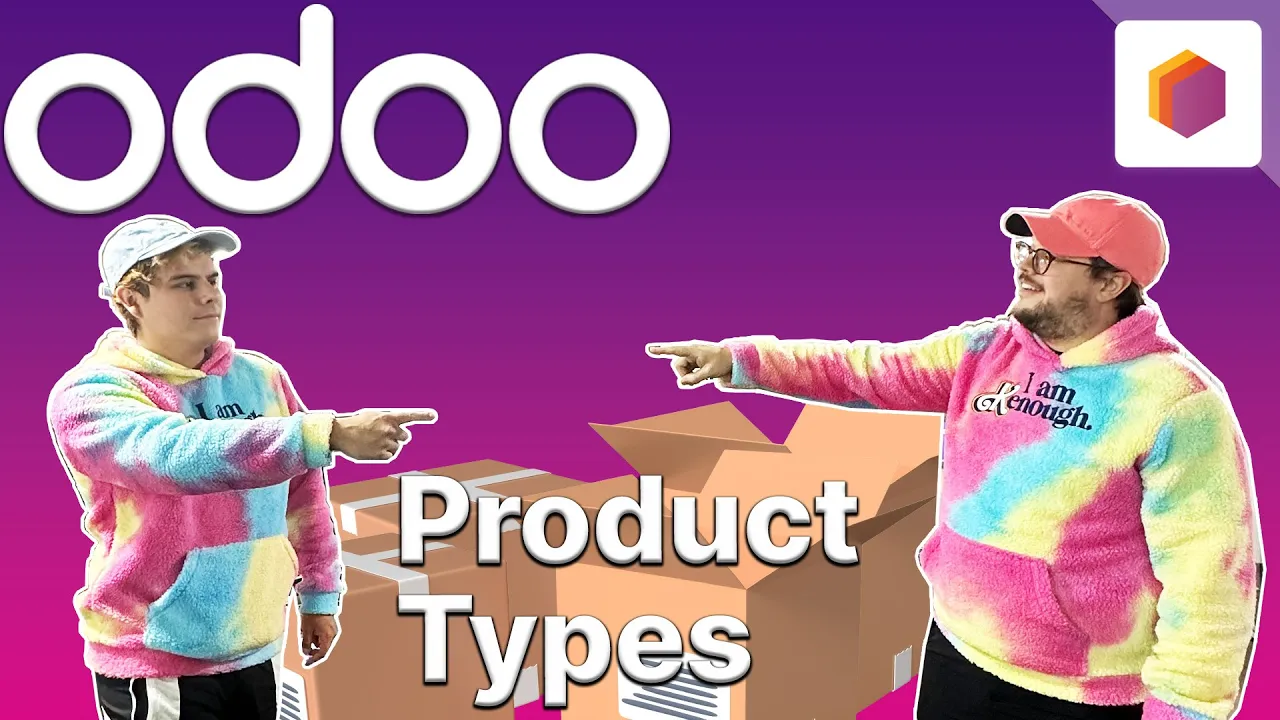
hello doers and welcome back in this video we're going to cover product types in Odo inventory for starters a product is an item that a company sells and at stealthy wood we've got lots of them they could be in the form of a virtual item or a physical item now the product type in ODU is defined by whether the product is storable consumable or it's a service type product now in ODU consumable products are physical products that don't need their inventory level managed meaning they're almost almost always available this can be stuff like nuts bolts
cleaning supplies coffee printing paper pretty much anything that Steve runes and we need to replace as opposed to consumable storable products and no to are physical items for which we do need to manage the inventory level because of that storable products will appear in both the inventory valuation report and the stock report and last but not least we have the service type product now service products in ODU include any service performed by a business that's offered for sale than Consulting installation repairs stuff we don't have Steve doing for example at stealthy wood we offer a
furniture assembly Service as a service product but enough chit chadow doers let's dive into our stealthy Wood Database and show you how those work so first I'll show you how to create a new product and set the product type inside a voto inventory now to do that we're going to go up here to products products and select new in the top left great now this is the product form over here and I want you to make your way over to the product type now we have three options options as well we have a storable product
a service product as well as a consumable now let's kick things off with a closer look at a storable product that I've already configured so we're actually going to discard this and go back over here so storable products in stealthy Wood's inventory and probably for most other companies too this product type accounts for the majority of our items so let's see what these are all about by taking a closer look at one of our storable products in our case we're going to S the office lamp now as we can see under the general information tab
over here it's listed as storable product you'll also notice from the onhand smart button over here we actually can tell immediately how many units that we're going to have on hand now when an order is completed for this item the stock on hand will go down and reordering rules can be set to replenish the stock automatically as well with these little rules that we have right there as you can tell minimum five maximum 10 for more on that check out our video on reordering rules now it's important to note that ODU will actually prevent the
delivery of storable products if we don't have enough in stock now this might be easier to understand if I show you what I'm talking about so let's place an order for more lamps than we have in stock right now since we have zero on hand right now that should be pretty easy so to do that let's go out of here go into sales select a new quotation all right we're going to make a new order and we're always going to pick on azer interior they love getting our stuff and we're going to go back over
there to those office lamps that that I was just talking about and we're going to say we want three of them right there all right now click confirm and as you can tell when I click on the delivery smart button up here and when we try to go over here to validate there's an error and that's why I paused for dramatic effect we can't validate the delivery let's close out of that popup right there and we can also even see that the product availability is not available as well hammering home that we can't even work
any further with the onhand stuff that we have right yet so the way to get around this though is to either place a new purchase order to replenish our stock of this product or we got to use pre-existing reordering rules to replenish all right onto our next product type then consumables so for this section you'll notice we're on a different product and that's because here at stealthy wood we're nuts about bolts so much so that we have our very own consumable product which is this Bolt now you'll notice that we actually have no stock on
hand button up here something appears to be missing our doers this is because again as a consumable this product doesn't have its stock levels monitored at all so what does this mean for reporting an inventory report is a count of the total unsold products in stock the stock isn't tracked and therefore there's no value associated with the product but let's go check that out now so I can show you what I mean so go up here to reporting and stock once that this loads up type in Bolt and nothing and that's because when we view
the stock inventory report and search there's no record of it because there's no inventory level for the product and that's due to the fact that in our warehouse we visually inspect the consumable stock and only order more when we actually think we need more so the only document needed for this particular purchase is a vendor Bill since the real inventory for consumable products is not tracked and it doesn't have any effect on the inventory valuation we don't often sell products as consumables at least not alone but in some cases it does make sense to include
consumables in a sales order for example you can include a pack of nuts and bolts with furniture sales and can also include nuts and bolts in build of materials for furniture that you assemble before shipping does that make sense how doers of course but as always let's see it in action so we'll test how a sales order works for consumable products now to do that we're actually going to go out of here into sales cuz we're a Salesman create a new quote we were just talking about furniture and stuff like that so we're going to
go with the person addicted with decorating and we're going to add our product in our case we're going to type in bolts using that Dandy search feature and a hundred of them all right we're all set here and I'm actually going to confirm the sales order because I want to show you something I'm going to open up that delivery smart button and you'll notice something from here we can see that the product is available even though we don't have any stock on hand listed for this item and you'll always see that and it's one of
those things that kind of makes it super super interesting so it's important to know that ODU will allow the sale of consumable items even if there isn't technically enough of it in our inventory we saw that the product availability was listed as available right here and even though we don't actually show any smartphones that disclose that stock why is that well it should also be noted that consumable product can't be tracked using Lots or serial numbers in ODU so be sure to keep that in mind as well o doers and that's it all right OD
doers we're in the home stretch here now as you can see we have our furniture assembly service which is a service product type now just like consumable products stock is not managed for this product type which you can actually see from the lack of an on-hand smart button up at the top this makes sense because they're services not physical items and there's something cool that I want to talk about over here next to cre on order when an order is created with one of these we have the option to use the projects app to help
users manage any task related to a service product type you can even use templates check out our videos on the projects app to learn more about that it should also be noted that these service products don't appear in reporting for inventory valuation and they won't be found in the inventory report either this is because service products cannot be stocked and that's it for this video we covered a lot of stuff three main product types you'll use in odu's inventory app and we talked about useful ways to use them all for now though to learn more
about inventory or the other apps everything check out our tutorials and our documentation until next time I love you Bro Doers