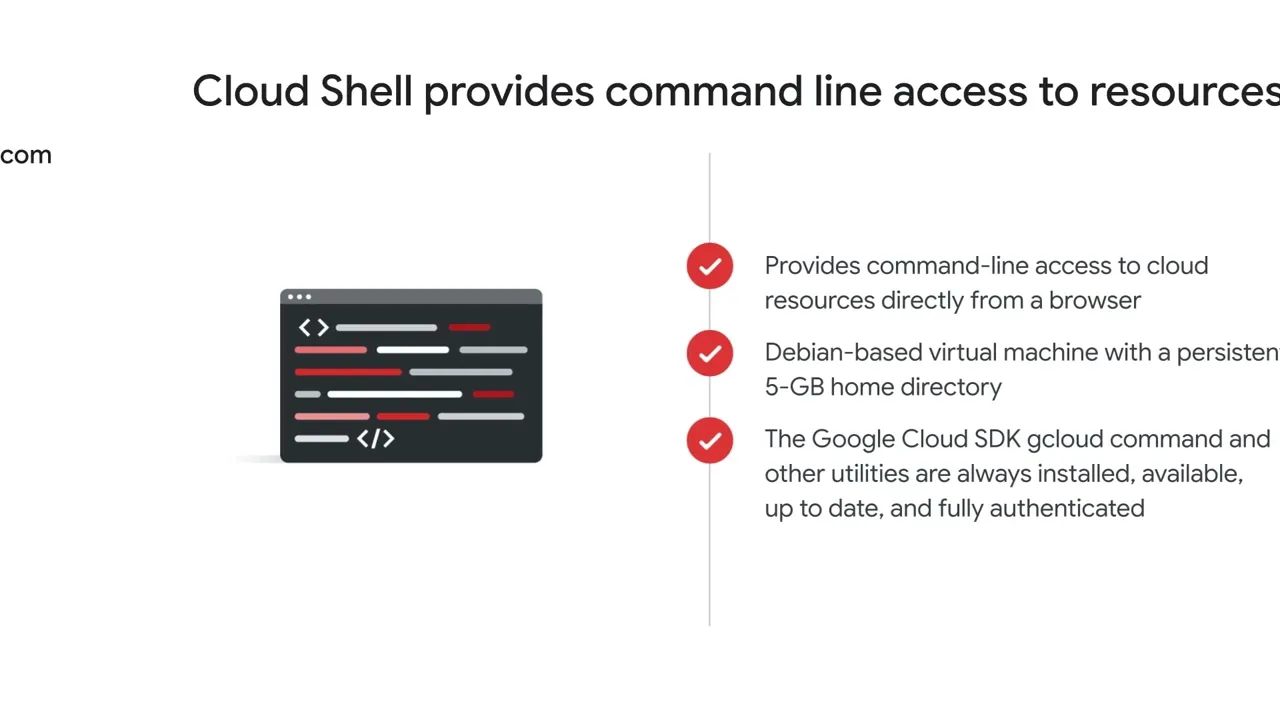
The next way to access and interact with Google Cloud is Cloud Shell. Cloud Shell provides command-line access to cloud resources directly from a browser. It’s a Debian-based virtual machine with a persistent 5-GB home directory, which makes it easy to manage Google Cloud projects and resources.
With Cloud Shell, the Google Cloud SDK gcloud command and other utilities are always installed, available, up to date, and fully authenticated. To start Cloud Shell, navigate to console. cloud.
google. com and click the Activate Cloud Shell icon on the toolbar. This will activate the Cloud Shell terminal, which will open in the lower portion of the window.
From the terminal window, you can launch the Cloud Shell code editor, which will open Cloud Shell in a new page. With the Cloud Shell code editor, you can edit files inside your Cloud Shell environment in real time within the web browser. This tool is convenient for working with code-first applications or container-based workloads, because you can easily edit files without needing to download and upload changes.
You can also use text editors from the Cloud Shell command prompt.