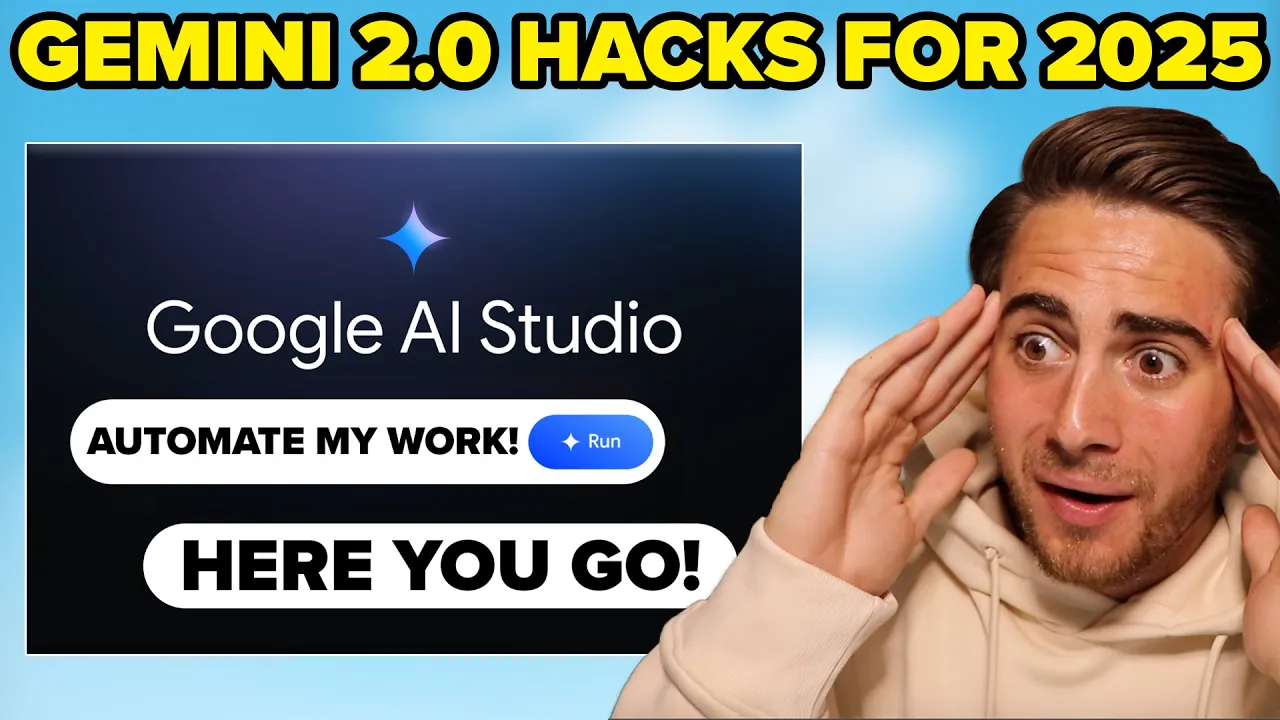
did you know that Gemini just released a brand new model that's actually better than chachi's 01 model and it is 100% free or maybe you didn't know you can now share your screen with Gemini and guess what it can basically automate your work for you well those two things are absolutely nothing compared to the seven other Gemini 2.0 hacks I'm going to share with you in this video that you need to know for 2025 if you want to be more productive get more done and automate your work with AI these hacks are going to completely
change your life Gemini hack number one is you can now share your screen with Gemini now we're get started by clicking talk to Gemini and then I'll show you exactly how to share your screen hey Google can you hear me yes I can hear you is there anything I can help you with awesome I'm going to share my screen with you and then I need you to show me how to do four different tasks so we can see how good you actually are okay I understand please share your screen when you are ready and I
will do my best to help with the four tasks awesome I'm sharing my entire screen right now I'm pulling up some data that I have in an Excel spreadsheet can you see this yes I can see your screen awesome these are my different YouTube competitors I have their views from long form from shorts their total views and whether or not their views are up or down can you please look at this really quickly and tell me which row gets the highest amount of views both for long form videos and for shorts and then I want
you to look at column e which is going to tell you whether or not their views are up or down and let me know which of these people I should actually look at in order to make my content better if I wanted to copy them okay the individual with the most total views is in row four with 6,200 11 3,000 views the individual that has the most up by views in column e is in row three with views Up by 4 146,000 is there anything else no that's completely perfect but I do have some other
tasks for you that I want to be able to show you off okay perfect I'm going to show you my landing page for my YouTube shorts mentorship so can you see the header that I have right here that says grow on YouTube and 30 days guaranteed or get your money back and then I have some subtext underneath it yes I can see that header that says grow on YouTube in 30 days guaranteed or get your money back and the subtext below it awesome I'm also going to show you this landing page right here now this
landing page converts better than the shorts landing page this right here is the long form mentorship landing page what can I do on this shorts page to make it convert better like my other one okay one thing that stands out is that the grow on YouTube call to action button on the shorts page has less contrast with the background compared to the long form page where the button has a blue background it may help to make make the call to action button more prominent and contrasting also you could experiment with adding social proof or testimonials
on the shorts page to build trust is there anything else hey Gemini I want to create a YouTube video about the YouTube algorithm for 2025 I have two thumbnails here and two titles can you see them yes I can see the thumbnails and titles would you please give me better examples let's focus on the title and thumbnail for the YouTube algorithm explained 2025 update the thumbnail shows a man with text that says YouTube is about to change some title variations you could consider are YouTube algorithm 2025 what's changing and how to adapt or is YouTube
changing in 2025 must watch for creators or the 2025 YouTube algorithm update explained for the thumbnail you could try an image of yourself looking surprised or with an aha expression along with text that highlights the key change or an intriguing question now it's even crazier is you can also use this to basically teach you anything for example I'm going to pull up YouTube right now and here we go Gemini can you please help me upload a video to YouTube I've never done this before start you should see a create button at the top right of
your YouTube page can locate that yep I found it what should I click now click on it a drop down menu will appear from that menu select upload video awesome let me know when you've done that I've done that after you've clicked upload video you should now see a new window with an area to drag and drop video files or a select files button I'm on a Mac where can I find the file that I have okay since you're on a Mac you'll need to locate your video file using the finder click on the select
files button and it should open up a finder window where you can navigate your folders and find the video once you find the video you can select it for upload do you see the finder this video is about uh an AI course for other tools and use cases coming soon could you please give me a good title to use for it okay I see that the current title is AI course module 8 other tools and use cases coming soon since the video is about AI tools and use cases let's try something more engaging how about
unlocking AI new tools and use cases or AI tools you need to know module 8 now as you can see there there are literally an unlimited number of use cases for you to be able to share your screen with Gemini and get it to help you accomplish any task but that's just the first hack there is still six more they going to teach you things like how you can make Gemini give you better responses how to customize Gemini the best models to using and so much more but before I dive into that I need you
to smash that subscribe button if you want to get better with AI or learn more about AI in 20125 cuz I literally upload multiple videos a week walking through tutorials just like this and the latest and greatest AI tools that actually work and you're not going to want to miss them Gemini hack number two is you can come up here to compare right here and you can literally compare different Gemini models so I'm going to use 1.5 Pro right here and in this one I'm going to use 2.0 Flash experim mental which is their new
program which basically Rivals chat gpt1 and what I'm going to ask this to do is something creative for example can you please give me five YouTube titles for how to grow on YouTube please make them super creative and under 60 characters so from here I'm going to click run and what you going to see is that this now gives you complete different things so if we look at these right here these quite frankly weren't that good but if we look over here these are going to give us much better titles now this isn't just for
Creative tasks this is also better at math tests it's better at reasoning tests it's better at coding tests and this will actually allow you to show this off so that you can test it in one simple quick screen see which model is going to work best for the test that you're going to do and I'm going to actually say please increase it to 100 character and what you're going to see is that again it's going to give completely different answers now I wish that every single AI tool had this because this would allow you really
quickly to see which model actually works instead of having to go through all different 10 models or you could potentially be using the wrong model the whole time Gemini hack number three is going to be this prompt Gallery right here now you can come in here and explore different prompts ideas for working with the latest Gemini models and if you click in one of these it is literally going to give you everything that you need to be able to do for example if I click in here for video Q&A it literally walks through like exactly
what your prompt should be to get the best results and if we come back we can see the same thing down here with tone changer let's say we need to adjust the writing tone to fit your needs again we could give it this right here and then it shows us exactly what an ideal prompt looks like and this has several different things like transcribing audio with speaker info or if you want to do something with coding you can do that that or if you want to create a scavenger hunt you could do that or if
you're a teacher and you need to create a set of math worksheets for parents you can click in here it's going to be able to do that you can have it optimize your code you can have it describe an object you can use recipes a list from an image chart decoder marketing Ai and there are literally tons and tons of different things here this is absolutely insane and it basically tells you exactly how to use Gemini now before we get into a bunch of the other hacks that are going to be more serious and more
productivity Focus I did want to share with you one that was kind of fun because I think this is really cool if you're trying to plan a vacation or surprise somebody with a cool trip somewhere now in order to do this I'm going to click on starter apps right here I'm going to scroll down we're going to click right here to map explore and I'm going to be able to prompt this with several different things for example I'm in Florida right now it is incredibly hot so I'm going to ask it to take us somewhere
cold so where is somewhere that is really cold and then it brings me here in Russia now if I say what about in the US and then run this this is going to find somewhere in the United States that's incredibly cold I can zoom in on here I can get directions here and again you could change this for a bunch of different things like let's say I want to do something ancient it's going to take me over to Turkey if we click down here this is actually going to allow us to now zoom in here
and see this on Google Maps which is really cool we can also take this right here we can come over to Google we can type this in we could get a bunch of images about this we could get videos about this and we can basically explore the world and see all these places that we never knew about okay now this next feature that I have for you is incredibly useful on a laptop but it's even more useful on a mobile device which is where I'd actually suggest that you do this so this right here is
show Gemini basically you can use your webcam to share what you're looking at and get realtime feedback this is incredibly useful if you have a bug bite and want to know what it is if you see somebody with a watch on and you want to know what it is or if you just see a plant or something that might be poisonous an animal or there's literally tons and tons of use cases so what I'm going to do right here is I'm going to click on show Gemini and I'm going to show with this box right
here let's see if it can identify what kind of box this is what kind of box is this looks like a Rolex box you're totally right now what is this right here that appears to be the Rolex watch pillow that sits inside of the box it's really cool I'm going to show you the watch can you try to tell me what kind of Rolex this is okay I see a gold colored watch with a black band what would you like to know about the watch what kind of Rolex do you think this is based on
the watch face and the band it appears to be a Rolex yacht Master it has a rotating mezel a black dial a gold case and a black rubber strap would you like to know anything else about it yeah what's that strap called the strap on the Rolex yacht Master is called an oyster Flex bracelet so as you can see that is absolutely insane it literally knew exactly what I was showing it and it knew exactly what kind of watch I'm wearing now what I still need to show you are two different hacks that are actually
going to make Gemini give you better answers because you're going to be allowed to customize Gemini and customize how creative it is if you do these next two things and what I'm talking about are these two features that you're going to be able to find really simply if you click on system instructions right here you can do optional tone and you can give it style instructions for example I can say something along the lines of I need everything you give me to be super serious and ideally it should be short please don't ramble on that
will really annoy me I need it to be straight to the point then all we do is put that right there now if we come over here this is where we're going to see this other thing which is temperature which is basically how much creativity is allowed in the responses so we can set this to zero and we're going to see something like please give me 10 titles for a video about Gemini hacks then what we're going to do we're going to click run this is going to give us some really really bad titles but
if we change a temperature up to 2.0 we could say something like please make these more creative I just turned your temperature up what this is going to do is this is going to run and it's going to give us more creative things right here now in in addition to all this we can upload a ton of different things for example we could upload files we could upload videos we could upload different photos we could even upload audio so that Gemini can actually view all of these things for example I would be able to literally
upload one of my videos to Gemini because I'm a YouTuber I can upload the transcript and I can have Gemini ask me different things I should do to make the video better here's an example now this right here is pretty insane so again this gives me different structure changes right here I'm going to set the temperature I'm going to turn this all the way up to two I'm going to come into the system instructions and say I need you to be an expert at creating YouTube videos that keep people's attention and then I'm going to
come down here I'm going to type this prompt in here so what this prompt says is I am providing you with a video and a transcript please give me 10 different ways I can improve this video I want to maximize the audience retention that it gets on YouTube the video is a pitch for my Tik Tok mentorship program and then under here I put in the transcript as I got it from YouTube now from here I need to actually find this file on my computer I'm going to type in Tik Tok ending this is going
to pull up this ending file and now we're going to come over here we're going to put this in here and then once this loads we're going to click run and this is literally going to watch the video it's going to look at the transcript and give us 10 different ways we can optimize this to make it a better video so here are 10 different ways to improve the video it tells us how we can increase the pace we could use more visual variety relies too much on my face to camera says show don't tell
I have a stronger call to action I need more social proof I can input more story telling for example showcase a former students's Journey using the program address different objections have a different end screen optimization and add some music and sound now these are crazy crazy suggestions but let's say that I wanted to do more so for example I'm going to ask this to give me a better hook please give me a better hook if you don't like the one I used now this is going to go through I'm going to click run and again
this is going to think for a few seconds and it is going to give me a better hook than the one that I actually use in this video if I go through and then fix these 10 things I could do this again get more feedback and this is how you could get feedback on videos without ever having to do anything this actually gave me a bunch of different hooks it gave me six different ones and this is crazy cuz now I can test all these things but I do want to emphasize to you Gemini isn't
the only AI tool you should be using in 2025 which is why I strongly suggest you check out this video right here that shows you seven other AI tools that are completely free that are going to help you make more money in 2025 be more productive and ultimately just get way more things done without without having to do it yourself I'll see you over there






![Hands-On Power BI Tutorial 📊 Beginner to Pro [Full Course] 2023 Edition⚡](https://img.youtube.com/vi/77jIzgvCIYY/maxresdefault.jpg)