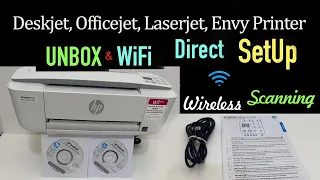
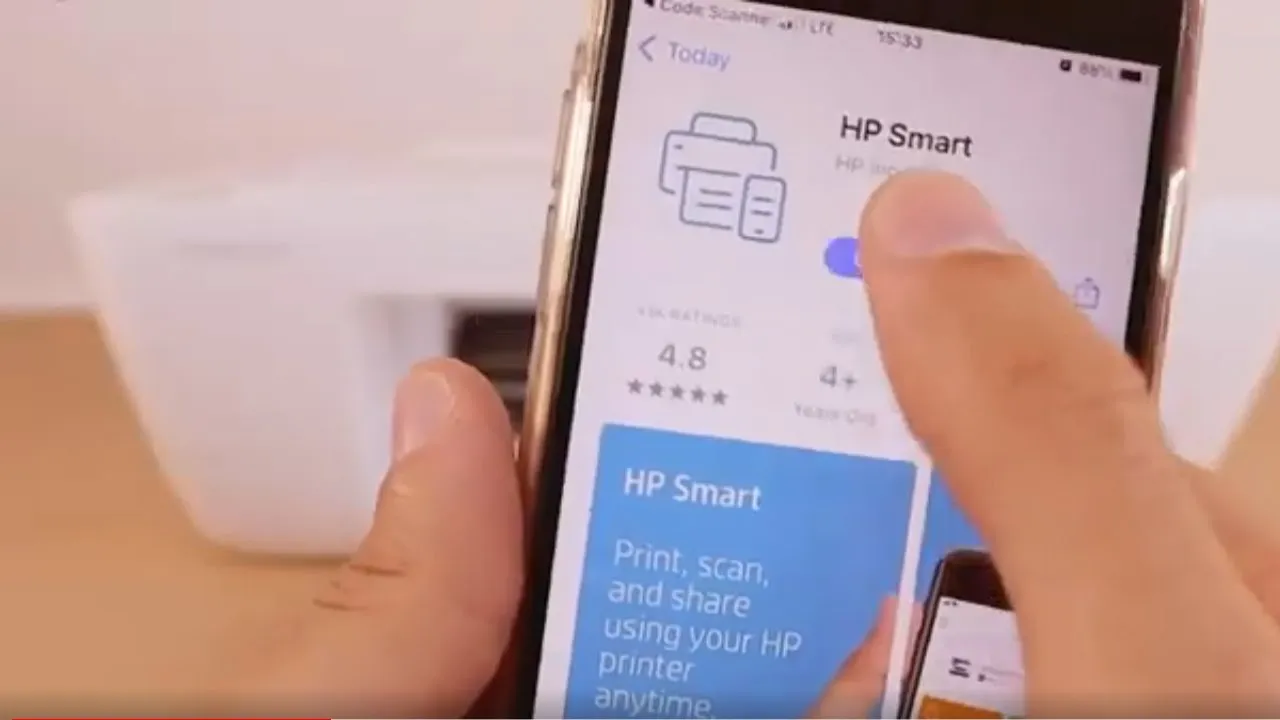
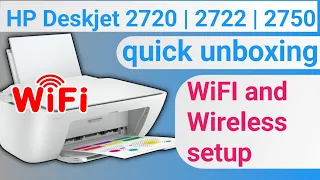
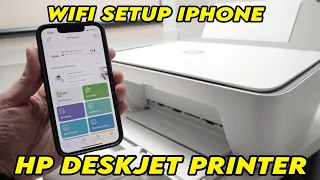
in this video I'm going to show you how to do the wireless setup of your HP Deskjet printer press and hold the cancel button and the wireless button until power light starts to flash on the wireless button that means printer is ready for setup process now go to your device like Android phone iPhone or a laptop and open the HP smart app and click on the plus button to search for the printer set up a new printer get started select your printer series it will display the Wi-Fi network of your home or office and you
have to enter the password of the Wi-Fi network click continue and continue the setup process click continue once it is connected to the Wi-Fi click continue you will see the HP plus so you can join the HP Plus or you can do it later you can join the HP account and enroll in instant ink or you can skip this option or you can just remind it later select auto updates for your printer setup is complete you can print this page or you can skip it so this way we can do the wireless setup of HP
printer thanks for watching








![Winter Warmth ☃️ Best of lofi hip hop 2025 🎉 [ beats to relax/study to ]](https://i.ytimg.com/vi_webp/0RuwMMUKOJg/mqdefault.webp)