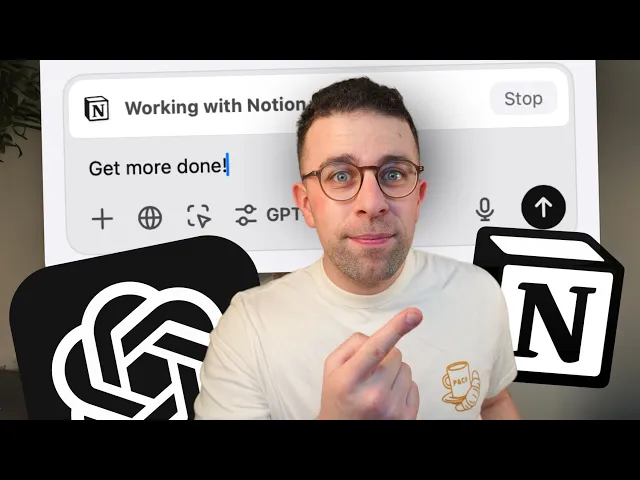
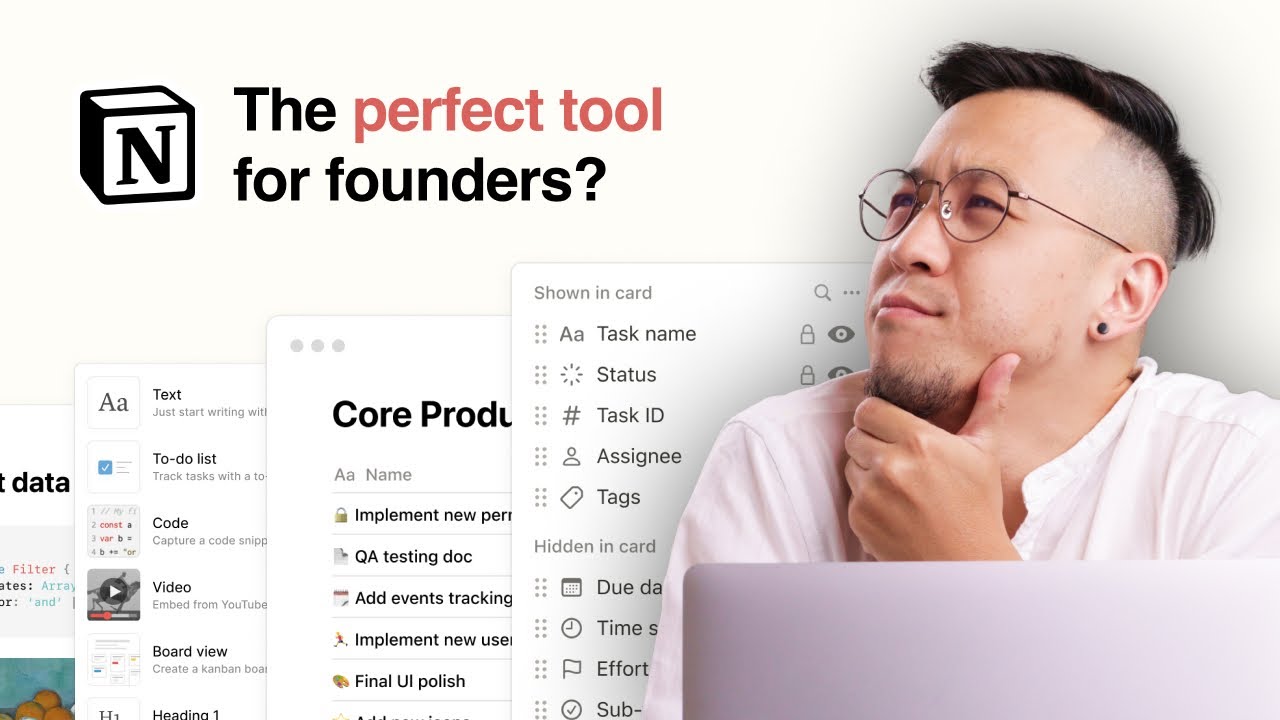
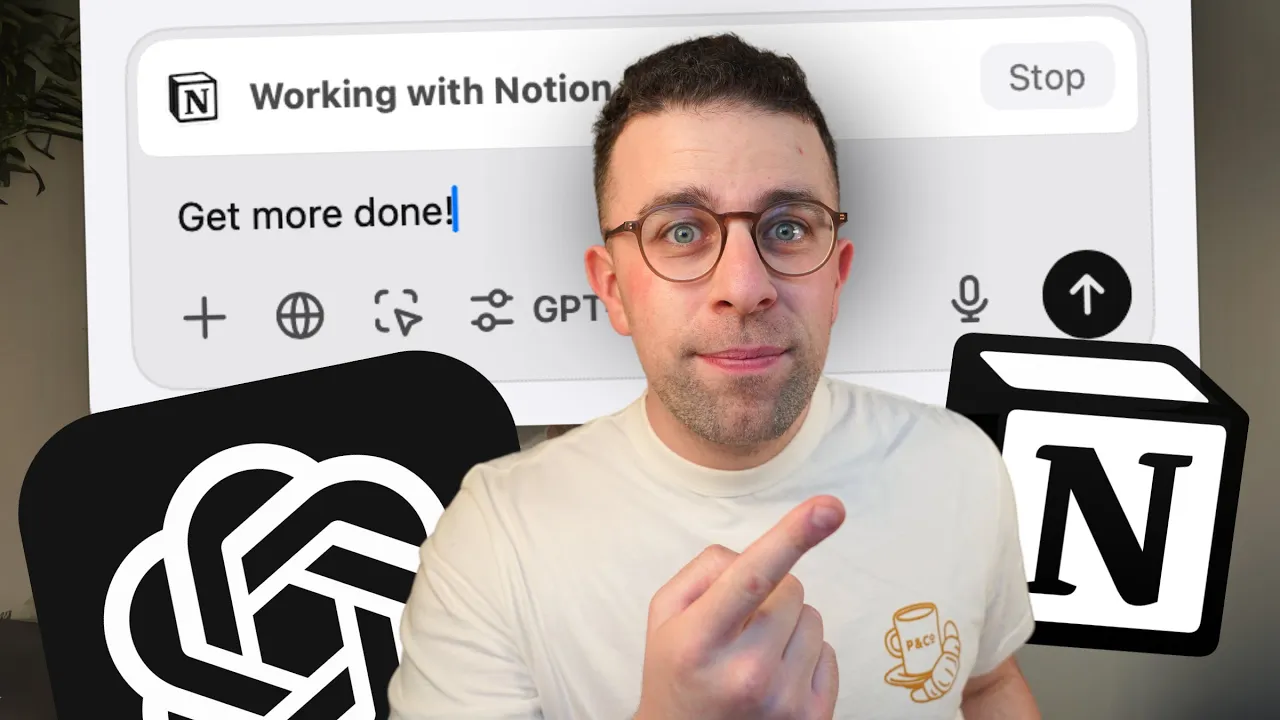
open aai had an event this year and it was called The 12 Days of Christmas it ran down 12 new releases and features and dived into new ways to use open AI chat GPT where you can now use it with notion more powerfully and many people are asking well Notions got their own AI well this could be a good way for you to use it without having to pay for Notions additional Services we're going to show you how to connect notion with chat gbt in this video so welcome my name is Franchesco if you're new
here do subscribe and if you're interested in AI apps or tools maybe you are cuz you're watching this video then you can download our free guide to AI apps and working out how they can help your productivity you'll find that linked below as well as tool.co which is a site to help you find the best AI productivity tools so here is chat GPT and as you can imagine you don't have to be a paying user to get access to it obviously you're limited to some models and natural limitations however if you installed the Mac version
or the desktop version then you will be able to get this now right now you'll see nothing down at the bottom part of the screen there's no way to connect it to notion and that's because I haven't loaded it up if you load up notion I just minimize it for now you'll see this button here it's like a trigger button and basically what it does is it shows the apps that are active on your computer that you can actually work with with chat GPT so I'm going to press this plus button you can you can
also see the other apps that are inactive that it's got connected to I'm not entirely sure why it's probably because these ones are built into the Mac that these are inactive but still in there not entirely sure but as you can see notion has appeared so now you can see that it's working with notion and what I'm going to do is drag it alongside the notion tab so you can see here I opened up a meeting note that we had a while ago many people know that there is a no a little face down in
the right hand corner which you can ask questions to now this is essentially an $8 per month I believe it is build annually additional add-on where it probably does a much more of a fine-tuned experience you can connect apps and find action points well if you don't have that and you're using some of the basic versions then you can use chat GPT for this so for example in this I could say turn this into an agenda now you're probably wondering how does it know what I'm talking about well it's essentially like streaming your screen to
chat gbt so it's fully aware of the entire page that you're on which is incredibly helpful as you're navigating through so you can see here that what it's done is it's created a simple agender overview and you can also um produce other things like questions to it for example I can say turn into action points and uh if I wait for the prompt to do you see here it's turning them into action points and you can start to see those action points reel off which is quite helpful now what's the benefit of this well if
you're somebody paying for Notions AI this could save you a bit of money if you're already paying for chat gbt the other benefit as well is it comes as a side assistant to using the notion app at the same time which could be a good way to pose questions or dig deeper into something you can also naturally copy it into your workspace which is very helpful but for those who are maybe hardcore notion users you'll probably find this a little bit more or less difficult so as you can imagine something to consider if you're using
the application now if you change the page you can naturally see other stuff for example if I go into this view should I say here uh which meetings are about Revenue so as you can see there it's already understood what the page is about and the specific points that we're putting out so it's constantly looking at stuff you can see up here that actually says looking at otion and it Flags the actual meeting it's got so really powerful tool if you're somebody in Hunt to combine AI something you use like chck GPT and you pay
for it or you don't pay for it with notion but you're not willing to pay for The Full Experience so that was how it works you can also use it with Apple notes uh let me briefly show you how that works but I might do a separate video on it if it's a bit more powerful so as you can see here I can stop the pairing down in the corner and I can go down here and press notes AS Plus and I could say uh what are alternatives and as you can see it's taking this
information on this page and it's bringing the information that's already there and providing a bit more context so it's a really simple integration and works alongside the apps you're already working with which could be quite helpful way to take a document and simply have it while you're contextualizing what you're doing so that's how to use uh the uh chat GPT integration with notion and Apple notes if you have any questions feel free to pop them below and as I said you can subscribe or you can jump over to tool.co to explore AI tool and software
thank you so much for stopping by look forward to helping you with more apps and reviews in the future Cheerio for now Merry Christmas