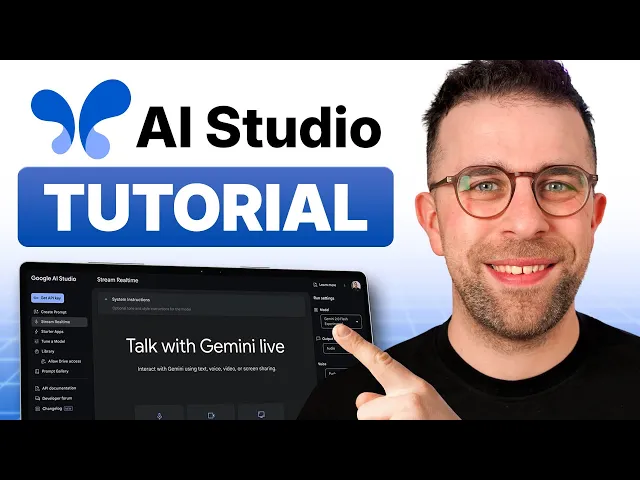
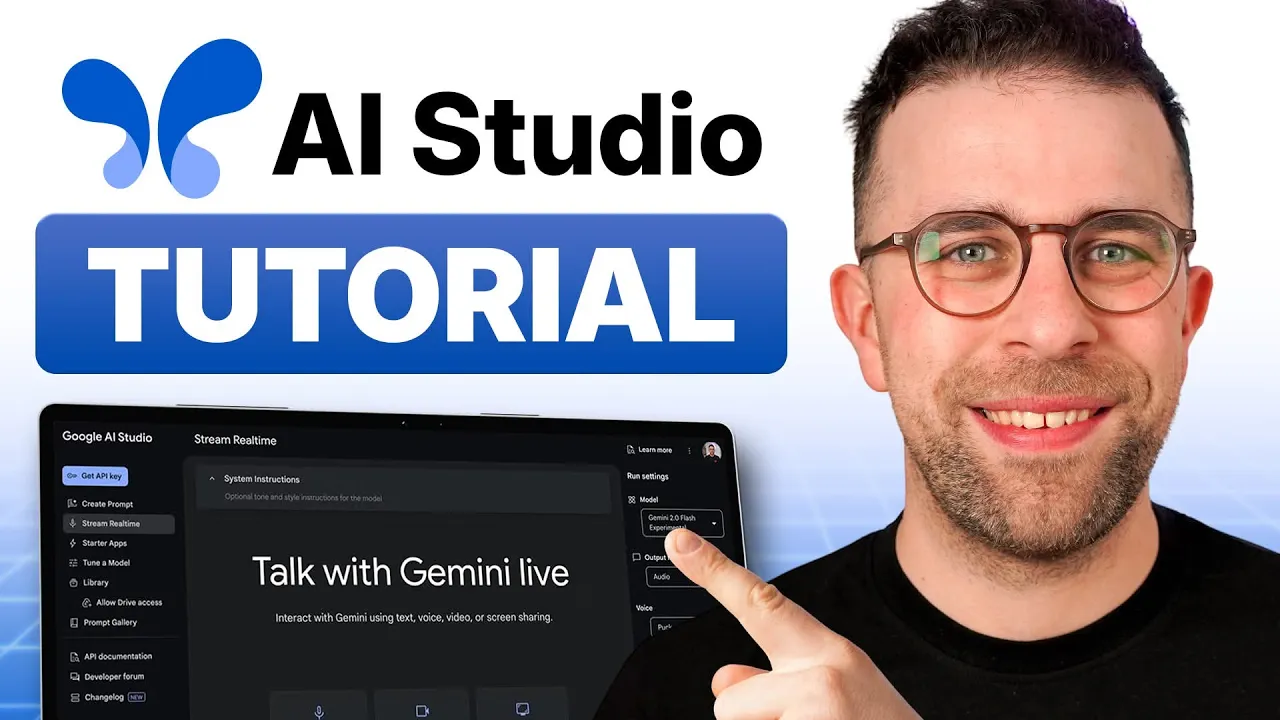
I think I've just found one of the best AI tools at the moment— even better, in my opinion, than Google Notebook LM. Today, I'm going to take you through a software called AI Studio; it's an experimental experience from Google that they haven't yet officially released, but it is available to most people in beta. Today, we're going to unpack how it could actually be useful, so we're going to look at three examples of powerful ways to use this and give you the basics of this application.
I just wanted to point you towards two things: one is toolfinder. com; some of them may not be powerful, but the ones created by myself are. If you want that newsletter, you can find it linked below.
Okay, do I? Now, I think when you land on Google AI Studio, it can be quite overwhelming. To be honest, I was a little bit overwhelmed; I see this stuff all the time, and I'm not going to show you too much of the detailed features.
I'm actually going to show you examples of features that I've been able to use and have been impressed by. So for the start of this video, I wanted to show you the Gemini Live feature, which can be really helpful for using every single day. Now, the application is pretty impressive because what it does is it doesn't just allow you to use voice, but also video and screen sharing.
So this one I'm going to have to demonstrate by just talking to it to sort of give you an idea of the perspective. But I think it's vastly better than the ChatGPT Pro option, which allows you to use voice. So I'm going to start by pressing the microphone button and pressing the source.
Okay, so you're starting by pressing the source. What do you want to do after that? Can you best describe what I look like right now?
Sure, you are a light-skinned man with short dark hair and a bit of stubble. You're wearing glasses with round frames and a black T-shirt. You are in front of a white wall with some white storage and a picture frame in the background.
I want to just go on my screen right now and share a little bit about what I'm doing. Um, what is a good tool for task management on this list? Okay, it looks like you're on a website called Tool.
Highlight some of the options that are focused on task management. Actually, I've changed my mind. Um, I'm looking at these tools; which one would be best for somebody that needs a shared email software that I can collaborate with others on?
Okay, you've switched your focus to email clients and specifically want one that allows for collaboration. Based on what I see on the screen, Missive seems like the best option to explore further, as it is described as shared email software for teams to manage email communication in one place. Okay, fantastic!
Um, can I share my screen? Uh, video editor, to get some advice on a recent edit? Can I share my screen of my video editor of a recent edit that I'm doing to get some feedback?
Sure, I see you're using a video editor; it looks like it's called Google Notebook LM. You have a timeline at the bottom with a few different tracks and media on the left with various video recordings and a script on the right. What would you like me to comment on specifically?
Um, do you think there's too many transitions here? I see that you have several transitions in your video. It looks like each time you switch to a different recording, you've added a transition.
Whether or not there are too many depends on the effect you're trying to create. What kind of style are you going for? I'm going for screen recording, but I'm just trying to work out whether it's too overwhelming.
If I give you a sped-up version of about 20 to 30 seconds, is that too many transitions in there? Okay, so you're creating a screen recording, and you're concerned that the transitions might be too overwhelming if they appear too frequently. If I understand correctly, you're thinking of speeding up the video to see how the transitions will feel at a faster pace.
No, I'm just working out whether I've got too many within this cycle over here, like this; I'm just dragging over. So it is meant to be faster, but is that too many for the user to catch up on in 20 seconds? I see you're trying to figure out if you're using too many transitions within a short time frame to keep the viewer engaged.
So you want to know whether the transitions feel too fast if you speed up the video to a shorter duration, is that right? Yeah, that's bang on! Okay, it's a good idea to think about the pace of transitions to avoid overwhelming your viewers.
Are you going to try speeding up the clip to see how it feels? No, actually, leave that. Um, I've got a few things on my list here; can you help me to organize what order they should go in?
Sure, it looks like you're using a tool called Tool Finder to manage a number of tasks, and you have them categorized into sections: templates and whatever. Do you want help prioritizing these tasks in order of importance, or are you looking for help determining which of these items should be put in the template or whatever categories? So I've got a tax deadline coming up; is there anything in the task area that I could bring to the top that would prioritize taxes for the next month?
Okay, I understand you have a tax deadline coming up, and you want to prioritize that task. Looking at your task list, the "Save documents from taxes" task seems like the most relevant to your tax deadline, and it would probably be good to move it to the top of the list in the "No section" category so it is prioritized. Would you like to move it to the top?
So as you can see, I demonstrated a couple of examples that could be helpful. And what's interesting is each of the things that you capture, like the voice, is automatically saved, including the screen recording. So just something to know when using it, that's obviously experimental.
You can end the stream anytime, and it makes a sort of Google Meet sound, which might be distracting if you think that's a meeting starting. But most importantly with this is it's incredibly helpful because it's fast and responsive and actually feels more accurate than anything I've played with so far. Um, one thing that I noticed with ChatGPT is it's quite slow to respond, whereas this was almost instantaneous, although the interjecting wasn't as good as some of the other options.
So the next thing I want to show you is the Map Explorer. Now, the Map Explorer is probably something that you could communicate with a chatbot with, but there's nothing better than having a visual at the same time. So I'm going to give it a basic prompt of a location that I want based on a few characteristics, and I'm going to give you that prompt below.
So as you can see here, um, what it actually done is given me a few different options. Um, so for example, I asked, "Can I go on a trip that's no longer 2 hours away from where we live and has some good beaches and things like that? " and it recommended Faraoh.
I've never been to Faraoh, but as you can see, it gives you an idea of the beautiful beaches, old town, and a family-friendly atmosphere. Now you can continue this prompt if you want as well. So it's given me another option of somewhere that doesn't cost as much, while still being within those budgets, and apparently Morocco is potentially cheaper for the family.
So I'm actually going to say I want it even closer to home. So it's actually recommended the Alawite, which has good beaches and a family-friendly vibe. I doubt it's going to be as cold as other recommendations, but this whole visual approach here is really nice combined with the recommendations from the likes of Google Maps, having them there.
So you can continue to refine this as well; for example, you could say, "I want somewhere that has a coffee shop that allows me to work with a laptop. " So the final thing I want to show you is Video Analyzer. This is one that I was probably most impressed with as somebody that does videos.
I recently recorded something in my Google Drve called "The Second Brain," and it's part of our new resources experience. But as you can see, I'm going to find it and ask it to do a little bit of actions for me based on that. One of the things that I struggle with is getting videos and crunching down the information as part of it—pulling together that transcript and then making timestamps and things like that can be incredibly time-consuming, and something like this could be really helpful.
So as you can see, what it does here is it can instantly create captions for you, but I'm going to look at the key moments experience and press generate. So obviously, it's just taken the key areas that it believes to be important, um, but I want to narrow that down to 10 and also make them one word per timestamp. So as you can see, it's done that; maybe I need to get it to capitalize it, but largely the concept is done, and it gives me more and better time to be able to analyze stuff without the need for a vast amount of work to be done—it can all be done in the background.
So you can also do that with other files as well; for example, you can clear the chat and upload anything from your Google Drve, and it will help to use that model to refine and improve the structure of your videos, which is incredibly helpful. You can also generate that into a table as well, which could potentially be massively time-saving for you as you're getting started. So there's loads of different features in Google AI Studio; there are loads of ways to build different apps.
There's other features as well, like tuning the model and libraries as well, and to be honest, this is probably one of the fastest communicative AI tools I've seen out there. For example, being able to communicate with it using screen sharing and things like that could be incredibly valuable for learning new software. It could also guide you through planning something if you're looking to do that and you want some real-time feedback.
One of the problems I think is, at the moment with ChatGPT, is that it's incredibly slow when it's using those voice and video modes. So I find that this application is incredibly fast. This works on mobile at the moment, which is pretty good, and it does have some other abilities.
So if you're interested in AI Studio, you can find it linked below. You can also find that newsletter with three tools every single week, and if you're interested in more tools like this, I would personally love to have you as a subscriber here on Tool Finder. Thank you very much for stopping by, and I look forward to helping you in a future video.
Cheerio!