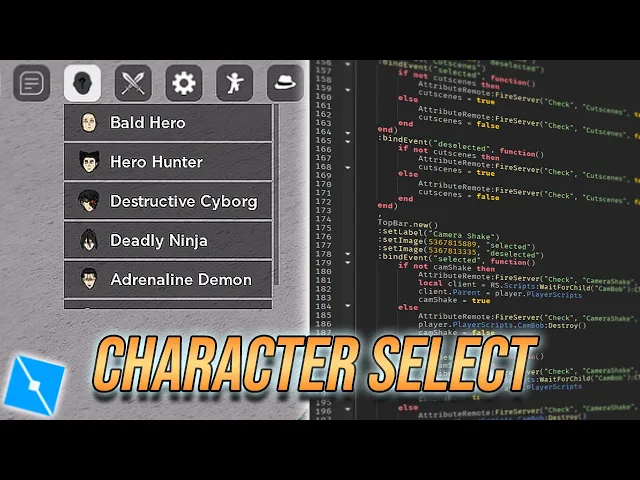
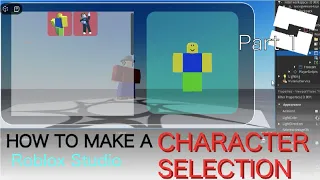
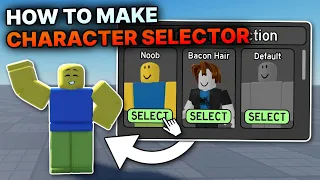
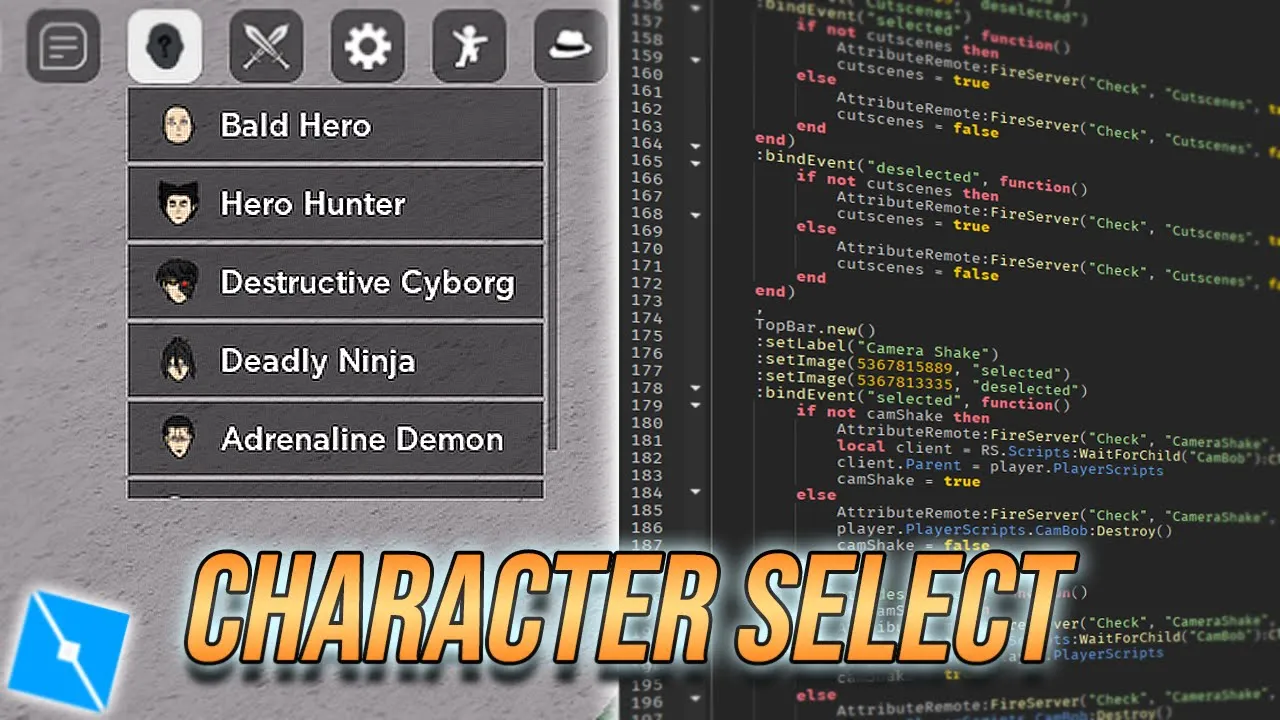
hello everyone on YouTube spark here and welcome back to another video so this is the second part on how to create a character select in Roblox Studio using the top bar plus module if you wanna know how to set up top bar plus and you know understand all this code that's already written here I recommend checking out my previous video you will need to watch it in order to understand what all this is so anyways picking up where we left off in the previous video so here we've set up three events for three different character
select options basically whenever I click one of the three options the code here will run so every character has a local script which we usually put here in uh starter character scripts if you wanted to go in the character and start a player scripts if you want it to go to the player so let's say I have scripts for all of these characters Goku Gojo and Broly the client Scripts I'll put them in replicated storage as you can see here so whenever I click the Gojo button I want the Gojo client script to be loaded
into my player and same with these other two characters so I'm gonna show you how to do that real quick okay so whenever I click the Gojo button um this client script the Gojo client will be cloned and then it will put it in startup player scripts over here that's where local scripts are loaded into if they are for the player um so we're just gonna copy this for the other two as well okay so whenever I click on the buttons their respective client scripts will be loaded into the player another thing you want to
add here is that you see how it checks if I haven't already selected Gojo if I haven't only then this code will run so we're gonna make the other variables false this basically means that when I click on Gojo Gojo selected will become true means I've selected Gojo and this means that I haven't selected Goku and I haven't selected Brawley we're gonna do the same for the other two oh and another thing I forgot to fix in my previous video was that you see these bind demand functions here uh they need another argument which is
selected or deselected I'm just gonna put selected here so if I click once all of this will run now I'll show you what that looks like okay so here if you go in players and I click on my own player and go in player Scripts you don't see any character script here yet if I select Gojo see it loaded the Gojo client script into my player so another condition you want to add here is that you want to delete any pre-existing character client scripts that are already in your player so we're gonna do that first
okay so let's load up Gojo loaded up now if we press Goku it deletes the Gojo client and inserts the Goku client script now if I click broadly did it deleted the Google Cloud script and inserted the blog probably one so great it works so I hope you guys enjoyed this video and learned something make sure to subscribe and leave a like post any ideas you have in the comments down below and I'll see if I can help could also told you how to change your character model in this video but it's a bit of
a process so I think I'll make it into a separate video thank you for watching and I'll see you in the next one