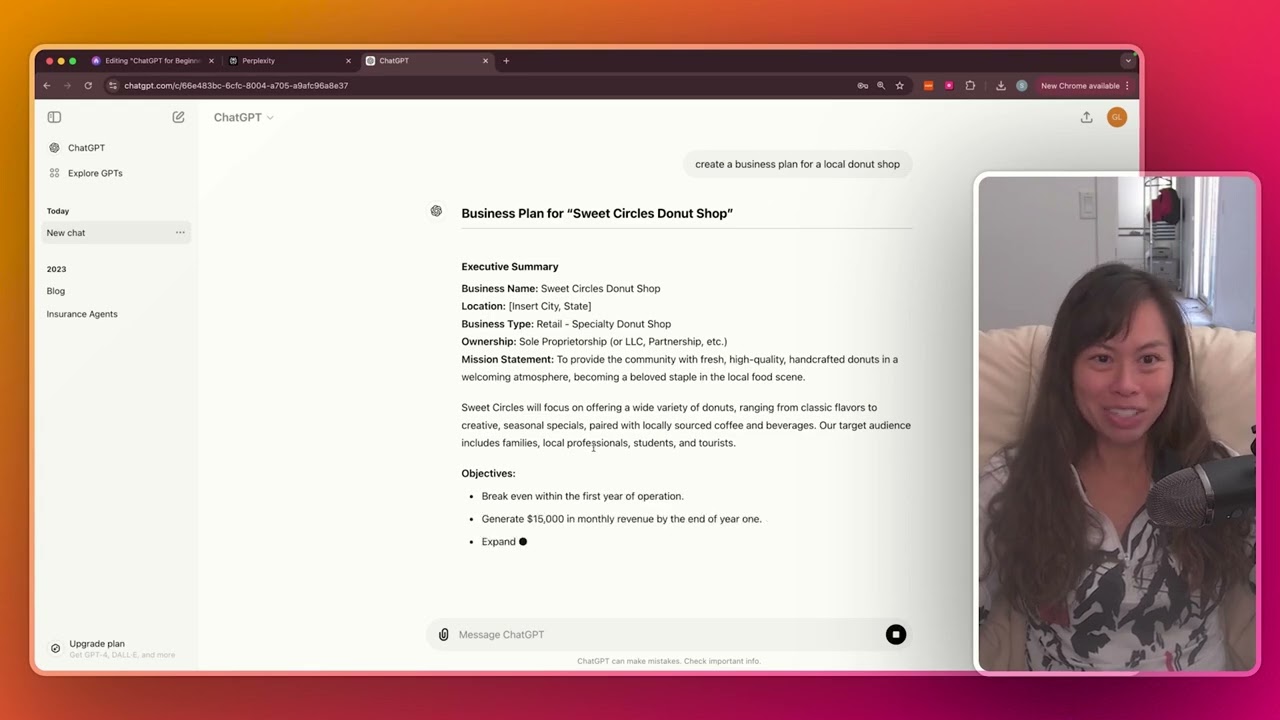
in this video we're going to talk about submitting longer prompts to chat GPT and also uploading files for analysis so let's start with just submitting long problems first log into chat upt your account let's say brainstorm a list of 50 viral hooks for for my Tik Tok videos and then what you want to do let's say you want to add like a whole other paragraph here click shift enter okay and this will actually allow you to create a multi-line PR for each viral hook create a sub hook that would immediately follow the first hook and
you can do that again shift enter add more information this is really useful if you have a super long prompt and it can be hard to read and follow so you can break it up into multiple lines like this so that it's easier for you to scan and refer to later let's go ahead and click enter now chat upt is brainstorming 50 viral hooks for your Tik Tok videos along with a sub hook to keep viewers engaged and as a person who uses Tik Tok these are definitely pretty good hooks that I've seen in viral
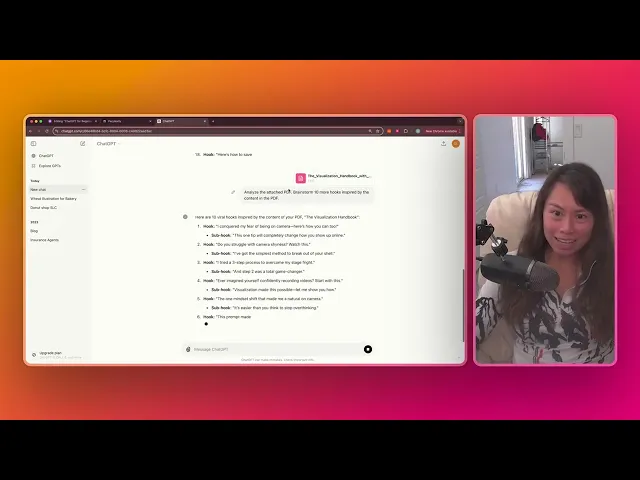
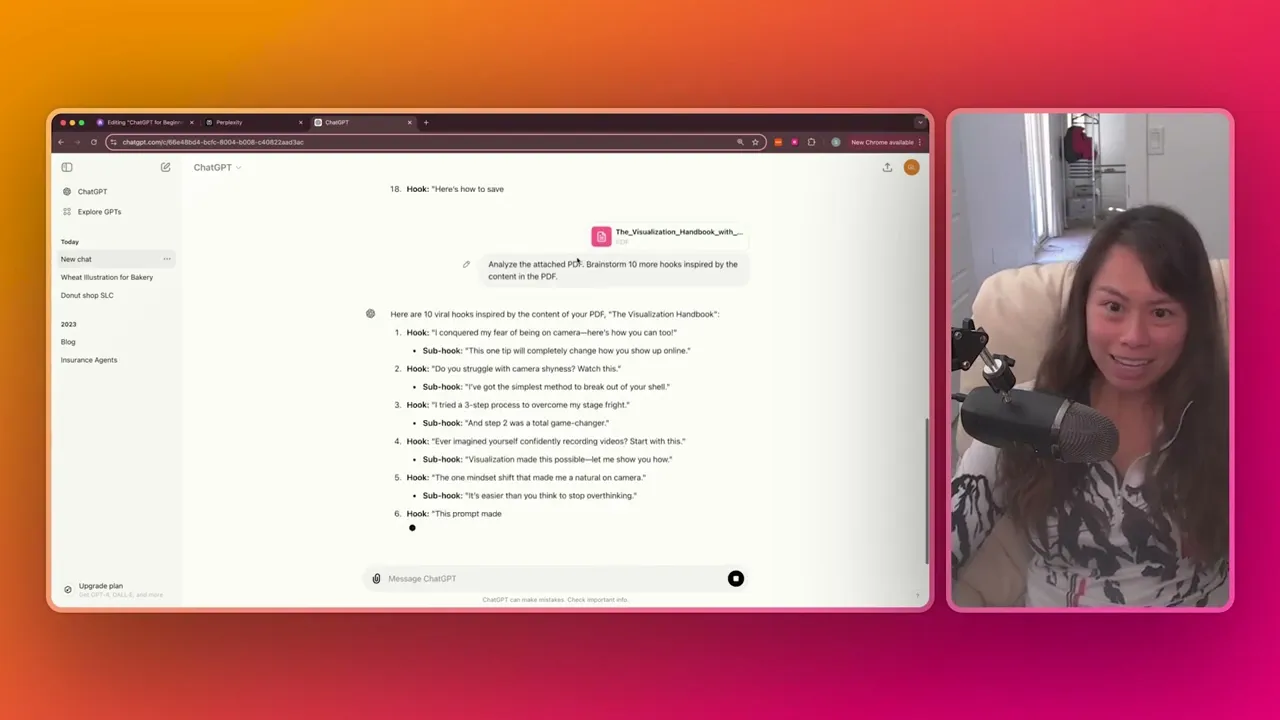
videos okay I'm going to pause the generation again you can do that here now I'm going to show uploading a file grab a PDF or something on your computer and then click this paperclip icon it says attach file okay upload from computer or you can connect it to your Google drive or Microsoft One Drive simplest approach usually is upload from computer now I'm uploading a series of Tik Tok promps that are more focused on being vulnerable in front of the camera and so now what I want to tell chat GPT to do is analyze the
attached PDF brainstorm 10 more hooks inspired by the content in the PDF okay chat GPT is analyzing the PDF and brainstorming 10 hooks inspired by the content this PDF it has like a list of exercises for you to do in front of the camera and just being more comfortable sharing like your personal stories and being vulnerable front of the camera so now you can see these hooks definitely have that angle like do you struggle with camera shyness three-step process to overcome stage frights want to feel natural on camera use the simple trick and so that's
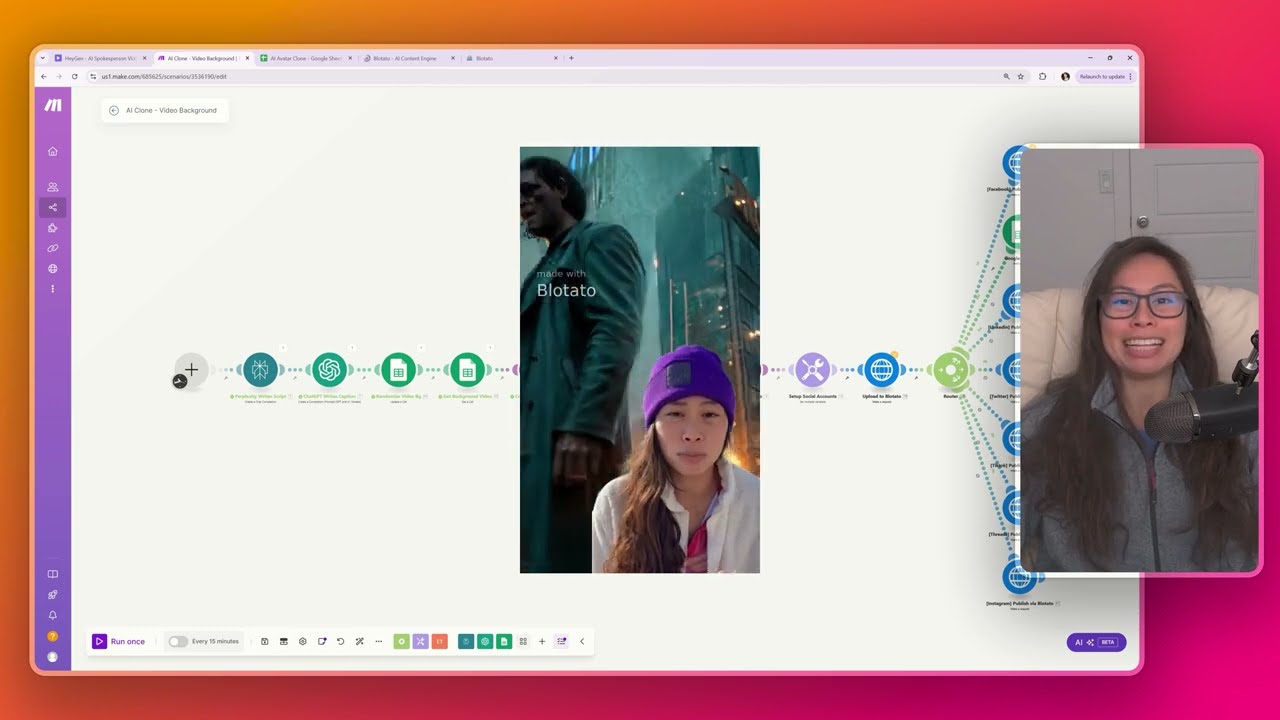
how I can tell chat PT actually did analyze what was in the PDF because I didn't give it any information about the PDF it first just analyzed the PDF and then brainstormed 10 hooks all around the same topic of being more comfortable in front of the camera and the cool thing is you can upload additional file types as well PDF spreadsheets csvs even images now I'm going to start a new chat and upload a different sort of file a screenshot of chatbot workflow and I'm going to say you will be given an image of a
chatbot workflow analyze the image then describe step by step how the chatbot works okay so I'm uploading this image again using this attach file functionality and then I'm just asking chat PT to analyze the image image no other information besides the image and describe how the chatbot works and it's doing it this is accurate so it starts with a trigger or event which is absolutely represented by the start node okay let me just expand this photo so here's the start and then this is the workflow how the chatbot works and then the next steps retrieve
customer information where the chatbot greets the user with a message the chatbot checks the user status through a block labeled get from Snowflake which is accurate and then the chatbot provides options for the user to choose from and again what's really cool chat GT was able to provide this analysis just from a photo of the chatbot workflow gave it no additional context besides this image and the last thing I'll show is how to copy paste in super super long prompt so if you go to my free prompts Library prompts dos Saina dodev it's basically a
public notion page and you can see all the prompts here or the newest prompts over here let's try this faceless Tik Tok Channel plan click prompt URL to see the full prompt so this is a pretty long prompt okay and then click copy raw file to copy the prompt itself and let's go back to chat gbt let's open a new chat by clicking here and let's copy paste The Prompt in and you can see this is a pretty long prompt and you can see it's already multi-line but let's say you want to break this up
into multiple lines just click shift enter okay you have another line and then shift enter again and that just makes it a little bit easier for me to read and easily scan because it's such a long prompt now click enter to submit the prompt and you can see again it's just much more readable because we have multi-line spacing so in this video just to recap showed you how to submit longer prompts that use multiple lines and also how to attach a file for chat upt to analyze if you're on the free plan usage of this
file attachment feature will be limited so you can see here I need to upgrade to Plus or try again tomorrow after 12:30 and it says it here as well you've hit the free plan limit for GPT 40 responses will use another model so this is an incentive to upgrade to plus which is 20 bucks per month