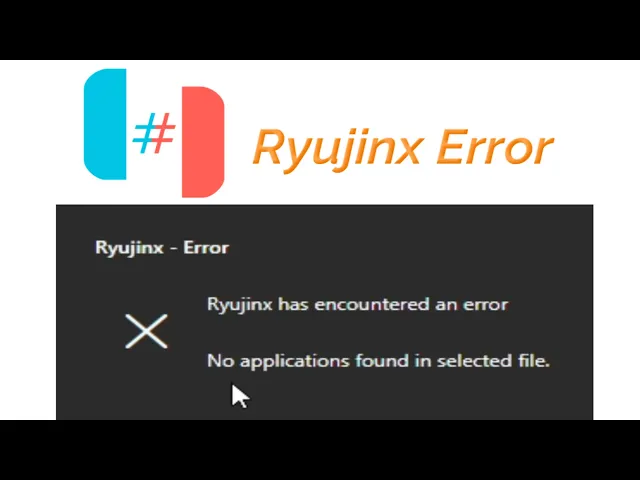
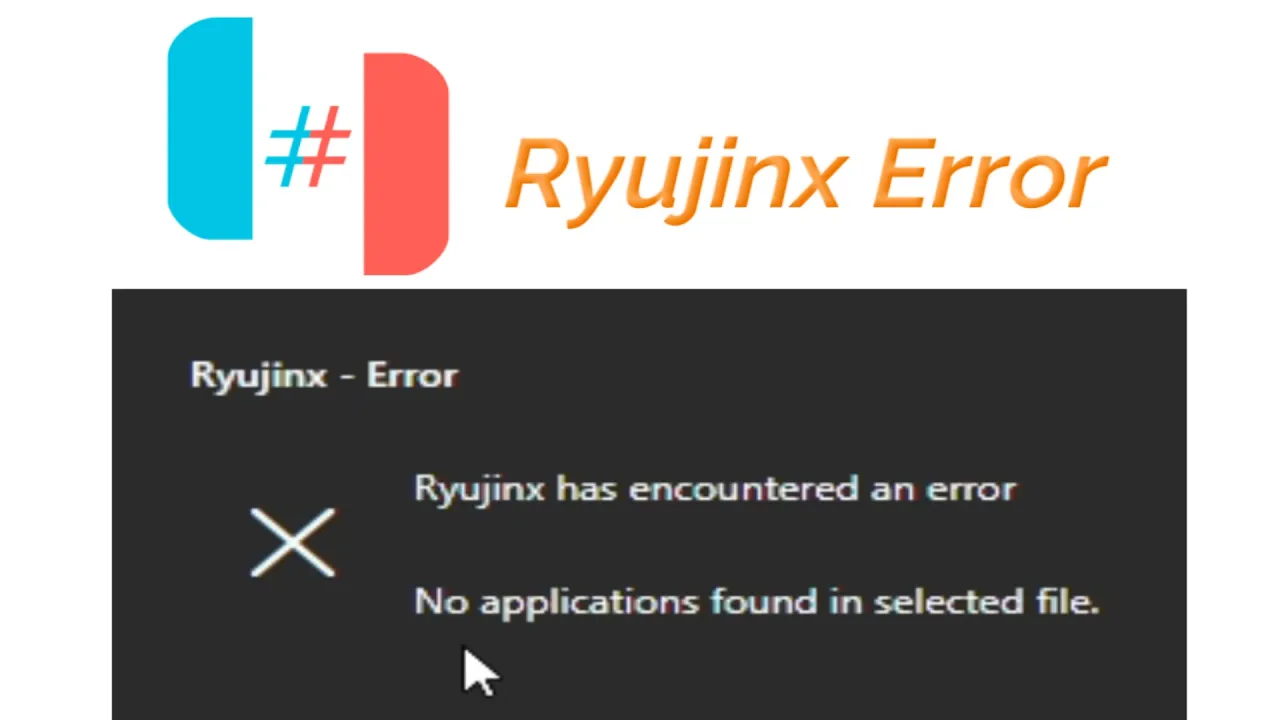
hello guys welcome back to my channel and welcome to my new video in this video I'm going to show you how to fix Rings error no applications found in selected file whenever I try to open any file in my writings you can see the error is showing again and again so let's get started so this is my game as you can see guys doron and this is my update file for doron and both file are in NSP file can see solution number one make sure you are trying to play your you're trying to load an
NSP file for base game do not load an update file instead of Base game so this is my update file whenever I try to open this file load application and this is my update file open so you can face the error no applications found in selected file so do not use do not load an update file for the game load Bas game file instead of an update file so now I load Bas game file go file load application so this is my base game file original base game file not an update open so the error
has been fixed solution number two if you're trying to load Bas game file instead of an update file whenever I try to play my basem file you can see this is my Bas gem file uh this one I open it so I am still facing the error Rings error in this case make sure your pro do keys are up to date so you can see system version you need to update your prodot keys and frameware files Guru files and open rtings folder go to system and delete your old product keys this is my new key
file right click and extract here so delete title keys from here and use new product keys and make sure your keys file compatible with the fimware files you can see same version 8.1.0 and 8.1.0 now rest start rings and go to tools install fwar and select the fwar files open and yes okay now you can try to load the file but I have solution number three go to search bar on your windows and type your percentage temp percentage and press enter but close your rings first and delete all files and folders from here now close
it and reopen Rings now Guru file and load application and go to the game file so this is my game file you can see base game file and open it it's working the error has been fixed hope you like the video and thanks for watching