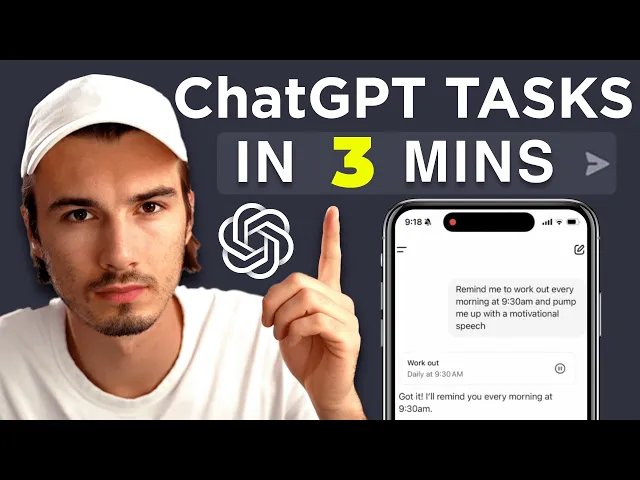
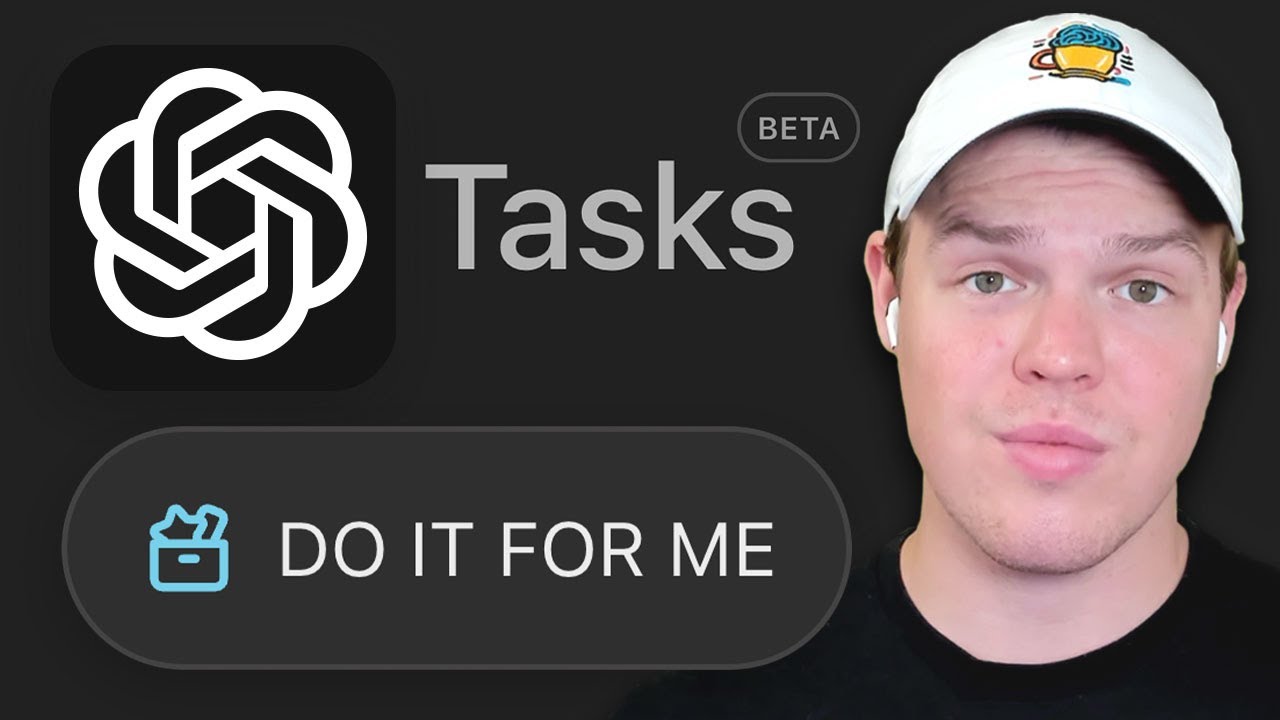
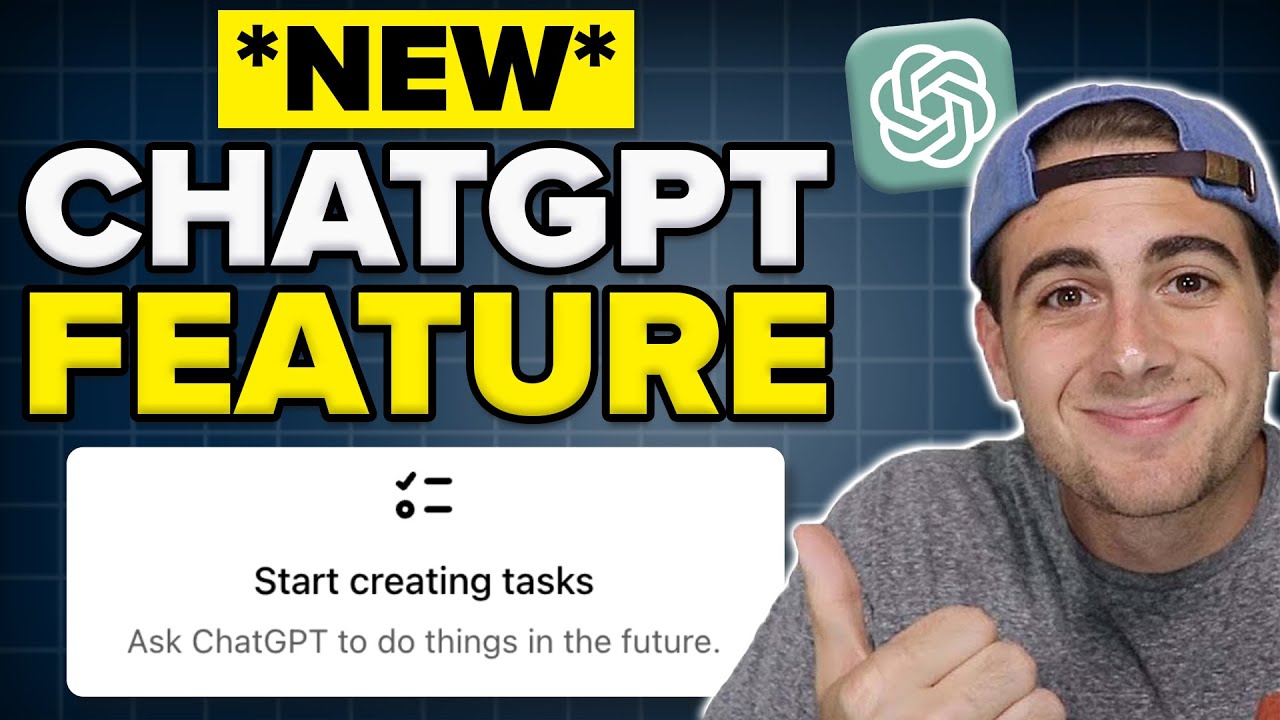
chat GPT has a brand new feature called tasks and many people seem confused by this one as it is not obvious how this could improve your life in any way shape or form and while there's definitely a point there I want to quickly show you what this feature is about and how to get the most out of it today as proper usage of this is not as basic as the initial interface implies but using this feature only makes sense in one of two scenarios that I'm going to outline in this video so if I go
into my web interface of chat GPT here and I go up to my profile I can click tasks and I will be greeted with this screen that has various presets for me now I could either pick one of these or refresh the site for new suggestions or I could try my own basically all task can be broken down into what and when so this would be the what wake me up with a custom compliment on my prompting skills and then the when would be every day at 9:00 a.m. let's just begin with one of the
default ones like make sure I relax this weekend and you can see a basic prompt in here you can just send this and Cat GPT creates this task for you that you can now manage in two ways one of them is by editing it directly in here now in here I could either pause or resume the task and set a schedule for this so if I want this to repeat every Saturday morning I could change that in this case we're going to cancel out and now if I go back to the tasks I can see
a list of all of the tasks that I have either scheduled or that are recurring right now you can have up to 10 of them here in your scheduled tasks overview generally speaking there's a four tasks per hour limit on this so what about the two scenarios that I mentioned earlier it's quite simple as the one category of scenarios where a task makes sense is where you're leveraging the fact that chat GPT knows things about you meaning you have to be using the memories or the custom instructions feature for it to have context on you
and your life memories are turned on by default it automatically corrects different Snippets the more advanced way to do this is custom instructions where you craft custom informations on yourself I teach this in more detail in the AI Advantage Community the simplest way is just going the personalization turning memories on and using chat GPD for a while then it will learn about you as it learns things about you turn Chat GPT into a custom notification sending type of assistant so all of a sudden if you set up a task for it to complement you every
morning in creative ways it will give you some suggestions and sometimes do have to follow up by saying create a task or you can include this in the original prompt like so just to make sure and now I have a daily task at 9:00 a.m. that will use my custom instructions in here to complement me every day now you can do this for desktop notifications or on your phone through mobile notifications all right so the second scenario where tasks really make sense is when follow-up interactions would make sense for example if you set up a
task that summarizes the news for you every day then that might be potentially better than just getting a notification from a news Outlet because you can actually go into here and ask follow-up questions about the information and use all the chat gbt tools like for example web search to further research and interact with these topics as mentioned if you want to check out various use cases you can check out this video description below we put various prompts in there that you might want to consider and if you want to stay up to date on all
new AI releases and and therefore be one of the first people to find out once opening ey releases something like their operator product which is rumored to be their upand cominging agentic framework then check out music and news that I post every single Friday where we look at all of that week's AI releases that you can put to work today all right now go out there and get creative setting up some tasks for yourself and leave a comment below on what this feature could be used for I'll see you soon