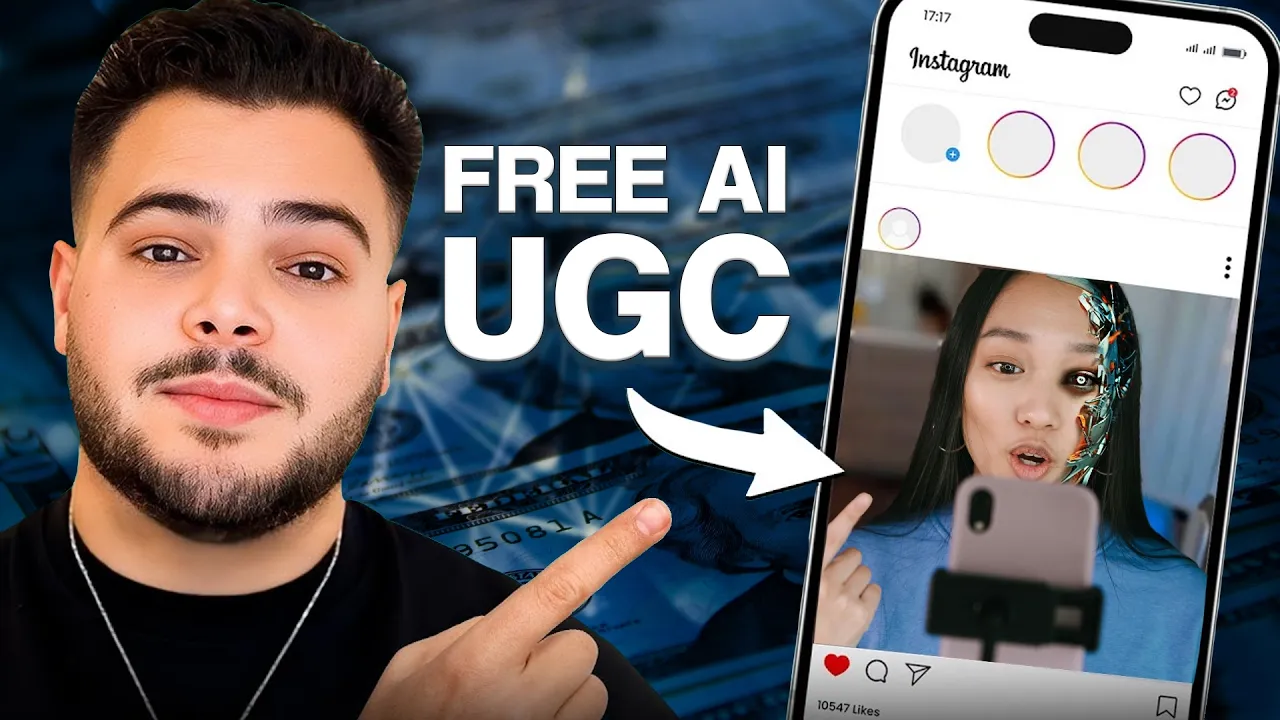
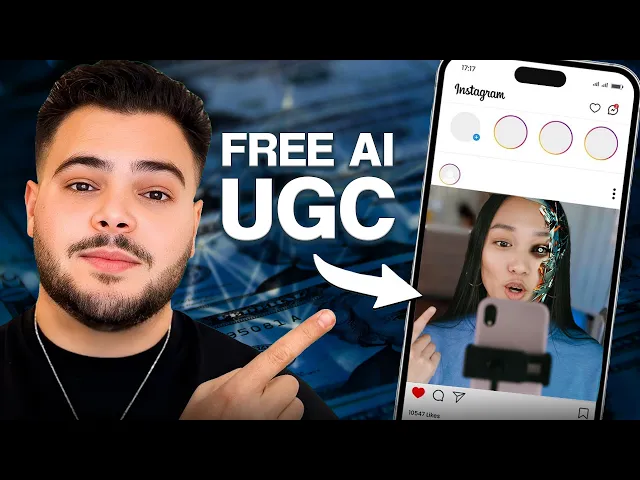
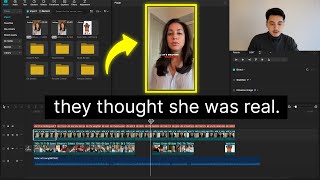
I'm going to expose this untapped strategy on how to get thousands of ugc videos for your brand using AI completely free Yes you heard that it is completely free and if you don't know who I am my name is Nar I run a growth agency called simply scaled and we help seven figureure Brands scale to eight figures and Beyond and what I share on this channel is purely what we're learning and implementing with our own Brands so you can take it copy us and see the same success with your own brand now without further Ado
let's get straight into it I do want to give you a disclaimer this is not a typical video of mine I actually shot this video for some of my friends and for my team internally to see what I was doing and then I thought I might as well just share it with everybody so hope you enjoy all right guys so everybody was asking me how do you find this Tik Tok Symphony thing to make free ugc I going to show you exactly how so you're going to Google Tik Tok Symphony you're going to go to
this blog by Tik Tok themselves and then from here you're going to scroll down until you find a button that says try now so you're G to scroll down to here get started that will take you to their actual creative Center landing page from here you have to scroll down until you see try it now any other button that you click will take you to like create another account so if you already have an account see like these are not going to take you anywhere what you need to do is click on try it now
that will take you to the symphony creative studio and from here is where you can start making all of the different videos that you want to make so you can see for example um Avatar narration you can go to here uh um and then you can actually see all of these different avatars that you can choose you choose whatever Avatar you think looks best and the one that you want to use for your brand and then once you find the Creator that you want to use for your brand you can go ahead and click on
them I usually choose to look at their previews and find someone that when they do speak it seems more natural than usual so let's you know choose for example one person that I've used before is this guy over here so we'll do select Avatar and then from here what you'll need to do is write the script now with the script you have to be a little bit meticulous with how you actually write it so you know if you just write a whole bunch of stuff what will happen is like they'll just say it back to
back to back to back with no you know pauses punctuation Etc so what you need to do is use punctuation so if you want them to say something obviously you know like I can't believe I didn't know about this sooner for example then you know you could either if you do three dots what I realized is they don't really do much so instead if you do you know exclamation mark exclamation mark they'll obviously be more excited um if you just want them to say sooner and then pause then you'll put a dot and I usually
put two lines and I write again and that way that creates a pause um another thing is you can actually fix pronunciation so if I say you know um you know Mike but you know oops let's say I was to write the word mic so if I was say mic and then you know I want it to pronounce it in a certain way I could say pronounce it and then I can actually like phonetically spell the world word out so if I want to say moik you know I could say mo and then that'll see
like moik instead of Mike right um that's for example and then another thing as well is to make sure to segment your sentences with you know even if it's one sentence but they have to change their tone then you have to put them on separate lines and be able to um you know cut that video in between to make sure that the it sounds like one piece so for example It Go from you know I used to do this but now I do this then you want to make them as two separate lines so I
used to do this and then you know that might be this but then but then I found out about mik and then that will basically make it you know more dramatic so every single line especially if there's going to be different tones you want to do them separately so once you're done writing the script you can add music if you want to add any sort of music a lot of these are royaltyfree so you can just you know use them and you won't really have any issues one thing to note is that the actual preview
won't be real so when you see the preview here it won't actually show their lips moving it'll kind of just repeat the same thing over and over again what you're looking for is the audio you want to make sure that the audio looks good um and sounds good in this scenario and then if it does once you hit export then you'll be able to fix that now with the actual avatars if you go to the script you can actually change the their voice so they have multiple different voices here that you can choose from um
you know you can choose a different voice for this person um obviously I would choose one that matches their actual face but after you select the voice you can select the the audio of how how loud it's going to be I wouldn't really do much editing in here I'll do most of it inside of your editing software after you get these pieces that you need um and in terms of like what I would use this for I would use this on green screen ads I'd use this on hooks if I want to test different hooks
um just positioning these people in different backgrounds different environments there's actually some of them that are in pretty cool backgrounds as well so like if you are selling an outdoor product some of them are actually outside so you can make content relatively easily with them outside so uh I'm just going to click generate voice and captions for this one and it should be pretty quick because I'm not really saying much in here I'll be right back and now that this is done you can actually hit export and then from export it will then do this
again and this is where it's actually making the proper um edit where the mouth will actually move properly in this case this preview wouldn't actually look great because it doesn't actually the words don't move properly but in this case it should be pretty good so I'll be right back and as you can see here once it's actually done exporting you'll see you can just hit download and it'll just download to your computer so it's literally that easy it's free you don't have to pay for anything um some other Alternatives as you've probably seen are Arc
ads Crea AI I think there's a couple other ones and they do let's say perform better a little bit better I will say it kind of depends on like how you look at it a lot of them don't necessarily do that and like you can't can't really put the product in people's hands yet on almost any of these however for the price I mean these ones are you know $27 you can get two video ads a month for for for free um in this case I think it's relatively similar if I'm not wrong um I'm
not sure if they have their pricing on here they don't really have their pricing here but um this one is Free by Tik Tok I think it'll only get better especially because they have their their actual unlimited Tik Tok budget behind this so I think it will only get better so yeah that's how you can use Tik Tok Symphony to scale your you know Tik Tok ads Facebook ads I'm not necessarily sure about whether or not you can launch these on Facebook however with editing we've been able to so if you have any questions hit
me in the comments more than happy to help and uh Happy scaling as you can see that is completely free and if you're an Ecommerce brand that's doing seven figures or more and you're trying to scale specifically in this Q4 as well and you can you know take all of what I just told you and do it yourself but you can't be bothered to do so maybe you don't have the time maybe you don't have the energy or just simply want someone else to do it for you then I would highly recommend you go to
simply.com and apply to work with my business by booking a discovery call we'll set aside 30 minutes look at your business exactly what you're doing on the acquisition side and see what we can do to help and if we think we can help we'll put a whole plan ahead of you showing you exactly what we think we can do and how it can benefit your business so with that being said thank you for watching this video I genuinely appreciate every single one of you that stayed to the end of this video make sure you subscribe
and I'll see you in the next one

![7 UGC Examples - Breaking down real UGC examples [UGC Creator Tips]](https://img.youtube.com/vi/9xXzrmGVw6k/mqdefault.jpg)