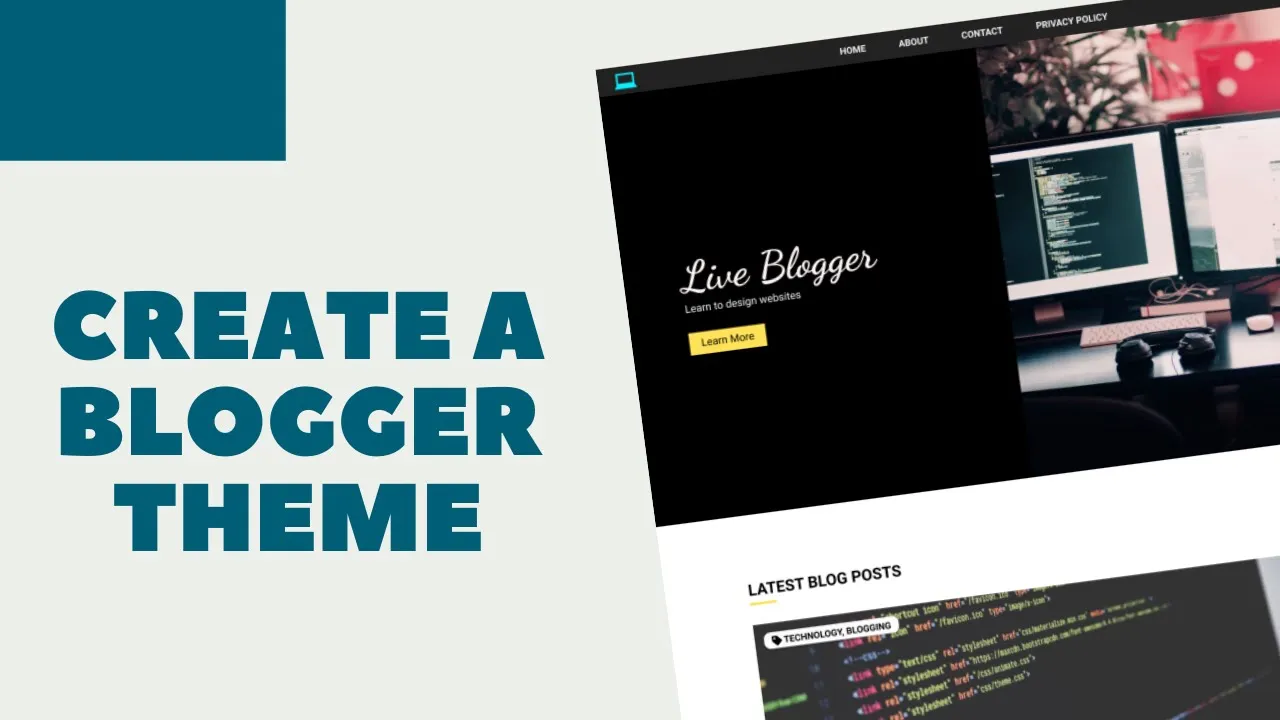
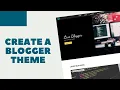
hi everybody welcome to live blogger we are starting a new video series where we'll be creating a blogger theme or template from scratch so we'll be first designing the website using html css and javascript and then i'll show you how to convert the design to a blogger theme it'll be a simple theme for blogging nothing too complicated but i feel that if you go through these videos you'll be able to get a hang of how the blogger theme works and you'll be able to create different types of websites so let's get started [Music] all right
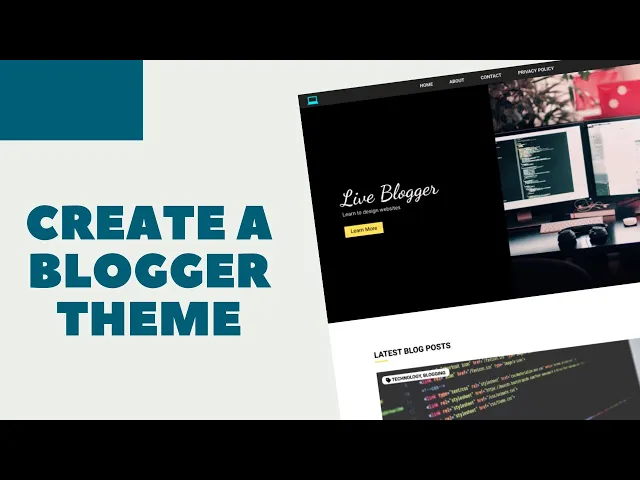
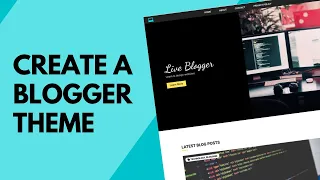
so first of all let me show you how our website will look after completing the design so here we can see we have the hero section we have the nav bar at the top we have a simple logo we have this uh nav menus and we also have the search bar when we click on the search icon we will have a search bar appear over here we'll do that using javascript and then we have these two sections over here and then if you scroll down we can see that we have a section for all the
latest blog posts and here we can see we have the thumbnail of the post and on the thumbnail we have these labels which are related to the post and then we have the title of the post the date on which it was posted and we have a little summary of the post we'll also add a read more button in our blogger theme and then we have another post over here and i just added three posts over here just for the design we'll add more posts in our blogger theme and then we have these two links
one for the home page and the other for the older posts and then we can see we have a section for the popular posts so this has a different layout we have just the thumbnail and the title and we are displaying three popular posts and then after that we have the contact section so here the user can directly type in the name email and message and send and the message will be sent to our email address which is connected to the blogger account and then lastly we have the footer of our website so we have
two sections over here we have the quick links and then we have the social media icons so this is how our website front page will look now if you go into one of these ports we will have almost the same kind of design but we will just exclude this hero section on any other page other than the front page so if you go to one of these posts then we'll remove this whole hero section from here we'll just add the name of the website over here and then this line of text right below that and
after that we'll just right away start with the blog post so that the visitor don't have to scroll down every time he goes to any of the pages of our website all right so this is the desktop version of our website now let me show you how the mobile version will look all right this is the mobile version of our website and on the mobile version we can see in the navigation we don't have the menu items displayed over here rather we have this logo and this icon for displaying the menu so if you click
on this icon you will get the mobile menu displayed over here on the screen on top of everything and then you will have a close button to close that and then we have this hero section just as we saw in our desktop version but we have some slight change like the text is smaller and the image is shifted to the right and then if we scroll down we can see the blog post and the size of this thumbnail is smaller and then we have a different layout for the home and the older posts links and
then we have the contact section and the popular post also has a different layout each of these posts are displayed one below the other and even the footer has a different layout so this is how our website will look on a mobile device all right that's it with the demo of our website now let me show you what are the sections that i have divided this course into so first of all we have the introduction and the demo to our website so this is the introduction video and then the next section is setting up so
in this i will show you which code editor i i'm using and what are the extensions that i'm using in that and then we'll also choose the fonts and the colors of our website and i'll also provide you with all the images that we need for the website so that's all we do in the setting up section the next section is the header section so from this section we actually start designing our website so we'll first of all design the header section and uh and then we have the blogs section and then the popular posts
and the contacts section then we have the footer and then i'll show you how to animate the search bar so that when you click on the search icon the search bar should appear so we'll be using some javascript for that and then i'll show you how to make the whole design responsive so we'll be using media queries for that and then i'll show you how to add the mobile navigation for that also we will use some javascript and with this section the design of our website is completed and the next section is blogger theme basics
so here i will just uh introduce you to how a blogger theme is structured and how it actually works and then in the next section i will convert the design that we have to a blogger theme and then lastly we have the conclusion so this is basically how the course is structured and i'm also show you how to add animation to the hero section of our website so this is basically what i have planned for this course so that's basically it for the introduction of our course so if you like this video please click on
the like button and if you have any doubts you can ask in the comments below and subscribe to this channel to get the latest video updates thanks a lot for watching have a nice day [Music] so [Music] you