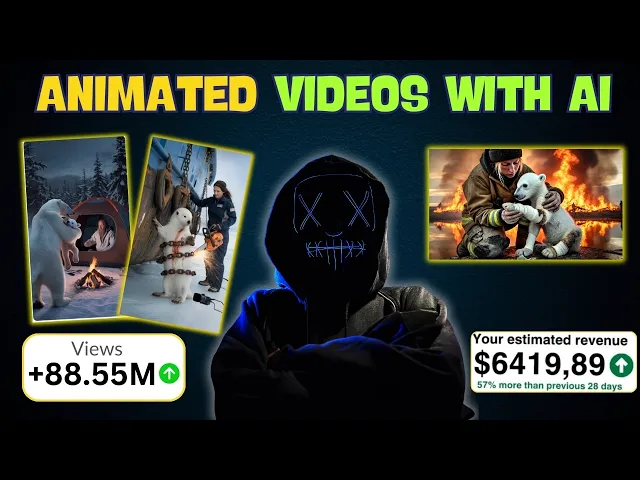
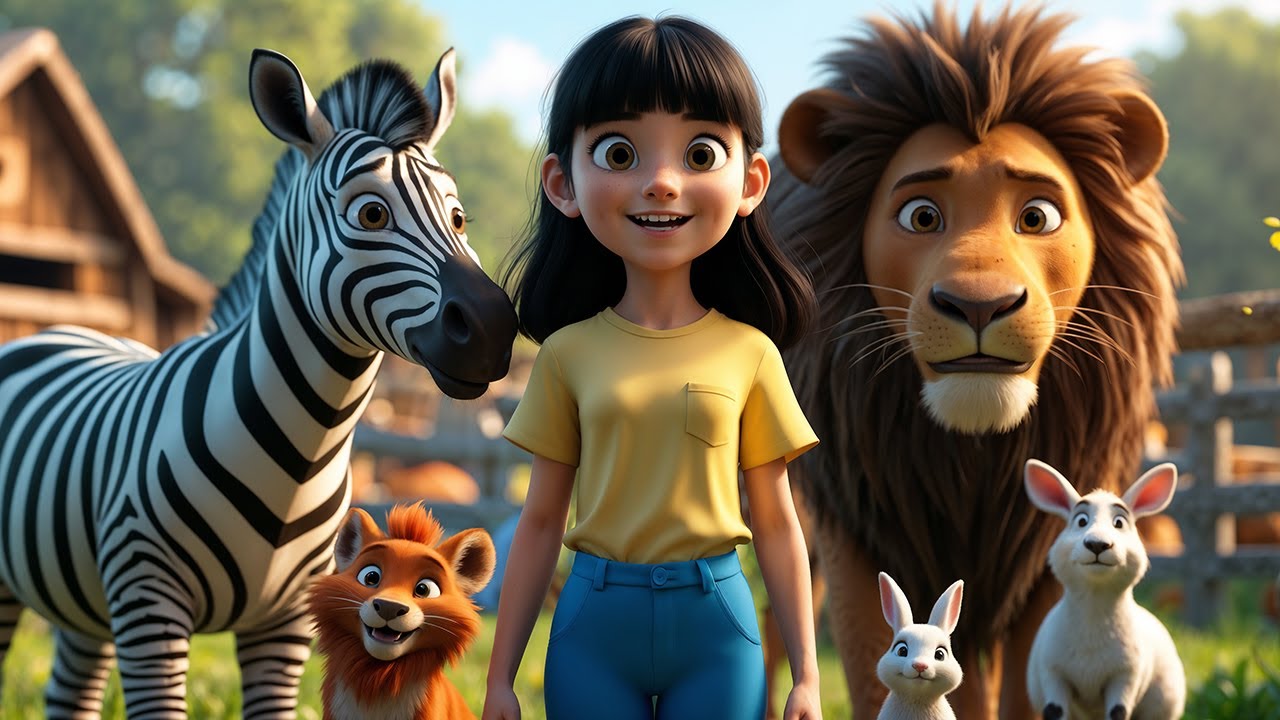
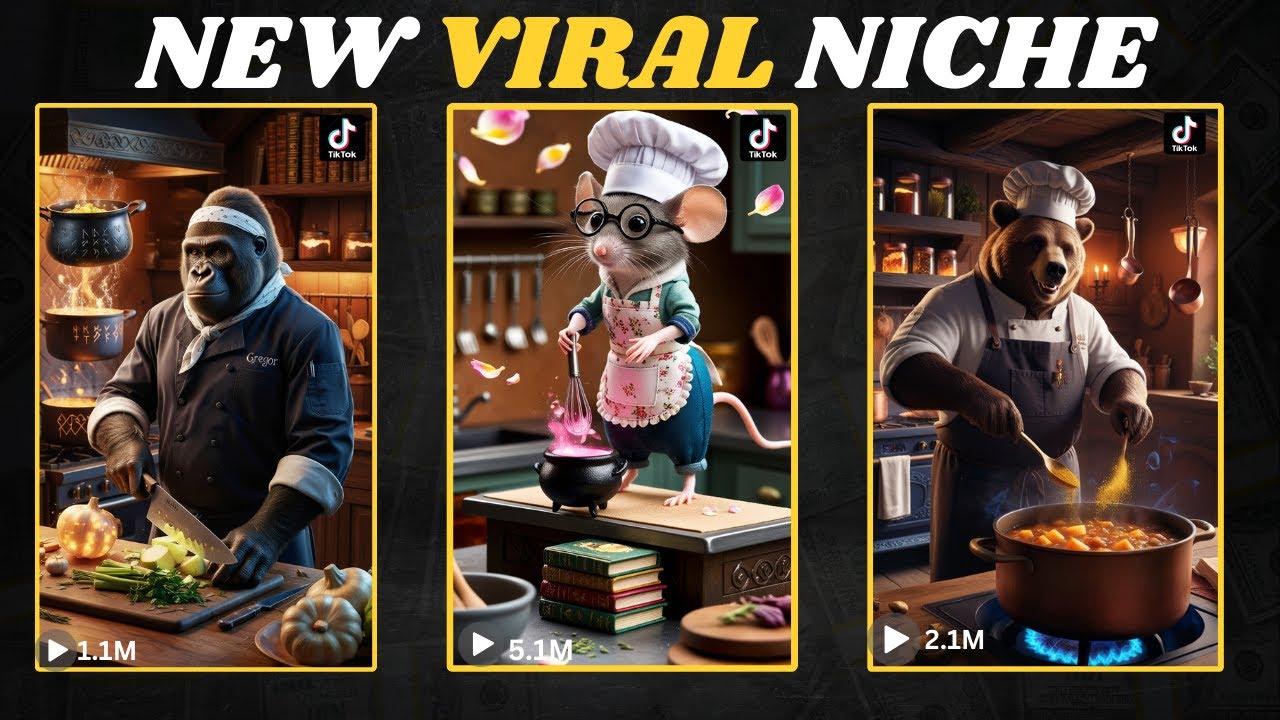
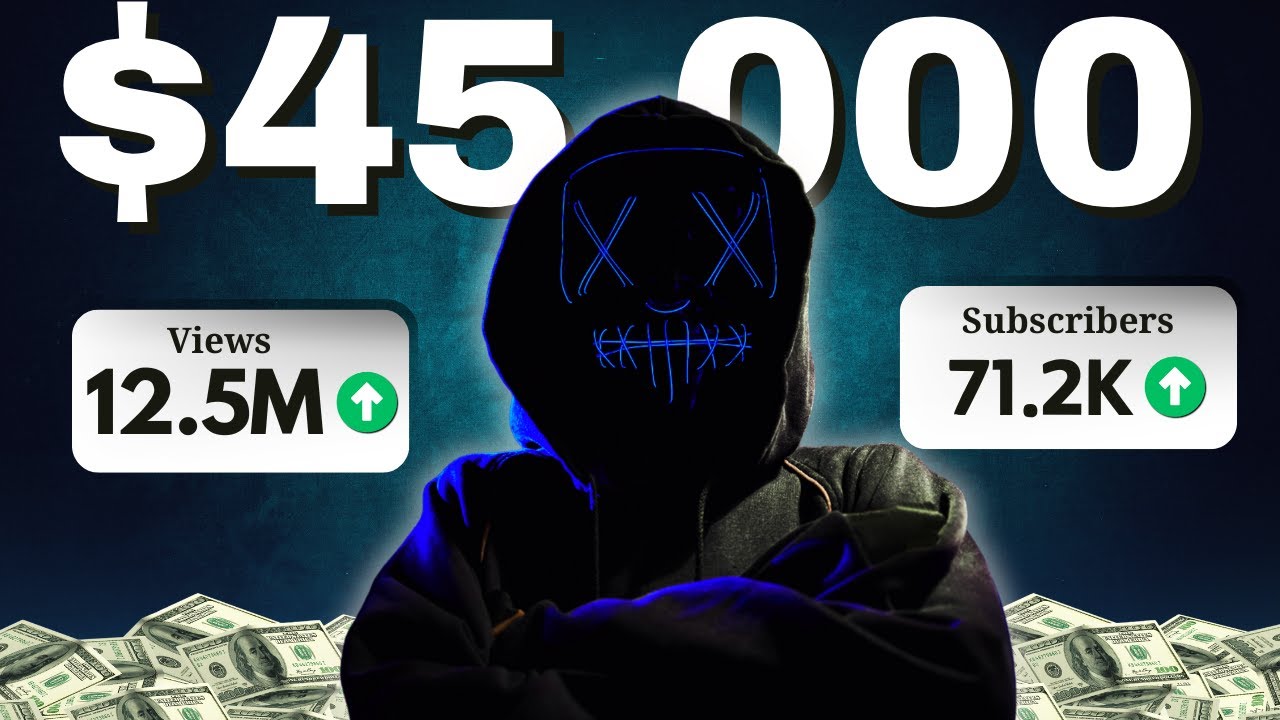
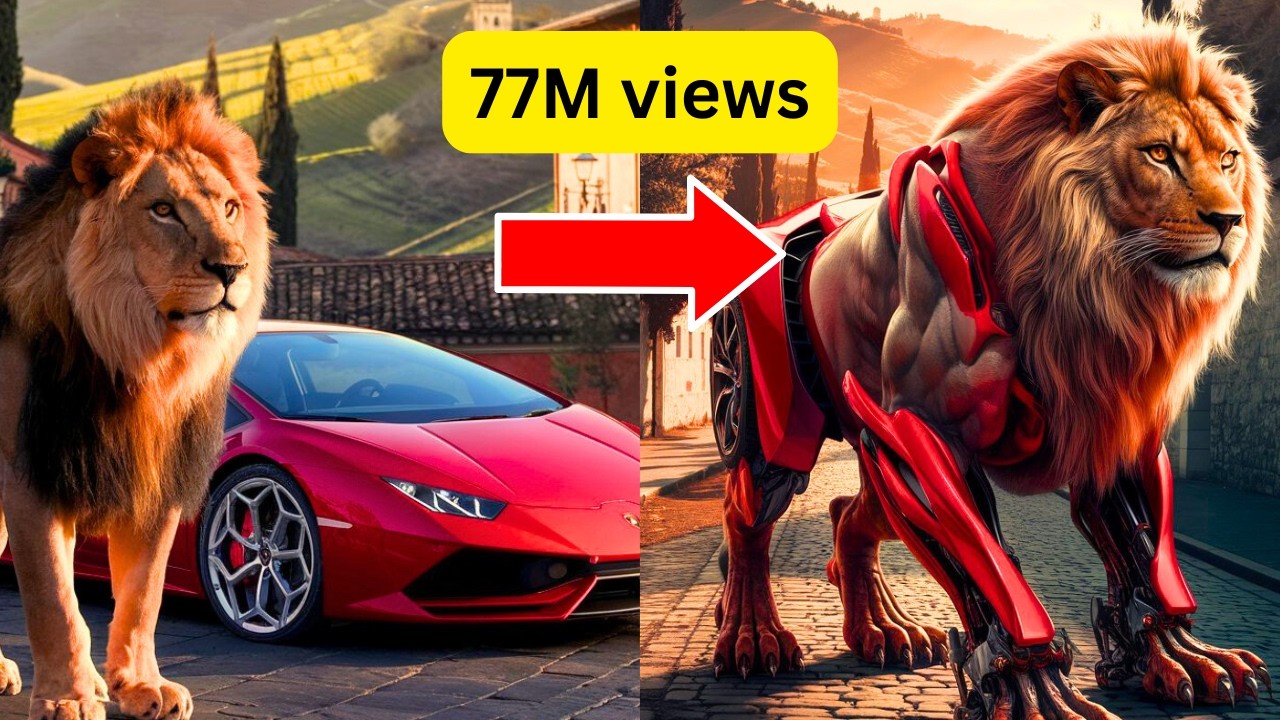
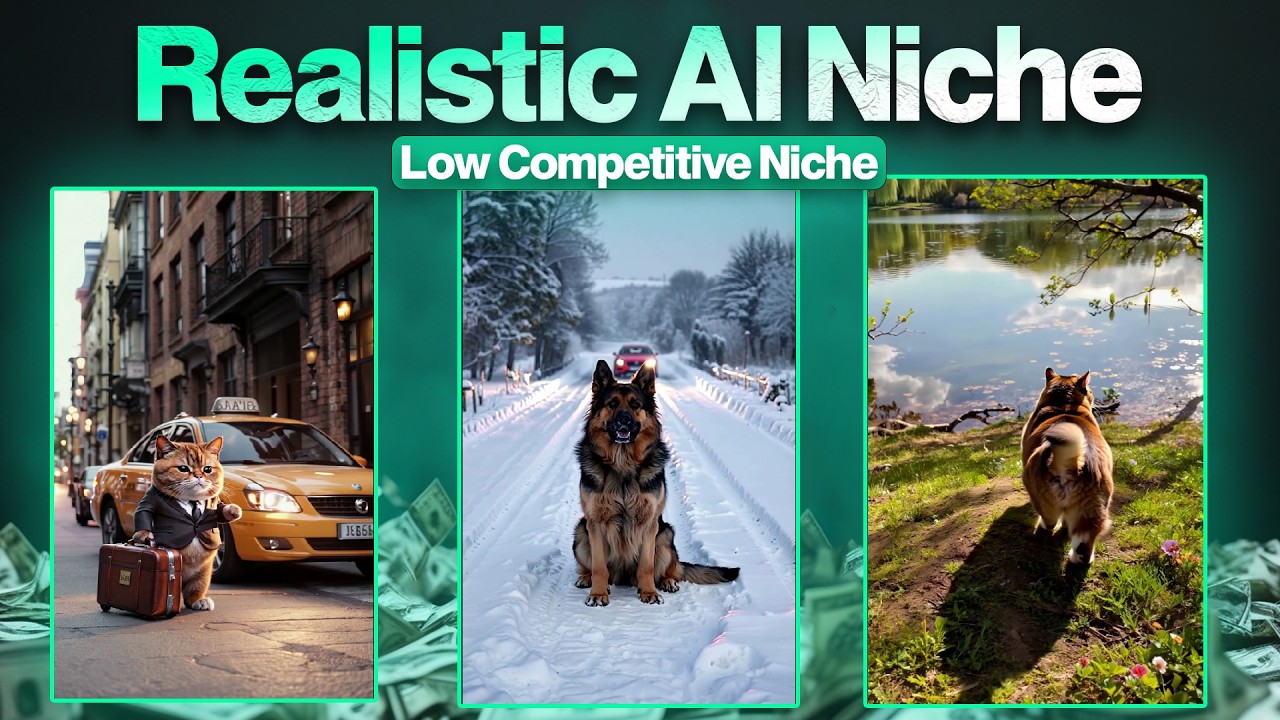
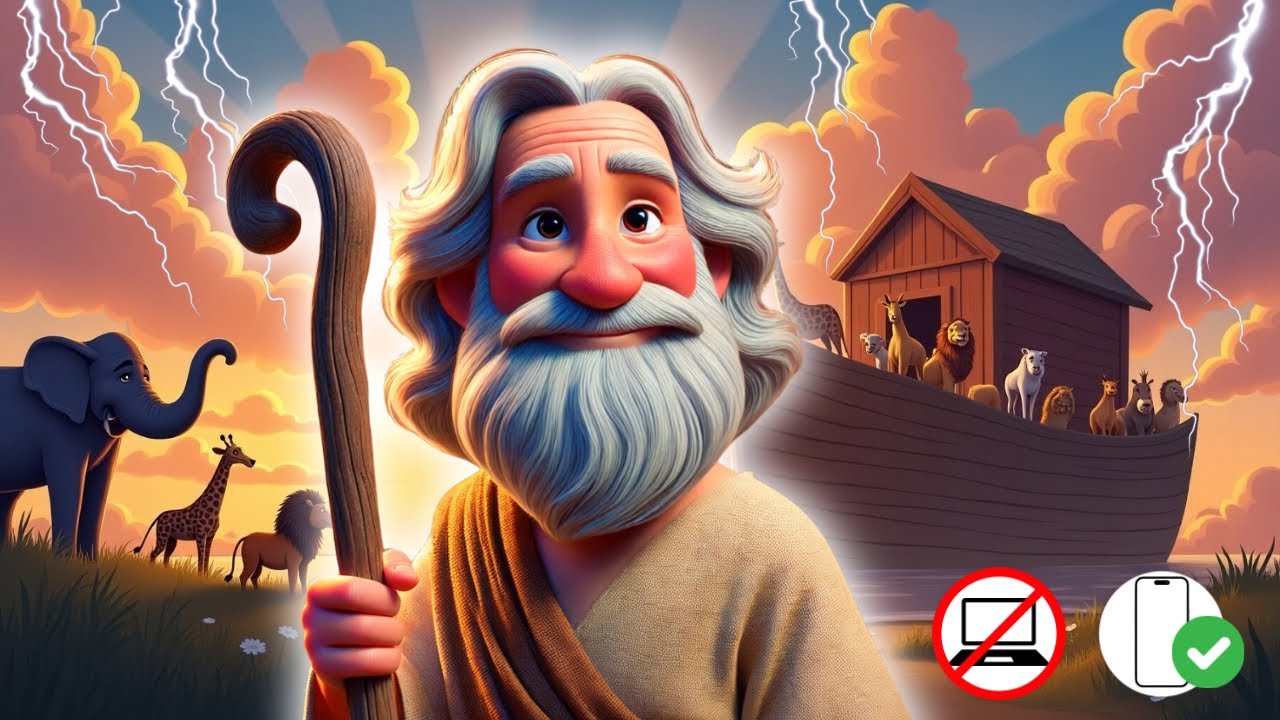
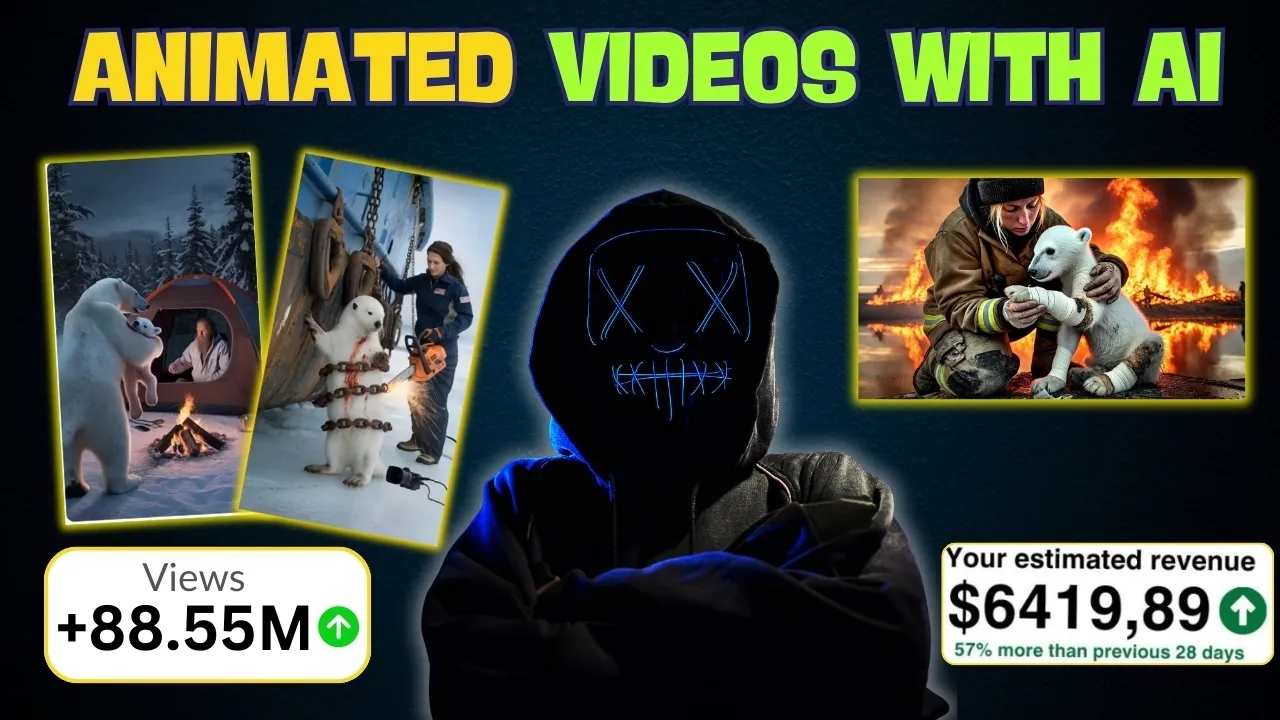
hello money makers the niche which I will reveal today is the best Niche to start a YouTube channel in 2025 don't go by my word check out this channel as you can see they have gained over 250,000 subscribers in less than 2 months this other channel has gained around half a million subscribers in less than 2 months guys this is the best time to start your YouTube business these are completely faceless YouTube Channel created with the help of AI and in this video I will show you the complete Road map on how to create such
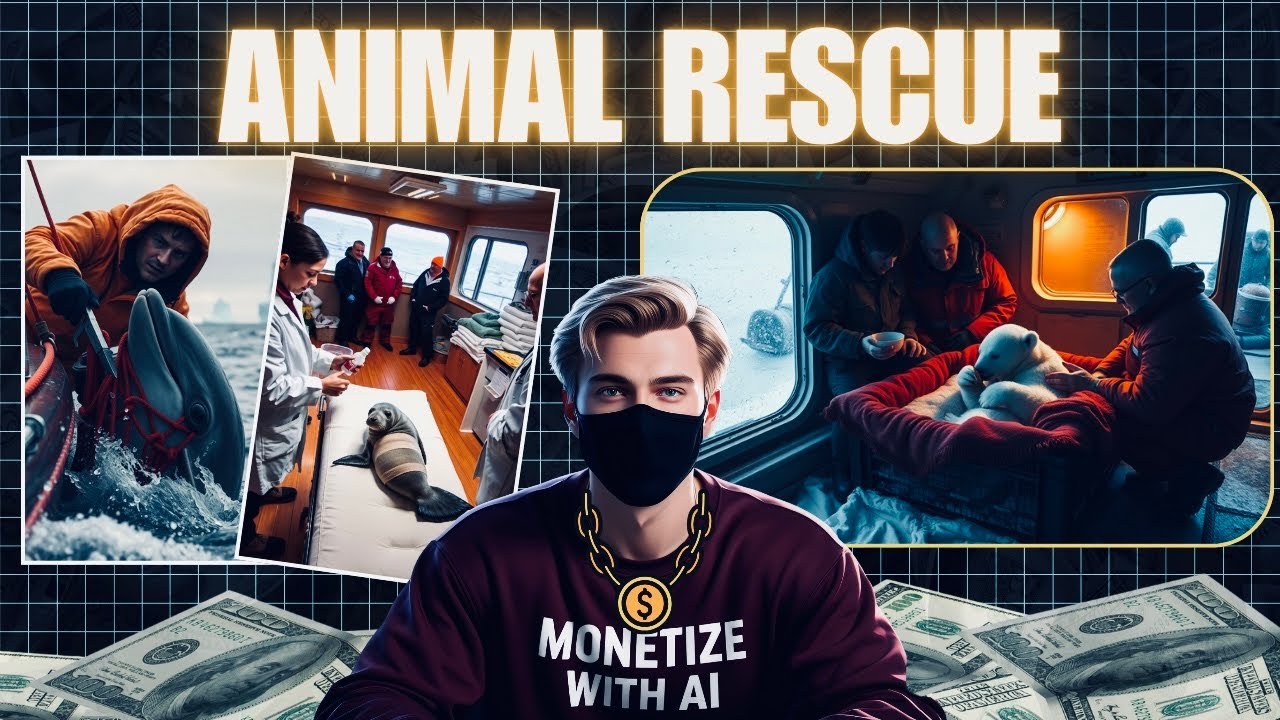
videos and I will reveal the tools that are used by these channel to grow Their audience let me reveal this Niche for you this Niche is called animal rescue Niche anyone who is scrolling or watching YouTube will stop and watch these amazing videos as currently very less channels are doing are working on such Niche you can also re distribute your content to other platforms such as Instagram Facebook or TiK ToK by the end of this video you will be equipped with all the knowledge it needs to start a channel like this even if you are
a complete beginner who live in the woods grab a cup of coffee and watch this video till the end let's get started so let me start by saying that when I first sat down to create this type of video it took me about 6 to 7 hours just to generate the perfect prompt I thought if it's going to take this much time then it's going to consume a lot of my loyal audience's time as well that's why I used my effort and intelligence to create these two prompts you can find them on my WhatsApp Channel
using these you can get unlimited story ideas and related prompts instantly first you need to join my WhatsApp Channel then open the Google Docs link provided there and copy this first prompt which is quite long that's why I didn't put it in the description but in the WhatsApp Channel I have included all the details in it what kind of stories should be there what kind of animals settings characters when other animals will seek help when the rescue team will come and everything all you need to do is copy this prompt and come to chat GPT
but before that to help chat GPT better understand the concept I will also share the link to my reference Channel and if chat GPT still doesn't understand properly then you need to copy all the details of that channel and give them to chat GPT like this doing so we'll ensure that chat GPT understands everything clearly now all you need to do is paste the prompt from my Google doc here and boom chat GPT will quickly start generating story ideas for you this way you can generate as many stories as you want then choose whichever stories
you like the best or if you want to add a unique twist to any story you can do that according to your preference as I always say don't rely solely on chat GPT if you have a good scene in mind just provide it to chat GPT and ask it to develop the story well you can explain it to chat GPT in any language and it will understand I would suggest using your own creativity more now that you have your story ideas it's time to create related visuals and for that we need the perfect prompt but
don't worry you won't have to work hard for this simply copy the second prompt given in my Google doc and paste it into chat GPT this prompt includes all the details how many scenes there will be how many images each scene will have what those images should look like the camera angles the uniform color and so on just paste this prompt into chat GPT along with the story idea you've selected or chat GPT will provide you with 25 detailed image prompts you should review all the prompts once and if you feel that you need more
prompts for certain scenes you can ask chat GPT to generate additional images while AI will do its job and deliver it's your responsibility to thoroughly review and modify them as needed once you receive all the prompts the next step is to convert these prompts into images there are many tools available for this if you have chat GPT plus you can generate images directly through it which usually provides excellent results alternatively you can use any free tool available however some image generation tools might not support generating images with blood for such specific needs you can use
the pan AI tool which is currently free just go to your browser search for pen and sign in next click on create on the dashboard copy the prompt from chat GPT and paste it here if you choose the flux option it will take longer to generate but the results will be better if you choose the V2 option the image will generate more quickly then select the 9x6 ratio and click [Music] generate and here's the result for the next prompt maintain continuity by copying the seat of the first image and pasting it here for the subsequent
images now that you've generated all your images you'll need to download them after creating the images the next step is to bring them to Life by converting them into videos that look highly realistic for this I recommend using Hyo AI which delivers exceptional results you can generate up to three videos per day for free simply upload your image and add the same prompt you used for generating the image even if you don't add the prompt it's fine I have already generated the videos beforehand because this tool takes a significant amount of time to generate videos
alternatively you can use Sora which also provides impressive results just upload an image and it will generate the video for you these are the resources you can use to generate the videos now proceed to generate each video one by one let's move to the final step which is editing for editing I will use cap cut you can use any other editor of your choice first import all your videos then add them to the timeline one by one in [Music] sequence next go to the text section and add a text box throughout the [Music] video you
can write your channel name or prompts like subscribe and position these on the side over the watermark of the video [Music] to make the video look more realistic we need to add sound effects for this go to pixabay and select the sound effects option search for sounds related to what's happening in your video for example if there's fire in my video I'll search for and download a fire sound effect if it's raining or snowing find those sound effects I'll also download a helicopter sound effect collect all the necessary sound effects related to your video then
import all the sounds into cap cut add them where appropriate throughout the video to enhance the realism and engagement of your [Music] viewers add transitions between all the clips avoid using dynamic or flashy transitions instead use dissolve mix or similar subtle transitions if you want to explain what's happening in the video you can add a voice over or like me you can choose to just add text I will add a text box and write information about what is happening in the first clip then I'll add background and animations to that text box I'll copy this
text box and update it with information for the second clip next go to the filter section and apply a clear filter to ensure visual Clarity you can also experiment with different effects to enhance your video this way you can create videos in both long form and short form formats and that's how easy it is to make these videos the more you make them the better the quality will become and you'll start seeing results from YouTube soon if you found this video helpful don't forget to like share and subscribe now let's watch the video we've created