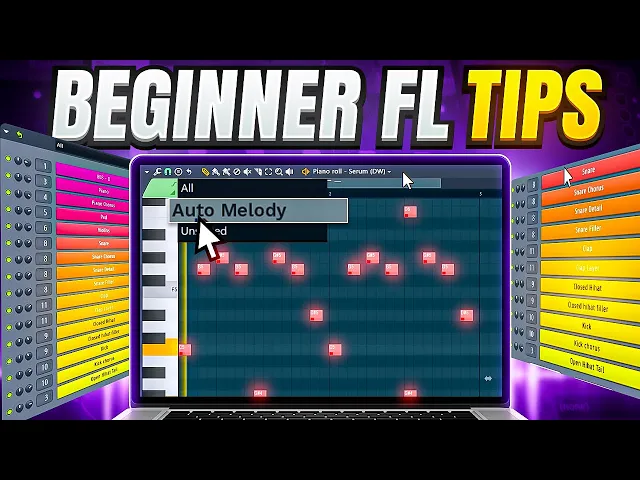
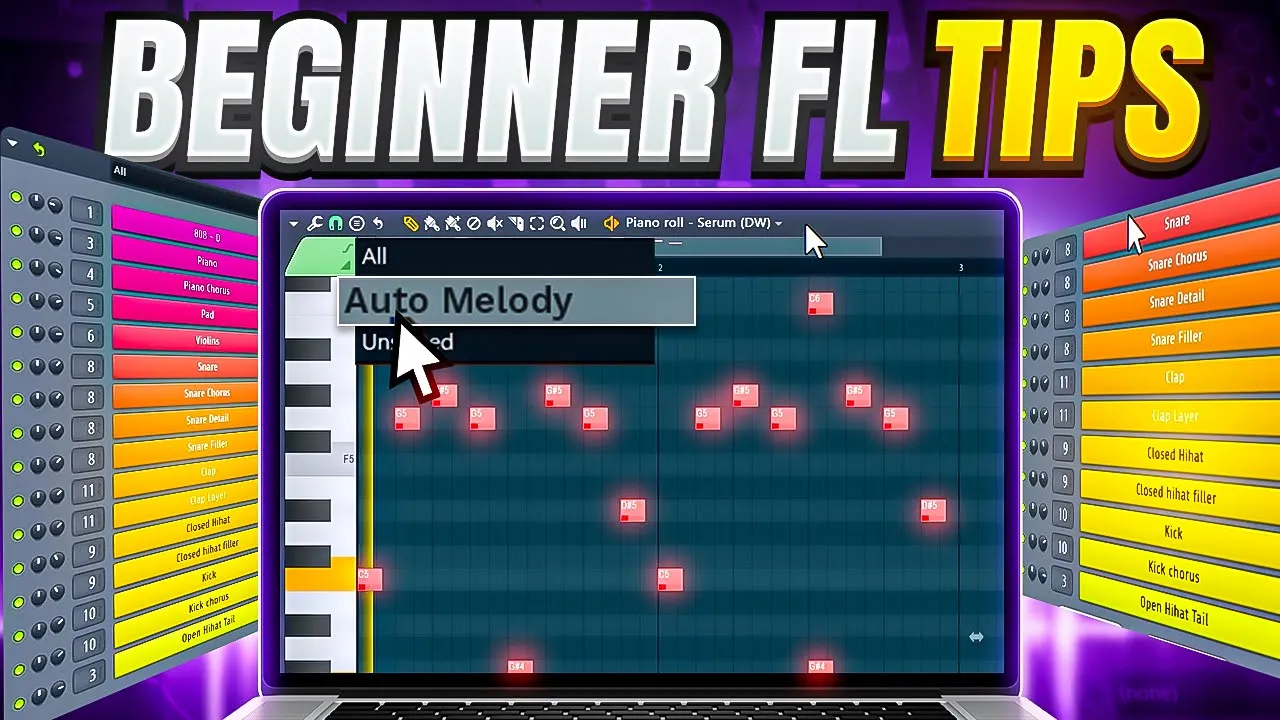
beginners have a huge Advantage when it comes to learning stuff if you're new to something you have the ability to learn super fast the same thing counts for FL Studio but when you're just a beginner everything you see can be overwhelming but don't you worry today I'm here with 10 FL Studio tips for beginners to make sure that you will learn the right things first hey guys it's Timon for fltips.com and the first thing you need to do is take advantage of the hint panel the hint panel on the top left is basically a little
window where you can see a short description of anything you hover your cursor over if you're new to the program and don't know what all these buttons do just move your mouse over the buttons and read the information here to make this even easier go to view toolbars and enable handbar setting this will activate the extended hint panel for you you can also drag it everywhere you want so you're playing on your midi keyboard and you came up with an awesome Melody the only problem is you forgot to hit the record button don't you worry
head over to the tools menu on top and choose dump score lock here you can recover everything you played for the last 30 minutes FL Studio has this thing where it records everything you do in real time even if you don't have the recording enabled don't worry they're not secretly recording your mic or are they you have this great sounding Loop in the channel rack but it's getting a little messy to clean things up we're gonna make some groups select your drums for example by holding down shift on your keyboard and selecting them open up
the menu on the top left and choose group selected or use the shortcut alt plus G and that is how you organize a channel rack a fast workflow is incredibly important so by hitting F5 on your keyboard you can open or close the playlist with F6 the channel rack with F7 the piano roll and with F9 the mixer remember the hint pedal from before you can also see the shortcuts of a specific control there super useful next here we have a beautiful piano Melody but it sounds a little bit static [Music] foreign this is because
the notes are being played perfectly on time and with the same velocity to make it sound more human you can offset the notes a little bit by holding alt and dragging the notes a bit to the left to do this even faster hit alt plus s on your keyboard this will open up this drumizer play around with the time and click accept this sounds better already but to level it up even more randomize the velocity like this you can also hit alt plus r to open up the randomizer here you can randomize the velocity of
the selected notes even faster I want to use this melody for a Lo-Fi beat which means I'm gonna have to make it sound old to do that you can add the fruity parametric EQ to the mixer and remove some of the high frequencies like this [Music] you don't necessarily need to use the effect for that when making subtle EQ changes you can use the built-in EQ from the mixer track it's just sitting there anyway so why not use it this will also save you a little CPU foreign it can be time consuming to Route every
single sound to your mixer track and then name it and give it a color stop doing that instead select them all and press Ctrl L on your keyboard This Will route them to a mixer track automatically and the name and color will also go with them you don't want to lose your files so it's important to make backups my favorite way to do this is to export your project to a zipped file on an external drive this way FL Studio will make a copy of all the samples you use so if your computer crashes and
your samples are gone you can easily reopen the project and everything will be there speaking of opening projects imagine you're using an external vsd like serum and you want your friend to open up the project the only problem is that he doesn't have serum to make sure he can open up the project right click serum and then choose create direct wave instrument direct wave is a sampler within FL Studio by the way save the direct wave file in your project folder and now this window will pop up now the first thing you notice are the
piano keys these are actually the keys from serum but important into direct wave this plugin will sample these keys so that you don't need Serum at all with the sampling options you can adjust the range of the keys for example if you only use from C3 to C4 there's no need to sample the nodes outside that range they will only increase the file size the harder you hit a note on your piano the louder it sounds this is because of the Velocity my serum preset isn't velocity sensitive so no matter how hard I hit my
keys it will sound exactly the same so no need to add more than one layer this changes when you're sampling a piano of course with the keys per Zone you can decide how much notes you want to skip when you set this to 7 direct wave will only sample every seventh note it will then pitch up the keys in between and this will make the file size smaller but it will sound less accurate here you can increase the resampling quality if that's necessary I like to set it to 64 but even at 32 you will
probably be fine same thing for a bit depth if you have any effects on the sound you can enable them here for if you want to sample them too click Start and let FL do its thing when it's done diary Rave created its own instrument from the sampled notes this means that you can remove serum if you want now head over to the piano roll and lay down a Melody here so added some drums to the Melody from The Beat Essentials pack I'll leave a link in the description so you can check it out if
you send this project to your friend he will now be able to open it up without a problem you can even adjust the notes as if he was using serum himself awesome it is so annoying when you buy a sample pack and they didn't include the pitch in the titles but there's a way to find out right click the sample and choose edit in audio editor this will open up Edison right click on the sample and go to Regions click detect pitch regions now the pitch of the sample will appear here luckily you don't have
to go through this trouble because I think you will really love our professional sample pack called beat Essentials the one I used earlier in this tutorial this one will instantly bring the sound of artists like Travis Scott Drake post Malone and more to your Productions this pack contains more than 160 hard-hitting drums loops and Melodies that will kick-start your production if you really want to take your skills to the next level definitely check out our Academy bundle by clicking the link in the description down below thank you guys for watching don't forget to leave a
like and if you want to learn more hit that subscribe button goodbye