If you're like most online businesses I talk to, you're spending likely hundreds of dollars a month on AI tools. Chat GPT, Perplexity, maybe Claude, also maybe Gemini, automation tools, call note takers, and the bill just keeps growing. But here's what nobody's telling you.
Half the tools that you're paying for to accomplish things in your business today, you don't even need anymore. AI's evolved so fast in the last 6 months or so that workflows that you built 8 10 12 months ago now are costing you money for features that are built in elsewhere. In this video, I'm showing you how to replace eight expensive AI tools that you are very likely using today.
Over $200 a month worth of tools with just a handful of cheap or even free ones using smarter workflows. For business workflow number one, I'm going to share with you meeting transcription and note-taking of your calls. We're all on calls pretty much every single day.
Some of us more than others. And traditionally, we've been using tools like maybe Otter AI or Fireflies. ai.
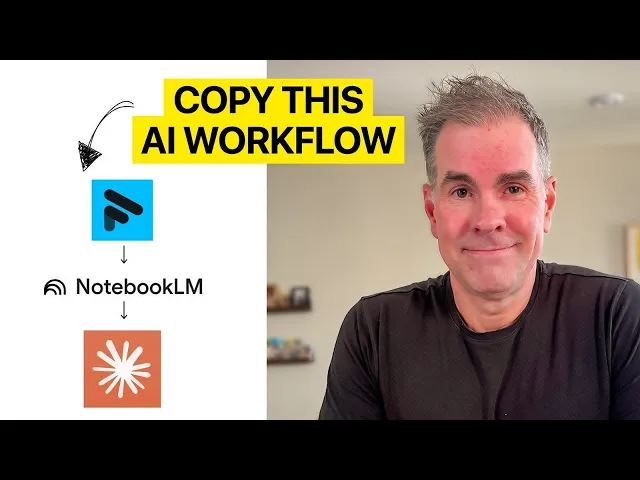
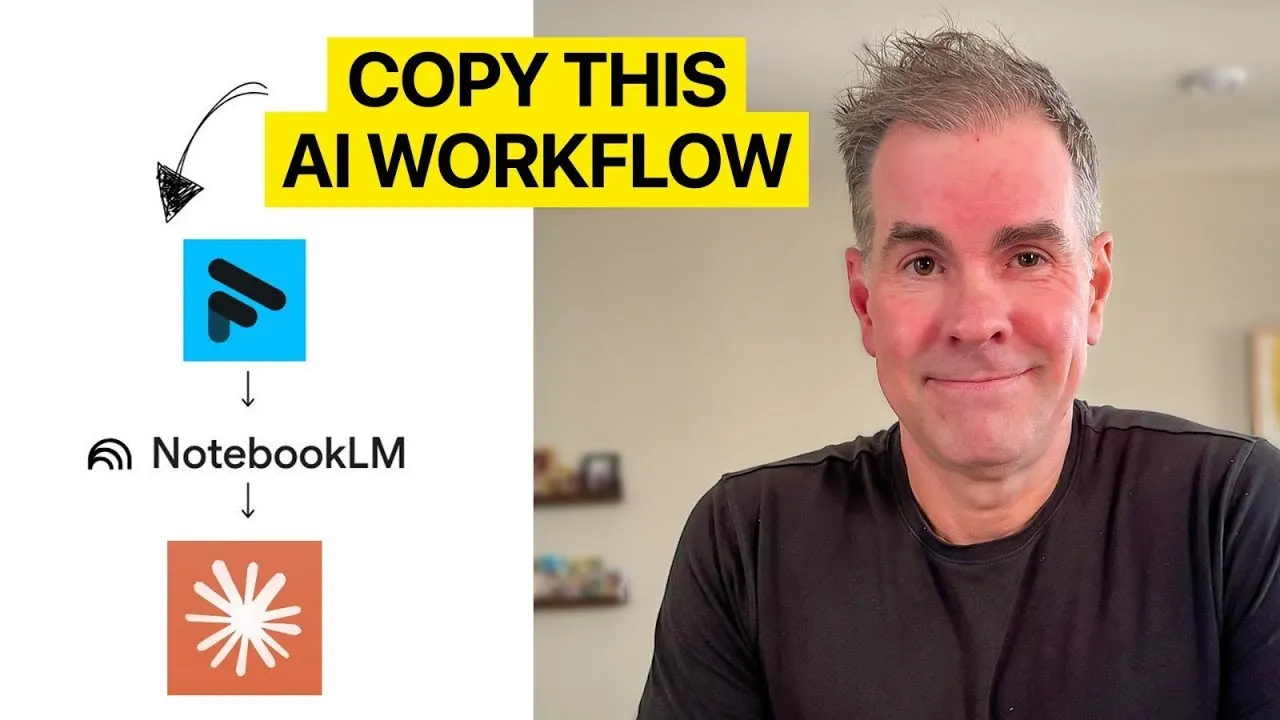
Both of those are going to run you about $19 a month. Here is a better workflow for you. First, use Fathom AI Noteaker, which has a very generous free plan.
The second tool is Notebook LM, which is totally free. Yes, they do have a paid plan, but you don't need to use the paid plan. So, step one in your new workflow, you're going to go into your Fathom accounts.
Step number two, after you have your call, you're going to get the instant transcript and meeting notes emailed to you. And for step number three, we're going to take the transcript and put it over into Notebook LM. So, we're going to click on add sources, click on copied text, and I'm going to paste the entire transcript right there.
Click on insert. And so, now it shows up as a source on the left hand side. And then step number four in our new workflow is you can use Notebook LM to store all of your transcripts.
And so you can look for trends over time. You can ask questions against the transcript. You can also use it to write follow-up emails.
You can create audio overview of your transcript. You can create a video overview of your call if you want to do that. You can create mind maps.
You can do all kinds of things. Okay. Cost saved on this new workflow.
Let's call it $19 a month. We're going to add up the savings as we go along here. Okay.
Business workflow number two. We as business owners are always doing some form of research and deep research with the AI models and also wanting to analyze that research. Well, the unnecessary tool now and the one that most people use is going to be Perplexity.
Perplexity Pro for most people, which is $20 a month. The new workflow that I recommend, we're going to use Notebook LM. It now includes the ability to do deep research, Gemini deep research right from within Notebook LM.
So let's just use the same notebook that we were just in for the first workflow. And now all you have to do is go to the drop down here. You have the fast research or deep research.
So I'm going to click deep research. And you're going to type in your search. So let's just say what are the top five AI opportunities for online businesses as of Q4 2025.
I make sure that the deep research is selected. I'm going to click go. And as you can see here, it's planning out.
Okay, the deep research project is done. You can click on view to view it. And here is the research report gives you all the citations.
You can also search the web right from within notebookm at this little drop down here. You can click on add sources and you can add your own PDFs, YouTube videos, audio files, Google docs all to notebook LM. Use notebook LM to analyze, synthesize, create reports, create video overviews, audio overviews, mind maps.
You can do a ton of stuff in Notebook LM. So for this workflow, you are saving $20 a month because you won't need Perplexity Pro and you can do everything for free right inside Notebook LM. Okay, for the next use case, let's improve the everybody's favorite workflow content creation.
The older, more expensive AI stack generally includes tools like Jasper Pro, which is $69 a month, Copy. AI Pro, $49 a month, Write Sonic, which is $19 a month. Because let's face it, the free versions of these writing tools are not very good.
For the new workflow, you're going to use Claude Pro. Now, this is the $20 a month version of Claude. The free version of Claude is great, but you're going to be really limited on what you can do and how much you can do of it.
Based on testing so many AI tools for writing, Claude is going to write better than dedicated AI writing tools. You're going to use Claude for all of your long and short form written content, emails, email marketing sequences, articles, reports, scripts, you name it. Just right here, for example, I have written a full uh Black Friday email marketing campaign for the business.
You can use Cloud Projects to organize your chats or if you want specific custom instructions, for example, that apply to all of your chats in one place. You can use cloud skills when you want reusable workflows across any conversation or within any project where you're not locked into one project when you're using skills. I did a whole video about Claude Skills which I'll link to right here if you want to go check it out.
So, by using Cloud Pro, which is again $20 a month, we've saved ourselves $49 a month on this workflow. For the next business workflows, I'm going to combine two really common business workflows, and that is image generation and design and graphics. Expensive tools that most people use are going to be something like Midjourney.
The standard plan is $30 a month or the pro plan is $60 a month. Or you might use a tool like IOG, which is $20 a month for their plus plan. Instead, you're going to use Nanobanana or Imagin 4 in Google AI Studio for free.
Step one, you're going to go to Google AI Studio, which is a studio. google. com.
You're going to choose the images option, and you're going to see three different options here. Nanobanana Pro, which just came out. I believe it's today, the day I'm recording this on November 20th.
Nano Banana or Imagin 4. Now, I will say you can use Nanoan for free. You need an API key to use the Nanobanana Pro version.
Now, you can do that. It's going to cost you a little bit of money, but it's literally fractions of a penny. So, let's select Nana Banana, and I can start creating images, designs, or graphics in seconds.
Now, here's a pro tip. If you're not sure how to prompt these image generation models for what you're looking for to have created, use Gemini 3 right here within Google AI Studio and have it write the prompt for you. Here's a super simple question I asked Gemini.
Please write me a prompt that I can give to Nano Banana so that it creates a new logo for my business. So, I'm not looking for one, but I just tested it out. And then right here, it has given me the entire prompt.
So, all I have to do is copy the prompt. Go back over to Nano Banana and paste in that prompt and then click go. And here's what it's given me.
Again, it's not I could have been more specific in a lot of different things here, but I would just iterate on this prompt and improve it. So, this workflow, I'm saving minimum $20 a month on my image generation and design and graphics workflows. For workflow number six, this is a huge challenge that many of my AI playbook members have and that is presentations and slide deck creation.
We as business owners are often needing to create presentations or slide decks for whatever purpose and often times we're using unnecessary tools that we don't need at the expense that they come with. Like beautiful AI is $12 a month. Gamma is $20 a month.
Canva Pro is $13 a month. But this new workflow is going to cost you nothing. We're going to use the Gemini app this time, which you can use for free to generate full presentation.
So, step one, you're going to go into the Gemini app, gemini. google. com.
Again, we're going to ask it what are the top five AI opportunities for online businesses as of Q4 2025. I'm going to click go and it's just given me five different opportunities like I asked to. So, I'm just going to ask it based on this output you've just given me, create a slide deck that I can present to my team.
The next thing I'm going to do is click on tools and go to canvas. Then I'm going to click go. And after about 3 minutes or so, it's created me this 13 slide slide deck, which looks really good.
I didn't give it any kind of branding colors or anything like that. But this is what it put together and I think it's really, really good. Now, the other thing I can do here is I can export, as I mentioned, to Google Slides.
So, I can click on this button here, and here are the slides now in Google Slides. So, I can go through and make any kind of updates or add anything. And yes, I'm using the Gemini Pro option because I get access to Gemini Pro through my Google Workspace subscription, but again, you don't need the paid version to do exactly what we just did here inside of Gemini.
So, right off the bat here, we've saved another $20 a month because we don't have to pay for one of the specialty presentation tools. For workflow number seven, let's talk about automations and AI workflows. make.
com the core plan is about $19 a month which isn't too bad right but it does get pretty technical for a lot of people is $49 a month which if you're using Minepal you often times need to also connect to like a make. com for example so that would bring your total to about $68 per month so instead here's a new workflow for you which is much much cheaper number one you can do a lot of custom workflows right in Claude using Claude skills like we talked about earlier the next one is relay. app and a free plan on relay is often sufficient.
Relay allows you to build no code automated AI agent workflows and I'm going to show you an example of one here in just a second. The third option if you're looking for more advanced automation, you can use N8N and the self-hosted version of N8N is totally free to use. So, here's how your new workflow could work.
So, number one, again, use Claude skills in Claude. For example, here I created a YouTube growth engine skill all by asking Claude to help me create a skill. So, I don't know how to code or anything like that, but it was super super easy to do because Anthropic has a skill creator skill.
So, all you have to do is turn that on. Go under capabilities under settings, turn this one on, and you can go back to Claude and just type in the chat, can you help me create a skill that does fill in the blank? Again, I've done a whole deep dive video on Claude skills, which I'll link to right here.
to create noode automated AI agent workflows. Relay. app has you covered.
And again, they have a great AI assistance. So, you can just type in what kind of workflow or automation that you want to create and it will build it automatically for you. So, with this new workflow, you've now saved yourself another $68 a month.
For workflow number eight, so many of us use AI to repurpose content that we are already creating. The tools that most people know about are expensive. So, you can use Descript, for example, which is $35 a month for the creator plan, or repurpose.
io, which is also $35 a month for the starter plan. Instead, here's a new workflow that is going to be way cheaper for you. Number one, Claude Skills.
You can just go into Claude and say, "Can you help me create a skill that repurposes a given piece of content into a LinkedIn post, Instagram post, Facebook post, tweet, an email, or whatever else that you want to uh do. " It'll create the skill for you. It'll walk you through the entire thing.
So later, all you have to do is paste in your transcript or blog post or whatever it is that you want to repurpose and then call up the skill and it automatically does it for you. The other way to do it that I recommend is using relay. app which we talked about in the previous workflow.
So if you want to automate your content repurposing, highly recommend using the free plan of Relay. So again, in Relay, they have a great AI assistant. You can explain the workflow that you want to create and it will build it out for you.
This is a workflow I've created to take my YouTube videos that I post to my channel here. So, this workflow is automatically looking for when I post new videos. Then, it'll grab the transcript automatically.
It will kick it over to Claude in this case. Then, it will send me a Slack message. It'll DM me on Slack getting my approval.
Then, it automatically posts to LinkedIn in this case here. Cost savings with this new workflow is another $35 a month. And for the final workflow, let's do a bonus workflow.
Number nine is using Notion AI because you can access all of the latest AI models, ChatCBT, Claude, Gemini, all within Notion AI for the monthly price of $24 per member of your team per month. And click this dropown. And you can see I have access to SA 4.
5, uh, New Gemini 3 Pro, GPT 5. 1. I can create AI agents to do specific things all within notion here.
I can pull in information from all these other apps that you work with in your business like Google Workspace, Slack, GitHub, Jira, Linear, Microsoft Teams, etc. I can do a deep research just like we've been talking about here in this video by clicking this research option here and it says research any topic and get a thorough report. I can search the web right here from within notion AI by clicking all sources and turning on web search.
I can also use the AI to have it create things for me in notion all by itself. So I just asked it to create a task tracker. And in about 3 minutes or so, it's created this task tracker for me.
I can also ask AI just by the little icon in the bottom right hand corner here to make any kind of changes or updates to this database that I want to. I can add additional views. So it created the views for me by status, by priority, etc.
And what this does is it really because there tends to be a a pretty big learning curve when it comes to notion AI the a built-in functionality with AI in terms of using notion has completely removed the learning curve because you can just ask AI within notion to build it for you. So there you have it nine business workflows that if you were doing it the sort of the traditional way would cost you over $200 a month. You've just learned new ways to do these workflows that are going to save you over $200 a month because the answer isn't more AI tools.
It is fewer AI tools and for a lot less money if not free. If you're an online business owner and you're looking to leverage AI in your business to make more money, increase profitability, and streamline your business and make things a lot lot easier to do and cut hours off your work week every single week using AI. I want to encourage you to join us inside my AI playbook community which I will link to in the description below.