what is up guys this is max from etheldeeps.com today i'm going to show you 10 hidden effort features and some new ones that i bet you didn't know about let's get into it first of all the sampler itself is a goldmine of hidden features let's say we have this kick right here and if you go to pre-computed effects we have a lot of cool features built in for example you can clip it and boost it it will automatically add distortion to your samples but my favorite actually is the pogo and what it does it actually
brings the sample into the beginning of it if you turn it left so it sounds like that it works extremely well on kicks exactly like that you can make it shorter more clicky and if you combine them both [Music] really nice effects right here and if you turn it right it will take the right side of the sample and bring it left [Music] so it's kind of like pitching now try it with crushes for example [Music] pretty nice it's kind of like this vinyl tape stop effect also claps you can get so many colors out
of just one drum sample that is insane second trick is here inside of sampler i had a different sample chosen right here and i accidentally exchanged that so if you go to the sampler and go to file and right click it it will show up all the samples that you have in your project so-called sample history and you can now basically [Music] now third trick let's listen without the vocal and with now this type of vocal is the secret in my opinion to great sounding beats now here however listen to that since we pitched it
up it's now bright we could go down here but i want to keep the same pitch but make it darker i can do it of course with effects but inside of time stretching mode you can go to stretch pro and here you have four months let's apply the effects same here with this one we can do [Music] you can get really really nice dark effect but the vocals themselves are the keys and it happens that we actually just released our arya vocal sample pack which comes with over 300 vocal runs that work perfectly and we're
made just for this kind of situations now you can set it to stretch pro change the format but this time in time you can create automation clip out of format and look you can start with normal format and then take it down like that so it sounds like this [Music] just wow i'm so happy that effort have finally brought this feature it's been a long time and it's super super useful now as soon as you've got aria vocals in your browser amazing hidden feature is here you can actually drag it out and have it wherever
you want it not necessarily here maybe you want to stick it on the right or have it floating like this the best feature though is to turn on auto hide so whenever you're working on a project just hover your mouse around the browser you can choose the samples inside of here you can also back again drag it to the left and if you go with your mouse to the left it will pop up just like this i mean why are you not using it yet now another hidden picture is in the piano roll you're definitely
used to zooming in and out with ctrl and scroll but unlike in the playlist you cannot zoom vertically in the piano it will just change the velocity the thing is that you take your mouse over the piano hold middle click and then drag it up or down it will zoom it in and out you don't have to go here to do it like that now man this is even better let's go to view background and now you can set your image wallpaper to a different one for example like this in freebie section on flteaps.com you
will find a lot of cool wallpapers with scales so you don't have to go back and forth from your browser but you can actually go and set dynamic wallpaper or html document and by default you'll see browser.html and then you have browser right here i don't know you can open maps if you want i don't think it will work with videos and stuff you can try yourself but it's definitely good to know overall let alone that you can change the wallpaper to a different one it's pretty cool now i will make a video solely on
visual customization of fl studio especially that it is coming to episode version 21 but let's continue because there are some of the best tricks on this list yet one of them is that you can take one of the sustained vocals from our arya vocal pack just like this and then increase the start a little bit and take down the length and take the out knob down and now [Music] you can even turn on the volume envelope and play with it right here for example add a little bit of the attack take the decane down and
sustain all the way down [Music] you can turn on the pitch increase the attack a little bit take the dk down tension like that [Music] [Applause] so many stuff you can do here i am in the making on a video how to make actual instruments with just one samples or any samples actually the sampler is very very powerful especially the miscellaneous functions you might know some of them already but here actually is the volume key and tracking you can for example increase the pan and the higher you go on your keyboard the more on the
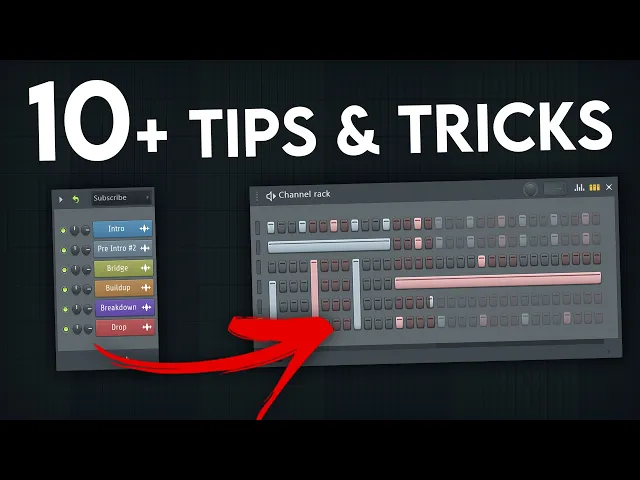
right it will be the lower you go it will go more to the left ear now you can make it in a subtle version also in the sense you have the echo delay mode you can increase the feed [Music] it will just repeat the midi instead of applying a separate delay effect it might be something really helpful if you want to have more control over your delay also ping pong mode [Music] now another not so hidden function is that you can mark the patterns and control or command the g to group them and now if
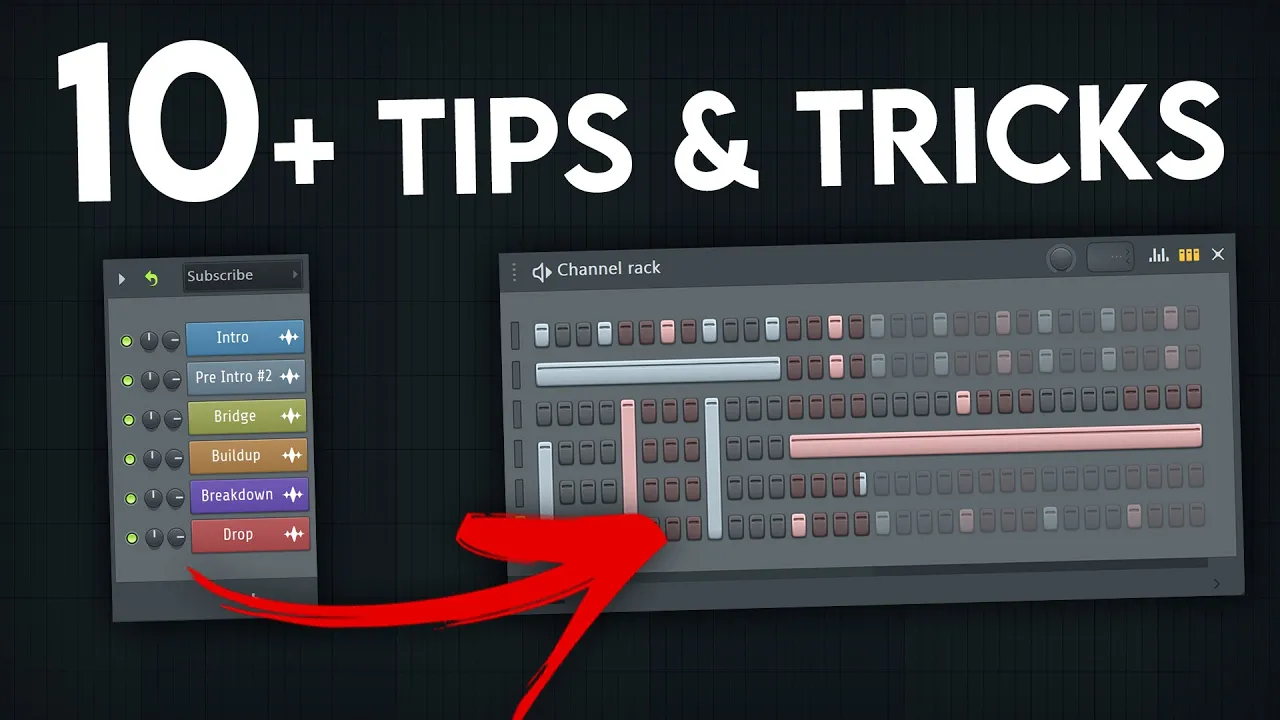
you want to bring it back you can go and split by channel it will make them again in different channels really useful what you can else do is mark the audio and then ctrl and g and it will literally consolidate the audio files so you have everything in one audio file instead of ctrl alt c you can use also just ctrl g a little bit quicker way to consolidate stuff but i wanted it to bring me to channel rack because here if you have a heartburn like that let's feel it each two steps [Music] now
i want to extend the pattern but i just want to change the kick a little bit what you want to do is actually go to the loop mode here enable it and now i just want to place it and it will just loop everything else [Music] now if that's not enough you can actually go to advanced looping and change how much it actually loops those are some advanced settings it's pretty neat and one of my favorite and life-saving features in fl studio is help diagnostics now this saved my life so many times what you can
do here is if you have a corrupted project file that doesn't want to open at all you can open apple studio go here and say fix fl studio song project you browse for it here and it will literally fix the project you can for example automatically remove the plugin that crashed while saving or the best part is that you can actually remove just some of the plugins that are inside of this project without actually needed to open that can you imagine you have a vst that is crashing and you know which one it is but
you just cannot open the file that's how you fix this thing if you'd like to learn ethos to the inside out we have the best courses out on the market and if they are not the best for you we always have 100 money back guarantee so there's no risk for you you can try it out i bet you're going to love it if you got some value out of this video i'm sure you did take a second and leave a like on this video it really helps a lot also if you know some hidden efforts
to the future make sure to leave them down in the comments don't forget to subscribe and turn on the notification bell so you get notified as soon as this kind of videos drop my name is max and i see you in the next video