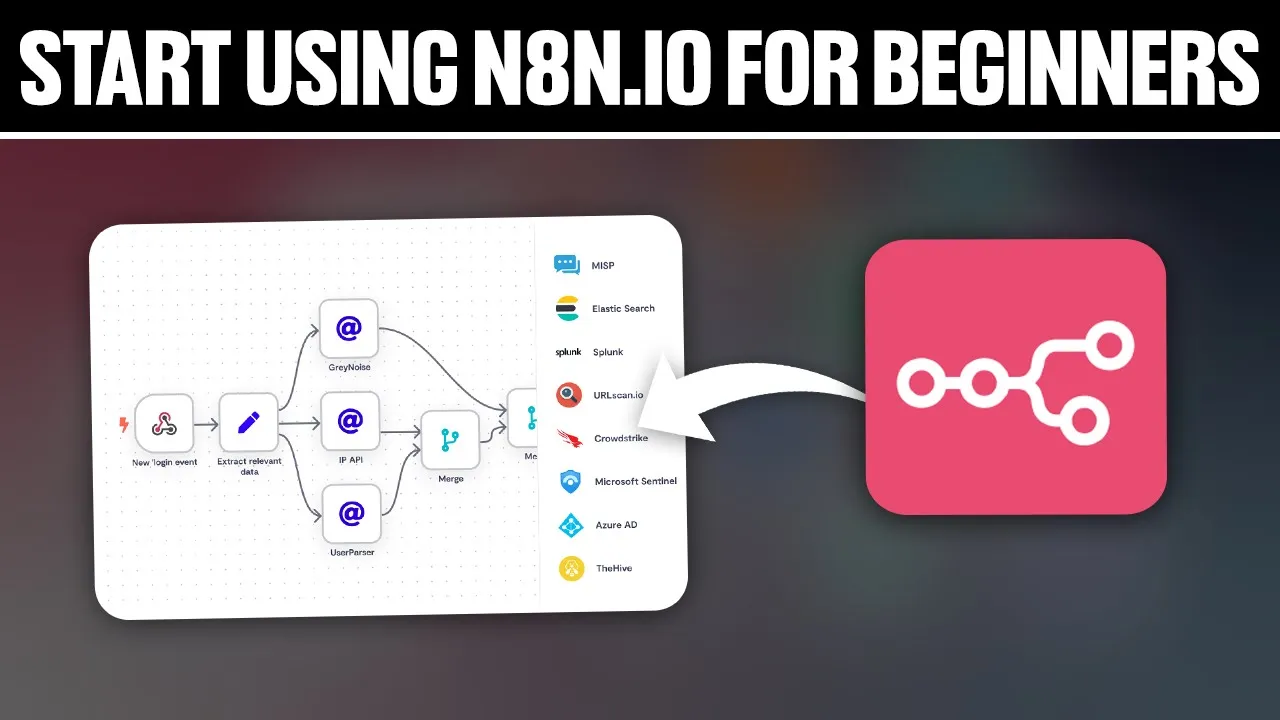
hello everyone and welcome back to our channel in today's video I'll be showing you how to start using an8 n iio for beginners in 2024 So today we're embarking the journey into the word of N8 n iio which is an open source workare CL automation tool designed to streamline your processes and connects favor apps effortlessly whether you are new to automation or Season Pro n8n offers for you a powerful get userfriendly platform to automate tasks and workflow so join me as we explore T and let's get started before we start with this video make sure
to watch us from now till the end so you have full experience first you'll need to go and open a browser that you will use uh that you will use in this tutorial for me here I'm using brave for you can use any other browser that you could possibly have once you open it go to this URL section and basically type N8 n. IO and hit the enter button this should take you to their website right away so if if you have an account just go and click on sign in at the top right corner
here once you click on it you'll find yourself here you'll have to sign in into your account if you don't have an account you can click on get started to create a new account for free as example you'll have to start filling your first name so for me I'll just type random informations like this s test uh my company email I don't know if this will work cuz it's personal email normally personal email don't work but let's see so the password just go here and create a password and then account name I'll just say name
it omx and keep with uh constant Improvement through our newsletter if you check this option they will keep sending you like news on email if you want to if you don't just don't check it out and click on try for free once you do so as you can see hi there so what uh Team are you on so of course you choose whatever or you will have to answer some simple questions of course to give you like the automation that you may need they will give you the templates of it as an example so as
just do here other uh like I'll just type test s in here then click on okay what's SI of their of your company lower than 20 uh have you used any of these tools before uh no I'll just choose no how did you hear about this other uh or I'll just choose YouTube why not click on submit and here as you can see what apps do you use so of course you can select like multiple apps or you can just select the apps that just one app or you can click on continue before selecting any
app as example if you don't want to select any apps right now if you want of course if you select some apps especially that you use and especially the apps that you want to automate between uh between them they will give you the automation as I said from template that you may use so example Gmail's already added Discord is already added what's about telegram is already added maybe LinkedIn uh so LinkedIn might be good to add uh I don't know what else will I need maybe Google Drive of course just type Google maybe Google Docs
contacts tasks calendar uh so just go and let that and click on continue of course if you want to add any other member you can add this here for me I'll just go and click on Skip and here as you can see they will show you a small video like as you can see small 4 minute video on how you basically can ulate stuff so as you can see intro simple work for example uh here like how to do it set up a trigger uh pull in data into workflow set up slack nodes as example
node this is for a specific example that is showing so of course depending on the ultimate that you're doing you don't have to do slack maybe you have to do another app uh mapping data between nodes of course uh activate your workflow add conditional logic uh filtering of course basically in the outro if everything is working as intended basically for me I'll just go and click on Start automating Right Way once you do so as you can see you will find yourself in here so first you will have 13 uh 14 days free trial after
that you'll have to go and start paying as you can see if you click on up now you will see the prices as you can see so this the starter price price Pro price if you want to like whatever suits you you can go and start with it of course if you pay annually you will get a 20% discount so here as an example in this left panel you'll be able to find templates that is is already done by people so how to connect two stuffs together that's people already done as you can see maybe
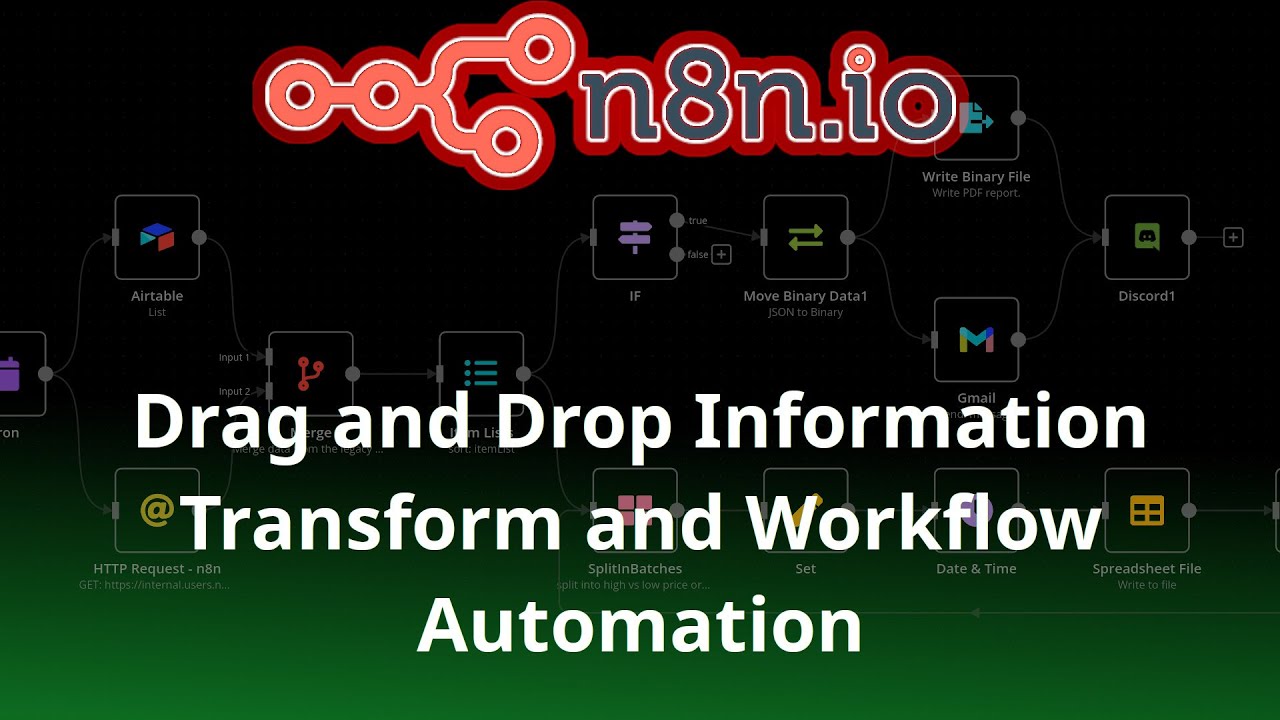
uh working dates and time as example so he already has this workflow you can use it not even this one as you can see they have a lot of workflows that you can use a lot of them you can even look for some spefic apps specific apps in here as you can see they have 800 plus workflow template if you didn't find what you want you can simply start creating your own by starting creating trigger as an example then you can add actions and you can do a lot of other stuff you can even use
this Advanced AI tool as example to search for some specific notes as an example I don't know what you're looking for but just type it here and you'll be able to do it as you can see you can look for action action app or some data Transformations flow files core add another trigger if you want to add multiple trigger on app event on a schedule or something as example you can add look for the app that you want to add trigger uh for the action of course or action on the app action on something so
you'll be able to do a lot of stuff as I said and of course make sure to create your flow and once all is good of course you will be able once you test your uh or once you enter of course your workflow make sure to configure the settings and parameter of each node to tailor your workflow to your specific use of course connect the notes together uh Define the sequence of action and data flow within the workflow customize new settings such as authentication uh credentials input data and output mapping and before even deploying your
worklow it's crucial to test it through through to ensure like its functionality as its function as expected you can utilize the n8n uh IO built in testing tool as you can see here in the bottom option to simulate or to simulate of course the workflow execution and verify the result if it's working of course that's good if not you'll be able to debug your workflow by troubleshooting errors and refining configurations as needed as you can see if you click in it here you'll have to give it a name and submit the form and then it
will be tested by its own if it's working you'll be able to start deploying your workflow and start using it right away and as you become more comfortable with n8n IO you can explore its Advanced features to unlock additional like automation capabilities experiment with workflow branching conditional logic error handling and data transformation to create some complex and dynamic work and yeah so there you have it you've taken your first steps into the word of automation with n8n IO in 2024 of course whether you are simplifying repetitive tasks or integrating some applications or orchestrating complex workflow
uh n8n IO empowers you to achieve more with ultimation or automation you can continue exploring of course learning and innovating to leverage the full potential of Automation in your work and life so if you have any question or there's a specific topic or specific automation that you want you want me to do just do it down below or type it down below in the comment section I'll try to do this as soon as possible and of course if you like this video make sure to leave like down below subscribe to our channel for more Hal
for tutor like this one so thank you for watching and I will catch you in the next video so goodbye e for
![Build Your Own AI Chatbot for Documents with n8n (No Code Required!) [Part 1]](https://img.youtube.com/vi/NIzGctlvzBM/maxresdefault.jpg)