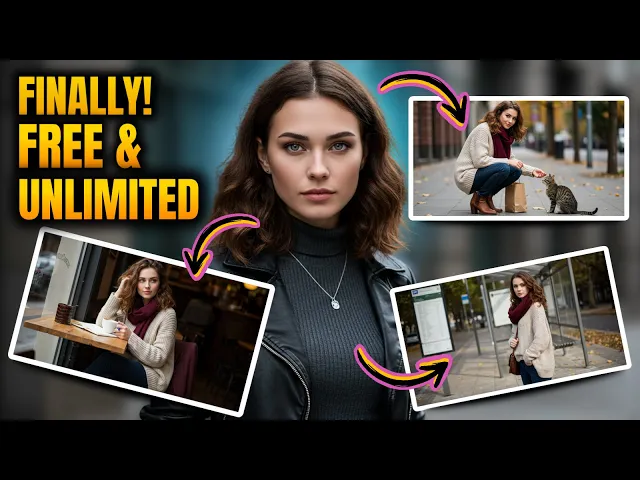
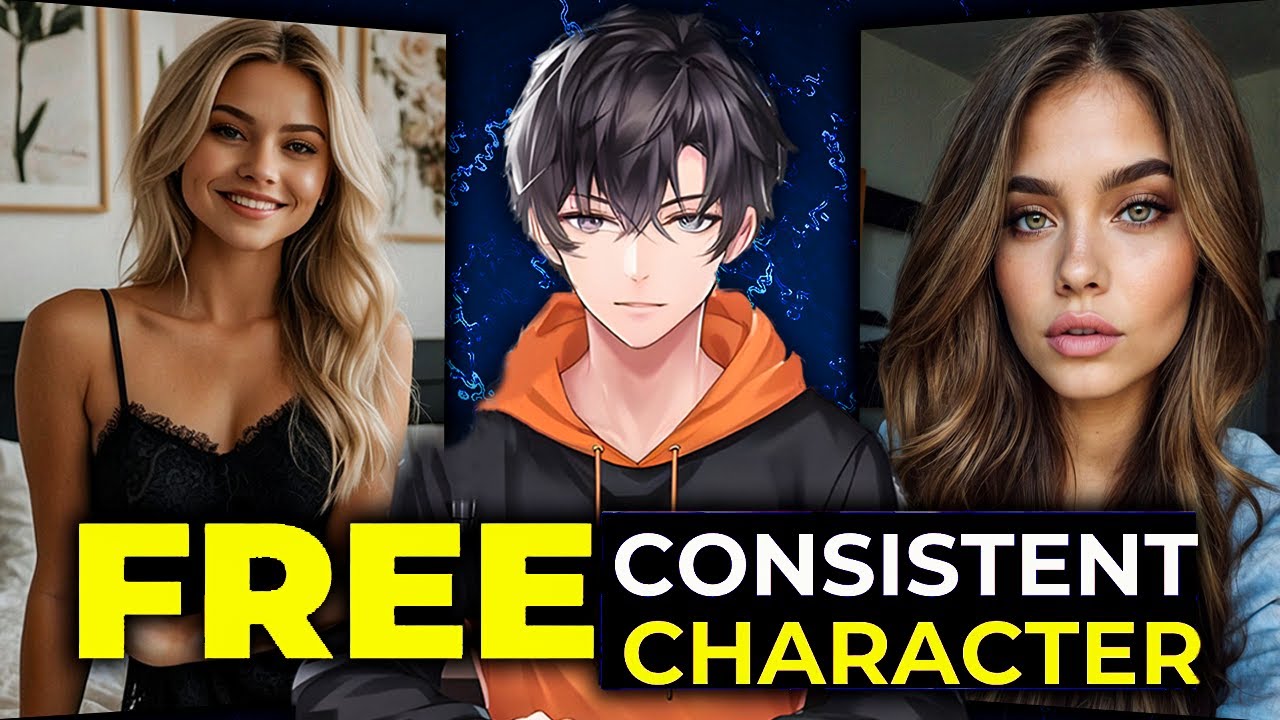
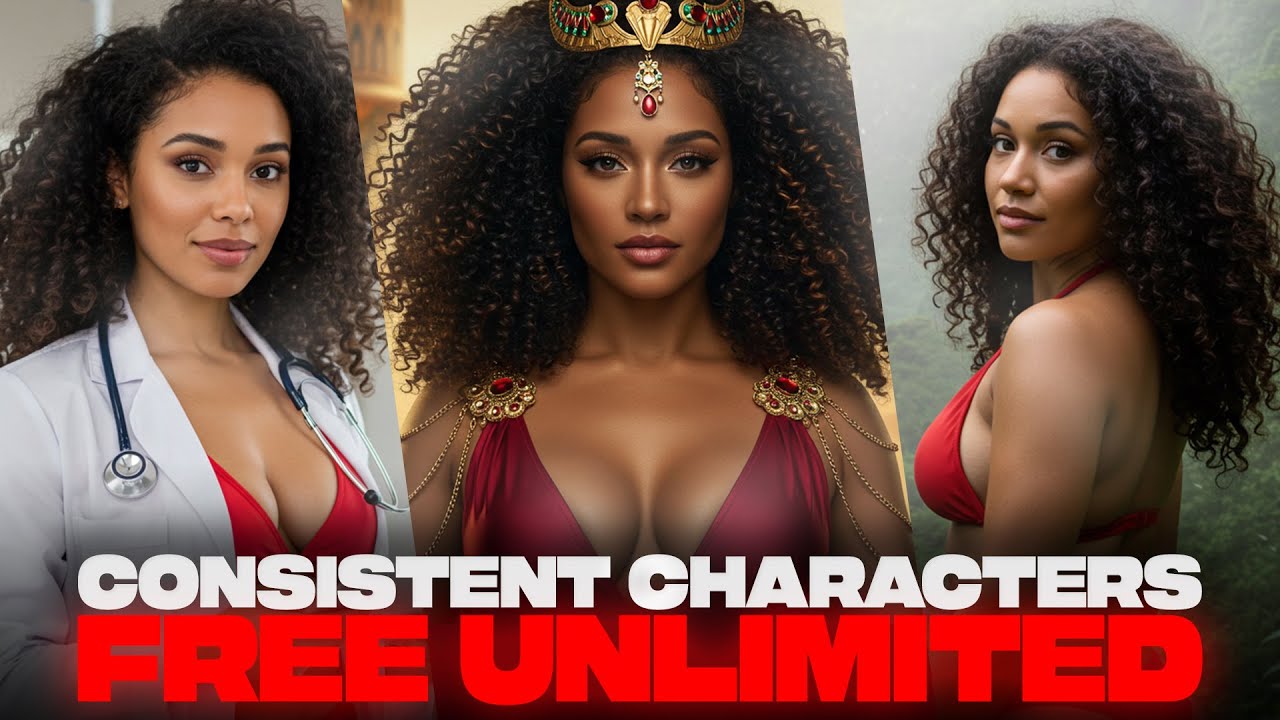
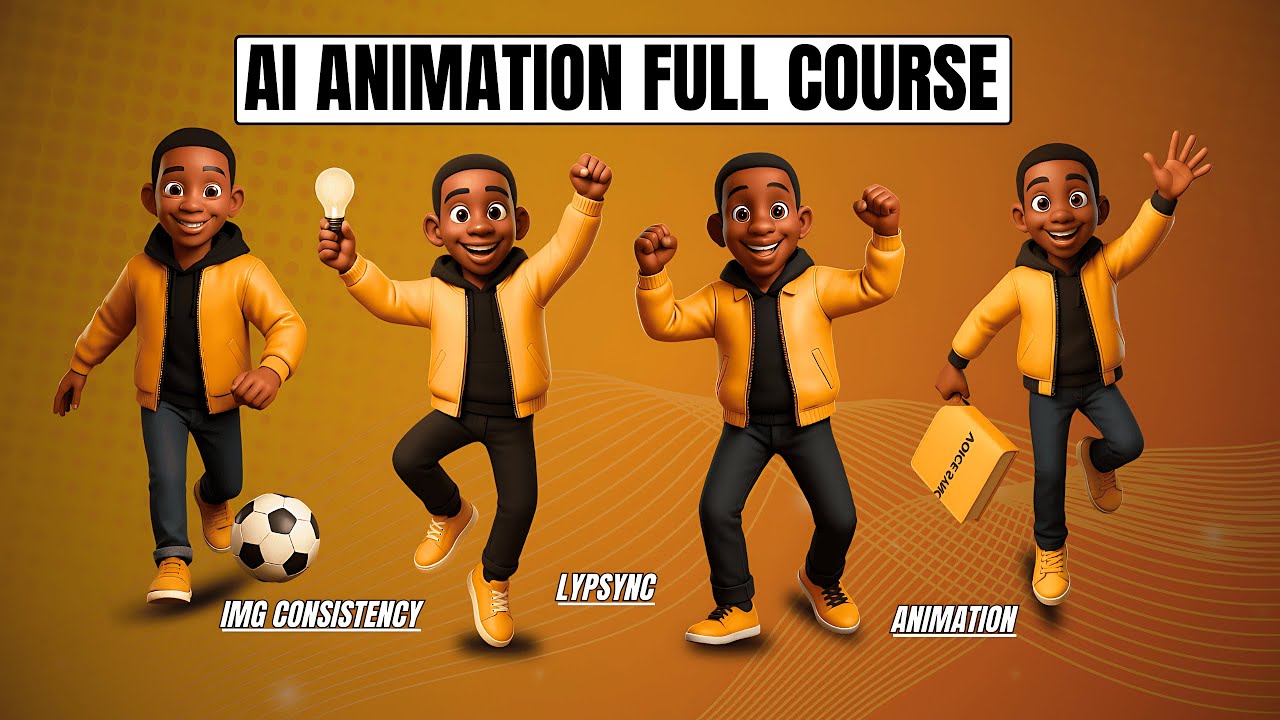
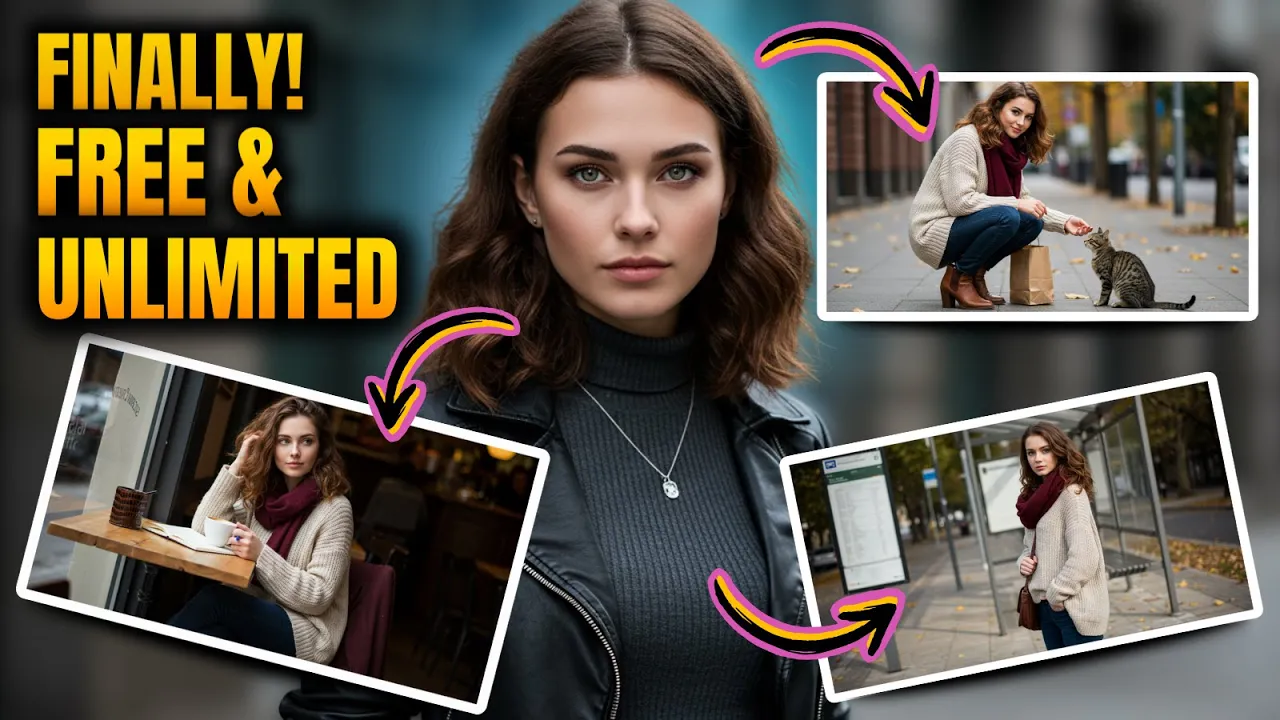
tired of AI generated characters constantly changing one time they have short hair the next time it's long sometimes their face is completely different and it ruins the whole look frustrating right well not anymore today I'm going to show you exactly how to create AI characters that stay perfectly consistent across multiple images same face same outfit same personality no more random changes and the best part is completely free take a look at these examples no matter the background no matter the pose the character remains identical in every image by the end of this video you'll be
able to do this yourself perfect for storytelling animations social media or any creative project let's get started the first and most important step is creating a strong character profile if you skip this your character won't stay consistent so before generating any images we need to Define our character in detail open up chat GPT and type this exactly give me a detailed prompt for generating an AI image of a realistic character named Sophia with a standard pose I found that being specific with chat GPT yields the best results you want to give it enough information to
work with but not so much that it becomes overwhelming because AI needs detailed instructions to generate consistent results a vague prompt will give you random outputs every time now let's hit enter and see what chat GPT generates this is where the magic happens chat GPT thinks through every detail facial features clothing style personality traits and even small physical mannerisms this step ensures that your character isn't just a onetime creation but a fully realized recognizable figure across multiple images got the prompt perfect now let's move on to generating our character copy the entire prompt and now
head over to Google image FX I'll leave the link in the description so you can easily access it once you're on Google image FX paste The Prompt exactly as it is into the text box but before hitting create we need to add a few key details at the end of The Prompt click here to add specific style presets or click the more button to explore additional options alternatively you can manually type in Styles like high contrast realistic natural light and highly detailed these extra specifications ensure our character looks professional and stays consistent across multiple images
without them the AI might generate something too generic or inconsistent now go ahead and hit create and there you have it Sophia is generated you can see we've got these images of the same character already looking great but to make sure she stays exactly the same in every future image we need to take one more critical step look closely at the interface do you see this little lock button click it what does this do it locks the seed number this is the secret to ensuring that every future image keeps the exact same facial features without
this your next image might look completely different and even if the description stays the same let's test it with the seed number locked I'll generate another image of Sophia and there it is her face her features everything Remains the Same this small step is what most people miss and it's why so many struggle with AI character consistency but now that you know how to do it you'll never have that problem again now that we've locked Sophia's seed number it's time to test how well this method keeps her consistent even when we place her in different
scenes first let's ask Chad GPT for a scene description I'll type describe a scene where Sophia is sitting in a coffee shop here's the description chat GPT generated now I'll copy this and paste it into Google image FX but remember do not remove the bass Sophia prompt we're simply adding this scene description while keeping everything else the same the locked seed number stays unchanged now let's hit create and see the results look at that it's still Sophia the same face same features just in a completely different setting this proves the method is working let's try
one more this time I'll ask Chad GPT for another scene Sophia standing by her car outside her house again I'll copy this scene description and add it to our base Sophia prompt the seat is still locked and the prompt Remains the Same except for the new action let's hit create one more time and there it is Sophia is exactly the same just in a new environment the AI has perfectly maintained her identity proving that with this method you can generate consistent characters across multiple images with ease now that we have a consistent character let's put
her into a full story to do this we need a short narrative featuring Sophia and chat GPT can help us with that let's type creator short story about Sophia a young dancer discovering her true passion and purpose in the World of Dance Chad GPT has generated a great story but instead of trying to visualize everything at once we need to break it down into key moments so let's ask chat GPT identify the key scenes in this story that would make great illustrations chat GPT suggests several key moments now let's take the first scene description and
combine it with our bass Sophia prompt the key here is to keep Sophia's original description intact while adding the new scene details I'll paste this into Google image FX and hit create look at that Sophia is in an entirely different setting but her face and identity remain the same now let's do one more I'll take another scene from the story and follow the exact same process keeping the original character description adding the new scene and ensuring the seed number remains locked and once again the results are perfect Sophia is still Sophia no matter the scene
or action this is the power of combining AI generated characters with structured storytelling you can create entire visual narratives while keeping your characters perfectly consistent now that we've created a fully consistent AI character let's quickly recap the key takeaways so you can apply this method flawlessly first always start by creating a detailed character profile in chat GPT this is what sets the foundation for consistency the more specific you are the better your results will be second when generating images in Google image FX make sure to lock the seed number this is the most important step
locking the seed ensures that every future image maintains the same facial features outfit and overall identity third always keep your base character description the same across all all prompts whether you're adding a new scene or a new action never change the core description of your character this keeps the AI focused on maintaining consistency and finally combining this technique with storytelling unlocks endless creative possibilities whether you're making digital Comics animations or social media content you now have full control over AI generated characters that stay the same in every scene here are all the images we generated
today from the first character creation to different actions and full story scenes as you can see Sophia remains exactly the same in every image proving this method works perfectly the key to success here is patience and attention to detail don't rush through the character profile stage it's the foundation everything else builds upon now it's your turn try this method for yourself and let me know in the comments if it worked for you I'd love to see what characters you create if you found this tutorial useful don't forget to hit like it really helps more people
discover this technique and if you want more AI tutorials just like this make sure to subscribe and turn on notifications so you never miss a new video thanks for watching and I'll see you in the next one