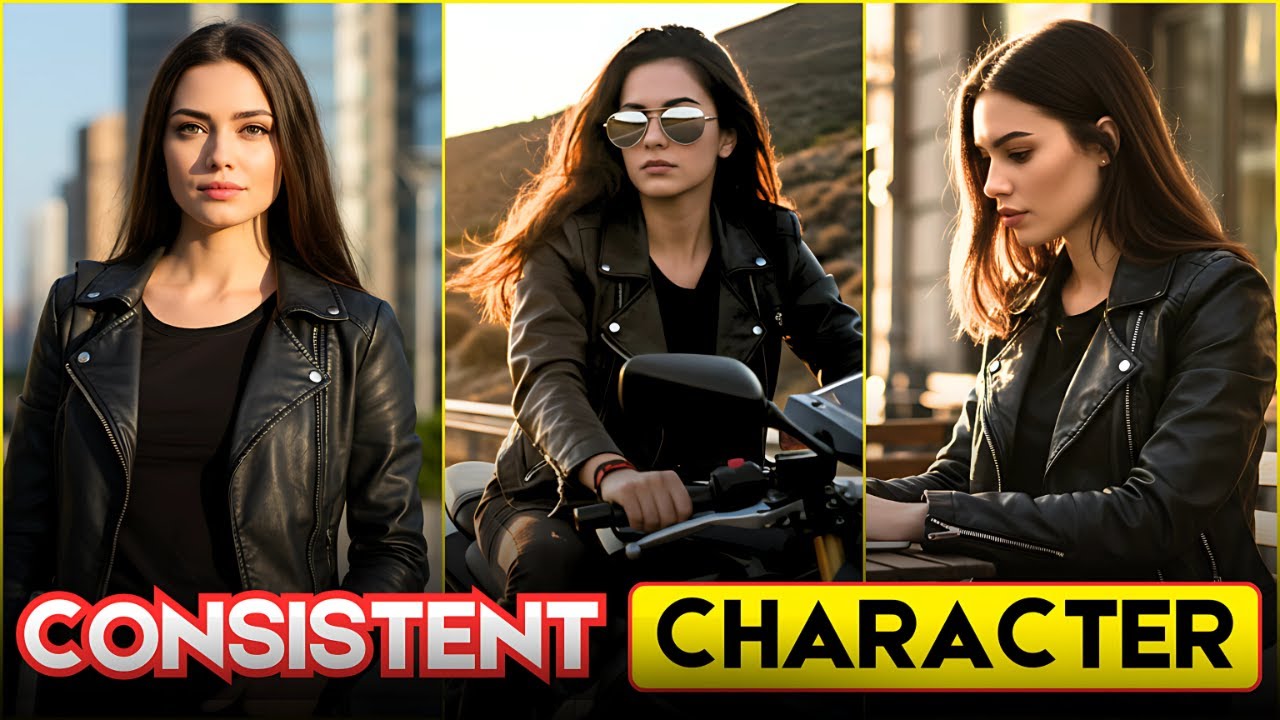
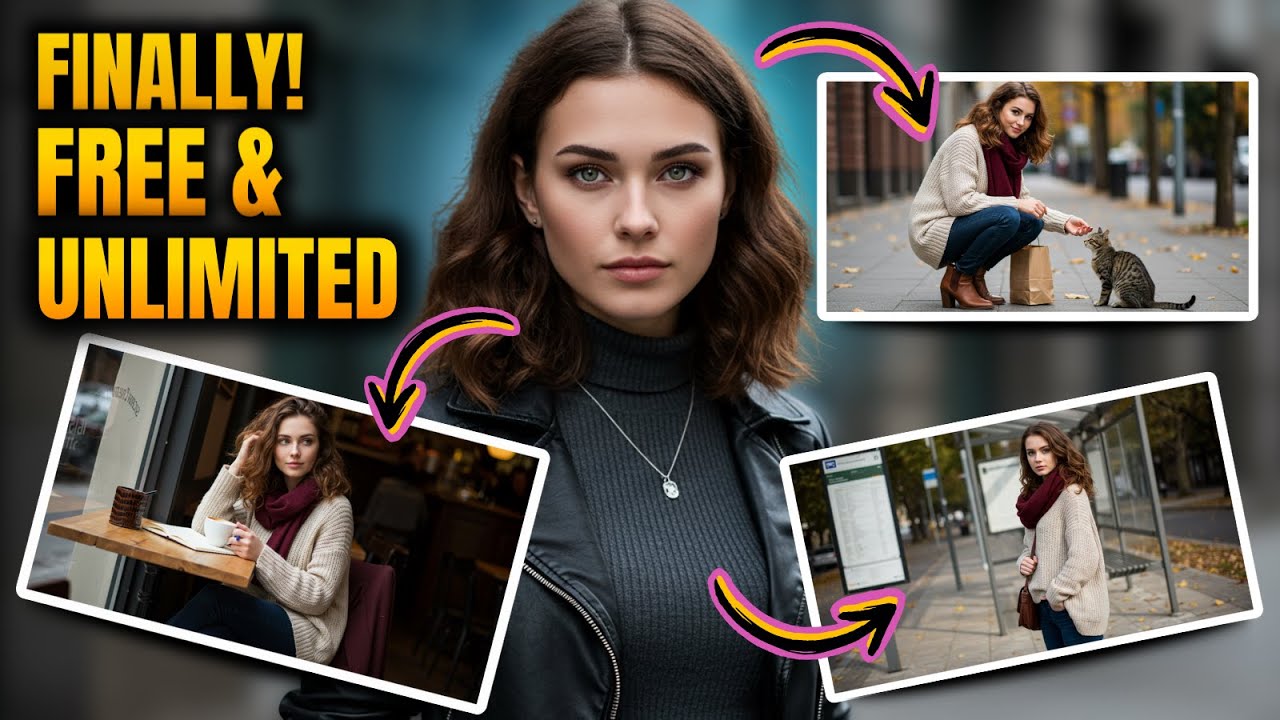
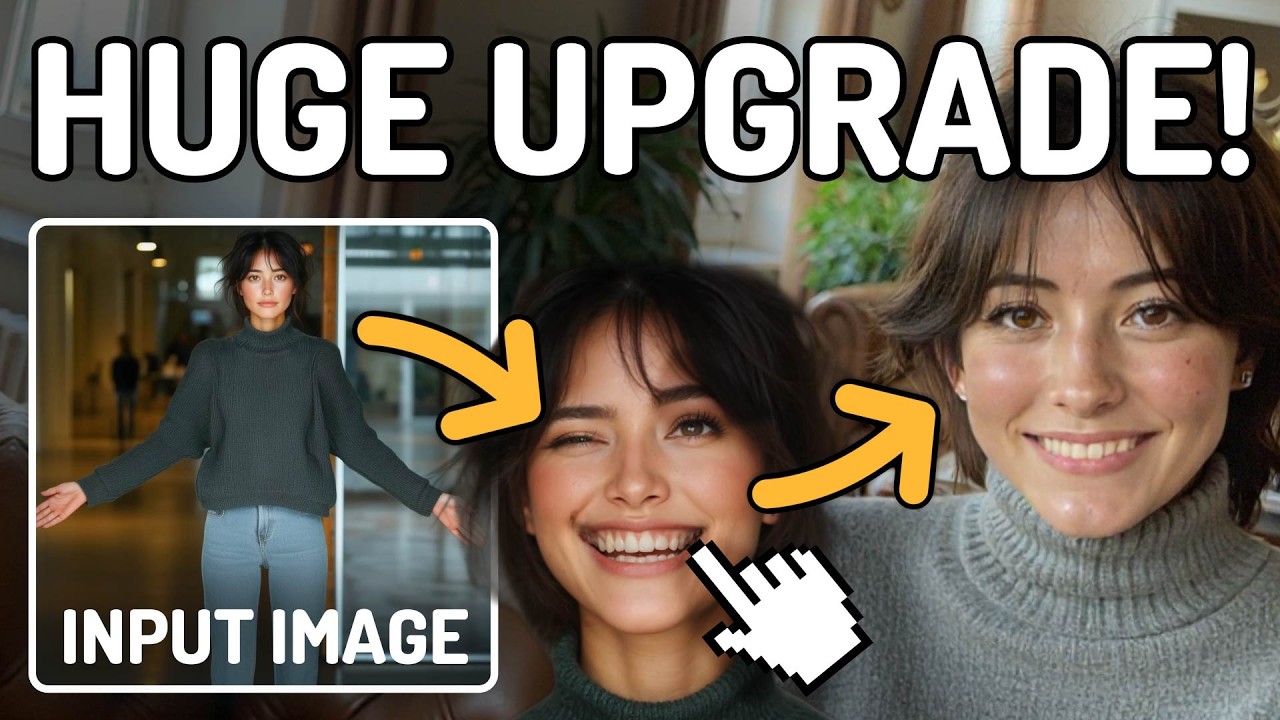
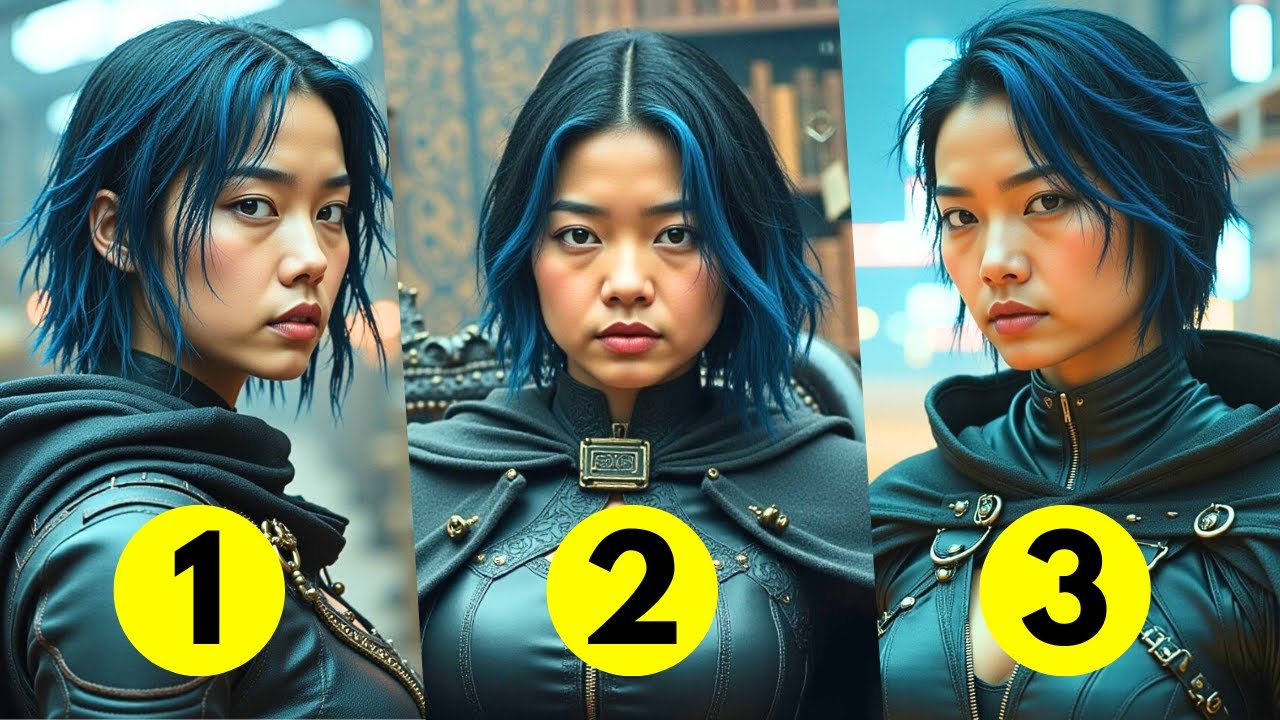
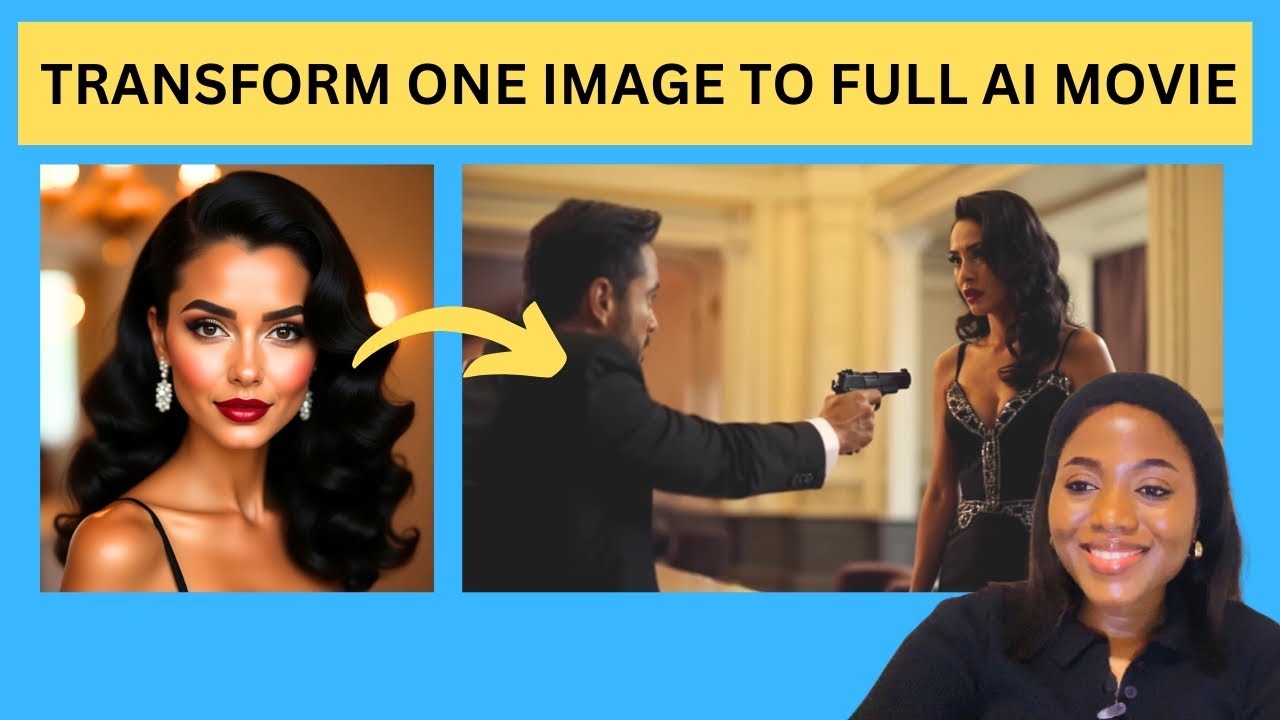
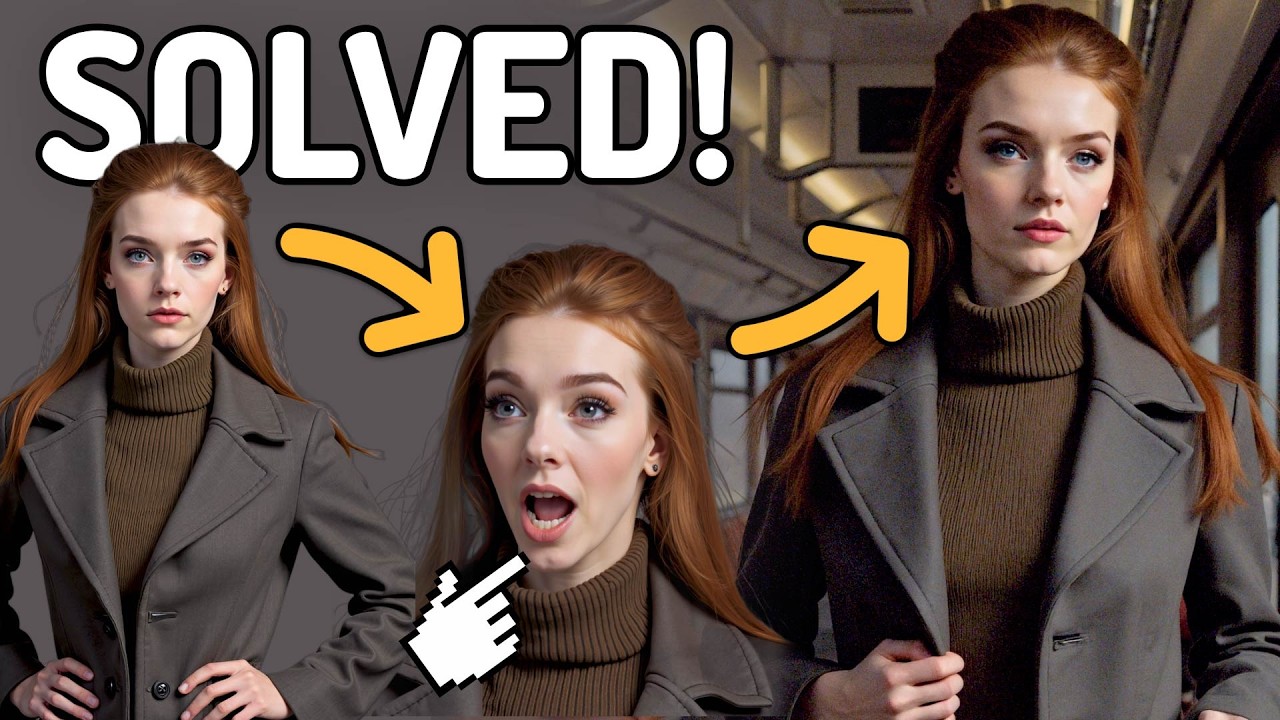
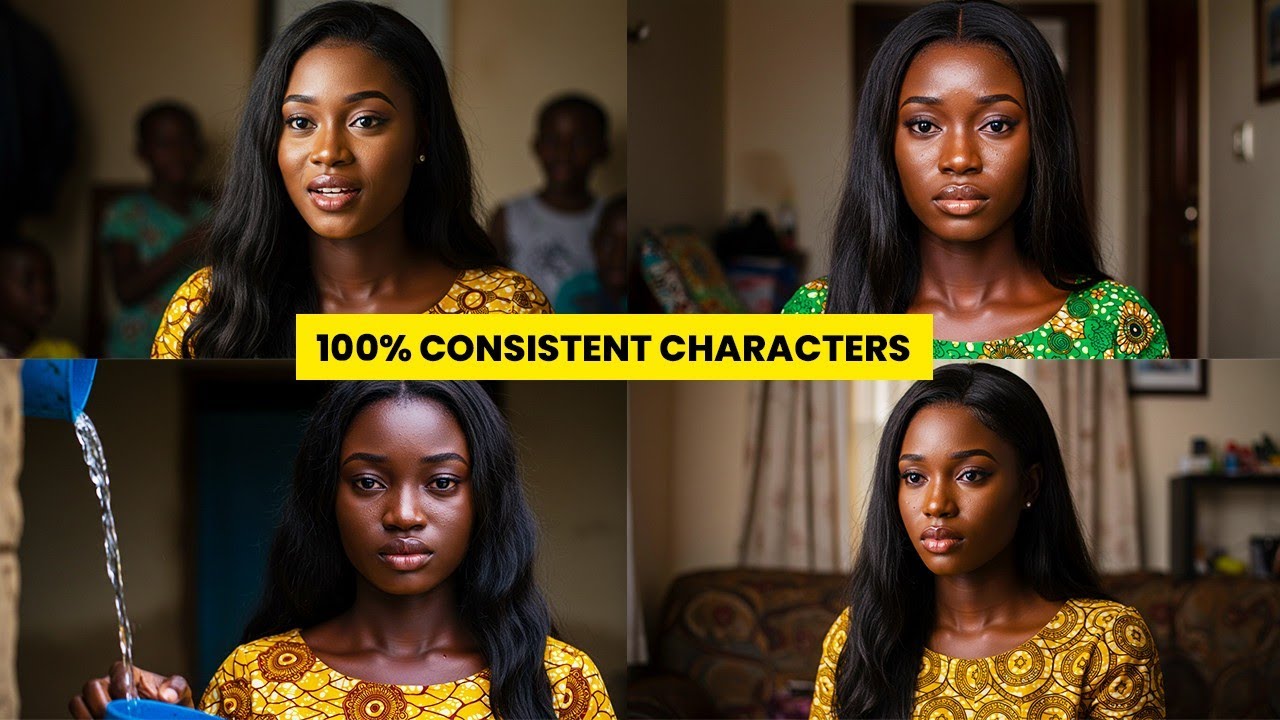
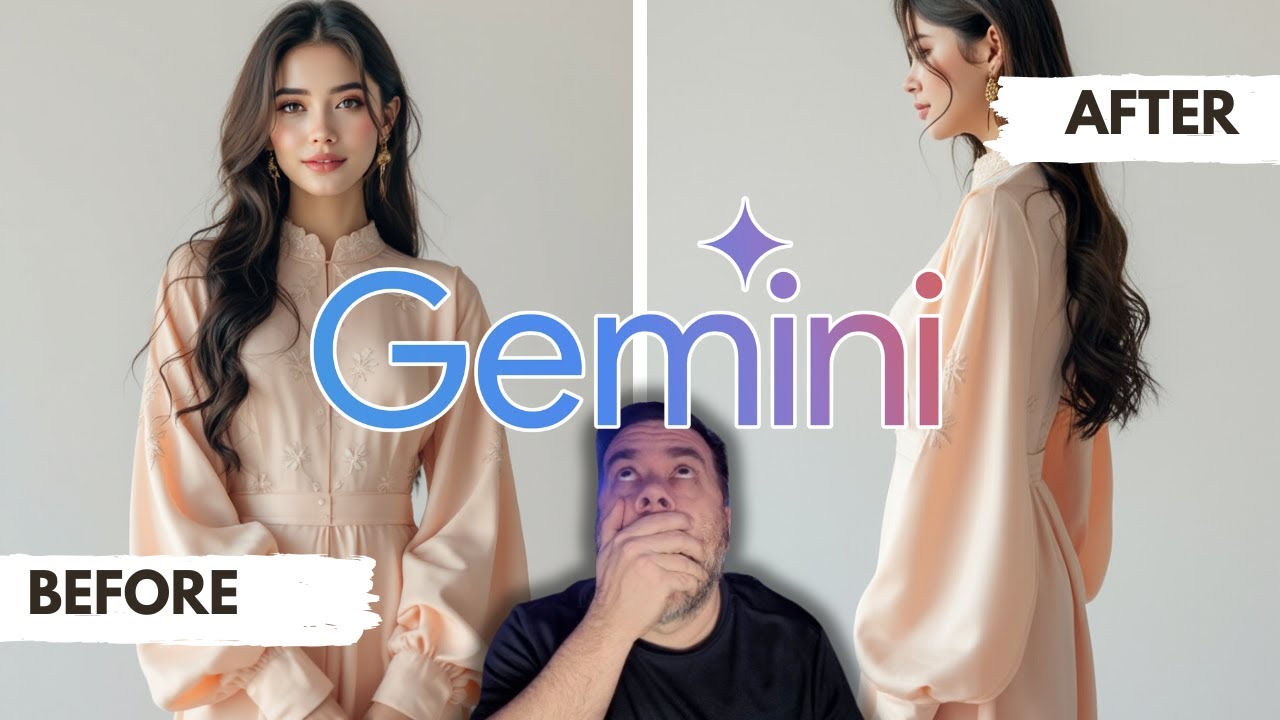
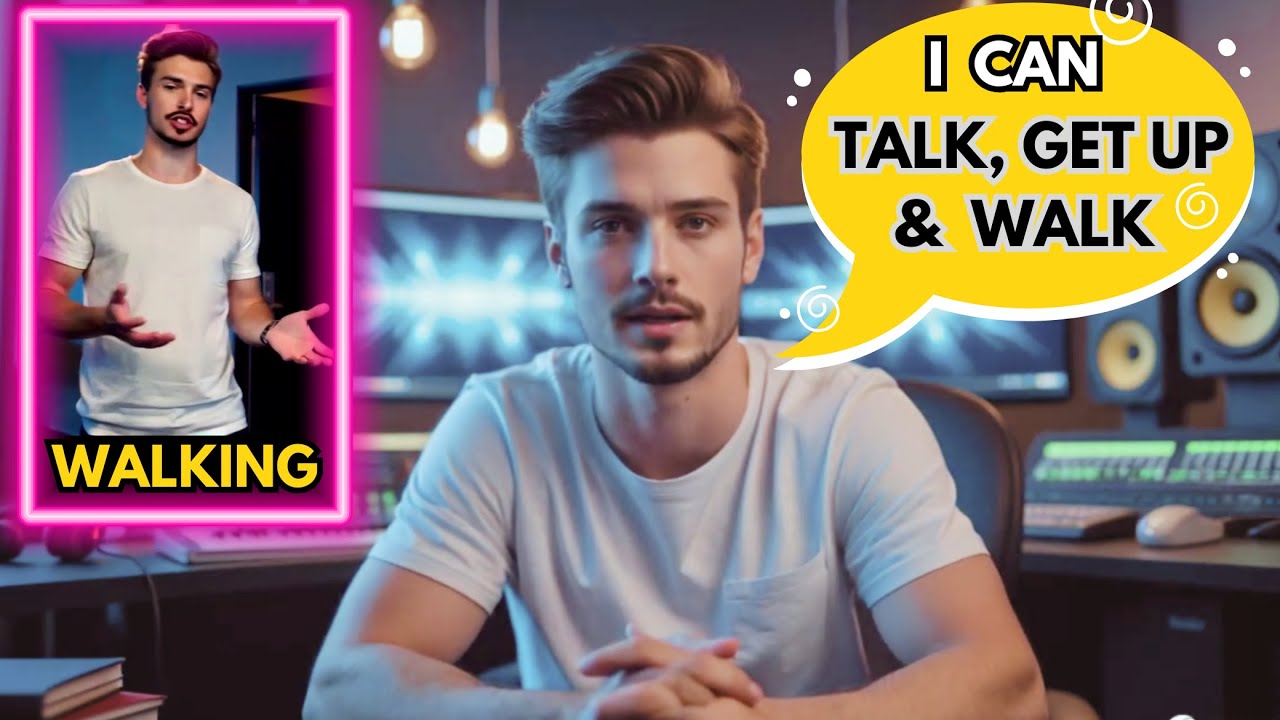
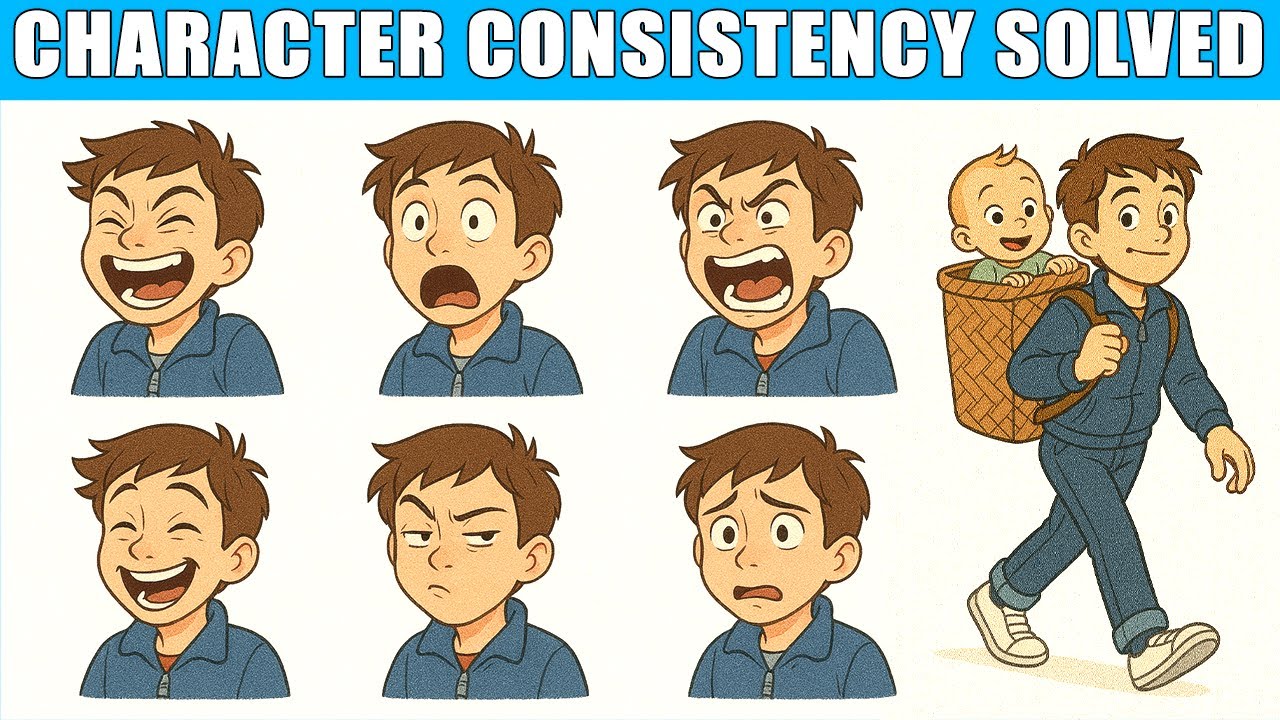
3 weeks ago I posted a short film on my second Channel and received hundreds of comments asking how I maintained such consistent character designs throughout my story most people assumed I hired a professional artist or spent years perfecting my drawing skills the truth is I used a completely free he high that generates realistic characters and scenes for my story look at this same person same face same personality different scenes take a look at this one also no matter the scene background no matter the action and no matter the pose the characters remain identical in every
image in today's video I'm going to show you exactly how I did it so you can create your own amazing characters without spending a penny if you are sick of spending hours or cash on character design for your project this video is for you make sure you watch the video till the end because I will show you the secret hack you've been missing to build cohesive characters for your stories games or brand without spending a dime before we start make sure you like share and subscribe to my YouTube channel for more videos like this let's
begin the first step is to create a perfect character profile for any project you are going to create note if you skip this step your character won't stay consistent because this is the vital area in creating consistent character for your story before generating any images we need to define the look of our character to do this we are going to be using chat GPT for that head over to chat GPT and type this prompt write a detailed prompt for generating an AI image of a realistic character named Olivia with a standard pose this prompt will
make chat GPT to understand what we want from The Prompt make sure you are specific of what you want the AI to do for you and not so much that it becomes overwhelming because detailed instruction is required in order to generate the best result click on generate to see what chat GPT will generate for us this is the result from chat GPT it generates a detailed profile of the character we want a highly detailed realistic portrait of Olivia a young woman with a warm and confident expression it also provides other features for the character like
facial features clothing style appearance and personality traits this result shows that we can keep using the prompt anytime we want to work with the Olivia scene in our story now that we have the prompt let's move on to the next stage where we are going to generate our character copy the entire prompt from chat GPT and head over to Google image FX I will provide the link for you in the description below once you are image FX the interface will look like this after paste The Prompt we generated from chat GPT in the prompt input
field below before we'll click on create we will do some settings and add some few key elements to The Prompt click on the elements below and choose elements that fit your image or click on more to explore more elements like ultra realistic photo realistic high contrast and highly detailed you can type those elements within your prompt yourself or ask chat GPT to do that for you the extra elements will make our character look more professional and stay consistent all through our image generation without them image FX might generate something inconsistent or too generic set the
aspect ratio and after click on create wait a few seconds to get the result here is the result Olivia is generated you can see that the character looks the same in all the images this looks very amazing in order for the character to remain consistent in all the future images we need to take another step click on the icon below it will open to see other features do you see the the lock icon in the seed section click it it will lock the seed number this is the hack to ensure that the character remains consistent
in all our image generation the seed feature will keep the character's facial feature and make it consistent in all the future images without what we did just now your next image might look completely different even if the prompt is the same now that we have locked the seed number let's test if the method keeps the character consistent even if we change the background scene action and pose first let's ask chat GPT to generate a scene description for us I write describe a scene where Olivia sits in a restaurant then I click on generate chat GPT
will generate a full description of Olivia sitting in a restaurant for us I copy the entire prompt and paste into image FX but make sure you do not remove Olivia profile prompt we only change the scene description to a new one the seed feature remains locked click on create look at it this is amazing is still Olivia the same face same feature just in a different location this shows the seed lock feat feature is working let's try another one we are going to ask chat GPT for another scene again go back to chat GPT describe
a scene where Olivia sits in an office click on generate here is the prompt copy the entire prompt and to Olivia profile prompt in the prompt box the seed feature remains locked and the profile prompt Remains the Same except the new location prompt click on create this is the result the characters remain the same just a new location the tool maintains her identity let's try one more ask chat GP P to describe the scene where Olivia stands beside the car click on generate chat GPT will generate a full scene description for us copy The Prompt
and paste in the prompt to Olivia profile prompt in image FX the seed feature remains locked click on create this is the result so amazing Olivia Remains the Same across all the images this shows that the image FX seed feature is working very well it ensures that your character remains identical across all your future images now that we have a consistent character let's use our character for a story and see how it looks to do this we need a story idea and short narrative focus on Olivia we will be using chat GPT for this also
I type create a short story about Olivia a young model discovering her passion click on generate chat GPT will generate the result for us this is the result of the story from the AI in order to bring the story to life we need to break down the story into scenes let's ask chat GPT to do that for us I ask chat GPT to identify key scenes in this story that would would make great illustrations the AI tool has broke down the story into different scenes for us now let's begin with the first scene copy the
first scene and paste into Olivia profile prompt the point is to keep the character intact while the scene changes make sure the seed feature is locked after click on create this is amazing the character is in another scene entirely her face and identity remain the same let's create the second scene copy the second prompt from chat GPT and paste to Olivia profile prompt in image FX after click on create here it is we have the same Olivia in another scene copy the third scene from chat GPT and follow the same process keep the original character
profile prompt add a new scene description and the seed number remains locked click on create the character remains consistent no matter the action or the scene description this is the power of image FX seed feature whether you are a content creator creating short films 3D animation or creating content for social media like Tik Tok Facebook and others this tool to is for you it will help you create an entire visual narrative and make your character consistent throughout the story with image FX you can create consistent characters throughout your story for free without paying a monthly
subscription plan if you enjoy this tutorial make sure you like And subscribe to my YouTube channel for more tutorials like this thanks for watching see you in the next video