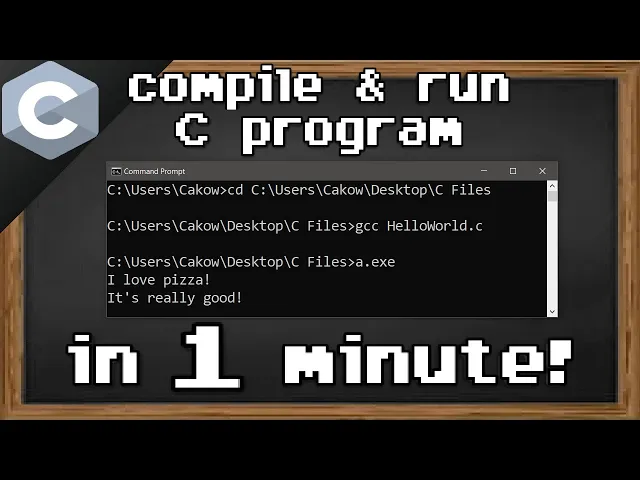
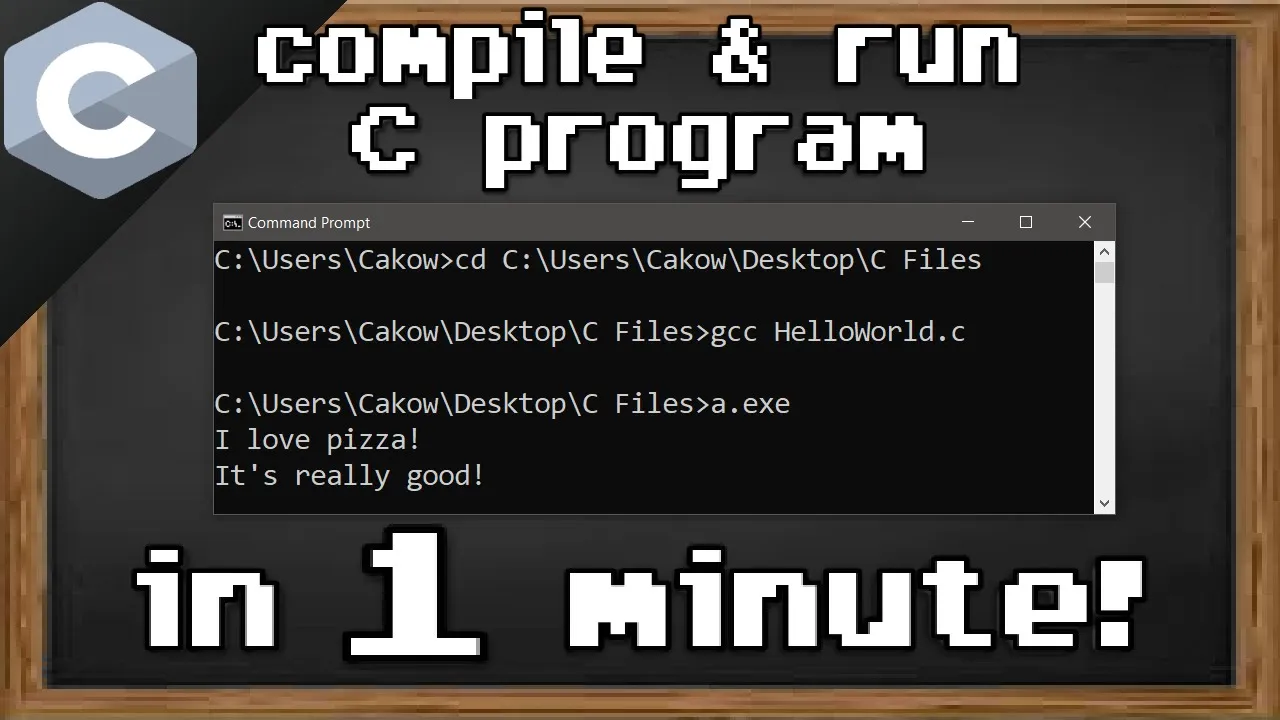
all right everybody welcome back in this video i'm going to show you all how we can compile and run a c program using command prompt in my text editor i have a simple c program that prints i love pizza it's really good what we'll need to do is open command prompt now before we begin we should make sure that we have a gcc compiler and to check that just type gcc minus minus version and it looks like i have one so if you're missing a gcc compiler check the first video in the series and i'll
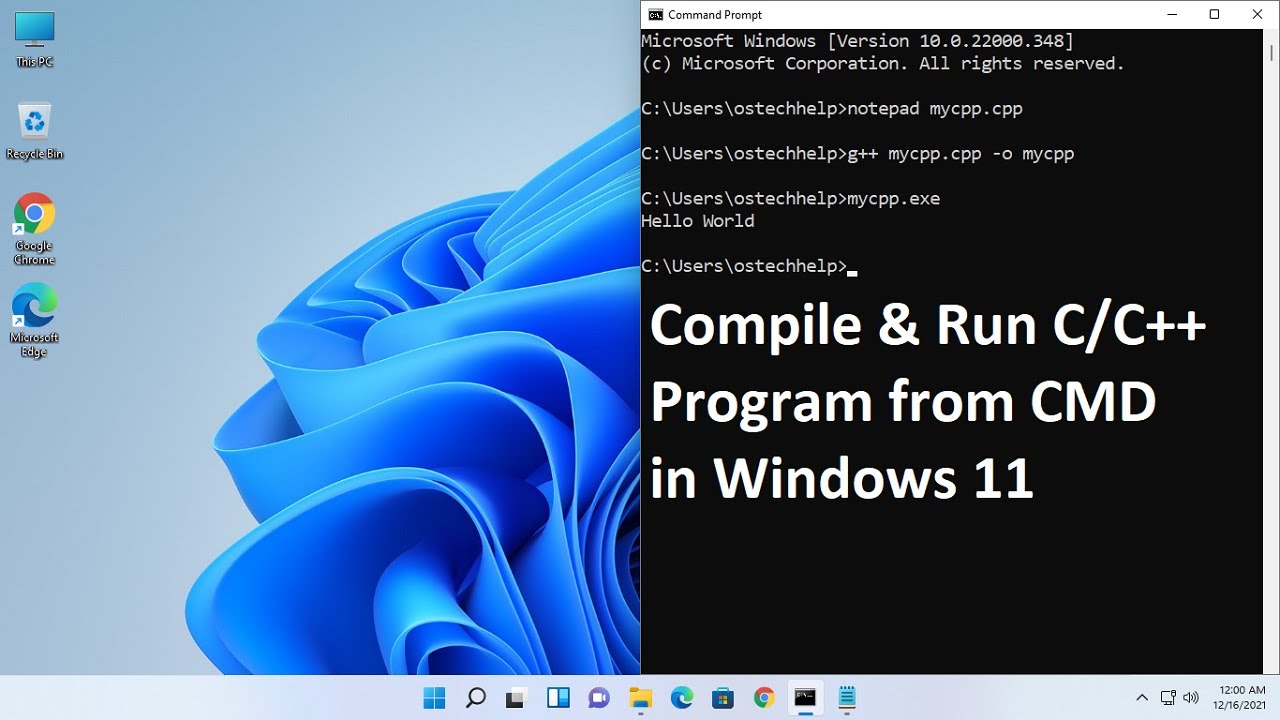
show you how to download one now step one to compiling a c file is that we need to change our active working directory so that it's pointing to the folder containing our c file an easy way to change that is that we need the file location so i'm going to right click on my c file go to properties copy this location and within command prompt i will type cd to change directory and then paste that location so our current active directory is pointing to that folder containing our c file and to compile a c file
you type gcc the name of the file and mine is hello world dot c then hit enter so nothing appears to happen and that's good so let's take a look at the c folder again this is the file that we compiled it is an executable and all we have to do is run that so that is the third step a dot e x e enter i love pizza it's really good so yeah that's how to compile and run a c file in command prompt first make sure that you have a gcc compiler that would be
i guess step zero step one is to change the active working directory to the folder containing your c file compile the c file with gcc the name of the file and then run the compiled file a.exe so yeah that is how to compile and run a c file with command prompt if you found this video helpful please be sure to smash that like button leave a random comment down below and subscribe if you'd like to become a fellow bro