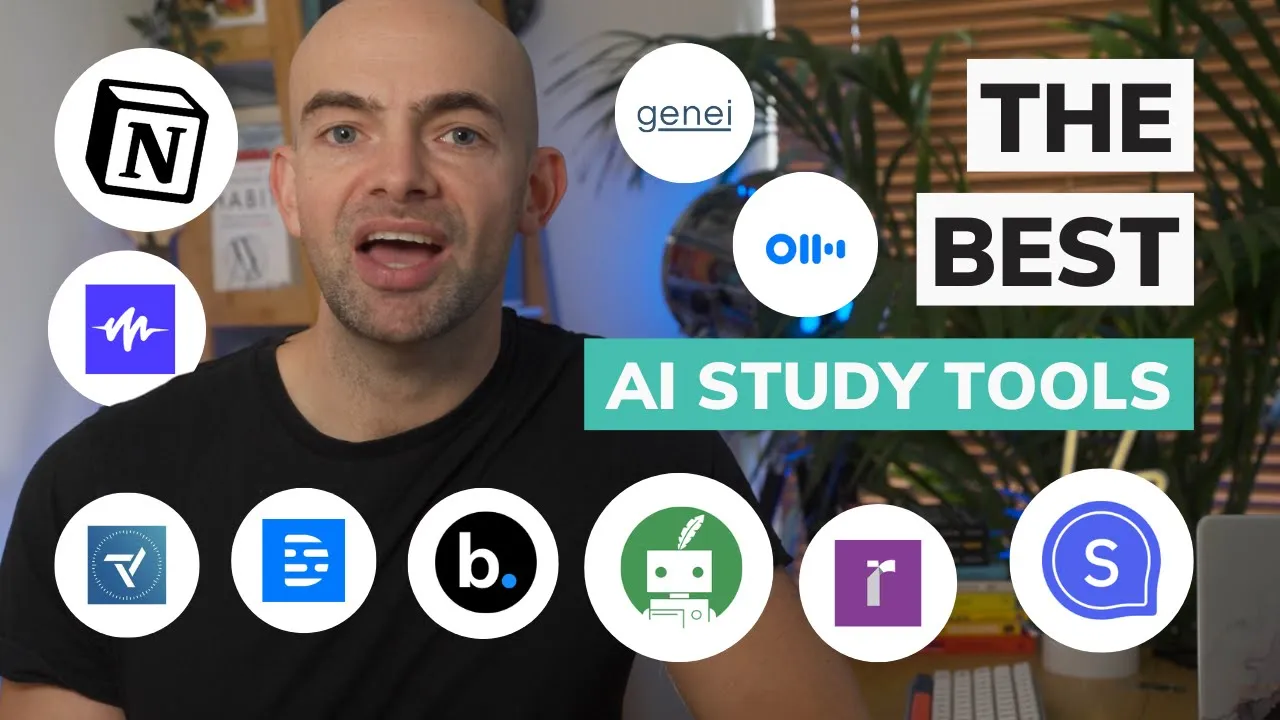
hey folks welcome back to the channel as you guys know I'm absolutely obsessed with trying to save time and be productive when it comes to studying and learning pretty much anything one of the best ways to study effectively is to use technology and there are lots of great AI study tools out there that can automate things and save us a ton of time so in this video I want to show you my top 10 AI studying tools that can help you to learn more effectively and study faster for exams I've included a bonus to AI study tools at the end of the video so be sure to stick around to that so hit that subscribe button and let's start with number 10. speechify is a really great tool for students who struggle with reading or retaining information from written text the app converts written text into spoken words allowing students to listen to textbooks articles or notes from pretty much any medium this not only saves time but also improves comprehension and retention text to speech simply means using AI to read words aloud be it from a PDF email docs or any website speechify started with the idea that people with dyslexia could really benefit from a tool that could read text out loud to them I often find that listening to audible at Double speed while also reading a Kindle book tells me to read way faster and be much more productive and it's the same common principle here speechify is awesome for students as it takes advantage of the fact that our brains handle auditory and visual information separately so there's no additional cognitive load placed on us if we're listening to text while it's being read aloud listening as you follow along can also improve your reading speed speechify is an AI tool that's perfect for studying as you can change the default voice to a custom voice change accents languages and even Inc increase or decrease the speaking rate making it a great fit for any learner speechify also offers celebrity voices for added fun and has recently integrated audiobooks into their subscription pricing starts at 139 a year and 199 a year for audio books quilbot is an awesome AI study tool for students that has a few really unique and useful features when it comes to studying top of that list is its paraphrasing tool that allows you to quickly enter text or upload a whole document and paraphrase and change the tone in a Flash quill bus designed for research and academic study and its co-writer has some really great features when it comes to researching and generating content there's a citation generator that allows you to add references to content quickly as well as things like a grammar checker and even a translator along with a summarizer as well as a plagiarism Checker which is an awesome function to check originality of anything that you write crowbot features plugins for word if you want to work right out of your documents and also a free Chrome extension so you can use quill bot on any web page quill bot features a free tier with an annual plan of 99 a year which is excellent value for when you want to add those Advanced features and paraphrase without any limits our youth notion is a second brain to store book summaries and to organize my daily habits the addition of AI allows you to summarize saved articles expand upon ideas or just improve the readability of an essay if you're studying for an exam and using notion as your study planner you can ask notion AI to explain a topic or to generate active recall questions for you to practice the AI tool fits nicely into notion's minimalist interface and if you have lots and lots of notes already stored in notion like me notion's AI tools for studying can help to quickly optimize these with the Press of a button tidying up your note-taking app can be really time consuming as can turning your notes into recall questions Notions AI tools help boost your productivity and save you time so that you can focus on actually learning pricing for notion AI starts at eight dollars a month which is a nice entry point for an already great tool now if you've been following along with my evidence-based learning series you'll know that active recall is one of the most effective ways to learn pretty much anything but it can be really time consuming finding and creating practice questions of the appropriate difficulty when studying for an exam or test chican is an AI powered adaptive learning platform that makes creating sharing and practicing quiz games fast and fun unlike other game-based study platforms chican has multiple question types to choose from including flashcards single best answer and even speech to text oral questions to simulate interviews and language exams using ai chican's ai allows questions to be created from any topic or from your own notes which you can also create and store within the platform and like Notions notes they can be generated edited and translated and you can ask the AI to explain things in simple terms using the Feynman technique which is great for when you want to reduce application switching while practicing active recall questions in addition to creating practice questions she can also integrates mindfulness to help reduce test related anxiety and helps you build strong study habits by setting goals and sending you motivational quotes to keep you motivated when studying chican is free to sign up to and its AI tools are included in its learner premium subscription which is 99 pounds a year and you can also sell your knowledge with courses and question sets published on the chican store with Creator paid plans starting at 29 a month [Music] one of the most time consuming tasks for students at any stage is searching through journals finding the Salient points and then referencing these in your own essay or dissertation now I had to do this all the way through my medical training as a doctor and it's really really tedious and time consuming luckily elicit can help you automate research workflows such as parts of a literature review by using language models elicit can find relevant papers and summarize the paper pulling out the important information to save you that time on researching elicit is free to sign up to and you can search the literature or upload your own paper if you use tools like scihub as someone who regularly goes to PubMed Athens and Google Scholar to search for Relevant papers on productivity learning and Human Performance the intelligent search function and ability to filter results quickly is already much better than traditional Journal search methods which are quite poor one of the features I really like is the ability to create tasks which are basically custom prompts and also see what tasks other people have created this saves loads of time and helps you get the most out of using the AI to analyze research paper [Music] the scholasy is an AI tool that helps you read more effectively by summarizing articles and making them easier to understand you can enter text upload a document or add in a link to a website and scholarsies AI will summarize the article for you in bite size chunks scholarships perfect for PhD students or in fact anyone wanting to quickly get through academic articles or any kind of research my favorite feature is scholastly's ability to quickly extract references and citations from PDFs and articles which save me a ton of time there's also the ability to create flash cards from articles and on paid plans you can save all of your summaries and references into your scholarly Library one hack I found that worked really well too was if you use a document scanner with OCR technology like Evernote for example you can actually scan in book pages and then run them through scholar C2 scholarly has a free tier and a Chrome extension and then prices start at 9. 99 a month [Music] Trevor makes you more productive by helping you set time blocks for your most important tasks and encouraging you to only work on these tasks during those allotted time blocks with Travis help the time you used to spend figuring out what to do is now planned and prioritized you can do this Solo or you can work together with your other team members and see how everyone else's time is being used I'm a huge fan of AI time management apps as you can keep track of your most important projects and stay on task without having to manually end things which saves you a heck of a lot of time with Trevor you can connect to your other productivity apps and time management tools like todoist native tasks and Google Calendar and Outlook but Trevor also features a focus mode and will learn to estimate how long certain tasks will take you Trevor's free plan offers unlimited time blocking and syncing for one calendar app and then paid plans start at 29.
99 a year and include multiple calendar syncs and a project dashboard Genie is an AI study tool for summarizing articles videos and other content into a format that's easy to read it emphasizes the most important parts of the article and gives just enough information to keep that reader interested once you've uploaded or found the documents relevant to your topic area you can use Genie's AI to extract key information from the Articles instantly and then organize and store these in folders to build a research library of your own I really like Genie as it moves you towards actually using your research to create new content Junior includes a number of note-taking shortcuts to get information from your documents into your notepad once that information is in your notepad you can use genius Advanced AI features which is all powered by GPT to help build out your finished piece of writing from notes to prose and it will even generate a citation in various reference formats at the end too Genie is great if you want to apply evidence to academic essays professional writing or content creation pricing starts at 9. 99 a month with a 14 day free trial and there's a 40 discount for academics and students [Music] now creating presentations as a student or for work can take absolutely ages beautiful. ai is a presentation maker that lets you put together presentation slides quickly it does the design for you so that you can focus on what's important your content and your message using beautiful.
ai's library of templates and layouts or your own design elements from things like Photoshop or sketch you can make a stunning presentation in minutes rather than hours starting any presentation from a blank slide can be daunting and I used to have a set of PowerPoint templates I'd recycle to save time but with beautiful. ai you can tell their designer bot the type of presentation you're looking for and then let it create your first draft you can then edit this as needed which saves you a heck of a lot of time and gets over that block of getting started you can also choose the fonts in its library or bring their own from Adobe type kit the whole process is very simple just drag and drop your images add text with its simple editor and Export to a PDF or PowerPoint file with one click you can try it out for free and then paid plans start at 12 a month for unlimited slides and Export functionality it the script is an AI video transcription tool that my team uses all the time to save time with video editing I love the script because unlike other video editing tools it transcribes in real time and allows you to edit videos by selecting transcribed text and then clipping and deleting segments for anyone studying a creative subject where video is required it will save you a heck of a lot of time its transcription system is also really helpful if you want to summarize key videos or if your course has on-demand videos The Script also has some additionally nice features you can export Clips in different formats which is great for creators and you can screen record and transcribe in real time which is super helpful if you're creating walkthrough videos I also really like the overdub feature this allows you to create a clone of your own voice which can then read out text using text to speech if you need to edit something quickly you can then correct spoken errors without having to re-record the script has a free plan and then prices start at 12 a month for more transcription and higher video export resolutions thank you now if you're someone with lots of online meetings as part of your course or find taking notes during meetings or workshops are real pain after dot AI is a digital assistant that takes meeting notes and transcribes the audio recording to text otter also highlights key points and summarizes the meeting in an email report for all participants Auto features real-time captions that Empower students with the ability to highlight comment and insert images within class notes and provides more advanced study tools with stored transcripts search capabilities and even keyword highlights I've used auto to summarize lots of meetings and it's really reliable and it plugs into most video meeting Solutions most importantly it just saves you a ton of time if you zone out on a video call or you didn't quite catch something you can look back through the transcript immediately and you don't have to worry about going back over the entire video later otter has a free tier and then costs 8.


![10 AI TOOLS THAT WILL MAKE YOU 10 TIMES FASTER — Productivity AI [2024]](https://img.youtube.com/vi/5ovICVk1_Bw/maxresdefault.jpg)
![Notion Tutorial - Full Course for Beginners [2024]](https://img.youtube.com/vi/kOf3QSBV29Y/maxresdefault.jpg)