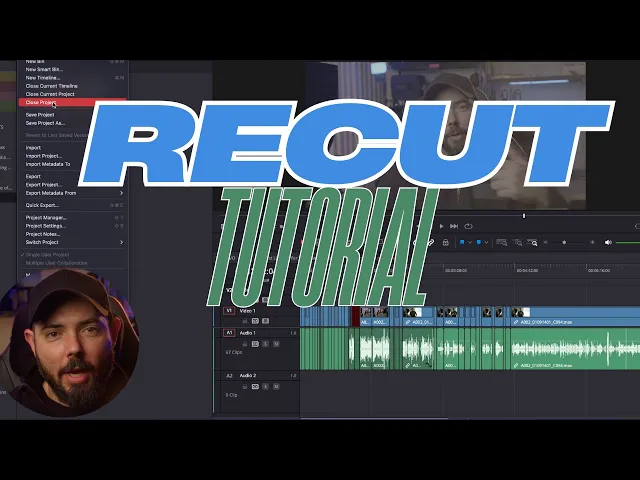
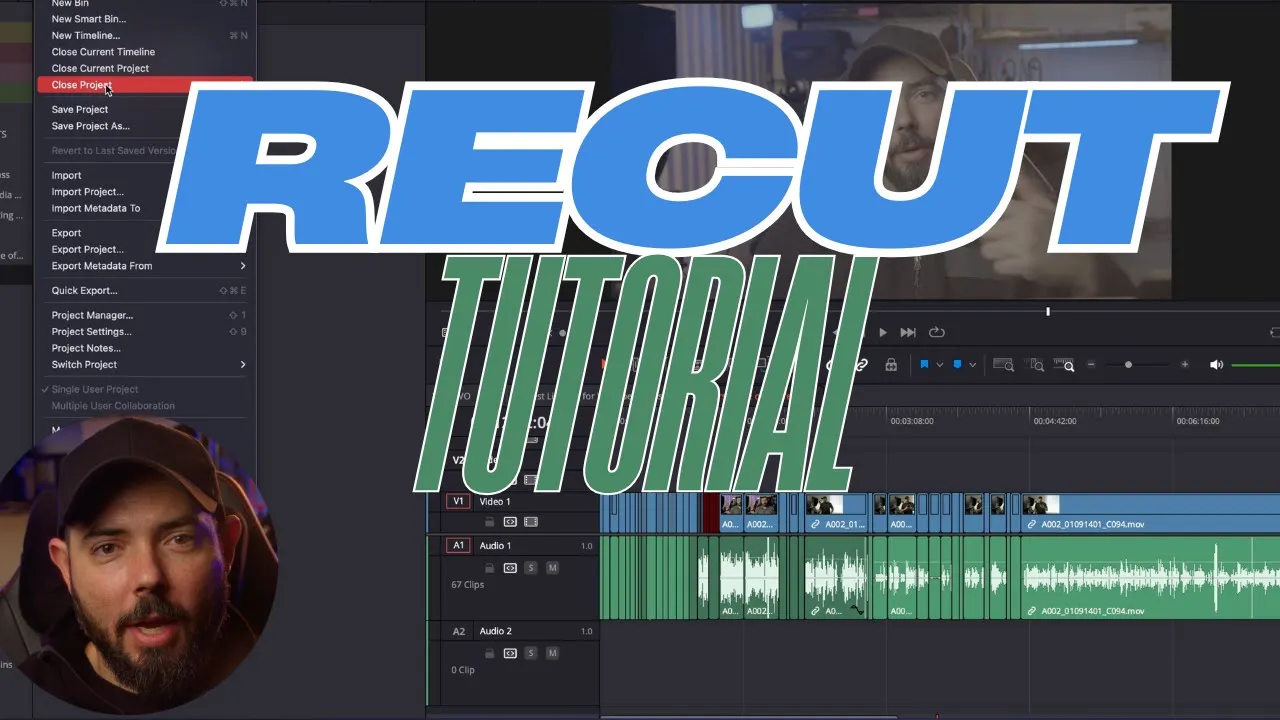
struggling with long editing sessions for talking head videos what if I told you there's a tool that can cut out all the dead air in your footage in just a few clicks let's dive into recut and save you hours in post-production hey guys if you're new to this channel I'm Scott Stevenson I'm a DP and gaffer living here in Los Angeles I've been working in the film industry for over 10 years and I've worked for such Brands as Kia American Express Amazon Netflix and Nickelodeon just to name a few in today's video I'm going to
be showing you a super helpful piece of software that that will save you tons of time in post- production if you're anything like me you're constantly editing down talking head Style videos whether it's for YouTube documentary or other types of client work this software I'm going to be showing you guys is called recut and it's actually been around for a while I used it quite a lot back in 2021 when it was first launched as a plug-in for Final Cut Pro X what's super cool is not only can you use it for Final Cut Pro
X but it can also be used in Premiere Pro as well as Da Vinci result what Rec essentially does is it cuts out all the silent parts of your videos this is helpful because it gets the boring part of getting a tight a-roll edit out of the way quickly this saves you time so you can be more creative with your edits so let's jump into recap and I'll show you around if you're enjoying this video so far go ahead and give it alike first up we're going to import our footage importing footage is actually pretty
easy it's just like navigating to anywhere on your hard drive or you can go ahead and drag and drop right into a new project so basically there's two ways to work inside of cut you have the clips and the segments Clips is just like moving Clips in a normal nle and segments is the basically the sections between where there's silence and you can manipulate how much or how little you want to cut out if you want to see some of the shortcuts you can go up to the top here in The Help menu and there's
a full list of the shortcuts they're pretty similar to other nlees out there as far as exporting you have a few different options for sending out XML for different editors you can also export an mp4 or if that's more your style so I'm going to go ahead and Export an XML and let's go ahead and bring it into Da Vinci resolve and I'll show you what that looks like so what you're going to do is just go ahead and import the timeline and then you'll just go and navigate to where that XML is it'll give
you this dialogue box where you can choose where that source file is going to go as well as change the timeline resolution which is kind of Handy and there you go it'll open up just like a normal timeline except it'll have all your beautiful edits well guys hopefully that was helpful in some way go ahead and leave a comment down below and let me know if this software is something that could assist in your post production workflow once again I'm Scott Stevenson thanks for watching feel free to check out my past videos as well as
subscribe to see my future ones peace