hello and welcome to app inside AI I'm Amelia your guide to discovering the most Innovative tools to simplify and enhance your content creation Journey today we'll explore one of the most exciting platforms for video creators Flex clip if you've been searching for a way to create high quality videos without breaking the bank or spending endless hours editing this tutorial is exactly what you need Flex clip is more than just a video editing tool it's an AI powered platform that brings your Creative Vision to life with ease what whether you're a YouTuber an educator a business
owner or someone experimenting with content creation Flex Clips features are designed to help you make professionall looking videos with minimal effort what makes it even better Flex clip offers a free version so you can start creating amazing videos right away without spending a dime today I'll walk you through every step of the process from signing up to exporting your final video by the end you'll know how to use flex Clips text to video feature to create videos that Captivate your audience oh and here's a little inspiration before we get started the popular YouTube channel Bright
Side with over 44 7 million subscribers and 9, thousands of videos they earn approximately $133,500 every month by uploading engaging content on topics like space exploration and discoveries you two can create similar content using Flex clip ready let's jump in why Flex clip Flex clip isn't just another video editing tool it's a Powerhouse packed with features that cater to both beginners and experience creators here's what makes Flex Clips Stand Out AI powered tools Flex clip uses artificial intelligence to generate videos subtitles voiceovers and translations easy to use interface even if you're a complete beginner you'll
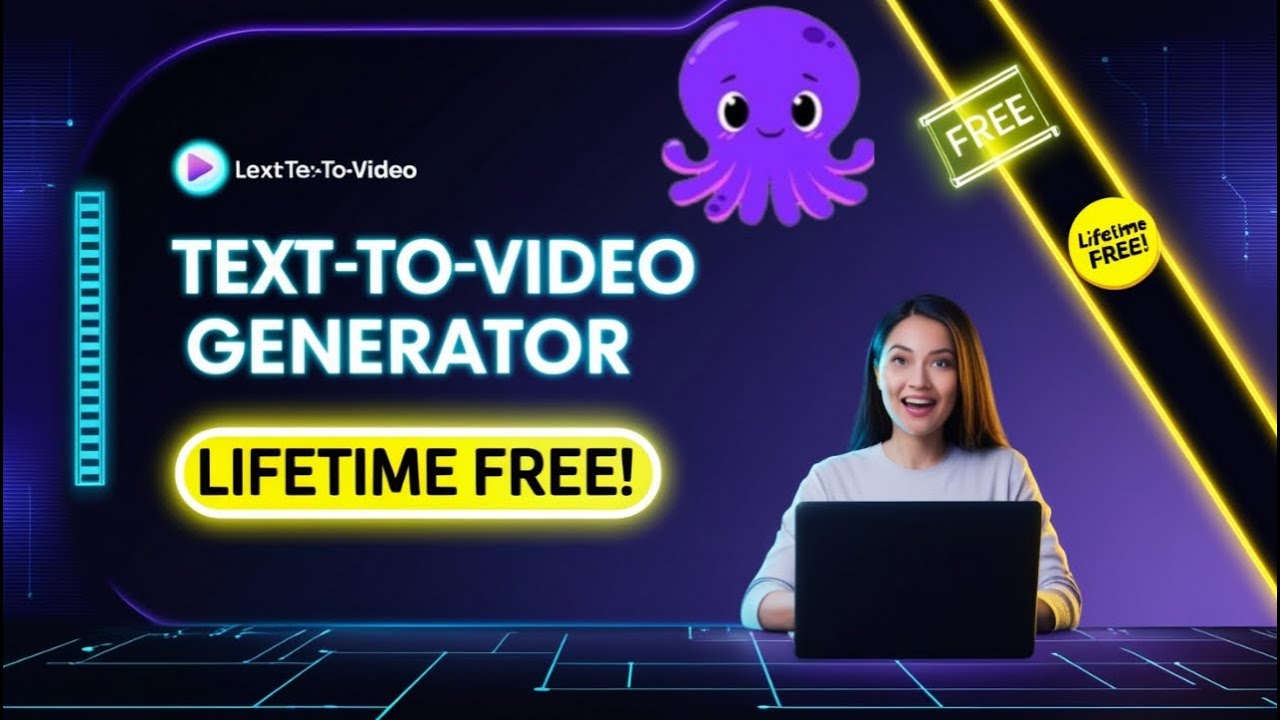
find the platform intuitive and simple to navigate customizable templates choose from a wide array of professional templates to jumpstart your video creation process free access yes you can create highquality videos for free before we dive in let me tell you what makes this tool even more exciting with flex Clips free trial you can access these features download videos in 720p HD quality use one stock video and one stock audio per project enjoy free AI quotas for features like text to video and text to speech create up to 12 projects make videos of up to 10
minutes in length here's a bonus tip stick around until the end of this video and I'll show you how to use flex clip for free for life now let's jump right into the tutorial and explore how Flex clip can help you create professional highquality videos effortlessly setting up your Flex clip account first things first head over to flex clip's website and create a free account using your email signing up is quick and easy and once you're in you'll see a Sleek interface designed to help you get started right away here Flex Clips magic tools section
where you'll find a variety of options including AI video generator AI Auto subtitle AI text to speech AI translator for this tutorial we'll focus on the AI video generator specifically its textto video feature this tool is a game changer allowing you to create videos simply by pasting your script or article if you don't already have a script don't worry Flex clip pairs perfectly with AI tools like chat GPT to generate scripts in seconds for example if you're interested in creating a video about space discoveries you can ask chat GPT please suggest 10 topics about space
discoveries for a YouTube channel within moments chat GPT will provide you with a list of potential topics once you've chosen a topic you can ask chat GPT to write a complete script for your video such as write a 100% unique and human ton YouTube script on this topic which was I paste here copy the script generated by chat GPT and you're ready to create your video In Flex clip now that you have your script return to flex clip and select the AI text to video option under the AI video generator paste your script into the
provided text box and let Flex clip's AI work its magic Flex clip will analyze your script and automatically break it down into scenes selecting visuals and adding text overlays to match the content this automated process saves you hours of manual editing and ensures your video is visually cohesive customizing your scenes while Flex clip does a fantastic job of generating scenes you might want to make a few tweaks to ensure the video matches your vision here's how you can do it if a scene's visuals aren't quite right click on the replace media button search for Relevant
keywords in Flex clip's extensive media library and select a clip that better suits your script for instance if your video is about space galaxies type space galaxies to find appropriate footage in the language section you can choose the narration language for this tutorial I've selected English United States next choose a voice that complements your video Flex clip offers a range of options and for this example I'll go with Andrew mail voice now we'll click on add to timeline you'll see two options for the timeline and you can choose either one I'll go with the first
option so let's click the apply button Flex Clips timeline editor allows you to fine-tune every aspect of your video here's what you can do set the aspect ratio depending on where you plan to share your video choose from landscape 16 9 Square 111 or portrait 916 formats remove any unnecessary Parts such as the watermark section or adjust the duration of each scene to fit your narration now let's add A Creative Touch to your video with effects and elements both of which are available directly on the timeline click on the effects button to browse a wide
range of visual enhancements for example you can add a golden effects to make your scenes flow seamlessly simply select an effect and apply it to the desired clip Flex Clips ele elements feature allows you to add icons animations shapes and more to your video for instance if your video is about space you can add animated planets or stars to make it more engaging simply drag and drop the elements into your timeline and adjust their size or position as needed these features not only enhance your video's appeal but also make it more interactive and Visually captivating
adding background music music is the heartbeat of a great video click on the audio icon to access Flex GL music library or upload your own track for copyright safe options I recommend using YouTube's free music library adjust the volume to balance the background music with the narration ensuring both are Audible and complimentary once you're satisfied with your video it's time to export click on the export button and choose your preferred resolution Flex clip offers several options including 480p ideal for quick previews 720p free and high quality enough for most purposes 1080P and 4K available for
paid users seeking the highest quality you can download the 720p video for free at the bottom you'll see options to upgrade and Export or export the video for free with flex clip Watermark let's click on that now let's preview the video NASA's perseverance Rover is exploring Mars making groundbreaking discoveries operating in jazero Crater it's searching for signs of ancient life perseverance studies rock formations that once interacted with water its core samples could hold evidence of past microbial life these samples will be sent back to Earth for analysis the Rover is analyzing the Martian atmosphere for
future exploration it identifies potential resources like water and oxygen to support astronauts meanwhile the Ingenuity helicopter has completed multiple successful flights this helicopter has exceeded expectations providing vital aerial data discoveries from perseverance are reshaping our knowledge of Mars from its geological past to its potential for life these findings pave the way for future human missions to Mars one day we may see humans walking on the Martian surface you'll notice the flex clip Watermark displayed here but you can easily replace it with your own YouTube Channel's Watermark as I promised start of this video here's a
game-changing tip for you if you love using Flex clip and want to continue enjoying its free features without limitations you can use temporary email accounts to create multiple free accounts here's how go to a temp mail generator website like type temp mail in the Google open anyone website use the temporary email to sign up for a new flex clip account repeat this process whenever you need to extend your free trial access with this method you can make unlimited use of flex Clips free tools without upgrading to a paid plan this is perfect for creating countless
highquality videos without any cost congratulations you've just learned how to create a professional video using Flex clip this tool makes it incredibly easy to turn your ideas into reality whether you're aiming to build a successful YouTube channel like bright side or simply want to explore your creative potential thank you for watching today's tutorial on app inside aai if you enjoyed this tutorial don't forget to like share and subscribe for more exciting content creation tips also check out the link in the description for direct access to flex click and start your journey today I'm Amelia and
I'll see you in the next video Until Then happy creating [Music] [Music]