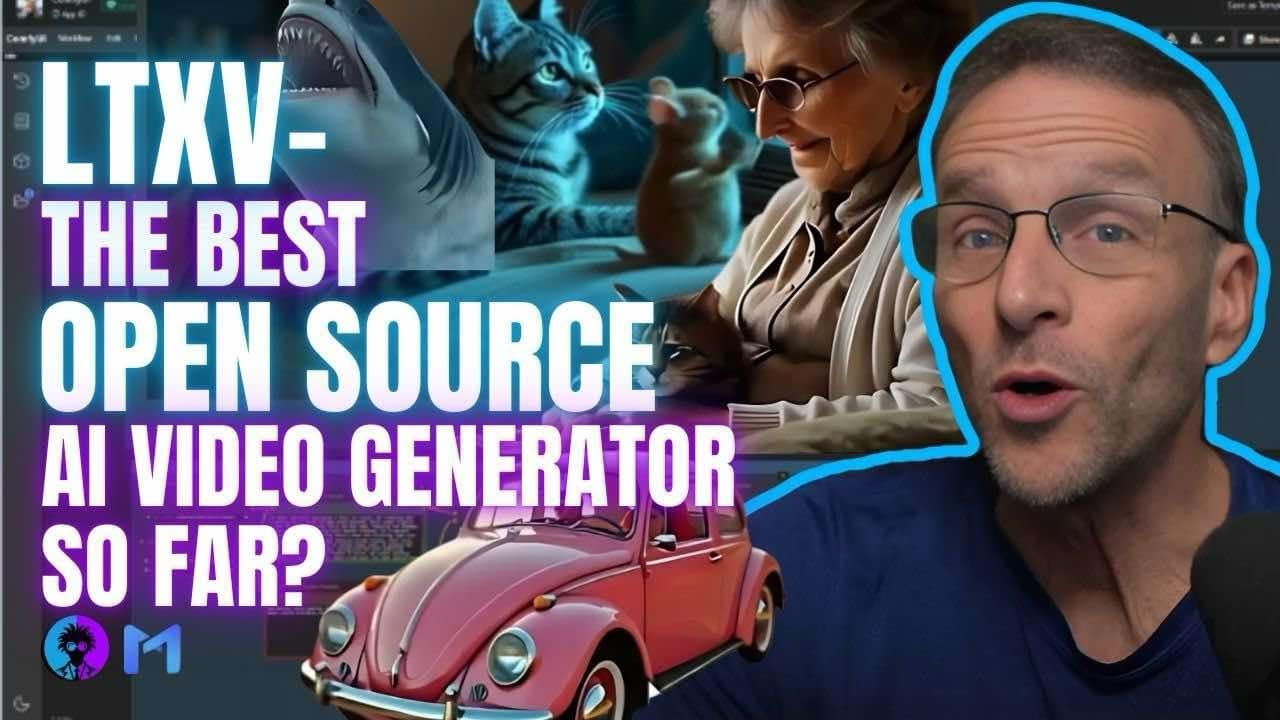
text to video or imageo video generators are now trending platforms like Minimax cing Ai and gen 3 provide unbelievable results however all of the AI video generation models are paid and guess what today I will introduce a free and open-source model that can generate amazing videos and you don't have to pay a single penny sounds interesting then without further Ado let's dive in I am talking about the LTX video generator it can generate 2 to 9 second long videos and by far this is the fastest AI video generation tool the interesting part is you can
install it on your system or use the online version however this is the actual LTX video generator model interface this video generator model is developed by LX but there is no option to create your video but I told you that you can generate unlimited videos how is that possible you can do it with the LTX videos open- Source tool on their GitHub repositories this repository is from light RX I will put the link in the description if you scroll down you will find the instructions on how you can install this tool on your computer locally
or through comfy UI integration according to them LTX video is the first dit based video generation model that can generate highquality videos in real time it can generate 24 FPS videos at 576p and they claim that that it can generate high resolution videos with realistic and diverse content and here you can see some of the LTX video generated videos the videos look quite impressive for example this is a video of a woman with light skin wearing a blue jacket and a black hat with a veil it looks realistic here you can see the prompt and
you can see the videos perfectly follow the prompts the next one is about a man talking on a telephone it also looks very promising all of these video clips could be cherry-picked video clips however we are going to try the tool ourselves so the result will be in front of us all right now if you want to install the model on your computer locally then you can do it otherwise you can use the online version like me you can access the model on hugging face playground fou AI access the model that you want to use
I will go with the hugging face this is the hugging face video generation with LTX video here you will find the text to video generator along with the image to video generator let's start with the text to video generator option first of all we have to enter the prompt in this box I am simply typing a powerful lady guitarist playing guitar on a stage it's a very basic prompt let's start with that after entering the prompt you can give access to the platform to share your usage data to help improve the model feature I will
turn on this option it may help the model for the future next we have the enhanced prompt option if you enable this the AI will add more details to your prompt next here you can add a negative after that you can select the resolution preset here you will find a bunch of options if you want to generate a high resolution video then the video length will be shorter and if you want to generate a longer video then you have to generate it in low quality let's select a moderate value once done set your frame rate
now it can generate videos in a maximum of 30 frames next in the advanced option you can set the seed number inference steps and guidance scale once everything is set hit the generate video button right now there is a long queue on hugging face because of high traffic so you have to wait sometime to get your Generations done all right so this is the output video unfortunately the result is not good let's try with a detailed prompt this time I will will select a low resolution with a longer duration once all the settings are set
hit the generate video button and this is the output video honestly speaking although it generates a 9-second long video the quality of the video is not up to the mark it needs Improvement although it could be because of low resolution or a very complex scene in The Prompt let's try with another prompt this time I will generate a scene of a cyclist after entering the prompt set all other settings and then hit the generate button this is our output video unfortunately this video is also not so good the motion and camera work are good but
the figures and faces are still distorted I think LTX videos need to improve the model more all right now let's try the image to video feature after coming to the image to video tab click here and then upload the image you want to turn into a video Once the image is uploaded enter the prompt in this box you can skip it but my suggestion is to enter prompts to get a better result next set all other settings and then hit the generate button now we have to wait some time and here is the output video
in conclusion the LTX video is promising but needs serious Improvement otherwise it can't survive in this competitive market as it is totally free now you can use it for fun all right friends I will wrap up our video now before that I would love to hear about your experience with generating videos with AI share your thoughts and results in the comment section below don't forget to like this video if you found it helpful and subscribe to our channel for more amazing tutorials like this one thank you so much for watching and until next time happy
creating