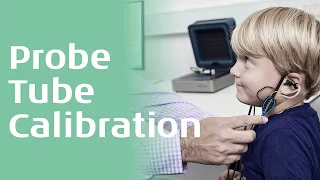
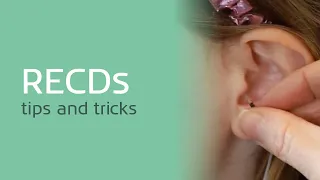
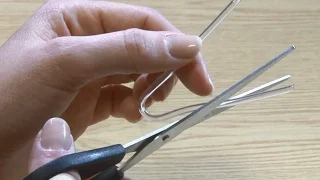
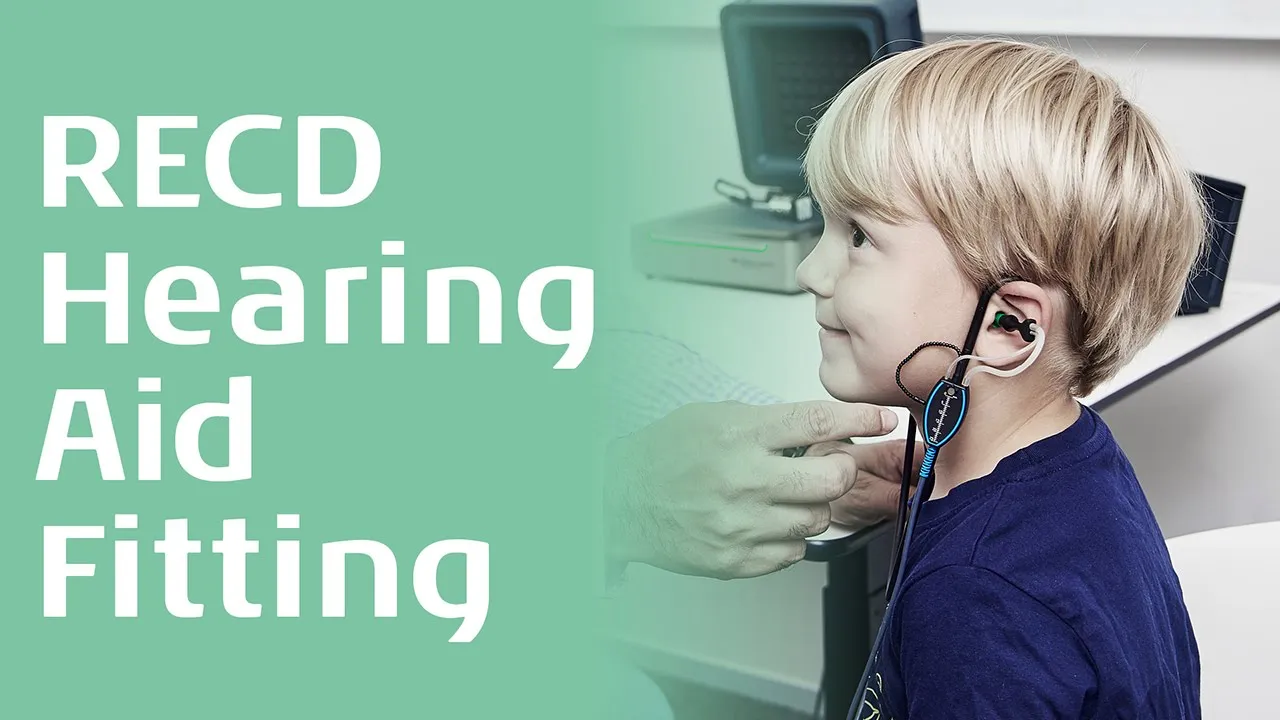
this video quick guide provides an overview of how to perform an Rec CD measurement using an ear mold in the software that supports both the affinity and Kalisto in order to perform an re CD measurement it is first necessary to select a protocol that includes the re CD test use the drop- down list to select such a protocol this method of performing an Rec CD requires two probe tubes a regular probe tube and also a thick re CD tube here you can see the configuration of the headset before taking any measurements a quick calibration of
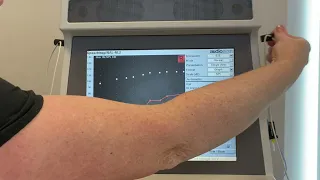
the regular probe needs to be performed press the tube calibration button and select regular probe then follow the instructions on screen after tube calibration we are ready to take a measurement select the re CD button click Start to begin the rec CD measurement an instructional window will appear which describes the process of Performing the coupler measurement connect the rec CD tube to the BTE adapter connected to the cupula then press okay the frequency response of the cupula will then be displayed on the screen remove the re CD tube from the cupula and attach this to
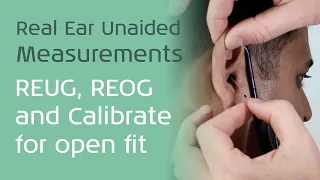
the patient's ear mold tubing next insert the regular probe into the a canal so it is positioned 5 mm from the tanic membrane once in position in insert the mold ensuring the probe tube is not compressed press okay to measure the real ear response the software automatically calculates the re CD curve now the hearing aid can be verified on the cut P while the software uses the measured Rec CD to display results as if they were recorded on the real ear this concludes this quick guide video on how to perform an rbcd measurement using an
ear mold in the REM 4 40 software