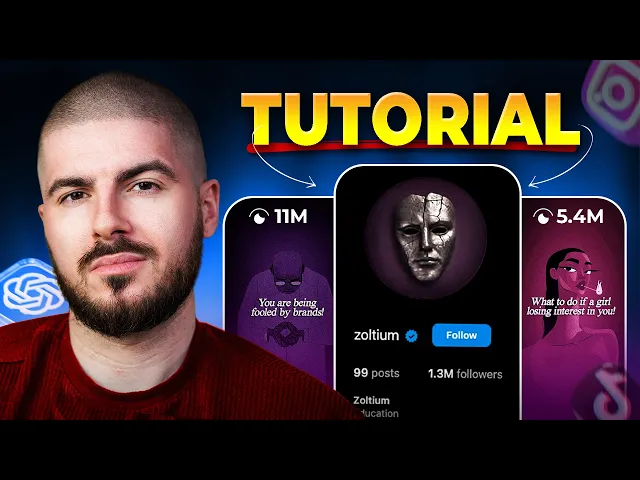
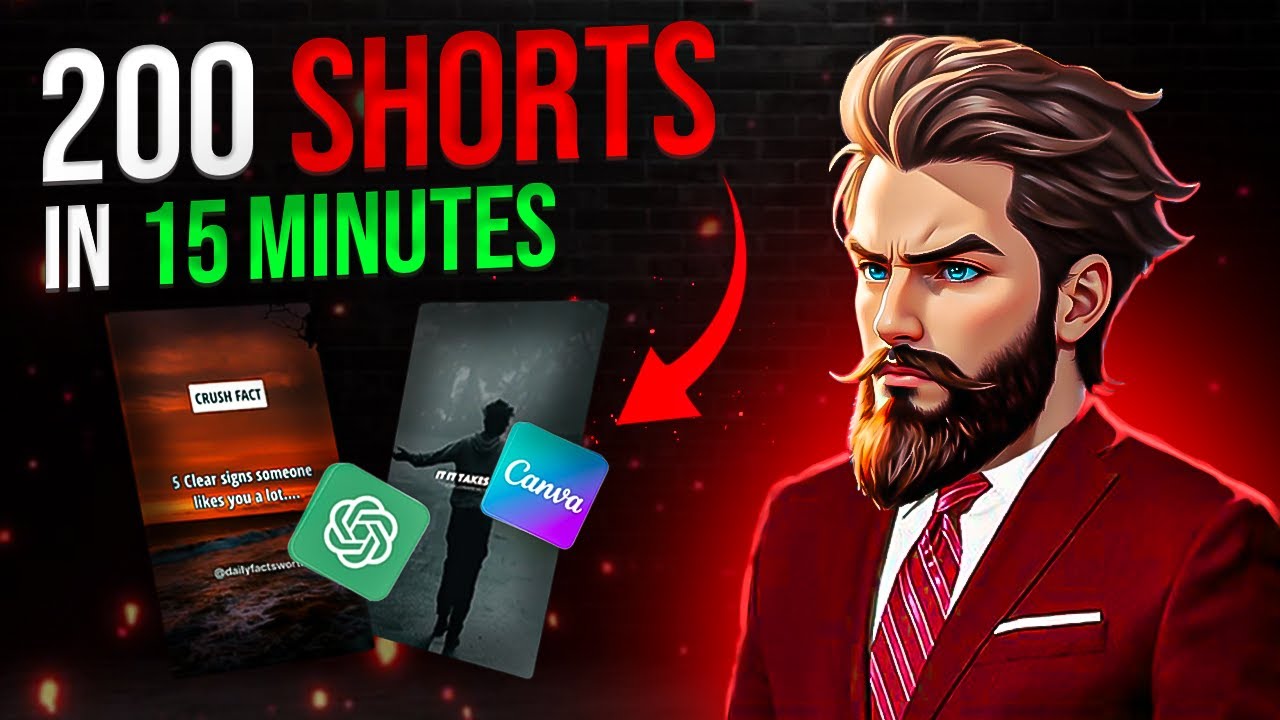
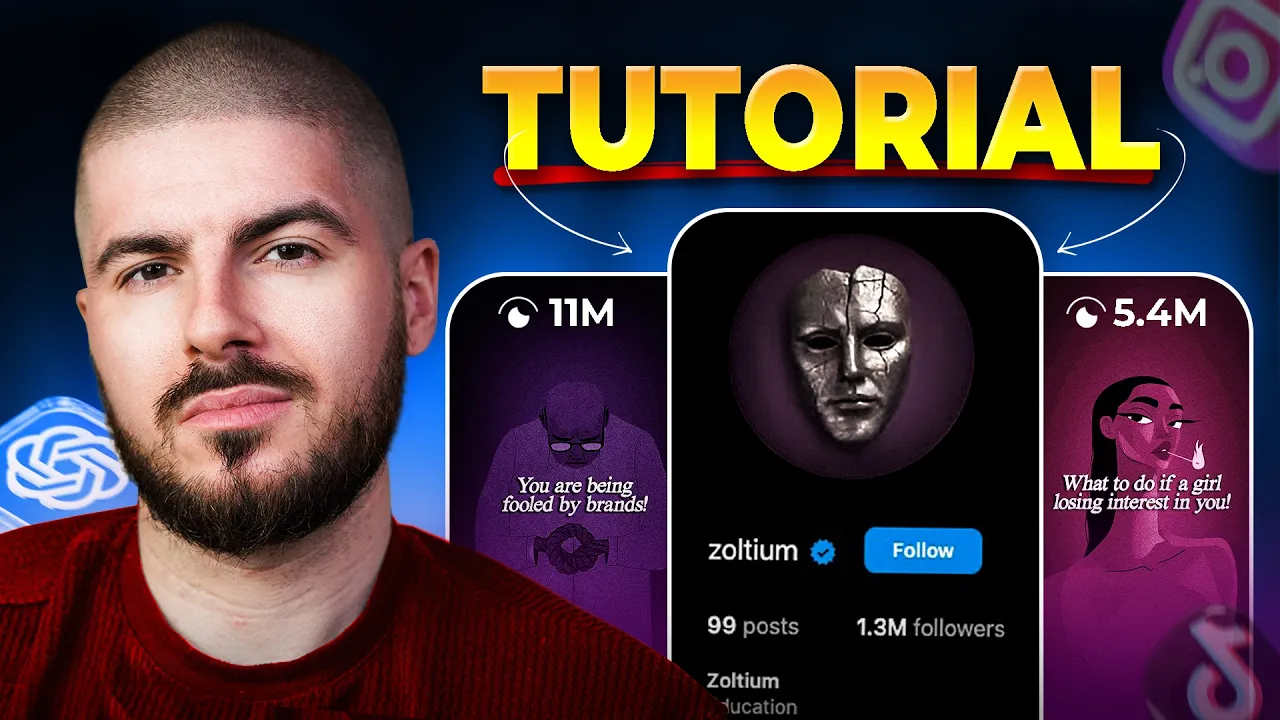
There's a new type of video taking over Instagram, Tik Tok, and YouTube Shorts. This page has gained over 1. 3 million followers in just a few months.
When you watch these videos, they feel like they're speaking directly to your subconscious. Fast-paced, visually addictive, driven by dark psychology, but backed by real science. And the craziest part of all of this is that they're using AI for around 70% of the work.
Now, whether you're a faceless creator, theme page, personal brand, or a business, if you're able to master this formula, it could change everything for you. Here is the full process step by step. Don't sleep on this.
Now, for this video, we're going to be diving into the psychology niche, and the page we're looking at is the Zolon page, which has grown over 1. 3 million followers in a few months. There are also other niches or topics for your page and videos that also work really well in this style that we're kind of looking at today.
We've got philosophy, masculinity, wealth, psychology, body language, relationships, hidden history, subconscious mind, and dark storytelling. And these are just some of them. There's probably tons more.
Okay, so it's time to make a script that works super well. And you can essentially do this with any niche and any topic for any account, but this is going to be specific for this. And let's break it down.
So the first thing you want to do is finding real information. We don't want to make up stories and lie about psychology and stuff like that. You want to actually have verified information.
So if you go to scholar. google. com, you'll access Google's academic search engine.
Essentially what it does is it pulls research papers and studies from verified sources like universities, scientific journals and professionals. So in this case, you know, we want to search something like dark psychology, um, cheating. And here are all the articles.
And let's say we're going to open this fourth one, but it wasn't really cheating. So this is kind of gold mine for viral scripts. Now we're going to copy all of this information into chat GBT.
create a new project under instructions. Use this prompt so that chat will only provide you information from the verified article rather than, you know, grabbing it from elsewhere. Now, all of the prompts and a bunch of stuff that I use will be in the description of this video, but I recommend going to get that at the end of this video so that you understand everything that's in there and so that you can actually apply it to your videos and to your accounts.
So, let's move on to the next part. So now that we have our information, we need to add some more context. And for this, we need to basically tell chat GBD, okay, this is kind of the information that I'm giving you.
But now, we need to actually turn this into some viral scripts. And for this, we're going to download, in this case, Ziums. We're going to download the scripts for their three best performing videos.
Okay? And that's simple. You know, you go on Instagram, grab the links, but we're going to use this free AI tool called Riverside FM.
Now, these are always changing. Riverside FM works really well right now. Download the script and then we can head over to chat GBT and basically add that information or those transcripts to our project.
Now, it's time to give the GBT the prompts for the script, which will also be in the description of this video. But it looks something like this. Now we have essentially a high potential viral script with legit information from verified professionals.
Okay. And now this step is done. It's time to bring this to life.
Now this next section is super important because one of the most important aspects of Zion is their voice without a doubt. So let's move over to start. Okay.
So the next part is the voice over. Now this is super important. As I mentioned, this can literally make or break your video.
So, for our voice over, we're going to be using an AI tool called Hume. AI. Now, what makes this tool different to many of the other ones out there?
Hume can actually understand and act the emotion behind your script. Okay? and it sounds far more human, which really matters when you're trying to stand out, be unique, and when you're going to topics like, you know, the topic that we're kind of going for in this video, it's super important for us to have a non kind of robotic voice.
You know, if people suddenly watch a video and think, "Oh, that's just AI. " You know, it's not going to work well for you. So, this is Hume AI's landing page.
Let me show you how to get started and how to use it. So go to app and now you can create a free account like on every other platform. You can either sign up manually with your email and password or just sign up with your Gmail.
Now let's skip all of this part. Now as soon as we log in we have our account. By the way, it does give you 10,000 free characters every single month and the link will be in the description of this video.
So Hume is great. Definitely get exploring once you've watched this video. Now, as soon as we log in, we can either explore the voice library or create our own voice.
On the voice library, we have loads and loads of free voice actors suitable for our needs. Today, we're not going to be creating our own voice or doing anything too complicated because we want to kind of make this as simple as possible. So, here's how we're going to be generating the voice.
Paste the script chatbt gave us here. You can look for more voices here as well. If you click on change, I ended up choosing a deep voice.
Now, for this niche, I think that kind of suits it. If I spend more time exploring, I know some of you are going to find some really, really good voices and really match kind of the scripts that you're creating. But basically, I think it matches kind of this video, the one I've picked.
Now, on the bottom right, I'm going to click generate. And here we go. Beautiful.
Download the file and voice over. Done. This video is sponsored by Hume.
ai. And now it's time to bring this all together and start to create our video. Now, in terms of your audio or like your background music, you've got numerous options for this.
You have some in-built ones on Cap Cart. You can grab some from Instagram. Just pick something that matches the tone of your script and video.
It's that time. It's time to edit and put the video together. Remember all that work we've done so far in terms setting up our Chat GBT?
Well, this is going to come in super useful for us right now. Trust me. Let's open up Cap Cut, create a new project, and name it.
And now, we're about to upload the voice over. And we're going to choose the music enhancement filter, which is on Cap Cut, which makes it sound a bit better. Turn it up slightly.
Now, the hardest part with a lot of these videos is finding the clips. So, how are we going to do that? Well, this is what I meant when Chad GBT is about to come into play.
I still really think that Pinterest is one of the best places to get B-roll, video clips, whatever you need for your editing. But a lot of the time, what the struggle is is, you know, what am I going to type in on Pinterest? You know, how am I going to make this work?
Well, here's the final prompt. So after we've taken into consideration where the cuts happen in the Zolon videos and what kind of footage they have, we can craft a final prompt which looks something like this. So essentially what IGBT will do now with this prompt is analyze the script and then start to give me key words for certain parts that I can just type on Pinterest.
Over the last 6 months, we've gained over 3 million followers on my school community. If you're interested in building a social media business in the faceless world, be sure to check the link in my description. Okay, so I'm going to go dark surreal character art.
Now, always make sure in the settings section on Pinterest, you filter it to video as video is what we want. Although, if you don't want videos and you're using images, which also work great right now, just leave it how it is. But I'm going to press video.
And you can see immediately there is a bunch of different stuff that comes up that honestly I would have never found if CHP didn't give me the right keyword. So you can see that this has opened up a whole different world of clips. I don't know who is making this but thank you.
And of course when you can definitely credit people it's the best thing to do most ethical as well. You can use a Pinterest downloader. There is tons available on Google.
I'm using this one right now. And essentially what you want to do is start to kind of flow into this process and you can upload them on Capcot. Now for the intro for this style of video, sound effects make a big big difference.
So I'm going to use the scary intense riser which you can hear and it just adds that kind of dramatic, you know, capturing someone's attention right at the beginning of the video. There's more than just text hooks. There's more than just visual hooks.
There are also audio hooks. So once you start to kind of incorporate layering your hooks, that's how these videos do. Well, now let's create a filter.
I'm not going to sit here and be like, you need to turn this down 30% minus 12 blah blah blah blah. Again, it will be in the description of the video. But essentially, when you're creating your filter, it is another angle that makes your page unique.
So don't be afraid to try different things. And this is essentially just an adjustment layer. You play around with it and you make those changes.
The one I've used will be available again as I said in the description. You can use that and play around with it or create your own. But for example, if you look at pages like Zultium, even influencers, businesses, etc.
, a lot of the time they do have certain filters that they use over and over again. And it just is another tool in their box to make them stand out. Now, the next thing is the vignette.
And we're going to essentially add three of these to our video for the dark look. Again, you want to play around with this, but I do think for this style of video and a lot of the niches I mentioned at the beginning, it works super well. Now, the next thing is the captions.
Captions are super important as you know, again, that adds context to the video. One of the reasons I like Cap Cut is because of the auto captions feature. I know it's paid, but that if there was anything that I would pay for, it's probably that feature because it's just makes life so much easier.
There are potentially other tools out there which are free which you can use. If anyone has any suggestions, let us know in the comments section. Help some people out, but you know, we're using Cap Cut.
Now, I'm going to go and pick the Thrive font, which I think suits the video. You can copy my text shadow settings right here. Now, you can edit this however you want, you know, line by line, manually.
You can go on to captions, fixing them manually, whatever you want to do. Now I wanted to add a small effect to my captions. So I went on to animations and I choose the fade in.
I'll turn this down to 0. 2 seconds. And this is how they look now.
Now essentially this next process is just literally rinse and repeat. You know, now we have chat GPT as our essential kind of co-pilot telling us what clips to find, how to make our life easier and so forth. And it makes things so much so much easier when we're leveraging AI the right way.
Now, if you think that, you know, you're suddenly going to go to an AI tool and be like, "Please make me a video and get me 20 million views, I'm sorry to burst your bubble, but that's not real life. " There is no AI tools that is going to do everything for you and you're just going to sit back and do nothing. You really need to understand that AI when used well is about improving your workflow.
In this case today, we've used it to create our script to enhance our video editing and you could even use it to create thumbnails etc. And that has saved us so much time by leveraging AI even in the creative process by us utilizing it correctly here. It gave me keywords that I would have never typed ever.
You know, dark surreal character. I don't think I would have typed that. Here's how the video looks.
They didn't accidentally cheat on you. Cheating isn't clumsiness, it's strategy. Here's the truth no one wants to admit.
The moment they started fantasizing about someone else, the betrayal had already begun. But not all cheaters are the same. Although I won't upload all of it as the video is probably a bit long and if you want to see it again, I'll put it in my vault.
Should I turn this into a series where I create these tutorials on different videos that are trending, that are performing well? If so, let me know in the comments. And if you have any suggestions in terms of videos or ideas, also let me know.
If you're serious about building your social media, then check out the playlists on my channel. They are full of the information that you need to succeed. I haven't been posting for a while, but I'm back and I have multiple videos in production.
So, get ready for the next one. Make sure you drop a like and a comment so that I know you like this style of video. Until next time, my name's Alex.
Let's grow.