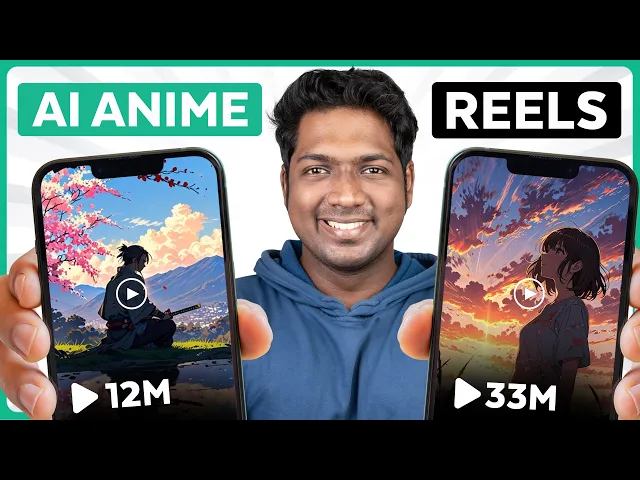
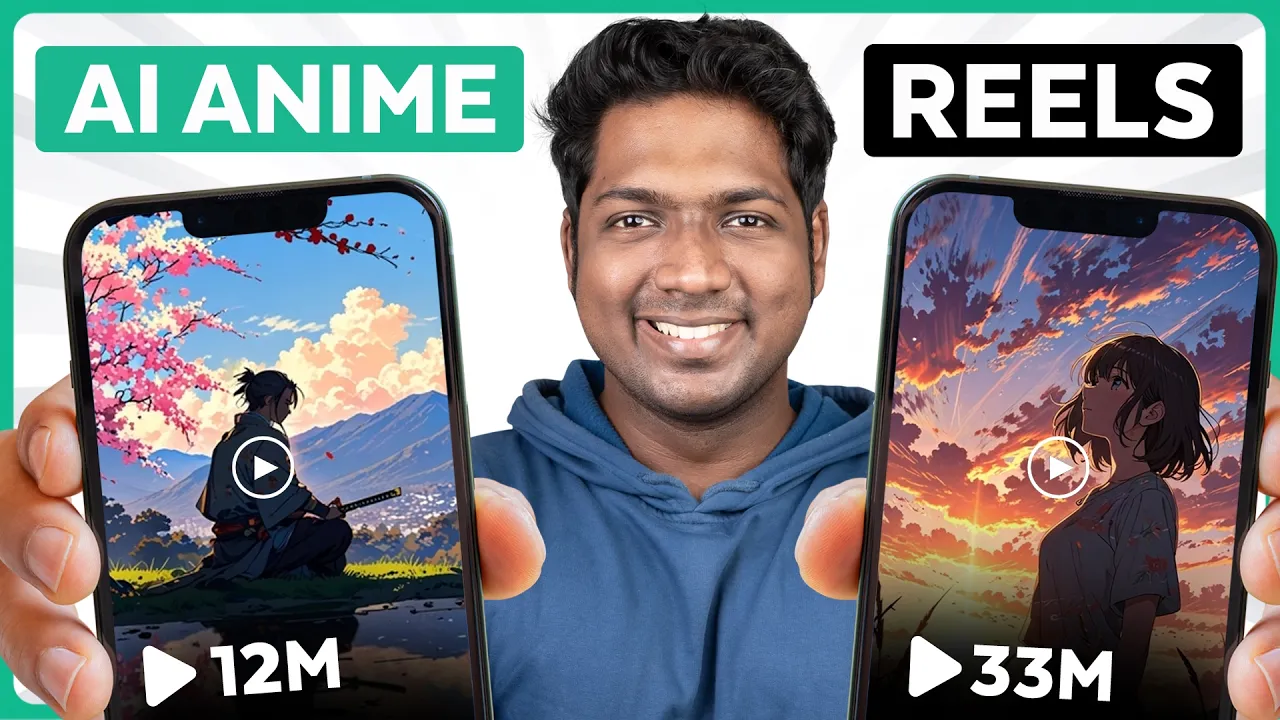
lately I've been seeing a ton of anime style reals blowing up on social media and getting millions of views with their stunning visuals and amazing wipes these videos are doing so well because they look great and are super fun to watch and share so I started trying out different tools and techniques to create these anime style reels from scratch after weeks of experimenting I found an awesome way to do it using free tools and the results look just as good as the popular ones you see and the best part it's completely copyright save and since
you're making your own unique animations your content will stand out even more if you like to follow this tutorial in Hindi then you can click here to watch it I'm brand from Learners and let's get started so to create an anime real we are going to do four simple steps the first step is to create an anime image so first we will create an anime image and then convert it into a captivating video so to create the image simply click the link in the description and it'll take you to this tool click get started sign
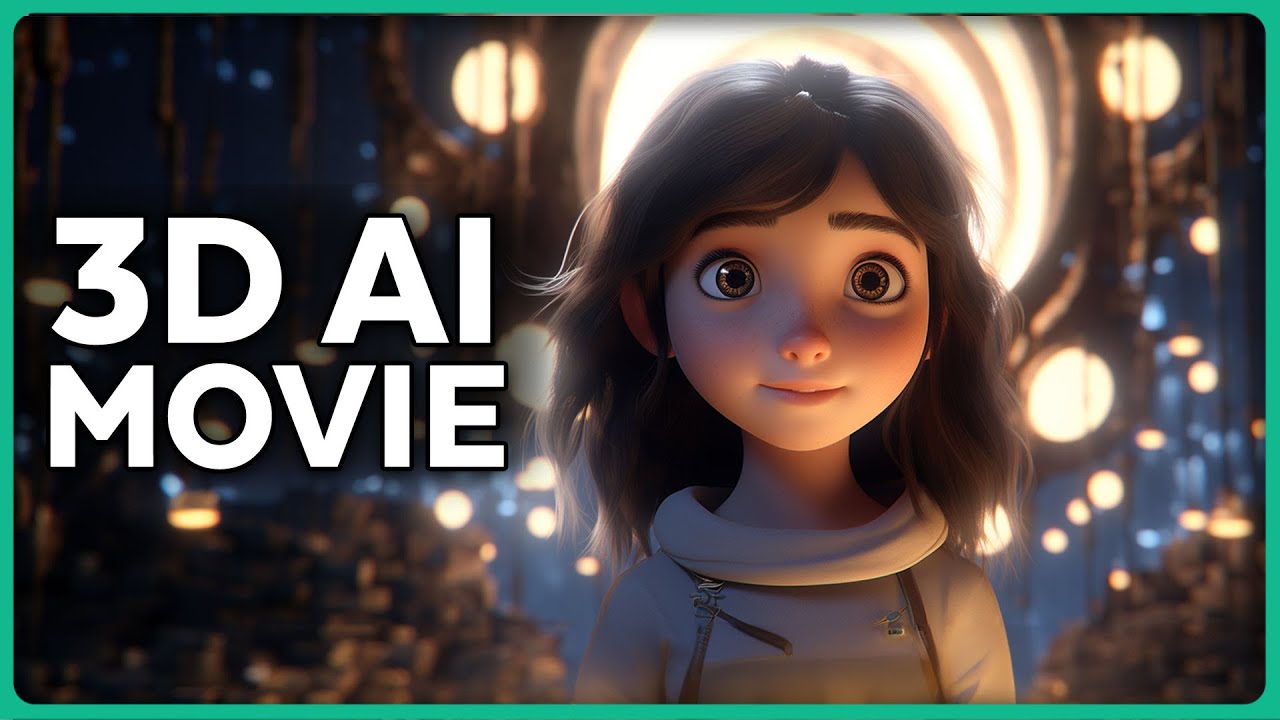
in using your Google account now click on image creation and go to the presets and select animate now click here and select the ratio that you want for your image I'm selecting this one as it's best for Instagram reals here describe the image that you want to create for example I'm going to enter a sumurai rest peacefully at sunet now just click on the generate button it'll create different options for you to choose from and you can just pick the one you like okay now these images are quite generic now what if you want an
image with more specific details like these ones for this you need to provide a more detailed prompt so let me just quickly show you how to get a well written prompt for your images we're going to use chat GPD for this so let's go to chat GPD now simply click on the link given in the description below and copy this prompt here then paste it in CH GPT and press enter now CH jpt will ask you to enter some basic details of your image and it'll generate a detailed prompt for you so I'll just enter
that and click send as you can see we've got a well- written prompt for our image so with this prompt you can get a more detailed image and not just that you can see it has also generated the prompt to create music based on the image and we will be using this prompt later in the video all right so go ahead and use this prompt to create your image now you can see these images are looking so much more detailed and improved compared to the previous ones so I'm going to use this image let's download
it by clicking here and it will be downloaded to your computer so once you're ready with your image let's go to the next step which is to convert our image into a video so to do that that just click the link in the description below it'll take you to this page and this is the tool which will allow you to easily transform still images into moving videos to do that sign in with your Google account and click create now click on image to video tab select the image from your computer and click here and it'll
start converting your image into a video and it's done so let's see how it looks our image is now transformed into a motion video and it looks amazing you can download the video file to your computer by clicking on download and it will be downloaded to your computer okay now that we have the video to make our reals we need one more element which is the background music so let's move on to the next step which is to create the background music so just click the link in the description below and it will take you
to this tool now this is where we are going to create our music sign in with your Google account now here we need to enter the type of music that we want to create as you know we've already got the prompt from chat GPT earlier which is suitable for our video so let's go back to chat GPT copy The Prompt and then paste The Prompt here and simply click on Create and as you can see it has generated two different soundtracks for us by clicking here you can listen to the [Music] [Music] preview and once
you're happy with it click on these three dots and then click on download you can now download the file in MP3 format from here now click on download once again and it's done we just created a cool background music for our video and as we created all the necessary elements for our anime real let's go to the final step of our video which is to edit the real so now we are going to put everything together and make our video to do that just click the link in the description below and it'll take you to
this online editing tool now to start editing our video click on try for free and sign in with your Google account then click on create a new video now here we need to import all our files click import media now select the video file and the audio file which we have created earlier click open and as you can see they added here simply drag and drop them here to trim The Unwanted audio just keep the time head here and click on the scissors icon on right click here and remove the exess audio and it's done
our video is [Music] ready to export it just click on export select the video quality and your video will be downloaded to your computer now let's see the final result [Music] and there you go your very own AI anime real just upload it on your social media and see the results all right so this is how you can create anime deels so get started now and with a little creativity you could be the next big TR Setter in the anime world if you found this video helpful don't forget to give it a like And subscribe
to website Learners and hit that Bell icon so you never miss a video from us I'll meet you in the next video Until then take care bye-bye he