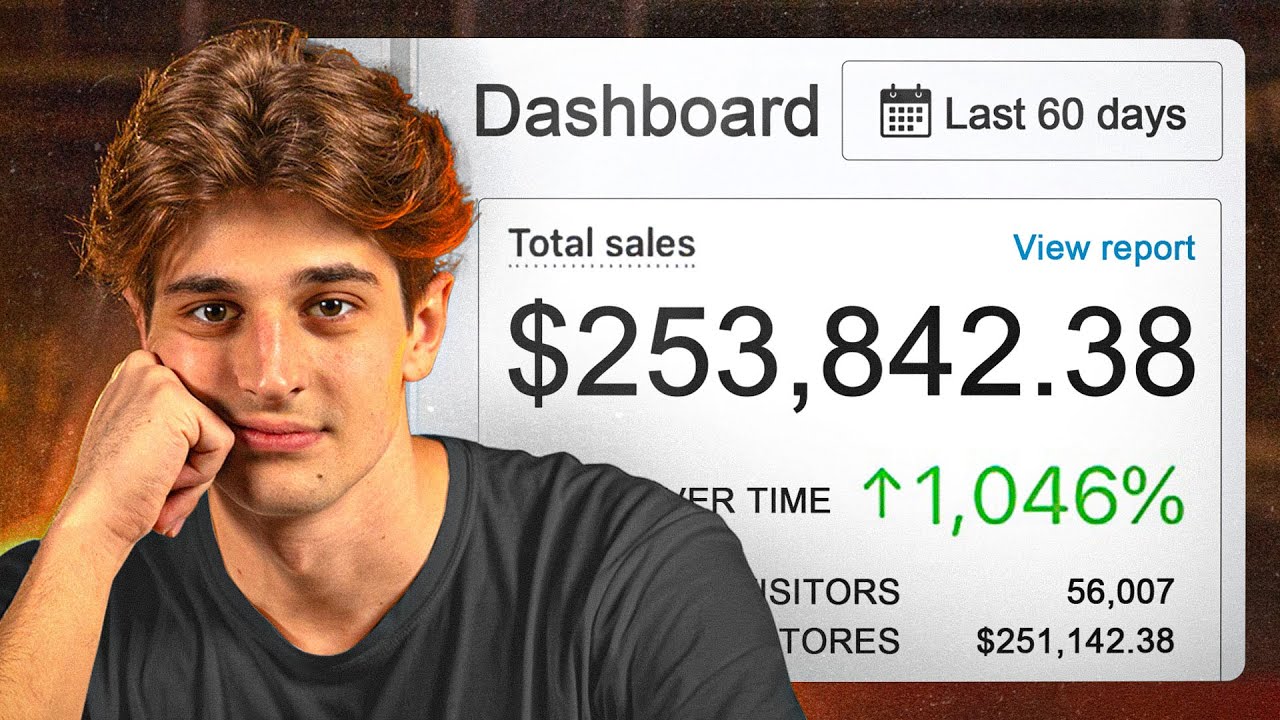
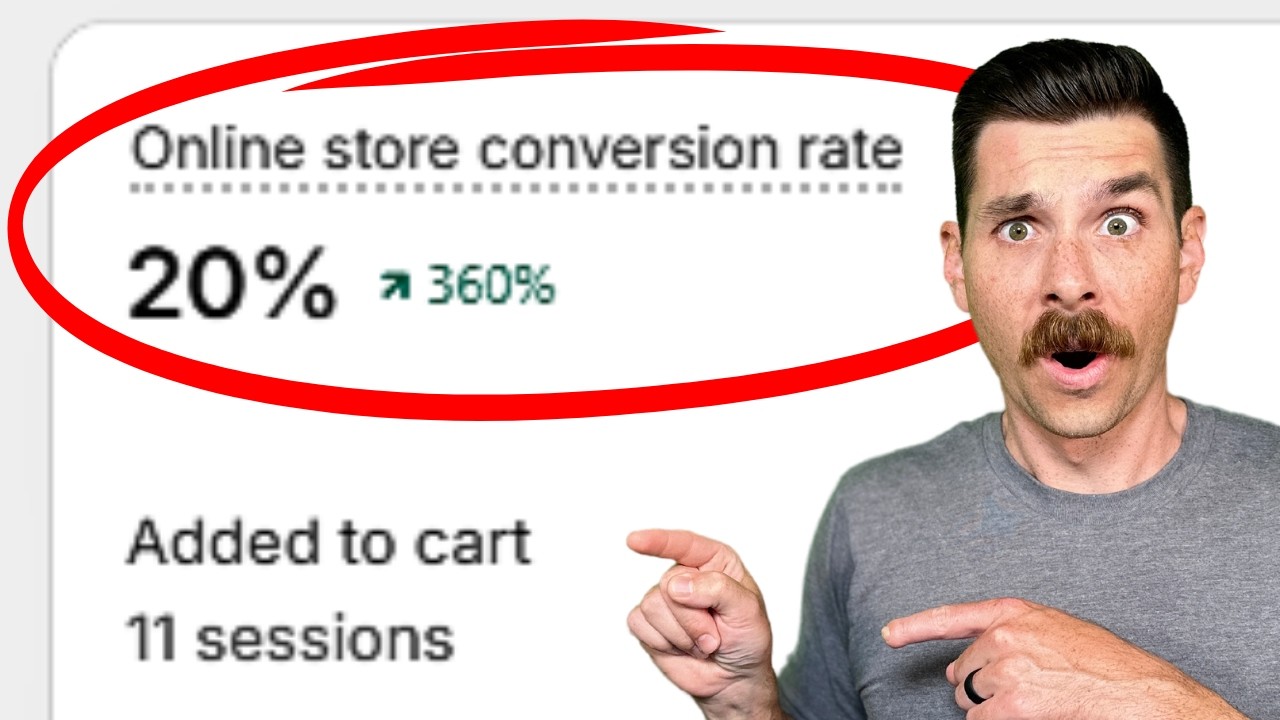
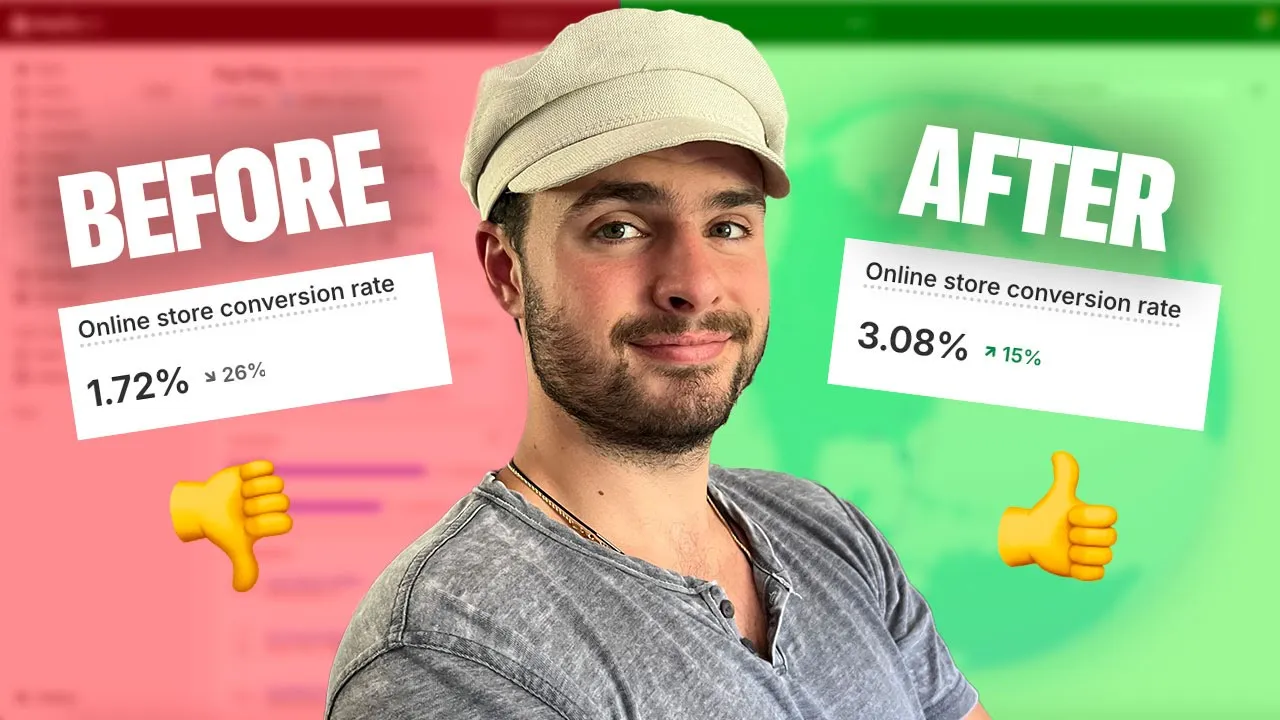
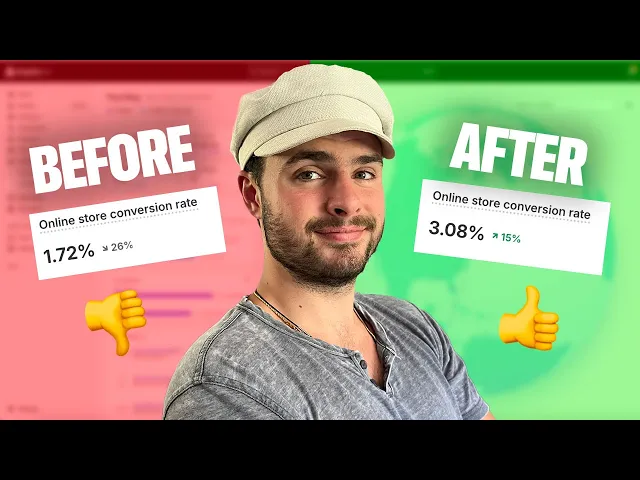
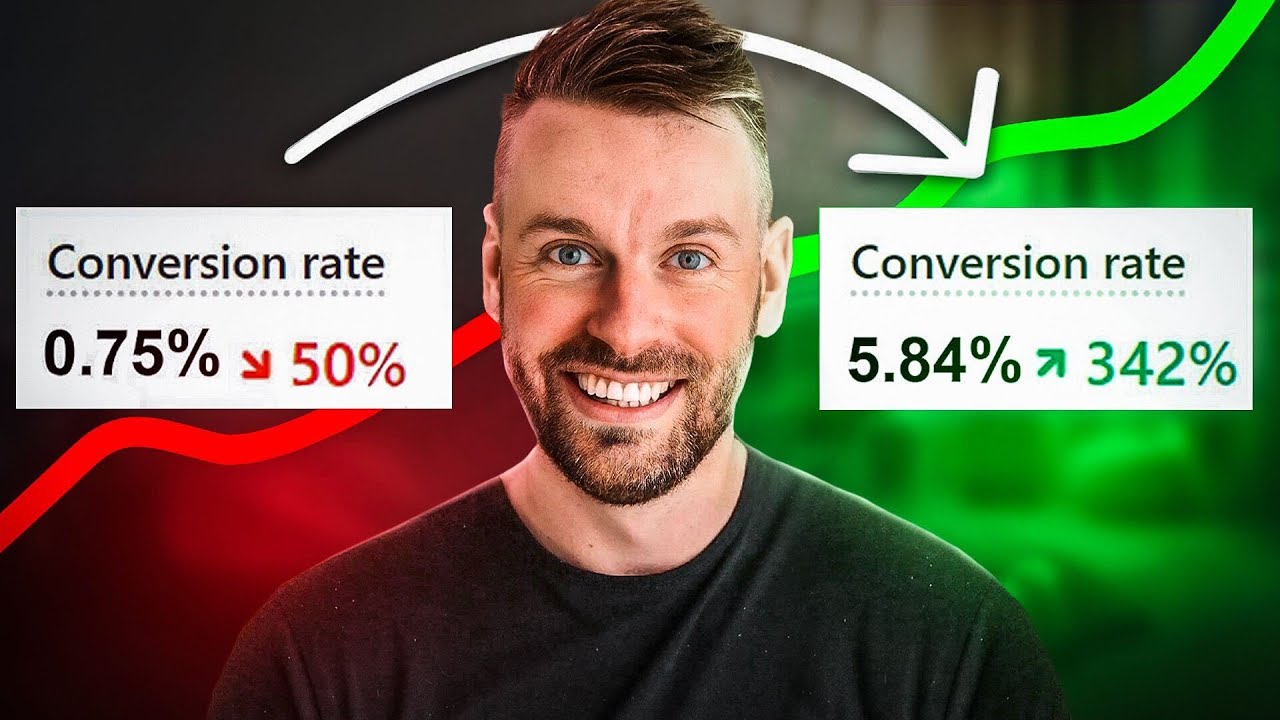
in the last 365 days we were able to increase our conversion rate by over 15% which resulted in hundreds of thousands of dollars in additional Revenue in this video I'm going to show you start to finish on how you can increase your conversion rate by identifying reasons your customers are not buying from you and then objection handling those reasons if somebody doesn't buy off of your website there is usually 99% of the time a reason why the fair first thing you're going to want to do is identify what those reasons are and why people are
not purchasing and I'm going to share with you exactly how to do that so what you're going to want to do and this is going to be step one that you can all write down we're going to say step number one is identify objections now how can you identify objections fantastic question the easiest way to identify reasons people are not purchasing is to ask them now how can you ask them an easiest way to do that is to run surveys on your website you can either run surveys um directly when somebody opens up the page
and sorry your PDP and they're scrolling um or you can run it on um exit intent when somebody's about to leave the page uh an application that we've used in the past to do this is called hot jar which allows you to have a survey pop up and ask somebody is there anything stopping you from purchasing today and you can let them put in either a multiple choice or you can have it um an open response like written response essentially you want to collect this data and understand what is stopping people from purchasing if you
want an in-depth video on how to literally do this I made one it's on Ecom live I'll actually link this in the description um how to set up customer surveys using hot jar completely for free this is how I approached um our setup so again very first thing you're going to want to do is identify what are these objections and you're going to want to get a nice good amount of data to support um why your customers aren't purchasing and and this is kind of how it's going to look like you can you can see
this is a big data dump on uh when we did this for um our brand and you can see there's a few big reasons why people are not purchasing one of the biggest reasons here is the cost people are price sensitive they don't want to spend the money particularly they don't have the money right another really big reason and this is the one we're actually going to be uh objection handling here in this video today is images people don't know if the image that they submit of their pet is going to be exactly the same
image that's put onto the pendant and for additional context uh for anybody who does not know the project I'm running it's puing right we have personalized uh jewelry for pets and you can see we engrave an image of a person's pet on a pendant and people people are afraid if it will or will not actually look like the image they submit so that's an objection right and we didn't know this was an objection until we ran this survey so that's why in my opinion it's super important to Simply start by identifying why are people not
buying right so after you've identified and made a list of the reasons people aren't buying you can go ahead and kind of go here to step two and I want to let's let's go ahead and write down step two here so step number two is going to be creating ads that objection handle now just like you have ads that are telling C customers about what the problem they have is that are talking about the solution that you provide you're going to want to create ads that are talking about the objections that your customer has and
how um and and sorry talking about the objections your customer has and directly objection handling those objections within that piece of content now again this might sound a little bit confusing right now but as we go through the rest of this video I'm going to do this in front of you you're going to get it by the end of the video so the very first thing now on step two that you're going to want to do is write down some copy right we know so if we take directly live example on um on what we're
doing here for for images we know that people are not sure if the copy or sorry if the photo is going to look the same on the final product so what I can start doing is writing some copy down um to to kind of try to combat that and um what I'm going to do the style of creative I'm going to create here is going to be um you know on Tik Tok how you have the small comment bubble that asks a question and then there's like a voice over that answers the question that's how
I'm going to approach creating this creative and that's the copy that I'm going to start brainstorming here live in front of you guys so what you're going to want to do is have some type of a notepad to uh to do this in I'm going to uh go ahead and just have my um my Mac notes here and we're going to want to go ahead and just start um jotting down some copy uh let's go ahead pull this up okay so then we're just going to say copy writing for objection handling images right and you
can you know title this whatever you'd like I'm simply going to go ahead and now start brainstorming this creative that I'm trying to put together that's going to object objection handle the problem or the the objection that people have um so I'm going to go ahead and say let's identify what we want to have in that common bubble right I think that we can start off by saying something along the lines of but will the engraving look exactly like the photo I submit right so the way we're going to piece this together is having a
customer like a small comment bubble where it's like a potential customer that's asking that question that other people might have you see how I'm approaching it and then essentially we're going to have Boll footage playing in the background showing how the photo that they submit is exactly the photo that comes on the pendant you're going to want to apply this right I'm applying this to my brand and my product you're going to want to directly apply this to your brand and to your product um and then we're going to have a voiceover right and we're
going to talk about how to uh script out the voiceover part um but let's first go ahead and let's first go ahead and get this comment bubble um created so I'm going to go ahead and copy the the copy I just wrote and we're going to go over to talk comment.com I like to use this tool it's completely free and it's very nice cuz you can uh Generate random um you can Generate random profile pictures so I'm going to go ahead and just generate a random uh female profile picture here and we're going to go
ahead and just call her golden dog mom one and then we're going to paste the comment in there but we'll the engraving look exactly like the photo I submit perfect we're going to hit download comment and you can see I now have a comment that has the objection that other people might have written down right uh but will it look exactly like the photo I submit perfect so I have that created let's go ahead and now um identify the um the voiceover I think the voiceover copy is probably the next thing that I want to
do um and I actually already have it written here so I'm going to go ahead and copy and paste it and we're going to talk about it the way that I'm approaching this is in a very genuine manner I'm trying to make this very uh like owner of the company speaking to the customers right so you can see how I wrote this down is great question all of our personalized jewelry for pet owners looks exactly like the photo you send us here is the photo the customer submitted and here is the engraving that our team
of artists crafted you can rest assured that if there are any issues with the photos you submit we will personally reach out to make them right if you have if you haven't already heard we're doing a limited buy one get one free sale for the end of the summer 2024 so personalize a meaningful piece of jewelry for yourself and get another completely free just for the next few hours right so the way I'm constructing this is I'm answering that question right being very clear with the fact that every photo they submit is going to look
exactly like sorry every product that they buy is going to look exactly like the photo that they submit I'm I'm I'm handling that objection um and then at the end here you can see I'm injecting that offer adding a little bit of urgency there just to get them back to the site and to purchase right so this is going to be um the voice over that I am going to create and we're actually going to create that voice over right now live uh so I'm going to go ahead and pull up my voice memos here
and you can you can do this many different ways um I'm just going to have uh yeah I'm just going to utilize this right here which is like The Voice Memos app on Mac and I'm going to hit the record button here and I'm just going to read it just like I read it out loud here uh you can also use your phone with a little microphone I'm going to use my Yeti here so let's go ahead and get started great question all of our personalized jewelry for pet owners looks exactly like the photos you
send us here's a photo a customer submitted and here's the engraving that our team of artists crafted you can rest assured that if there are any issues with the photos you submit we will personally reach out to make them right if you haven't already heard we're doing a limited time buy 1 get one free sale for the end of summer 2024 so personalize a meaningful piece of jewelry for yourself and get another completely free just for the next few hours beautiful great question all of our personalized jewelry for pet owners looks exactly like the photos
you send us here's a photo a customer submitted and here's the great perfect right so it sounds great um so I'm going to go ahead and hit done we're going to go ahead and change this to objection handling uh image and I'm going to go ahead and go to uh let's go ahead and download this I'd like to go ahead and show it in the fin which is going to pull it up here and then I'm going to Simply drag this into my downloads folder so now that I have a voice over and I have
my copy I need some b-roll right to put this to actually piece this together into an ad and um the best way to to do b-roll is honestly just to set up a camera right everybody has one of these phones like an iPhone or something like that and that's all you need guys you don't need anything fancy uh you're just going to want to set that up on the tripod with some nice lighting uh you can go outside you can use a window um and you can shoot some nice b-roll if you want I have
a lot of content completely free both on my YouTube channel as well on as well as Ecom live um on shooting content um one that I want to just point out here is if you take a look at uh the video I did uh 6 days ago on how I make organic viral ads for my Drop Shipping business you can see here I I shared my screen and I shot some b-roll live live right in front of you so that's a great resource if you want just a more visual explanation on how it's done um
so I actually already have some b-roll um that I'm going to be using for this uh piece of content and I'm going to go ahead and drag it here and we're going to take a look at this b-roll um so this b-roll is this right here which as you can see is a very nicely lit U background and I show here a picture of the dog and then I show here the engraving um that we did off that picture so you can see it directly goes in line with the objection handling that I am trying
to do we're going to go ahead and actually piece this together uh using an app that I used to not like in the past now I am starting to like it a lot more uh cap cut right I was always a Premier Pro guy um but cap Cut's been getting better and uh that's what we're going to use to actually piece this together so I'm going to go ahead and fire up C cut cap cut here and we're going to take all of these assets that we just created we're going to take that voice over
we're going to take that comment overlay and we're going to take this video and we're just going to yoink them right into cap cut so let's go ahead I'm going to minimize uh minimize all this stuff here move that off the screen right and we have again our step one was identifying these objections our step two was creating ads that objection handle that's what we're currently doing and we're going to go ahead and open up a new project here in cap cut we're going to drag that onto the screen and we're going to go ahead
and simply drag and drop our assets into cap cut and now this piecing together is honestly really simple that's why I've started to like like cap cot a lot more um yeah it's just very easy to do very beginner friendly as well especially if you're uh new to editing not difficult at all I'm going to go ahead and uh crop this down here to start right at the beginning when I speak great question all of our personalized jewelry for pet owners looks exactly like the photos you send us here's a photo a customer submitted and
here's the engraving that our team of artists crafted you can rest assure that if cool so now I want to piece this together in a way where it seems um really natural in in in terms of the footage so I'll show you what I mean by that um I'm going to see if I can first start with this so I want to first start with uh I might want to first start with a box being opened let me see I think I have that as well yeah beautiful uh so we're going to go ahead and
use this footage here this is a second piece of footage that I didn't show you guys yet but um you'll see it now I'm going to go ahead and simply drag this on top we're going to drag this one a little bit out and then I'm going to want to start it with uh with with with this box kind of just showcasing this box a little bit right uh before I I start talking about the before and after right so we can go ahead and start something like this great question all of our first right
so great question maybe I'll May I'll jump all of our person Okay cool so I might do a cut here and then I might uh might jump to like opening this box personalized Jew great question all of our and then we're going to do this all of our personalized jewelry for pet owners looks exactly like the photos you send us here's okay and I'm going to actually disable the audio on this clip and we're going to where I say now I'm now I'm saying here's the photo uh that a customer submitted we're going to Simply
go ahead and cut this and now jump over to uh that previous clip that we were talking about so let's go ahead and drag this here here's a photo cool send us here's a photo a customer submitted and here's the engraving that our team of artists crafted cool and then we're going to go ahead split that there you could rest assure that if there are any issues with the photos you submit this maybe I want to do a little bit bigger to kind of zoom in on the details personally reach out to make them right
let's see what else we got here I like the idea of like transitioning back and forth to the Box shots I think that's kind of aesthetic so that's what I'm going to try to do here so let's watch this kind of from the beginning great question all of our per personalized jewelry for pet owners looks exactly like the photos you send us here's a photo a customer submitted and here's the engraving that our team of artists crafted you can rest assure that and I don't know if this is blurry just because there are any issues
with the okay yeah that's good photos you submit cool and let's go drag this here personally reach out to make them right if you haven't already heard already heard okay cool make them right I like that and then I I like uh transitioning to some other b-roll here um towards the end that showcases um that showcases multiple pendants that's actually something I'm going to do here so uh let's go ahead and I'm going to use some addition footage here um I'm going to use some footage I recently shot now so I recently shot some new
footage um that has multiple of our pendants being shown and we're going to go ahead and grab that just need to find it okay here we go let's go ahead and use potentially this one here no not that let's see so potentially this one here really I want to emphasize some other objections that I know we have one of them being like can you add multiple pendants right so I'm thinking ahead of time and I'm trying to maybe objection handle a little bit more here um with other objections people may have so let's see um
I might add it like right here where we get that like light Shimmer that happens let's go ahead crop that grab this if you haven't already heard we're doing a limited time buy 1 get one free sale for the end of summer 2024 so person like okay and then I'm going to go ahead and jump to something else here right and I'm as you can see I'm not just having you know one shot the entire time I'm really just showcasing the product in a few different ways uh trying to show that you can have multiple
different pendants multiple different colors that's kind of what this next one's going to be that I'm going to show you um is going to be the multiple different colors let me just see if I can if I can find the right one that I want to use okay perfect I think this one here is good and then I might also so use this one here personalize a meaningful piece of jewelry for yourself and get and then I'm going to do cut this here and then we'll grab this guy here and get another completely free just
for the next few hours beautiful so uh we're going to go ahead and then cut this piece right here delete that and then you know video is going to end right here so last thing obviously we're going to want to do here in terms of this piece of content and then I'm going to go ahead and show you actually how to launch this is going to be adding this comment here comment Bubble at the top which makes it very abundantly clear what the objection that we're handling actually is right uh and and it's almost like
we're answering this question that a you know potential customer has uh with this comment bubble great question all of our personalized jewelry for pet owners looks exactly like the photos you send us here's here is a photo a customer submitted and here's the engraving that our team of artists crafted you can rest assured that if there are any issues with the photos you submit we will personally reach out to make them right if you haven't already heard we're doing a limited time buy 1 get one free sale for the end of summer 20124 so personalize
a meaningful okay it looks like there's a little bit of a of a snap that happens there personaliz okay maybe not maybe I'm TW personaliz so personaliz let's just do this crop it back a little bit there in case there's a black frame so personalize a meaningful piece of jewelry for yourself and get another completely free just for the next few hours nice so I think that's solid right like I think this is a solid piece of content that correctly objection handles somebody being scared of the piece of jewelry not coming with the photo of
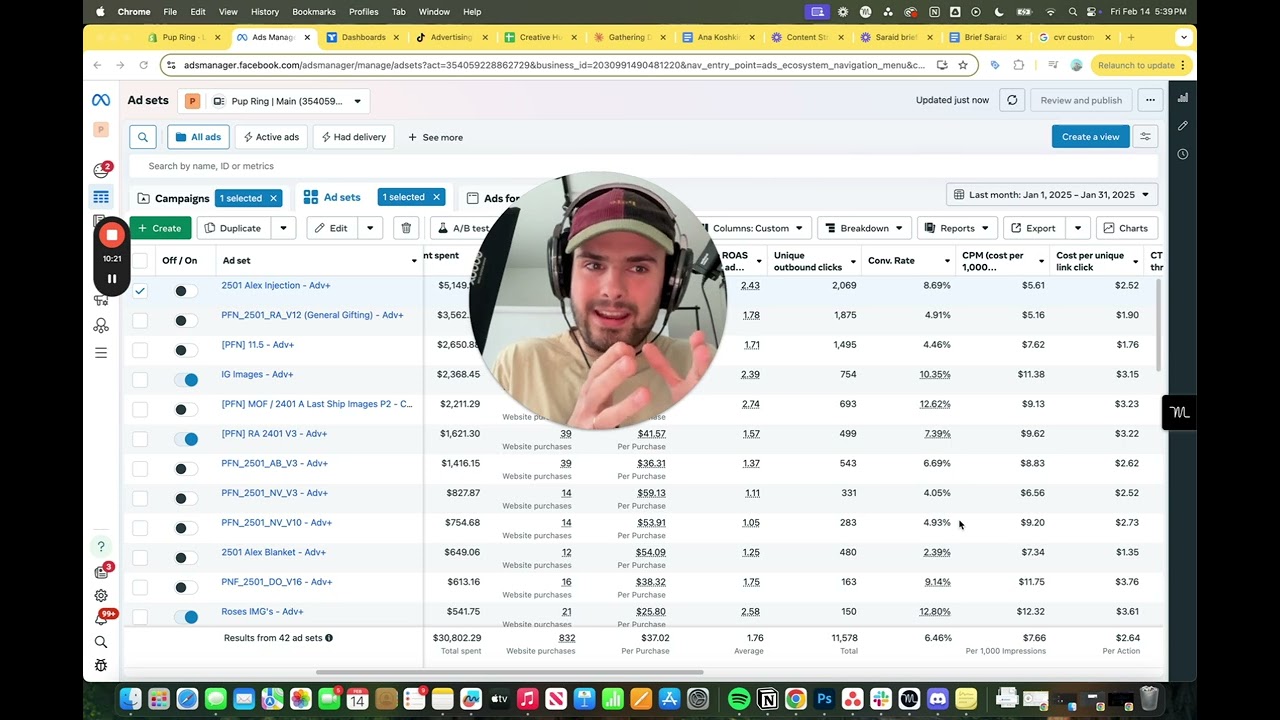
their dog or looking exactly like the photo of their dog right so let's talk a little bit about how to now launch this piece of content right so let's first export it right you're going to hit this little export button at the top right here um and I'm going to go ahead and just export this to uh let's go ahead and Export this into my marketing Drive creative Hub I'm going to go ahead and put this in my uh Facebook videos um we're going to put it here and we're going to say um 2408 a
objection handling image I'm go ahead and Export this all of our person and then I'm going to go ahead and close and I'm going to go ahead and close now what you'll see is we have the exported piece of content that is inside of my drive and we're going to go ahead and uh launch this piece of content now uh to Facebook ads and I'm going to show you exactly the settings that I use for this right just making sure this all looks good I'm going to show you the exact same uh settings that I
use and you're welcome to uh use the these as well so we're going to go open up Facebook ads here and we're going to navigate I'm going to navigate uh to my middle of funnel creative testing now the reason I'm doing this in the middle of funnel is cuz I want people that have just engaged and interacted with my brand to watch this piece of content right they're going to be the ones that have those questions and have those objections um so I'm going to go ahead and just click duplicate Here original campaign we're going
to talk about the settings in here in a minute um and we're just going to go ahead and name this to be relevant to what we just created so we said 248 a objection handling image right perfect yeah same um let's talk a little bit about the settings here so I'm going to go ahead and set this super cheap right right around $35 a day uh to get started with and you can see the settings here that I'm using are just targeting people that have viewed my brand engaged with my brand but have not purchased
so these are all made with custom audiences um I do believe I have some cont oh shoot you can't even see that my bad let's do this um okay so these are again these are using custom audiences you can see here view content in the last 180 days anybody who's viewed my website last 180 days anybody who's engaged on my socials both Facebook and Instagram in the 180 days anybody who viewed through my video content in the 180 days um and then excluding people that have purchased 18 to 65 plus so that that's how I'm
setting this up here um if we go to the creative side um you're going to notice that we have this set up as a single image or video and I'm going to go ahead and just remove all these old assets that were from the different one and we're going to click select video we're going to hit upload and we're obviously going to want to upload the video that we just exported give it a few seconds and it should be good but anyways uh let me see if there's anything I want to mention here while this
is we'll upload it so we're going to click continue um and then I'm going to go ahead and use a piece of copy uh that I know works here um I'm going to go ahead and grab that from my little copy sheet over here and if you want this uh creative Hub sheet that I use you can uh find it inside of my Discord server uh let's go ahead and copy I'm going to use this copy right here and then we're going to go ahead and go back here paste that in um and then we're
we're going to just change this up a little bit to say limited end of summer deal so we're kind of just emphasizing this is the end of summer deal um I'm actually going to turn off this one so we're only using that piece of copy perfect and then we're going to go ahead and also use um a piece of uh piece of copy that works for my headline and then I'm going to leave this the same and I'm going to send this directly to my product page so I'm going to go ahead and publish this
um this ad right now that is how the settings for this ad are going to look and as this ad performs or does not perform I'm either going to increase the budget or decrease the budget uh to the people that have engaged with my brand so that was a video a toz on one thing that can absolutely Skyrock get um your conversion rate with your store if you found this beneficial feel free to check out my other content and until next time I will catch you guys later take it easy
![Increase Your Conversion Rate INSTANTLY With This CRO Concept [Shopify 2024]](https://img.youtube.com/vi/VhqG4OeIN5c/maxresdefault.jpg)


![Use This Psychology Rule to Increase Your Conversion Rate on Shopify [ CRO 2024 ]](https://img.youtube.com/vi/RCXIgdwqFlo/maxresdefault.jpg)