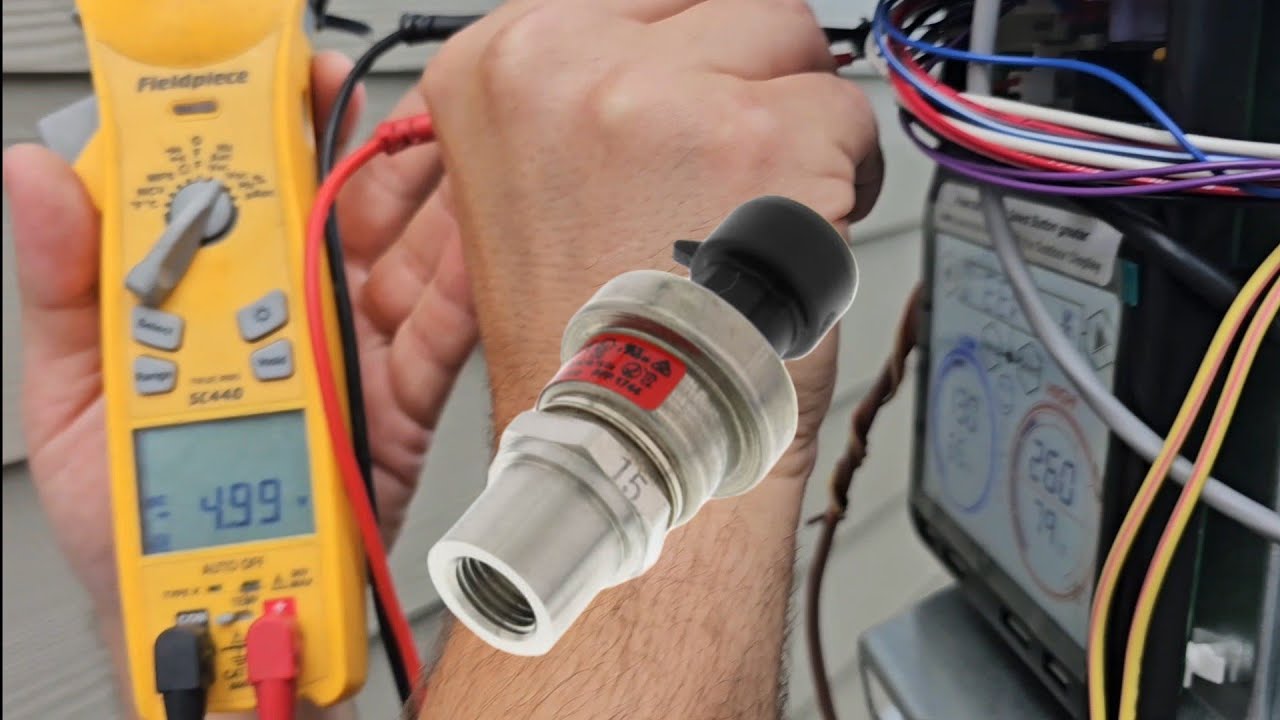
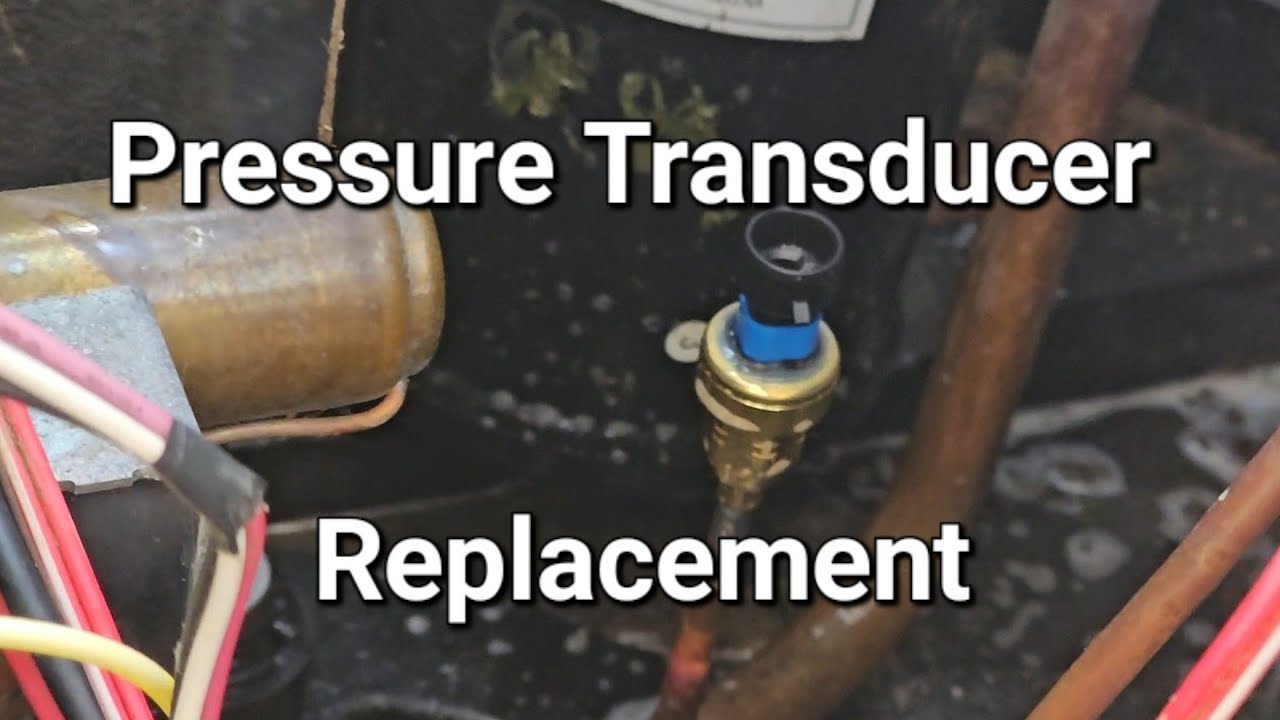
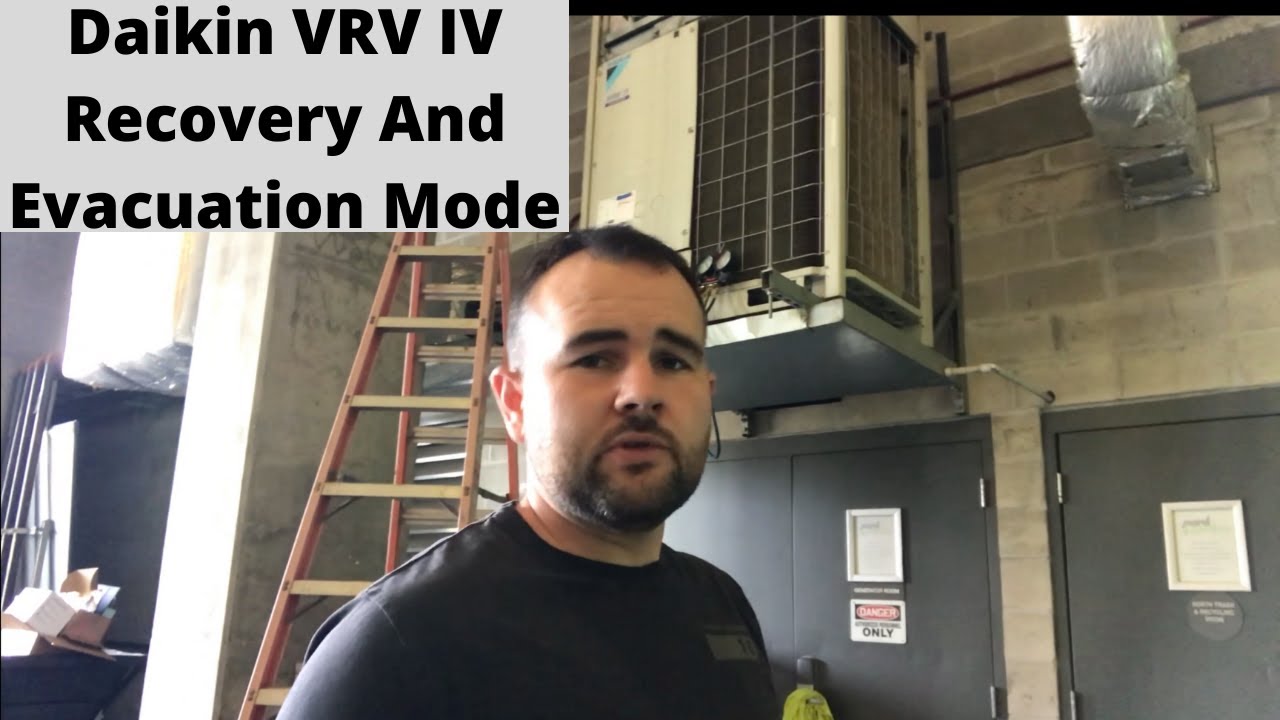
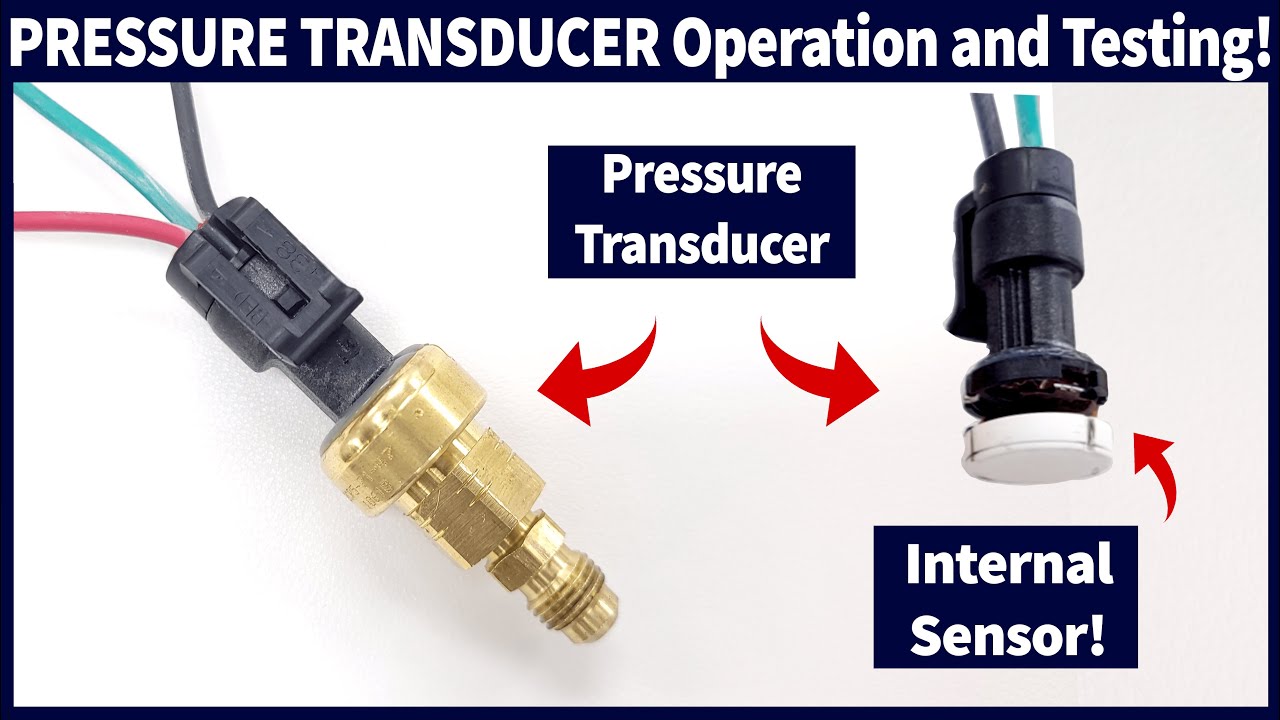
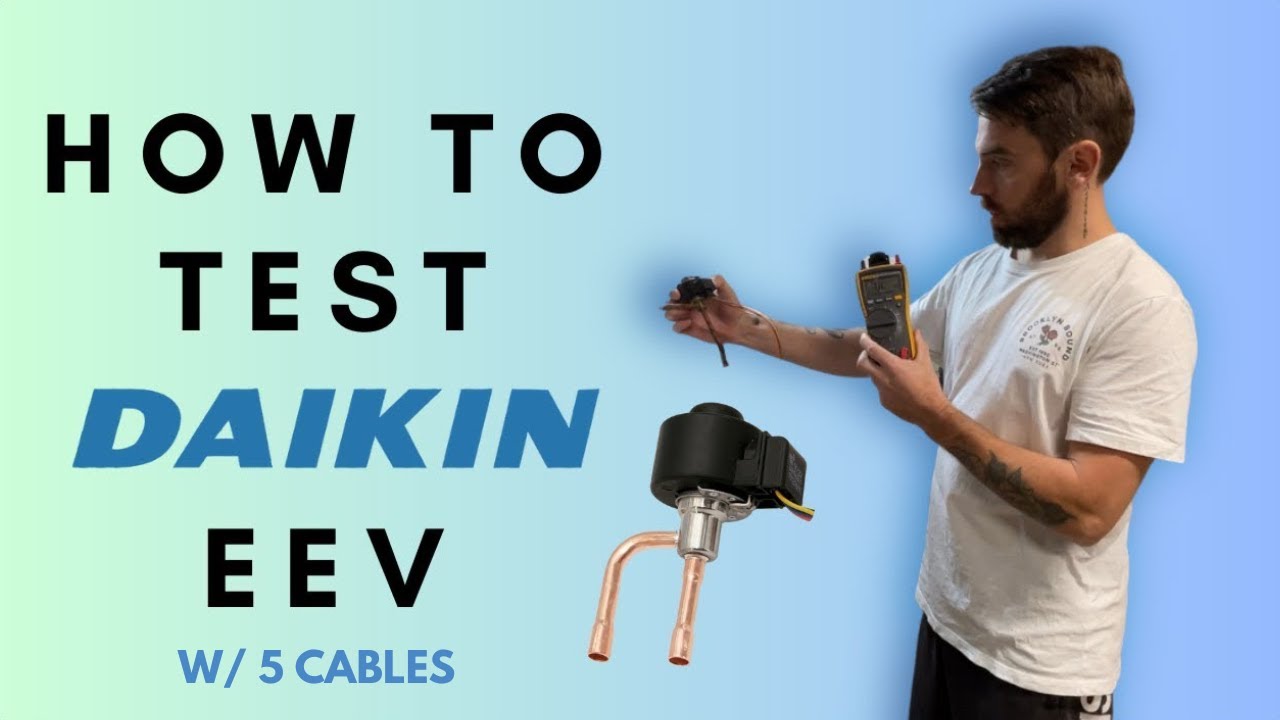
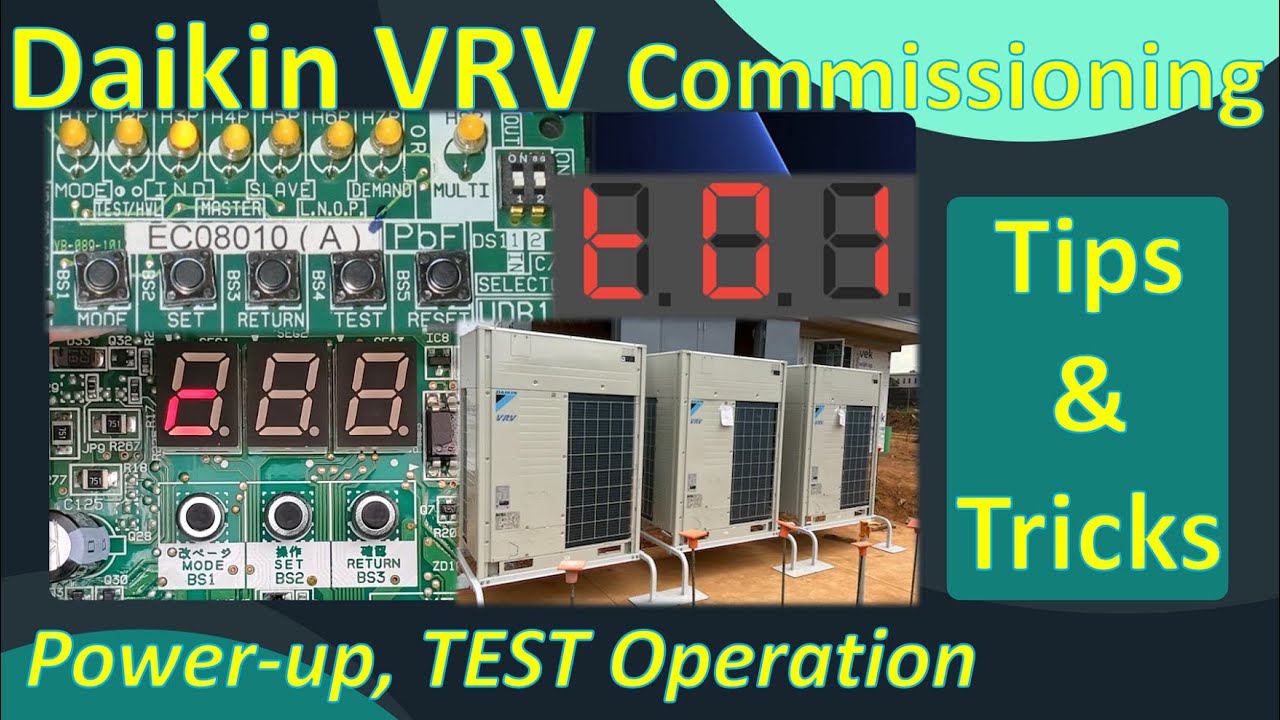
foreign [Music] hey welcome back to Mechanical Pros uh here with Quinn and we got a good one today we're talking about how to diagnose a vrv or a Daikin vrv pressure sensor go ahead and tell me what we got going on here yeah so today we're in the lab on our dike and vrv4 system and we're going to walk you through how to actually troubleshoot a pressure sensor maybe you have a pressure sensor fault or maybe you just have erratic operation or you're not cooling properly or not heating properly it's a good idea to go ahead and test that pressure sensor commonly referred to as the transducer okay so coming off that board you're going to have a 5 volt DC power supply going to that pressure sensor and then we're going to have another wire that's going to give us a feedback and what that feedback is telling us is how much pressure is being exerted on that sensor okay and so there's a couple of different ways that we can do this so the voltage alone isn't going to tell you anything right you have to have a reference point yeah okay so we're going to walk through how to how to look at the chart in the iom and we're also going to show you the modern way of doing it and looking at the app okay hey before we dig into that tell me what is an erratic pressure sensor going to look like before you start actually going back and diagnosing whether it's a good or bad yeah so the most common way that you're going to know that you have a pressure sensor problem is going to be if you have an error code maybe like a pressure sensor out of range error code or something such as that you know if it's not so far out of range that it's going to generate an error code you may just have reduced system capacity okay all right we've got a kind of a tight space here I'm going to get out of the way and I'll be looking over Quentin shoulder and we'll dig into it so the first step that we want to take to get our Baseline is we want to put the system into forced recovery mode okay so what force recovery mode does it's going to open all of the valves in the system so all the pressure should be equal okay in order to do that we're going to press and hold that mode button down until the 2 populates on the LCD display once you see the two we're going to move over to the second button the bs2 button or the set button or we're just going to press that 21 times so you can press it 21 times or you can just hold it down and it'll scroll through the number now make sure that you don't go past the number because then you'll just have to keep scrolling until you get to the end and then start over Okay so we've got two 21 on the display so now we're ready to enter into the force recovery mode we're going to press return once and you should see a zero flashing on that display press the set button once and a one will be flashing now you press the return button twice and you're going to hear some valves clicking and now all the pressure should start to equalize and you're going to see what looks kind of like a t 0 1 on that display now this isn't totally necessary but if you've got the opportunity to shut the system down and check all the sensors at the same time this is the best practice you can certainly check the pressure transducer while the system is running so once you have the system into forced recovery mode you're going to be looking for two different little connectors here one of them is going to be blue and one of them is going to be red you'll notice that they're side by side and they each have three wires each they have a red wire that's going to be our 5 volt DC power supply you're going to have a black wire that's going to be your ground and then the white wire is basically going to be the signal back to the board referencing that pressure okay so we're going to check both of these sensors in the same manner so you're going to need a meter that's capable of reading volts DC and it's also a good idea to go ahead and get some of these micro leads that's going to help you get in there on those wires so we'll go ahead and turn on our meter to voltage my meter automatically goes to volts ac so I'll have to toggle it over to volts DC okay so now we see volts DC so first we're going to place our black meter lead on the black wire okay that's ground we're going to take our red meter lead and we're going to put it up here in the red wire all right so we've got 5 volts DC so we know that the board is outputting the correct amount of voltage to our sensor that black meter lead you can just leave it in place it's going to stay parked we're going to take our red meter lead and we're going to come down to the white wire Okay so we've got a feedback voltage of 3. 3 volts DC so now we're going to check the high pressure sensor in the same fashion that we checked the low pressure sensor now keep in mind these two sensors operate on totally different ranges so the voltages are going to be drastically different okay so we're going to first come up here to our black wire put our black meter lead there because that's ground and we're going to take our red meter lead we're going to put it on the red wire and we've got our 5 volts DC there so that we know our board is functioning properly okay so now we're going to remove our red lead leave our black meter parked and then we're just going to put that red meter lead down here on the white wire so 1. 65 volts DC so you notice that's much different than our first reading on the low pressure sensor which was 3.
3 volts DC but this doesn't necessarily mean anything until we reference the chart all right so the next thing we need to do is pull up our dike and Tech Hub app this can be found in the app store or Google Play Store so we're going to enter into the Daikin Tech Hub app at the bottom of the screen you're going to see something called tools once you're in that menu you will see something called pressure transducer so we're measuring from volts DC to pressure because we know what our volts DC is but we want to know what our pressure is we want to make sure that our setting is set to 410A and PSI okay so we have 3. 3 volts DC on our low pressure transducer and you see that suction side value is 230 psi okay so now we want to measure what our high pressure sensor was reading we'll round that up to 1.